How to Link AdSense to Your YouTube Account
Open YouTube in your internet browser.. Click your profile picture on the top-right.. Click the Your channel button on the menu.
Steps
Open YouTube in your internet browser.
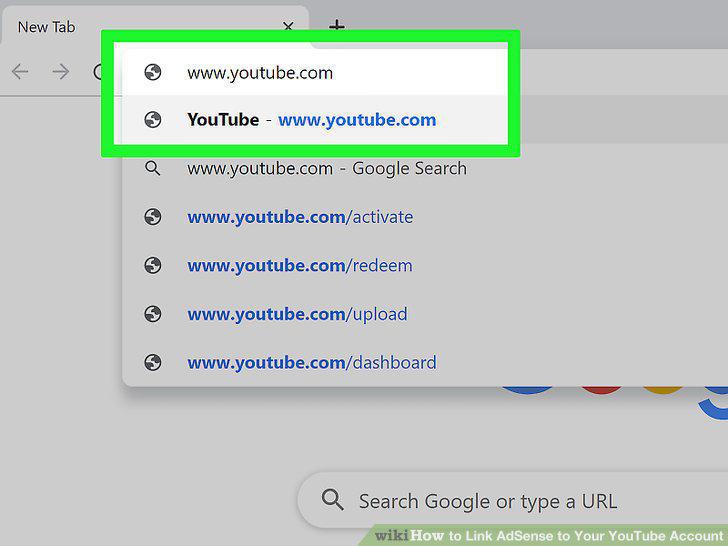
Open YouTube in your internet browser.
Click your profile picture on the top-right.
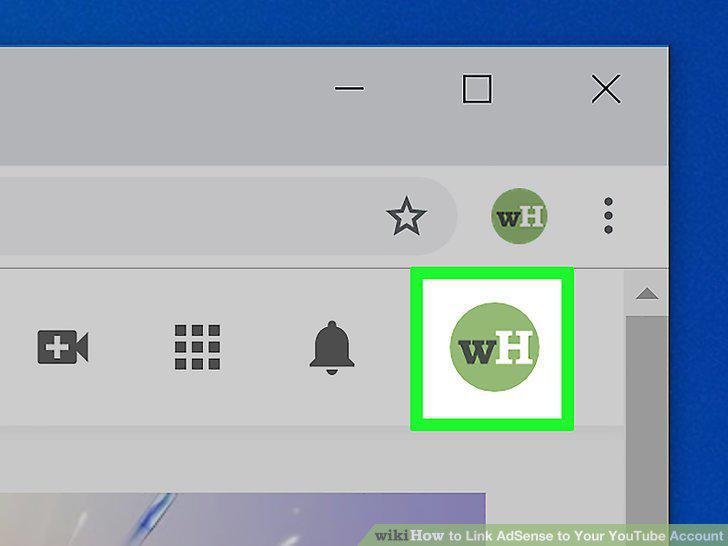
Click your profile picture on the top-right.
Click the Your channel button on the menu.
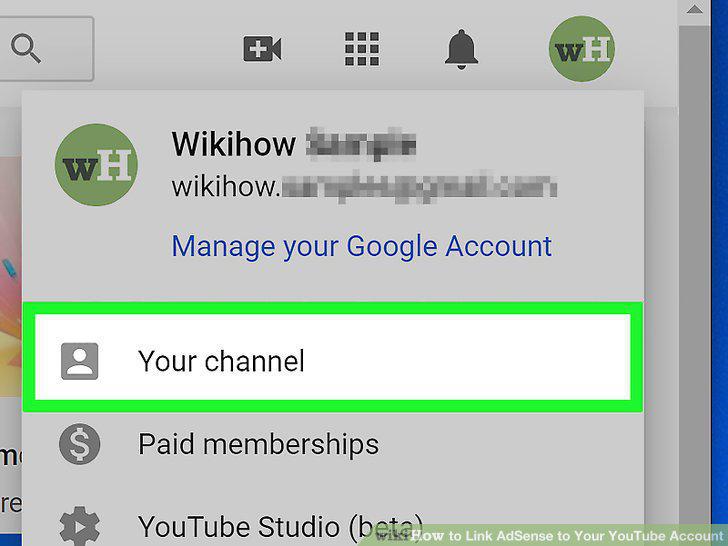
Click the Your channel button on the menu.
Click the blue CREATOR STUDIO button on the top-right.
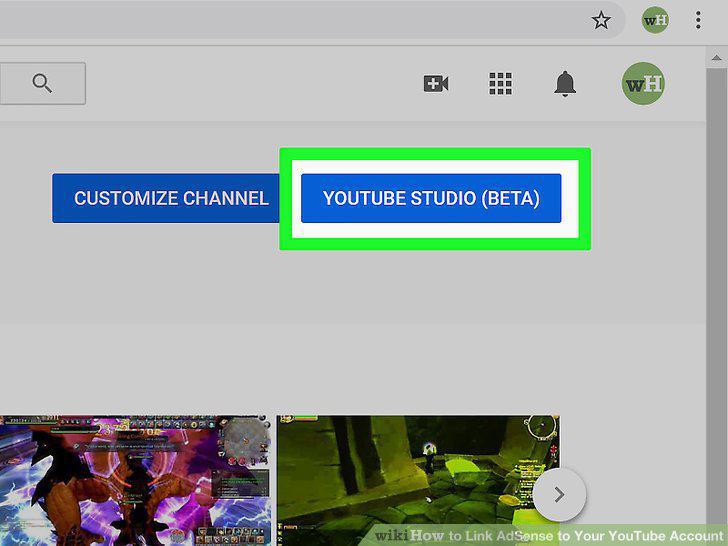
Click the blue CREATOR STUDIO button on the top-right.
Click CHANNEL on the left-menu.
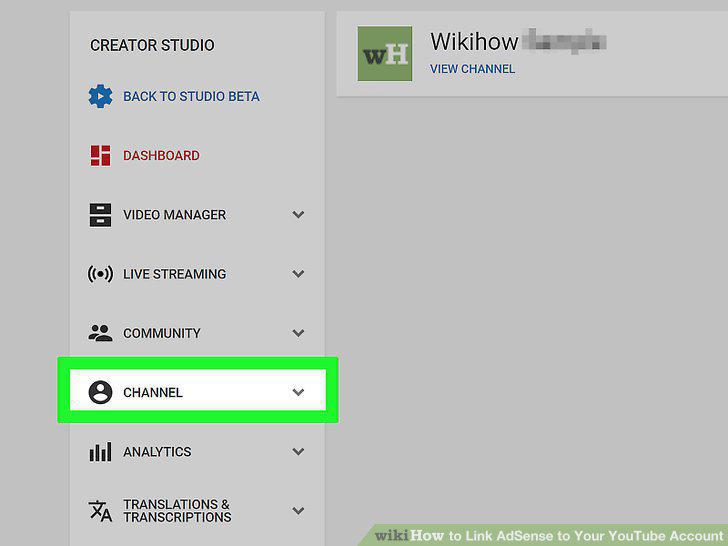
Click CHANNEL on the left-menu.
Click the Enable button in the "Monetization" box.
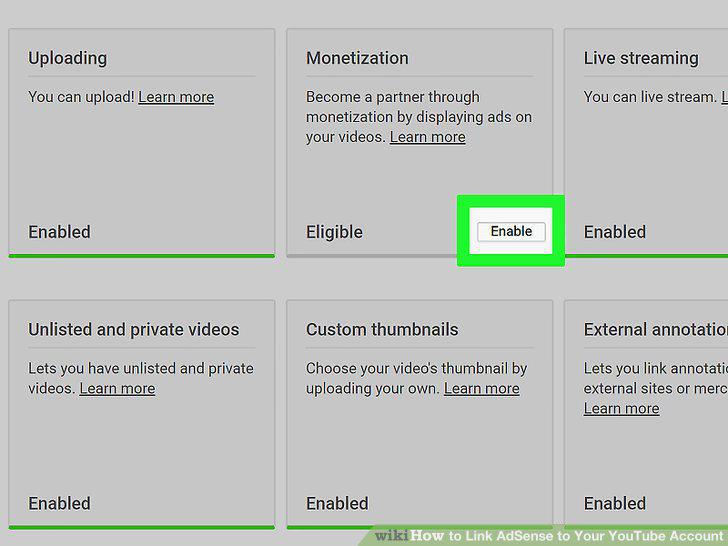
Click the Enable button in the "Monetization" box.
Click the blue START button.
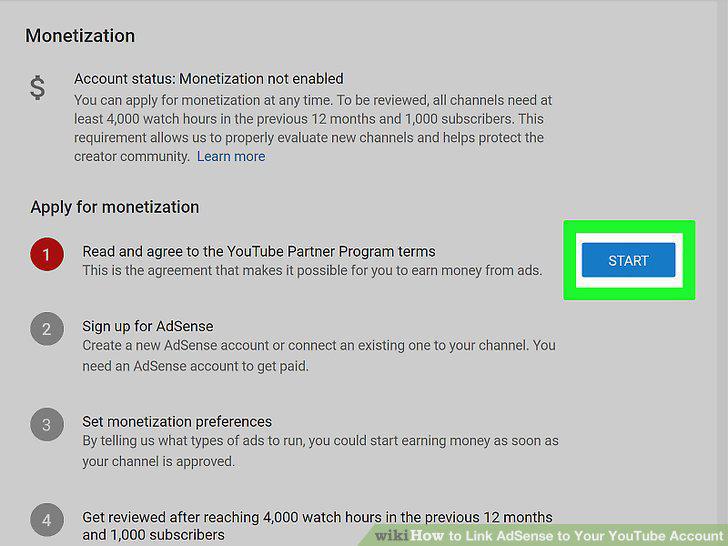
Click the blue START button.
Check the first three boxes under the program terms.
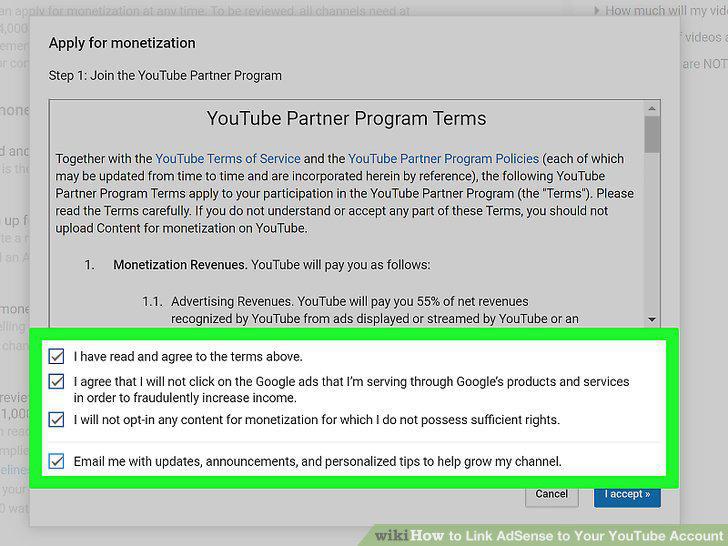
Check the first three boxes under the program terms.
Click the blue I accept button.
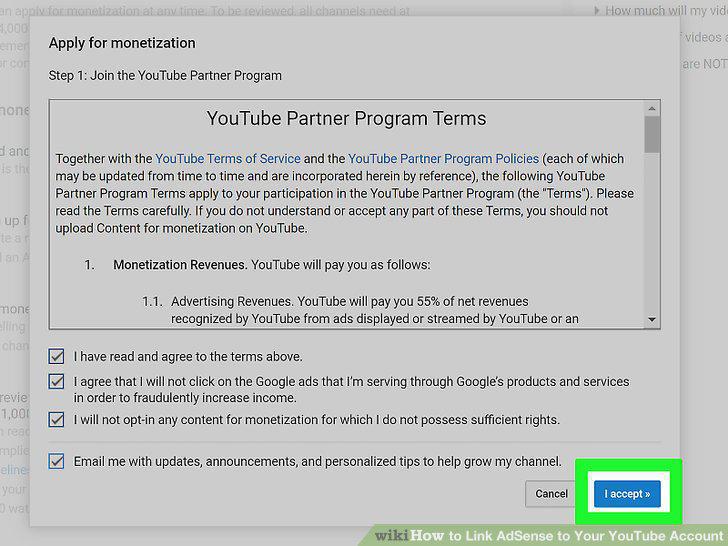
Click the blue I accept button.
Click the blue START button next to "Sign Up for AdSense.
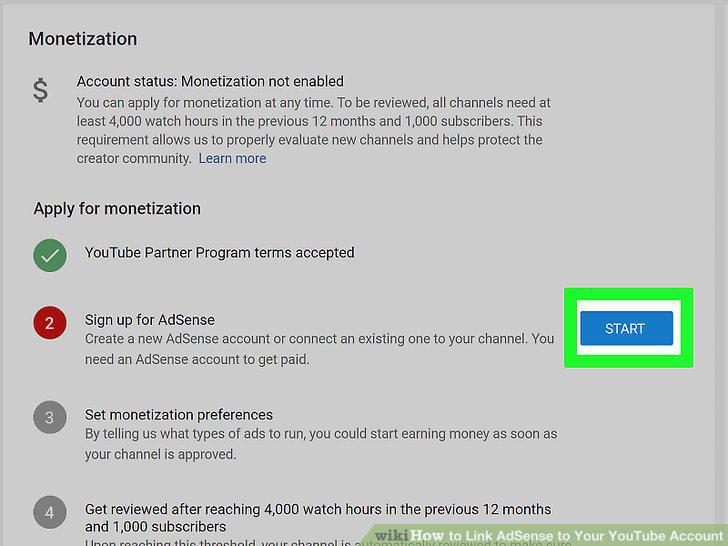
Click the blue START button next to "Sign Up for AdSense.
Click the Next button.
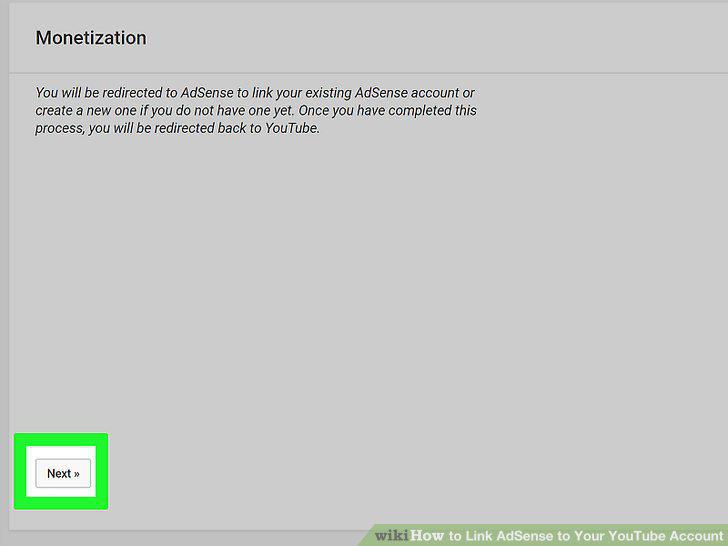
Click the Next button.
Select the AdSense Google account you want to link.
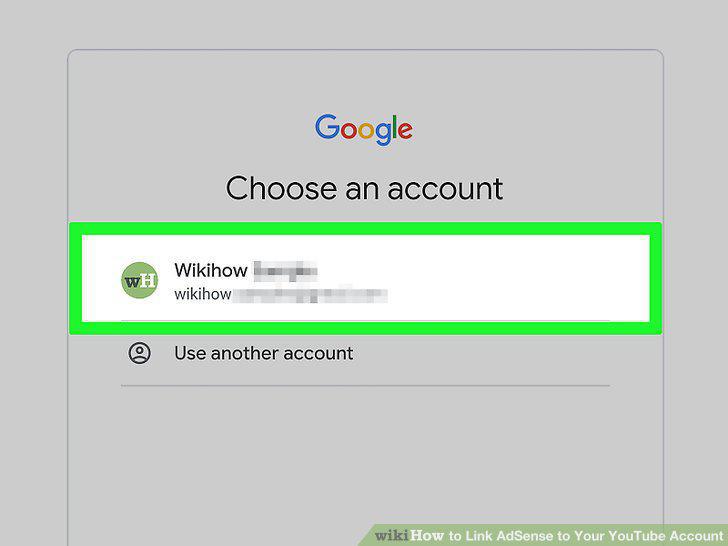
Select the AdSense Google account you want to link.
Click the blue LINK TO YOUTUBE button.
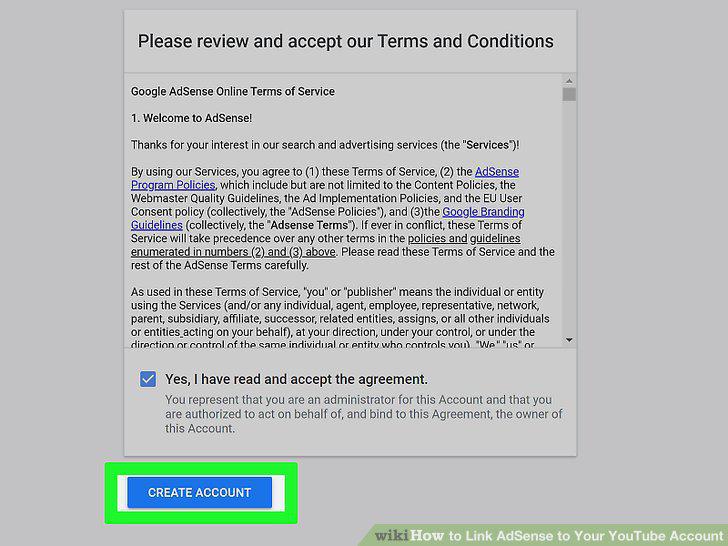
Click the blue LINK TO YOUTUBE button.
Click the blue START button next to "Set monetization preferences.
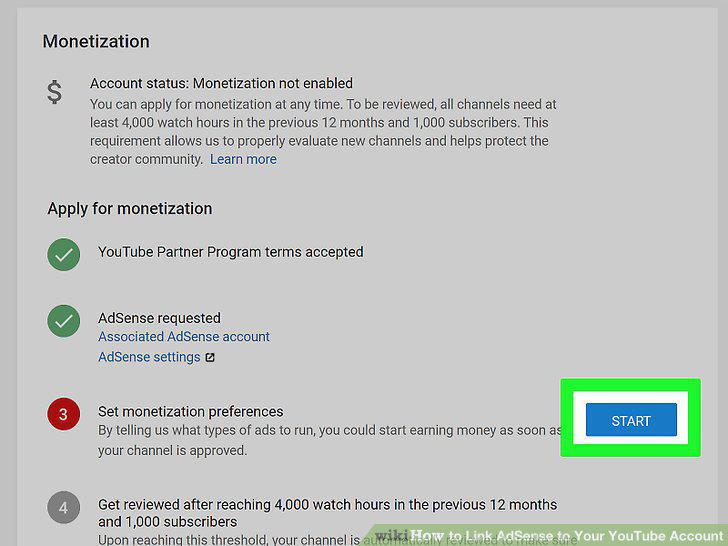
Click the blue START button next to "Set monetization preferences.
Make sure the "Monetize all existing and future videos" switch is On.
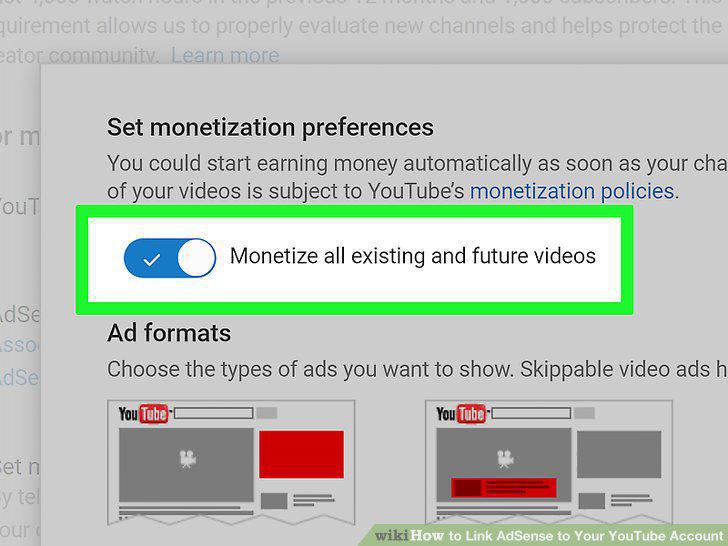
Make sure the "Monetize all existing and future videos" switch is On.
Check the box next to each ad format you want to use.
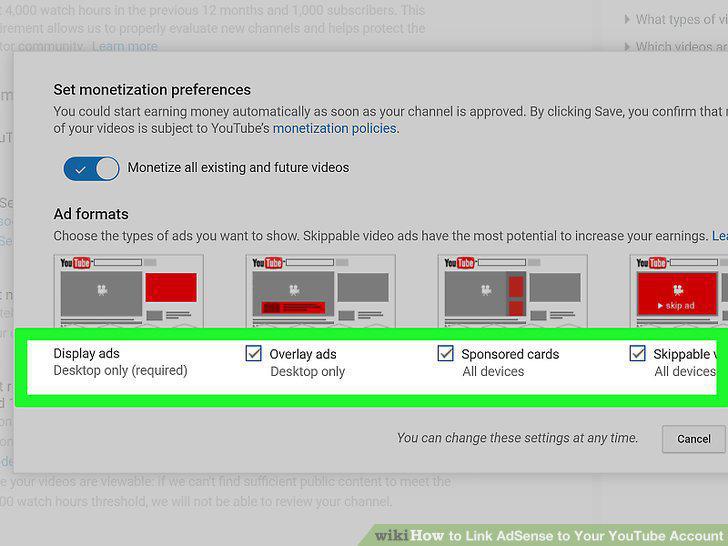
Check the box next to each ad format you want to use.
Click the blue SAVE button.
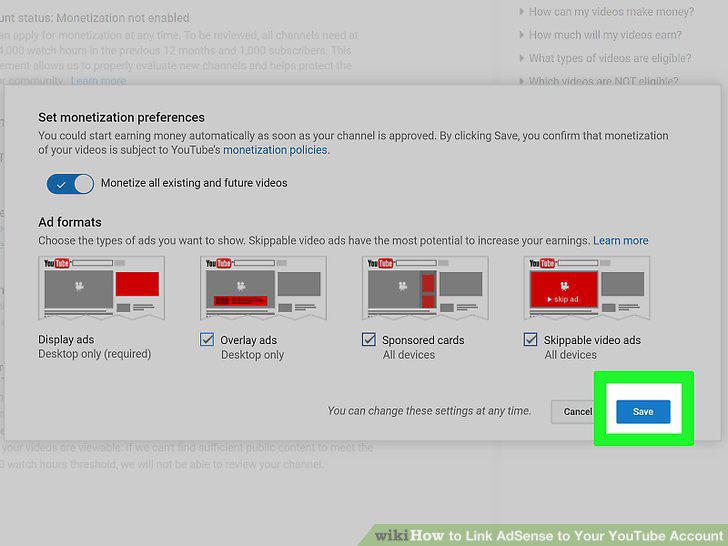
Click the blue SAVE button.
Fulfill the watch hour and subscriber quota.
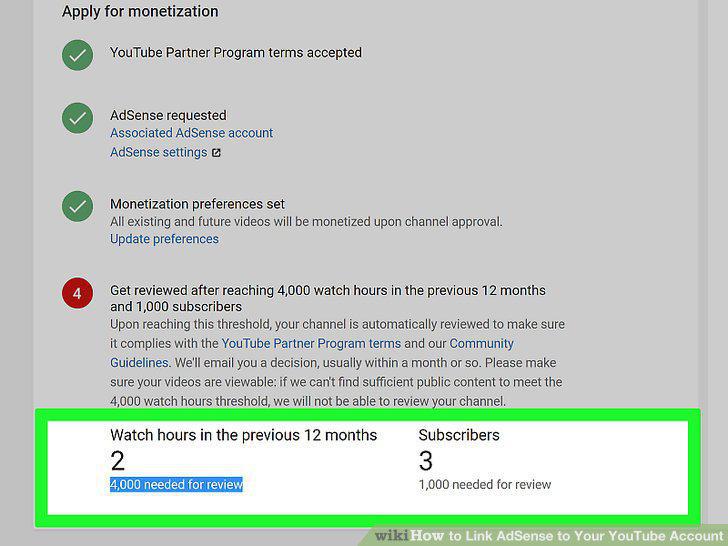
Fulfill the watch hour and subscriber quota.
Comments (0)
No comments yet. Be the first to share your thoughts!