How to Charge a PS3 Controller
Press your PlayStation 3's power switch.. Locate your controller's charger cable.. Plug the USB end of the charger into your PS3.
Steps
1
Press your PlayStation 3's power switch.
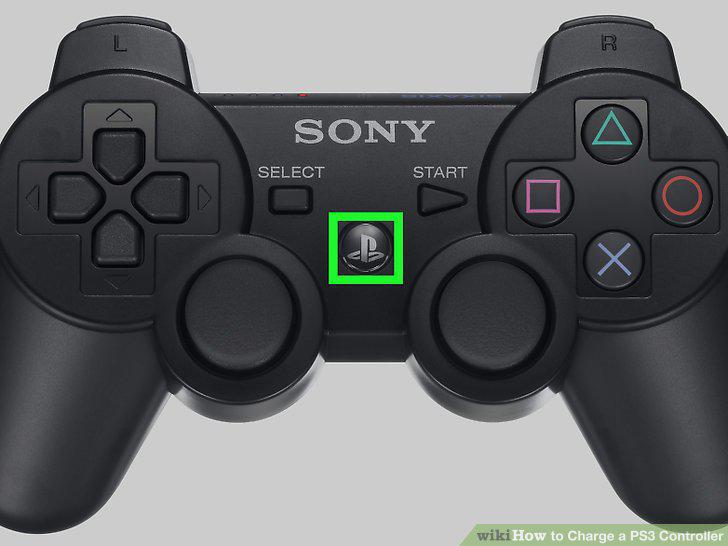
Press your PlayStation 3's power switch.
2
Locate your controller's charger cable.
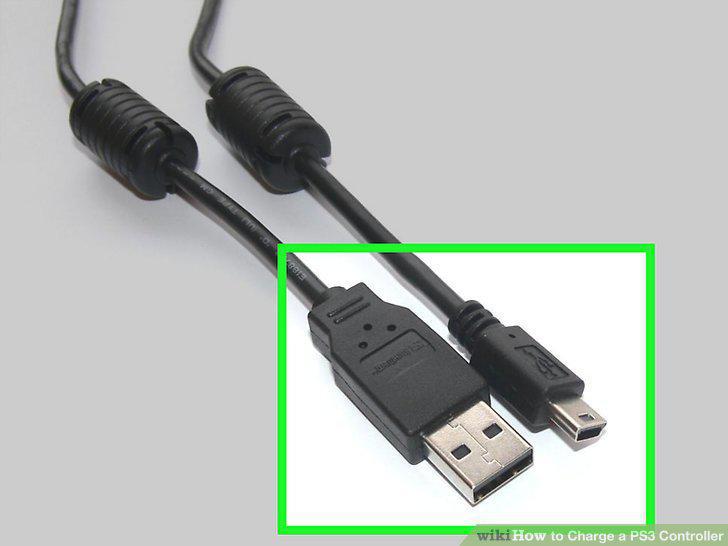
Locate your controller's charger cable.
3
Plug the USB end of the charger into your PS3.
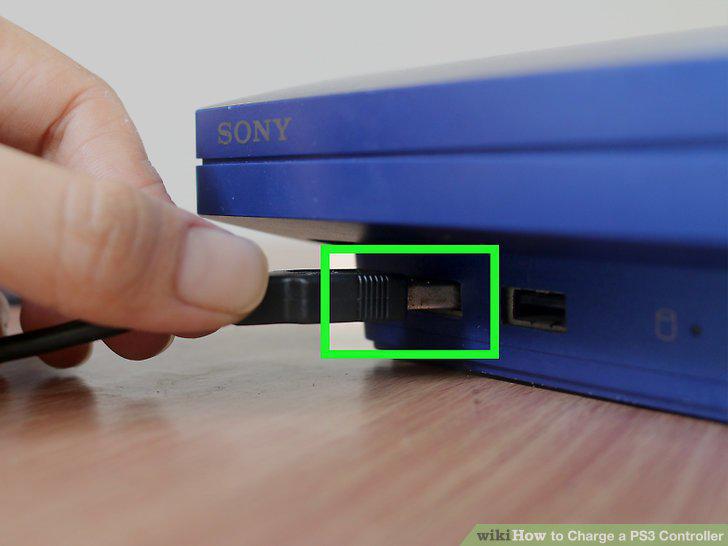
Plug the USB end of the charger into your PS3.
4
Plug the narrow end of the charger into your PS3 controller.
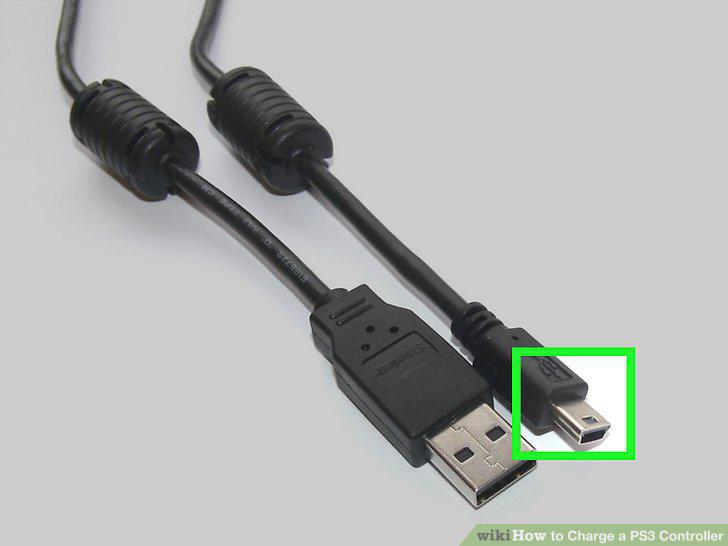
Plug the narrow end of the charger into your PS3 controller.
5
Press the controller's power button.
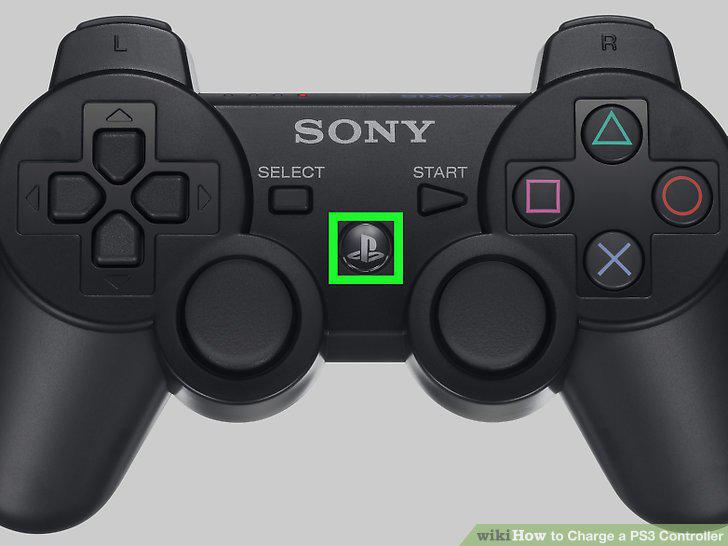
Press the controller's power button.
6
Wait for the controller's light to begin blinking.
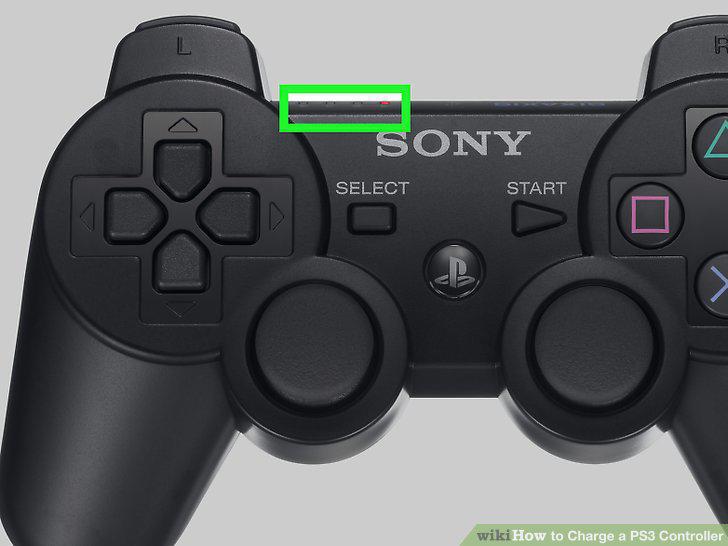
Wait for the controller's light to begin blinking.
7
Reset your PS3 controller.
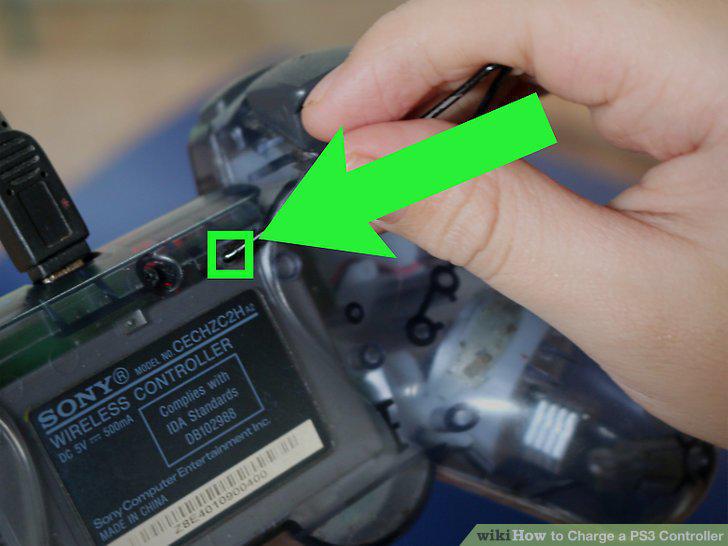
Reset your PS3 controller.
8
Plug your controller into a different USB port on your PS3.
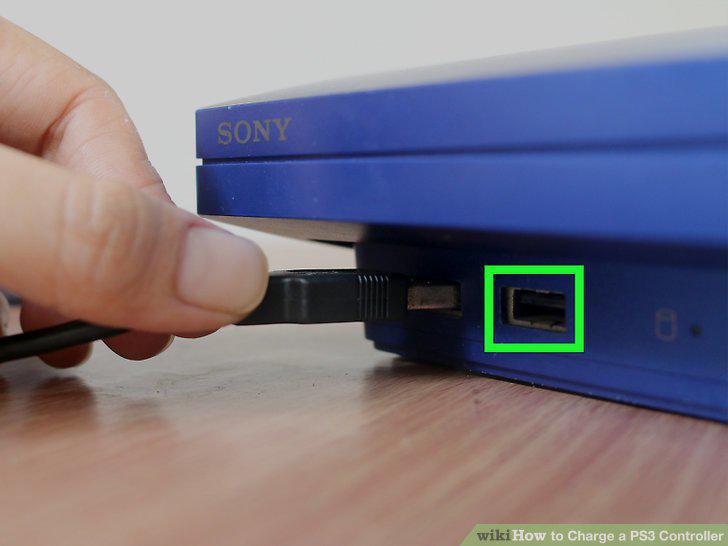
Plug your controller into a different USB port on your PS3.
9
Plug your controller into a computer's USB port and turn it on.
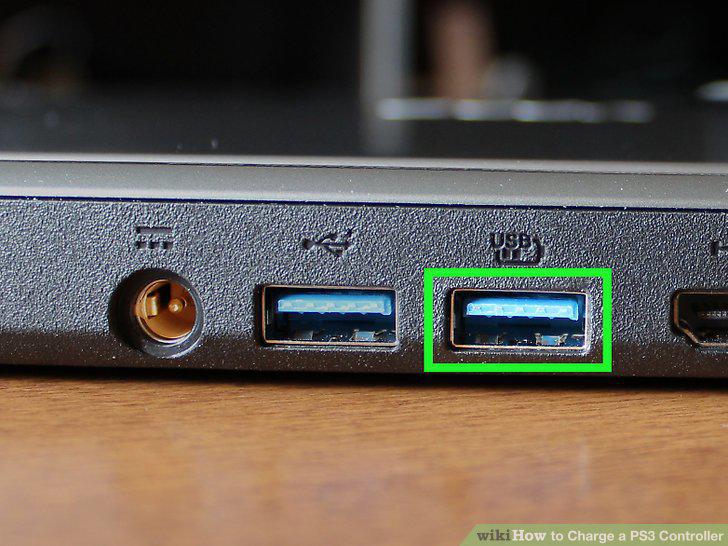
Plug your controller into a computer's USB port and turn it on.
10
Use a different charger cable.
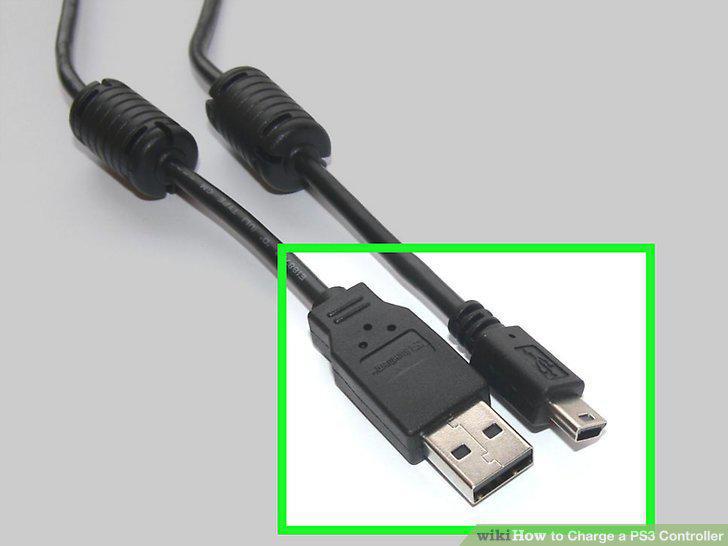
Use a different charger cable.
Comments (0)
No comments yet. Be the first to share your thoughts!