How to Download Demos from the PlayStation Store
Turn on your console.. Select your profile and press X.. Select PlayStation Store and press X.
Steps
Turn on your console.
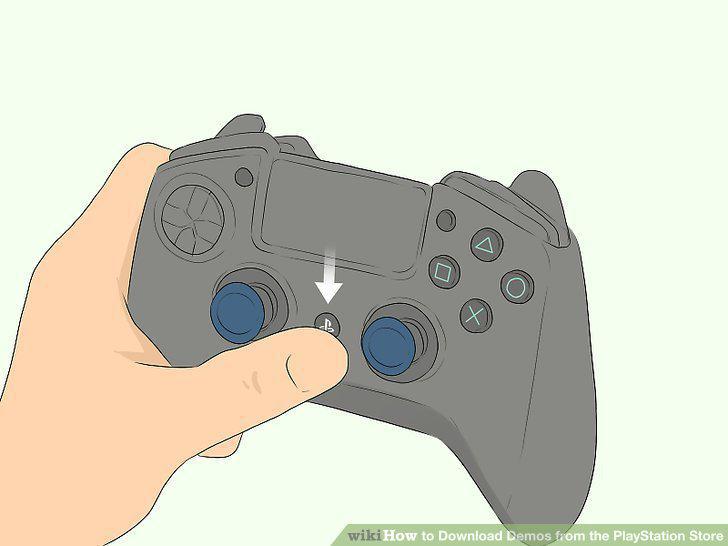
Turn on your console.
Select your profile and press X.
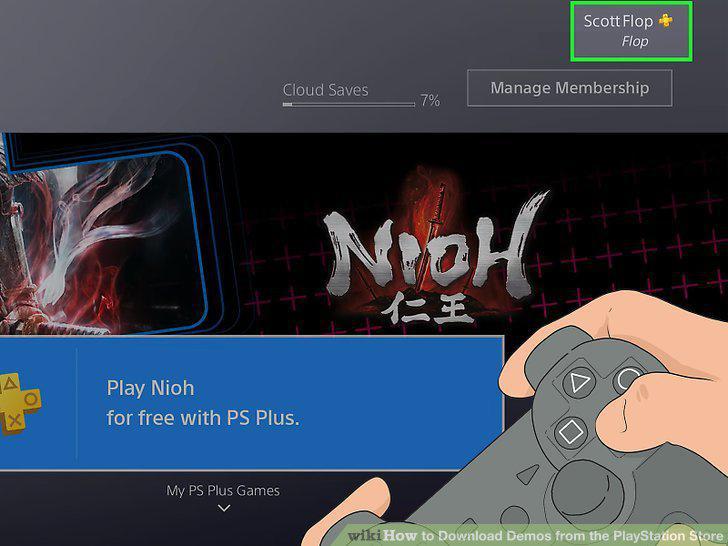
Select your profile and press X.
Select PlayStation Store and press X.
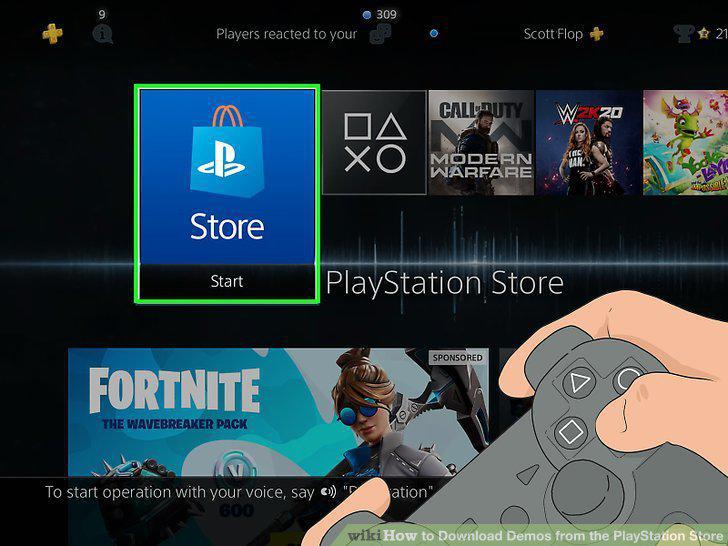
Select PlayStation Store and press X.
Scroll down to select Games and press X.
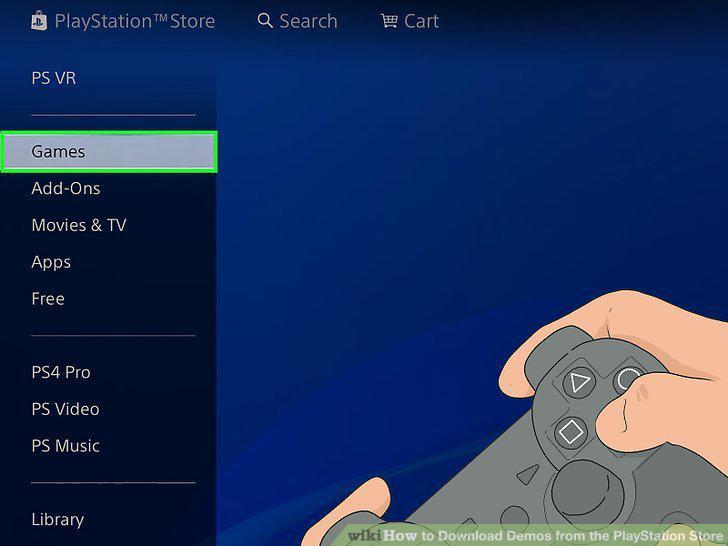
Scroll down to select Games and press X.
Select Demos and press X.
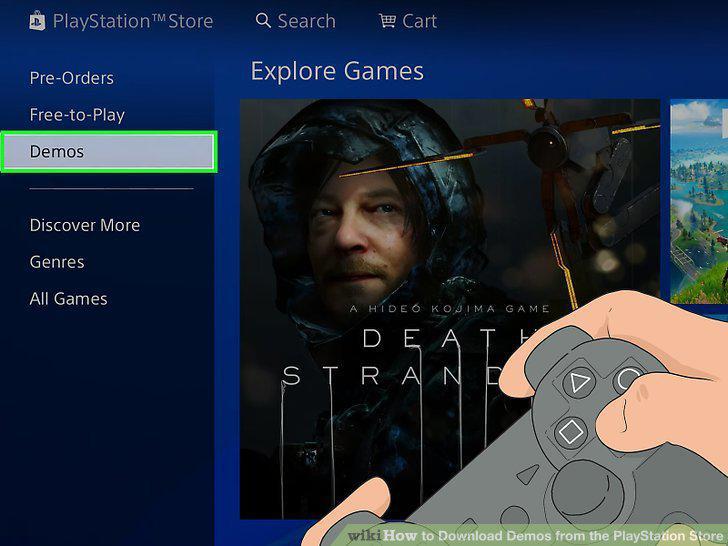
Select Demos and press X.
Select a demo you'd like to download and press X.
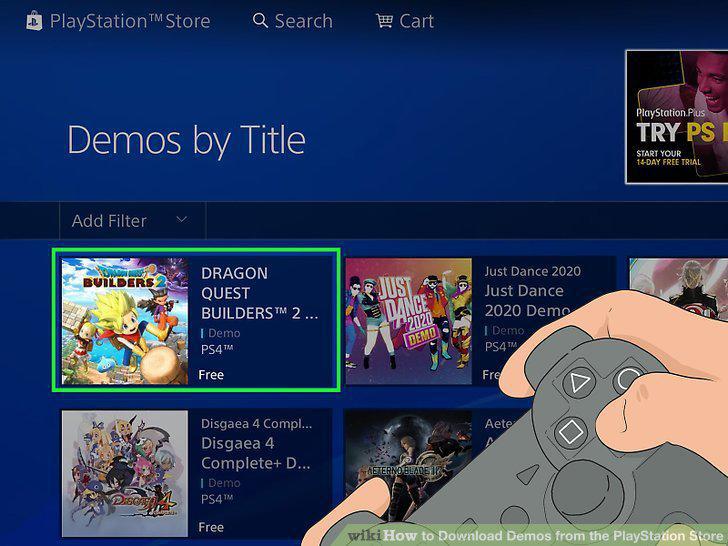
Select a demo you'd like to download and press X.
Select Try Free Demo and press X.
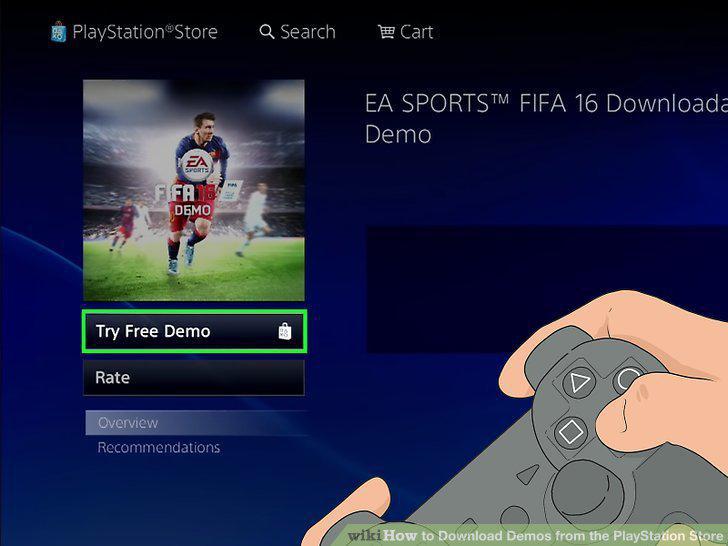
Select Try Free Demo and press X.
Turn on your PlayStation 3.
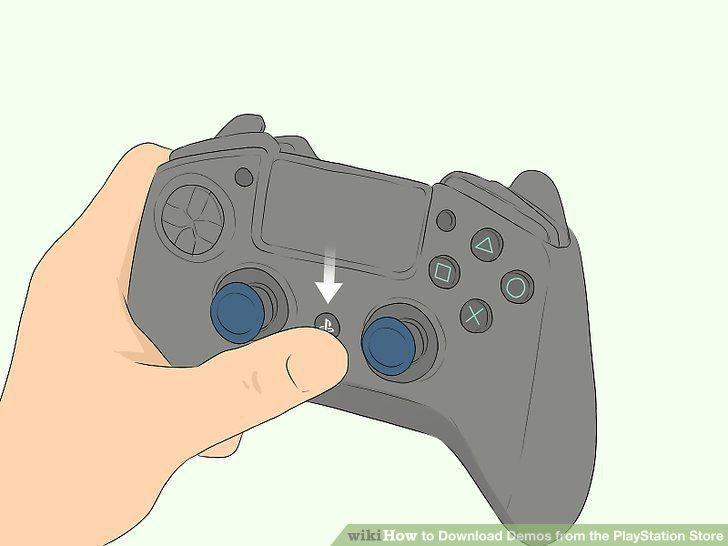
Turn on your PlayStation 3.
Select a profile and press X.
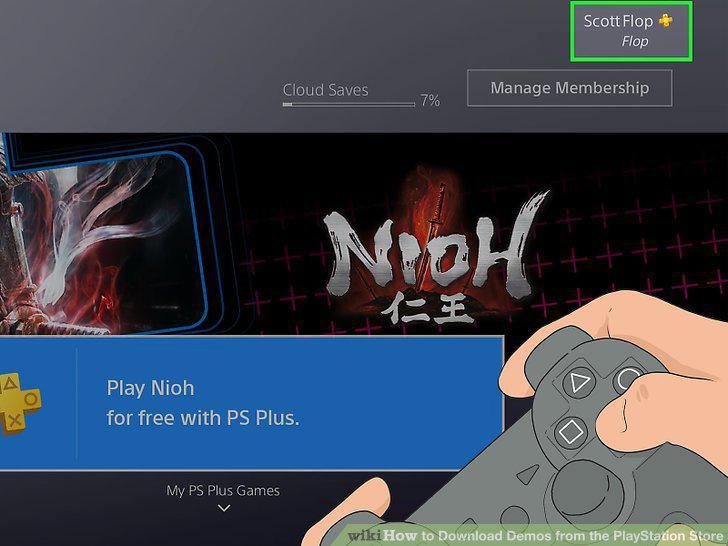
Select a profile and press X.
Scroll down to select PlayStation Store and press X.
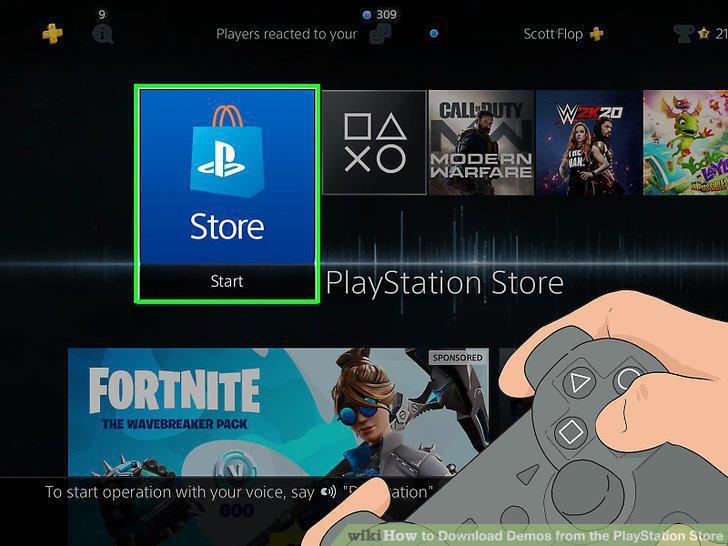
Scroll down to select PlayStation Store and press X.
Scroll down to select Games and press X.
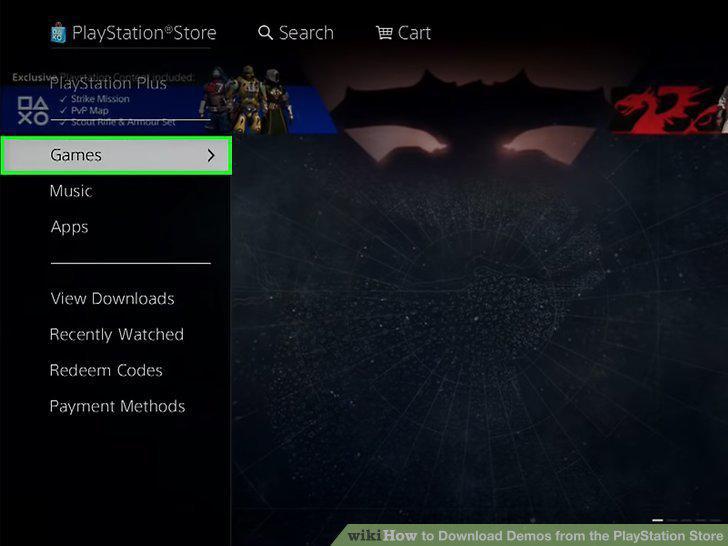
Scroll down to select Games and press X.
Select Demos and press X.
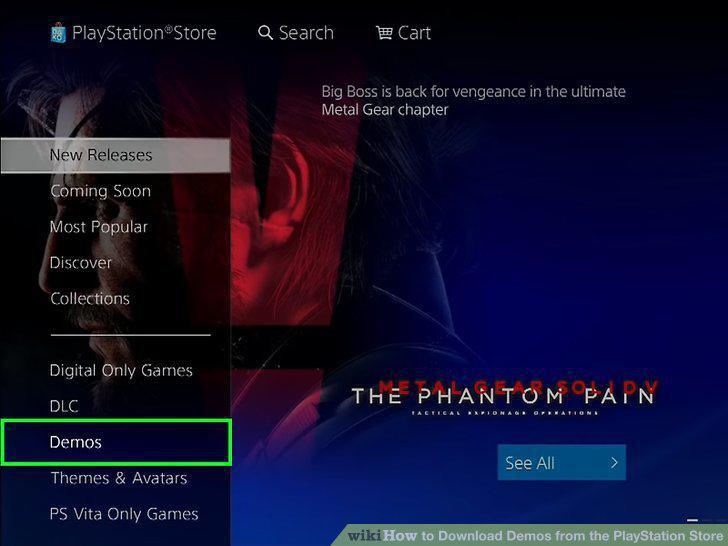
Select Demos and press X.
Select a game you'd like to try and press X.
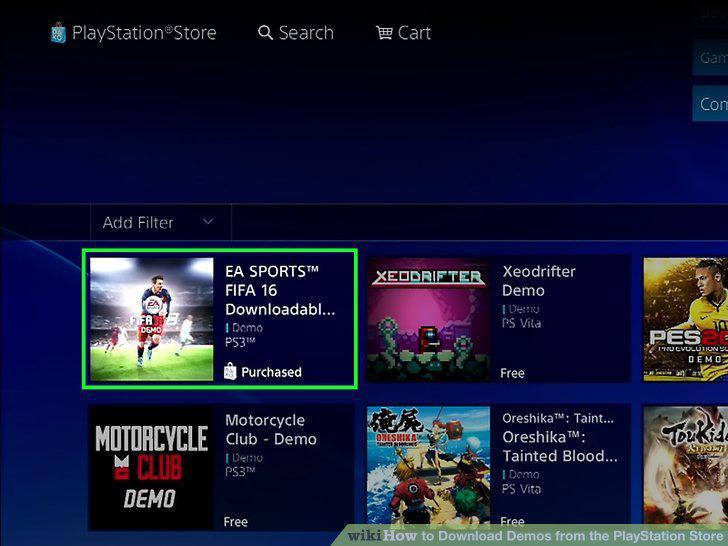
Select a game you'd like to try and press X.
Select Try Free Demo and press X.
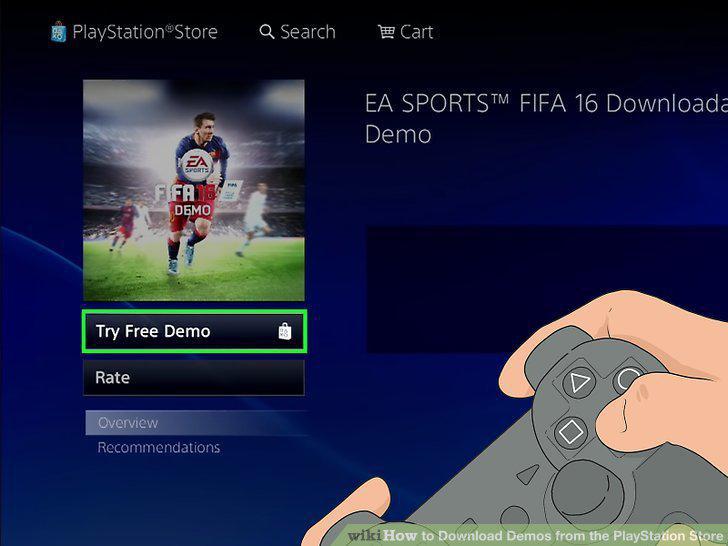
Select Try Free Demo and press X.
Go to the PlayStation Store website.
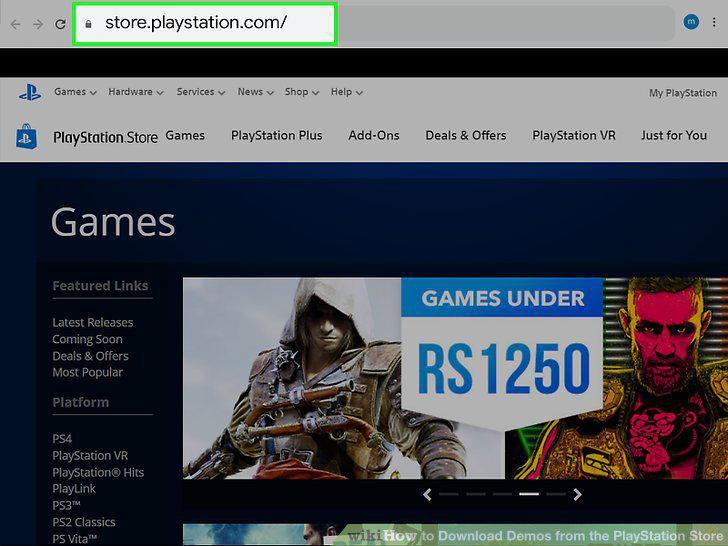
Go to the PlayStation Store website.
Click the Games tab.
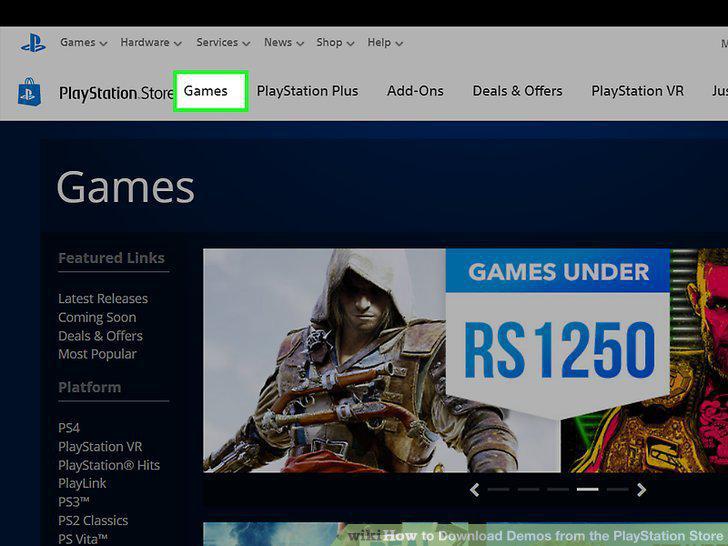
Click the Games tab.
Scroll down and click All Demos By Title.
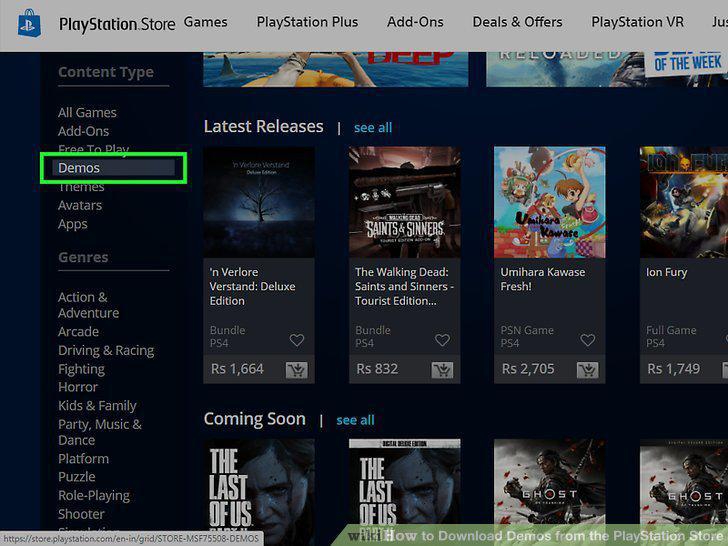
Scroll down and click All Demos By Title.
Click a demo you'd like to try.
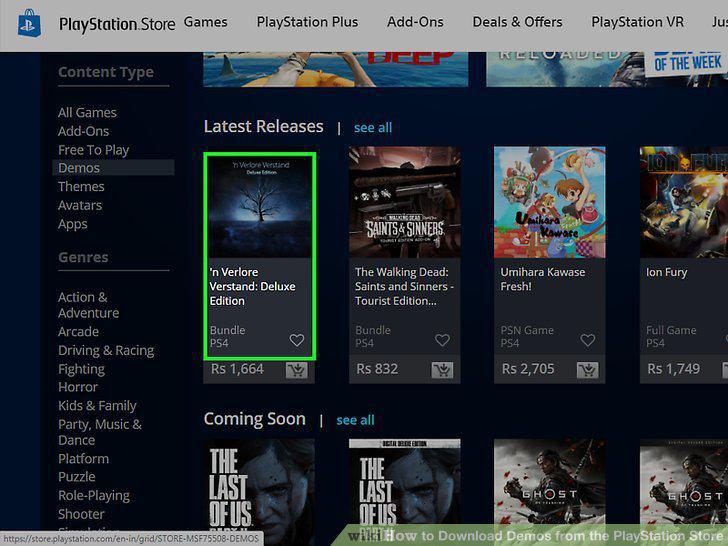
Click a demo you'd like to try.
Click Try Free Demo.
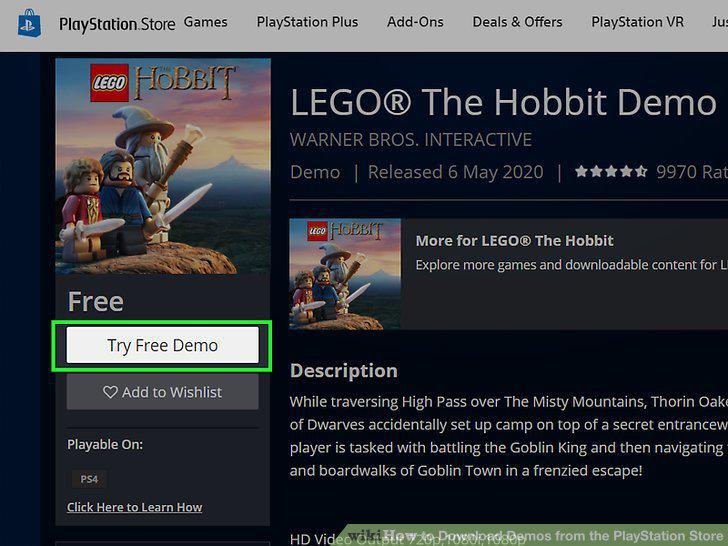
Click Try Free Demo.
Click Confirm Purchase.
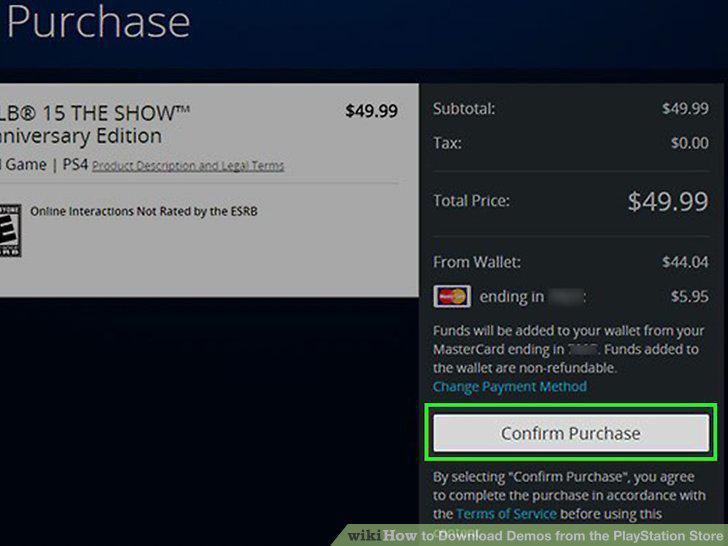
Click Confirm Purchase.
Click Download to your PS#.
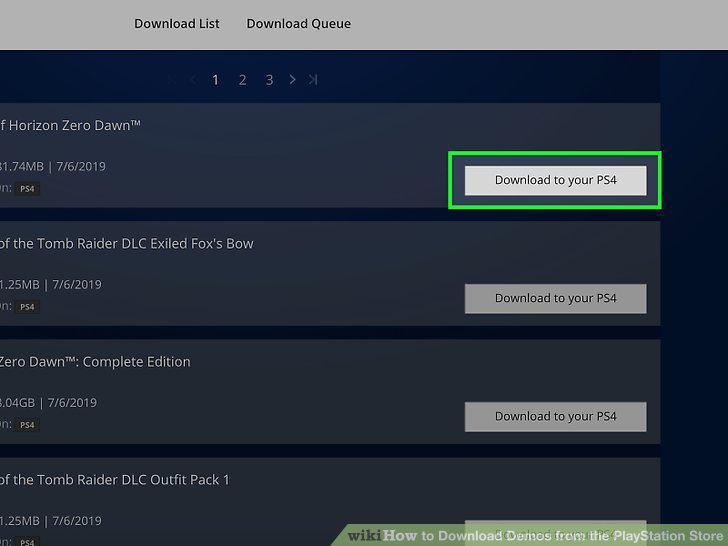
Click Download to your PS#.
Comments (0)
No comments yet. Be the first to share your thoughts!