How to Download Tekkit
Go to https://www.technicpack.net in a Web browser.. Click Download at the top of the page.. Scroll down and click on your OS.
Steps
1
Go to https://www.technicpack.net in a Web browser.
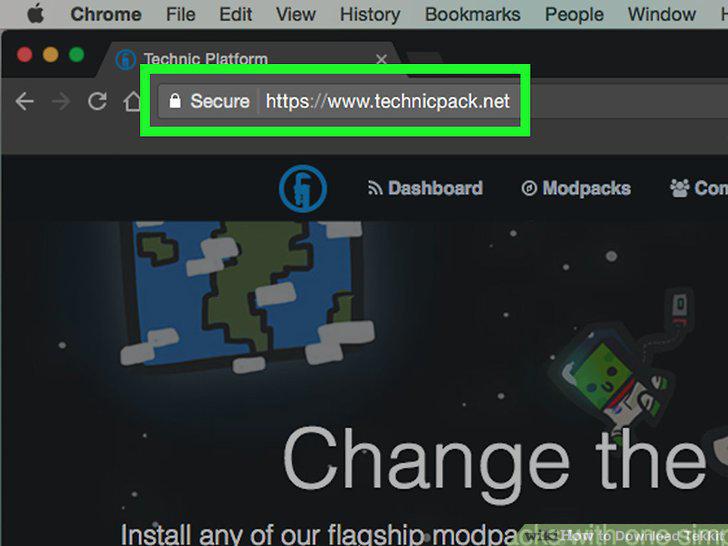
Go to https://www.technicpack.net in a Web browser.
2
Click Download at the top of the page.

Click Download at the top of the page.
3
Scroll down and click on your OS.
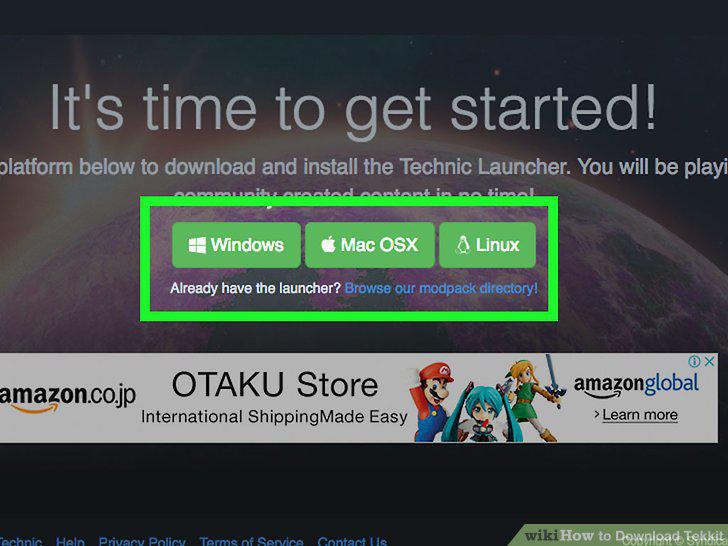
Scroll down and click on your OS.
4
Select a location and click Save.
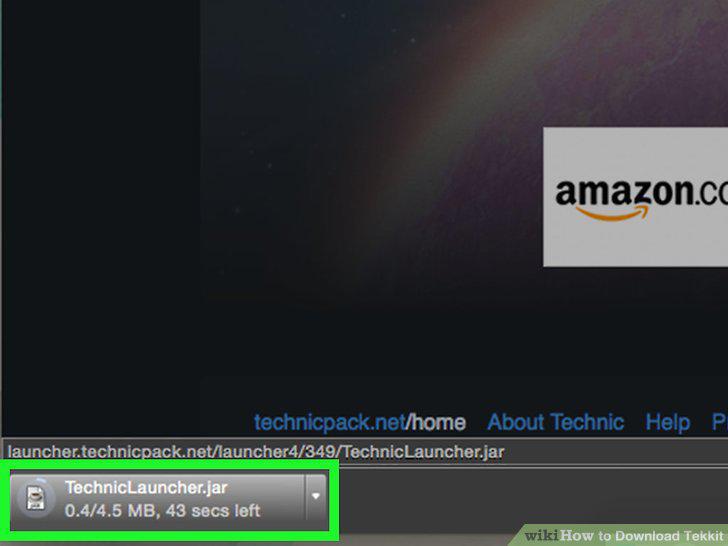
Select a location and click Save.
5
Double-click the Technic Launcher installation file to begin the installation.
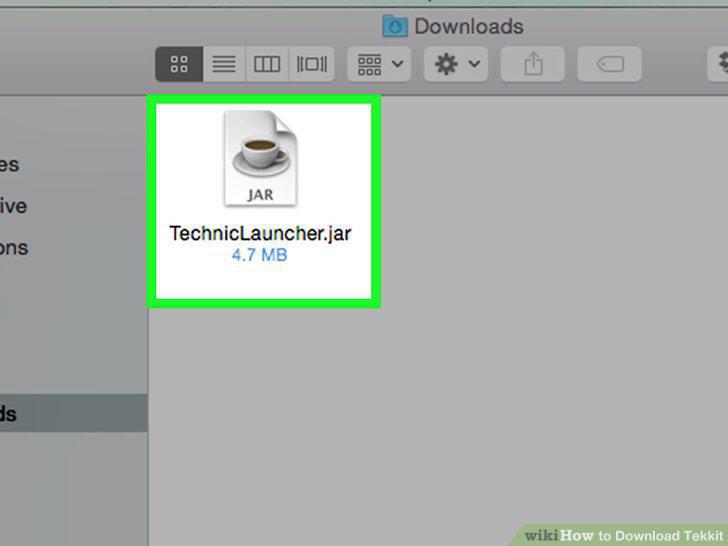
Double-click the Technic Launcher installation file to begin the installation.
6
Click on Modpacks at the top of the window.
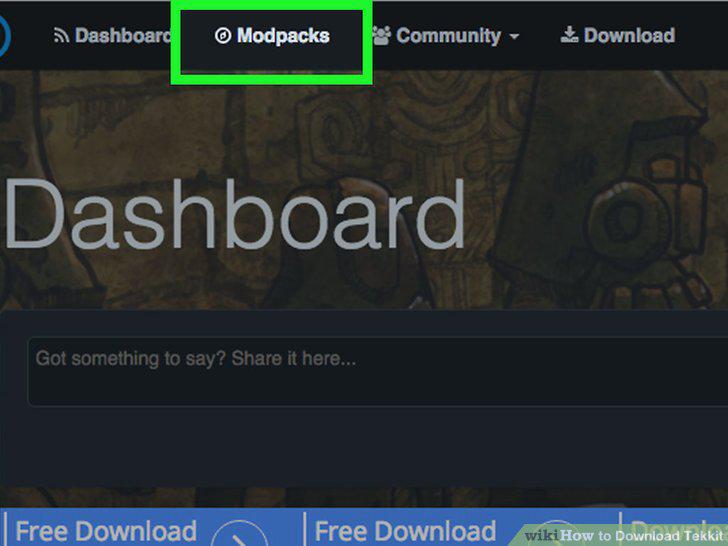
Click on Modpacks at the top of the window.
7
Click on Tekkit
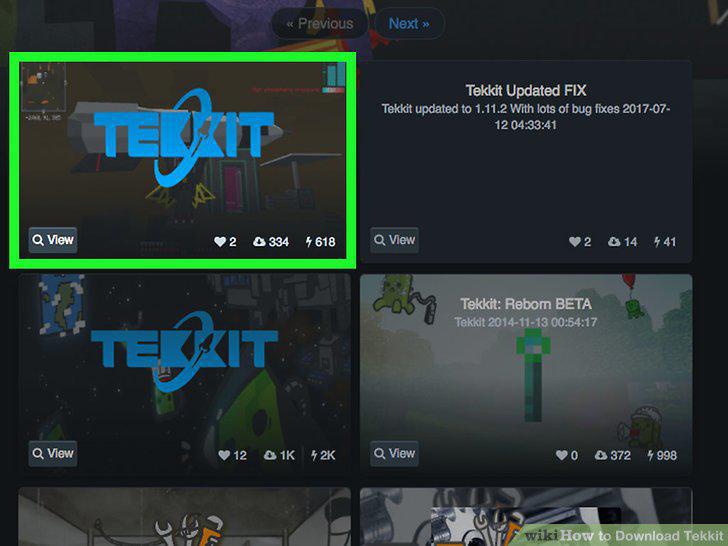
Click on Tekkit
8
Enter your Technic Platform user name and password in the lower-left of the wind
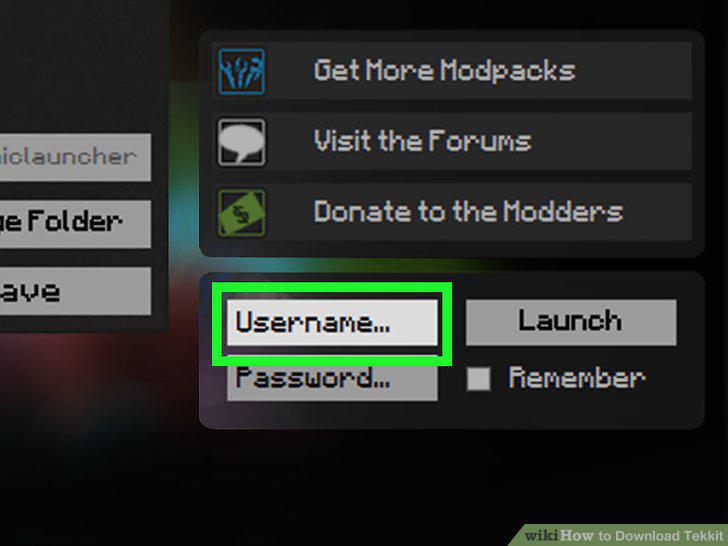
Enter your Technic Platform user name and password in the lower-left of the window.
9
Click Launch in the lower-left.
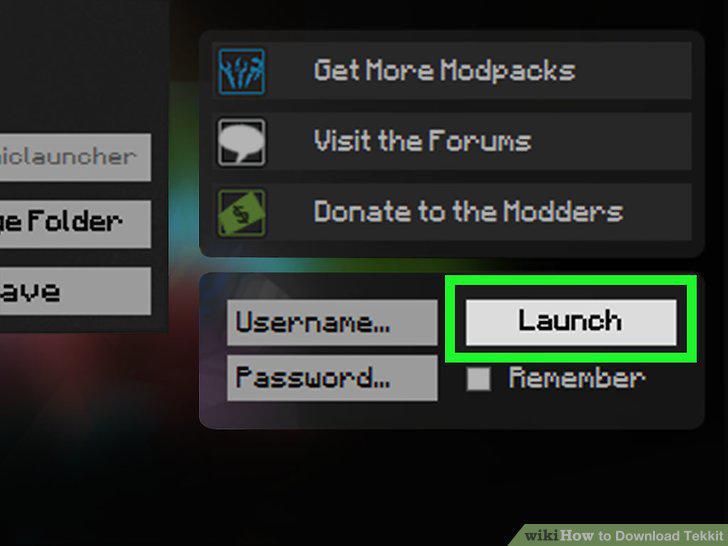
Click Launch in the lower-left.
Comments (0)
No comments yet. Be the first to share your thoughts!