How to Leave an Airbnb Review
Go to https://airbnb.com in a web browser.. Click Log in.. Enter your login details to sign in.
Steps
1
Go to https://airbnb.com in a web browser.
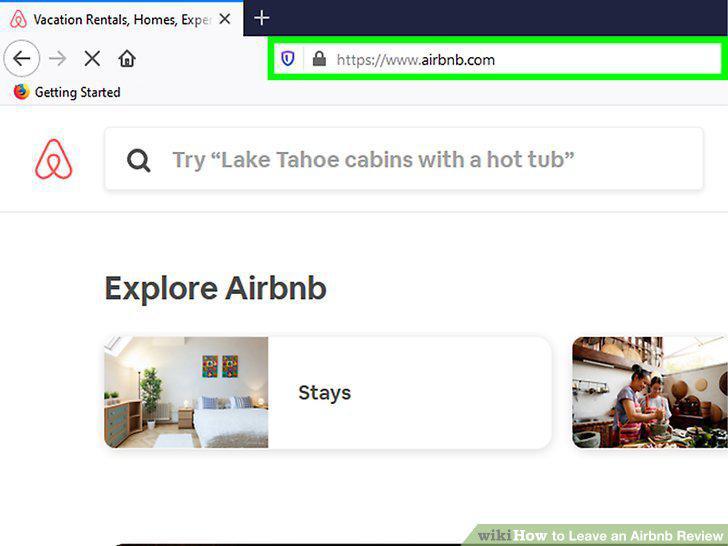
Go to https://airbnb.com in a web browser.
2
Click Log in.
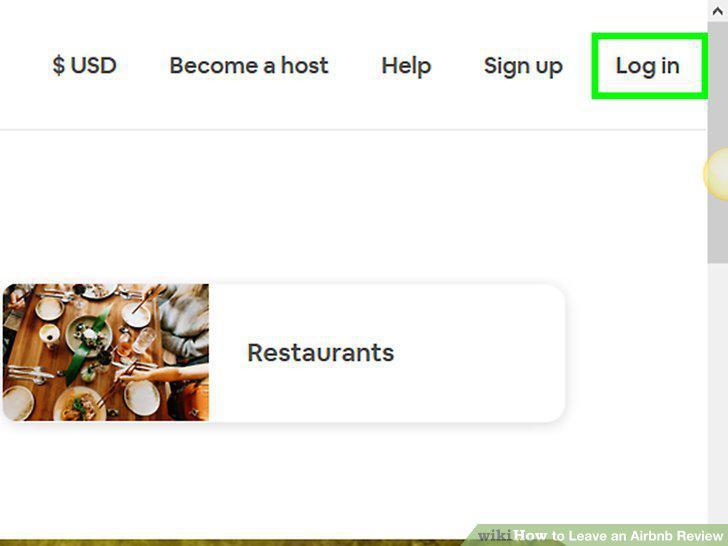
Click Log in.
3
Enter your login details to sign in.
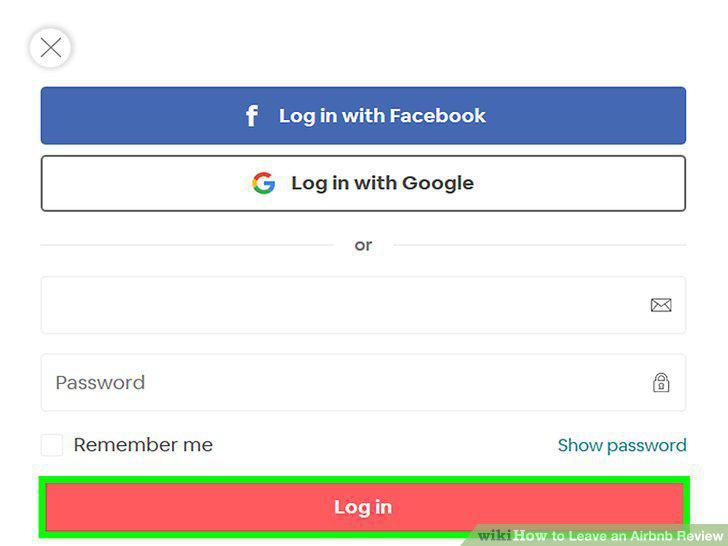
Enter your login details to sign in.
4
Click your account name and icon.
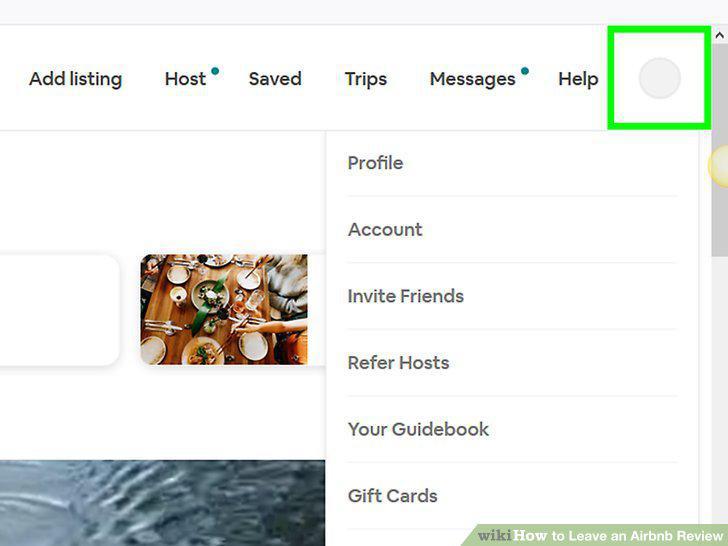
Click your account name and icon.
5
Click Profile.
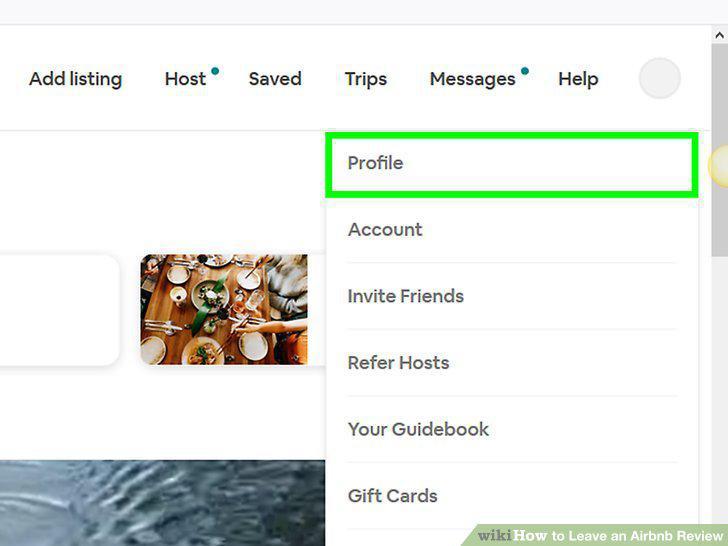
Click Profile.
6
Click Reviews by you.
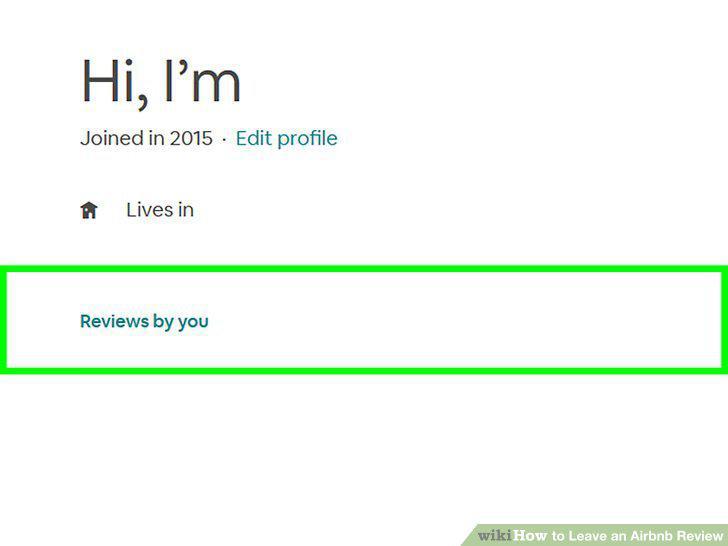
Click Reviews by you.
7
Click the Reviews by you tab.
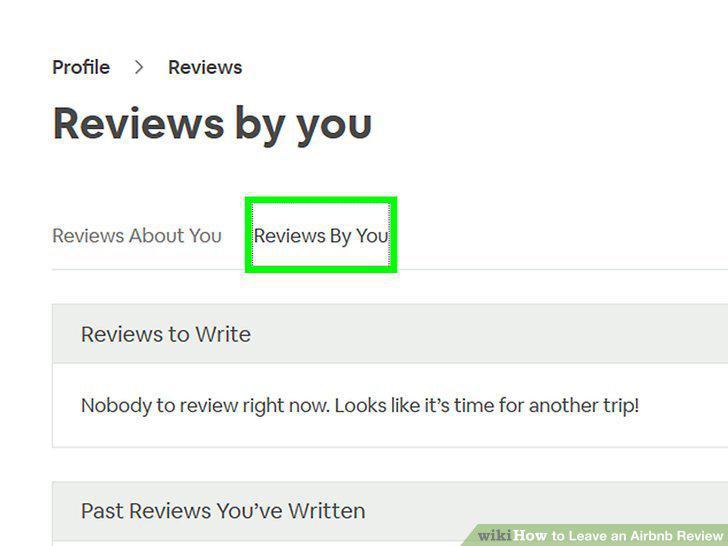
Click the Reviews by you tab.
8
Give your feedback.
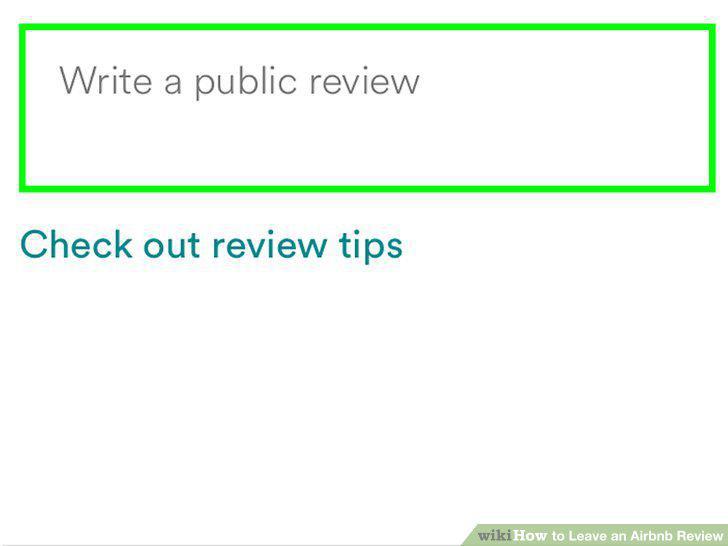
Give your feedback.
Comments (0)
No comments yet. Be the first to share your thoughts!