How to Apply for the Police Clearance Certificate in India
Visit the Indian passport website.. Register on the website.. Fill out the application for a Police Clearance Certificate.
Steps
Visit the Indian passport website.
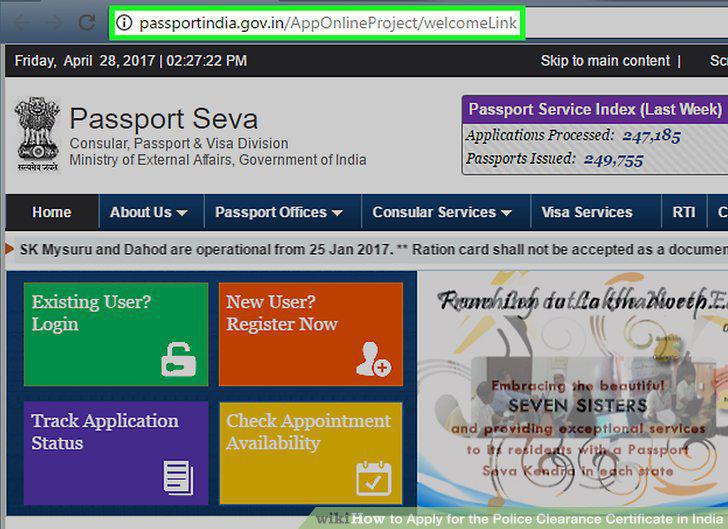
Visit the Indian passport website.
Register on the website.
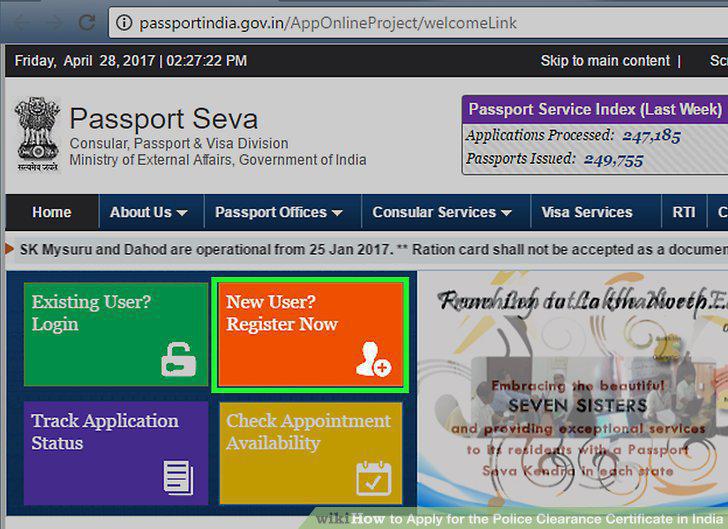
Register on the website.
Fill out the application for a Police Clearance Certificate.
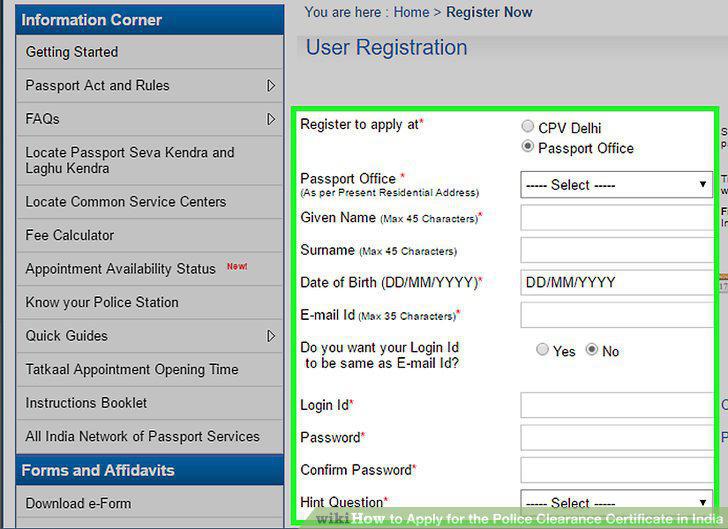
Fill out the application for a Police Clearance Certificate.
Pay the fee for the application.
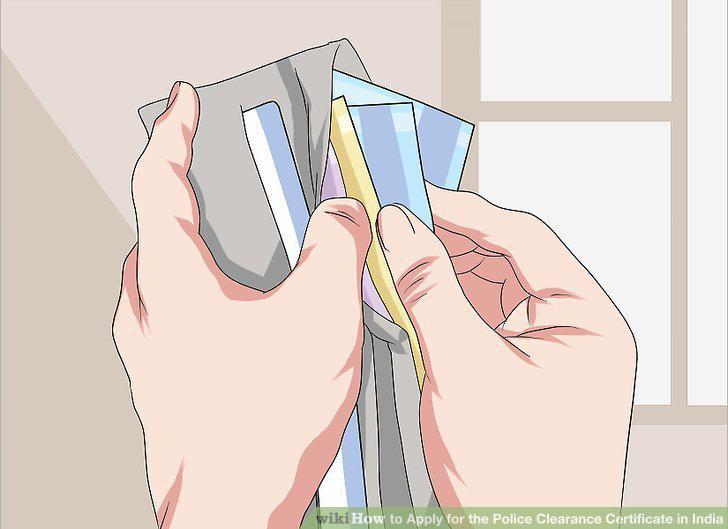
Pay the fee for the application.
Schedule an appointment.

Schedule an appointment.
Print out a confirmation for your appointment.
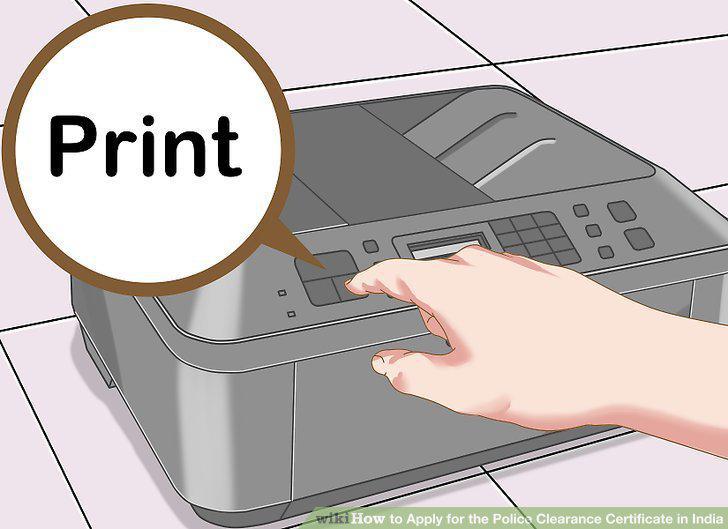
Print out a confirmation for your appointment.
Download and fill out the e-form from the Passport Seva website.
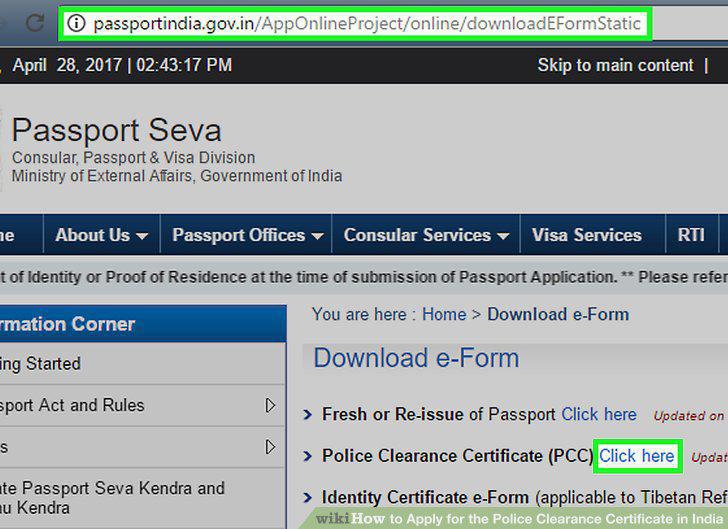
Download and fill out the e-form from the Passport Seva website.
Save the e-form.
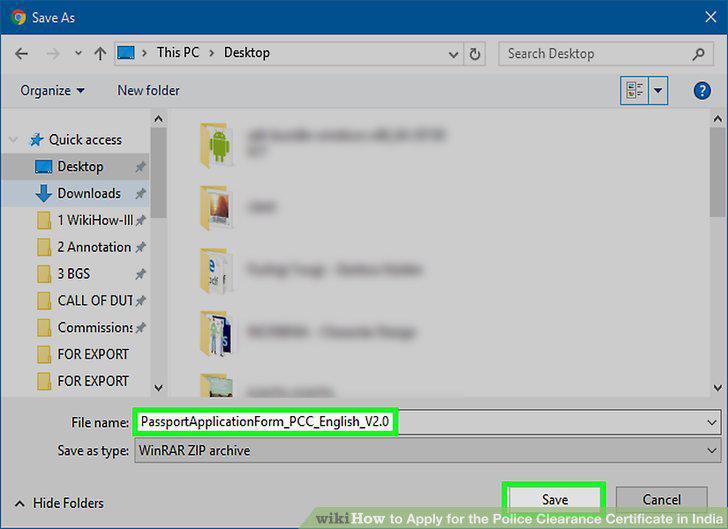
Save the e-form.
Register an account on the Passport Seva website.
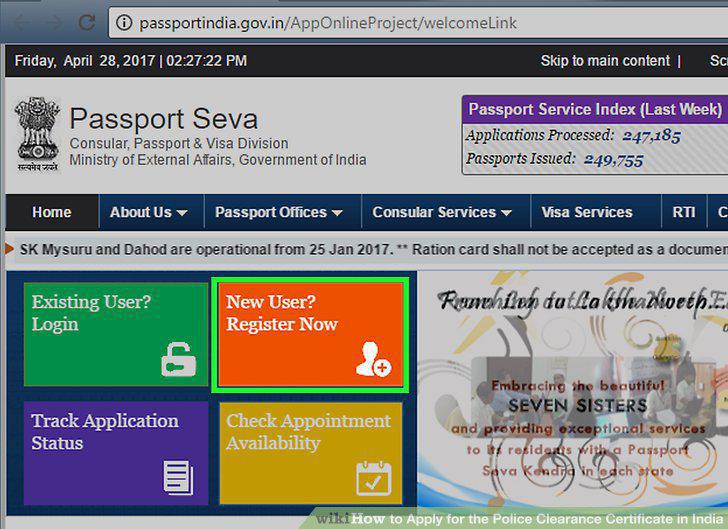
Register an account on the Passport Seva website.
Login using your new account.
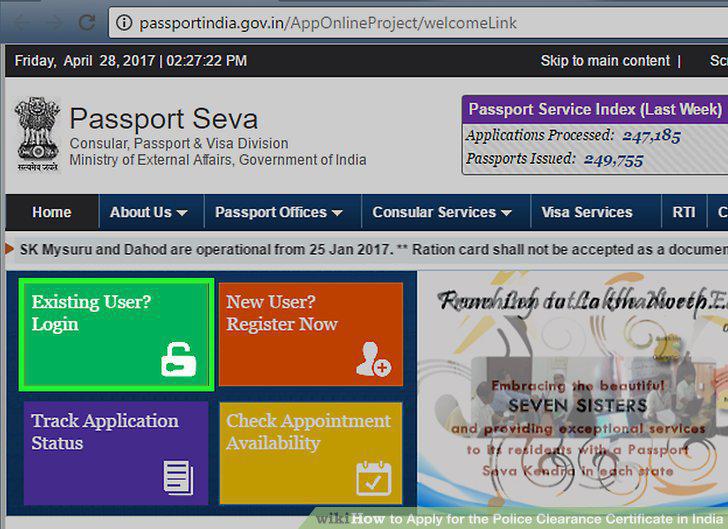
Login using your new account.
Upload the XML file.
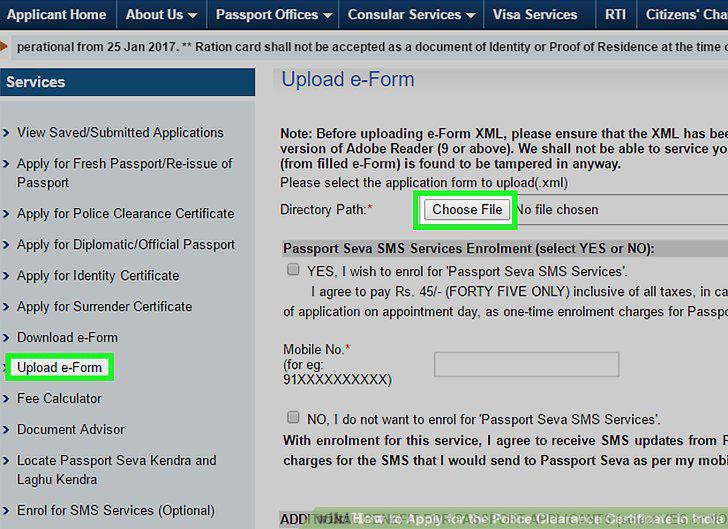
Upload the XML file.
Pay and schedule an appointment through the website.
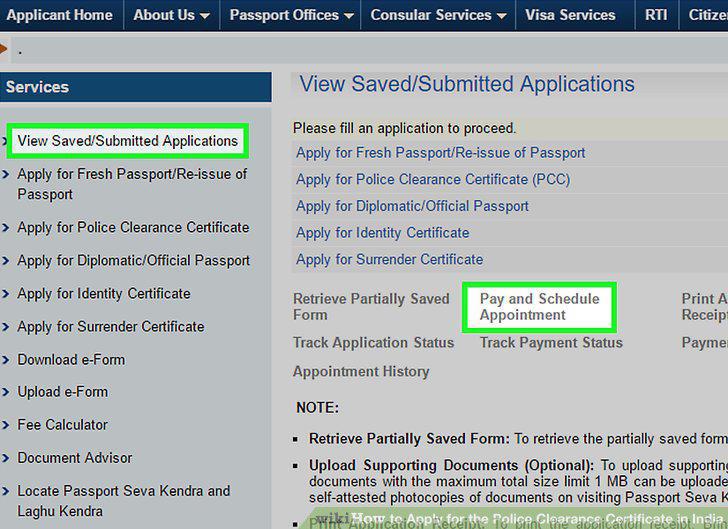
Pay and schedule an appointment through the website.
Print your application receipt.
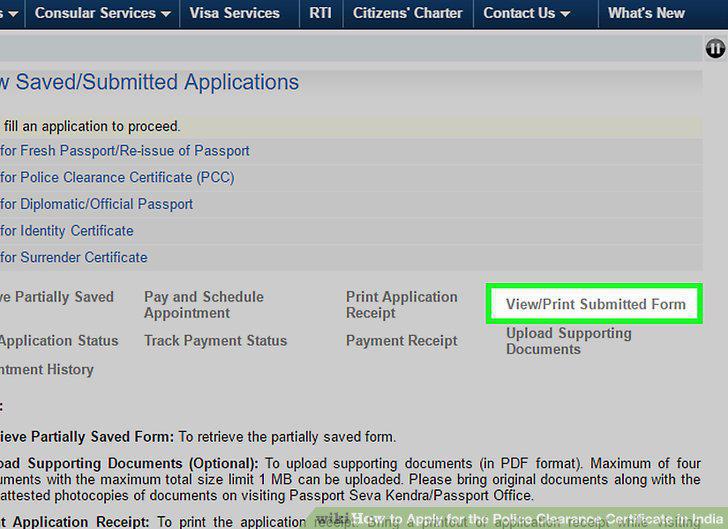
Print your application receipt.
Make photocopies of your passport.
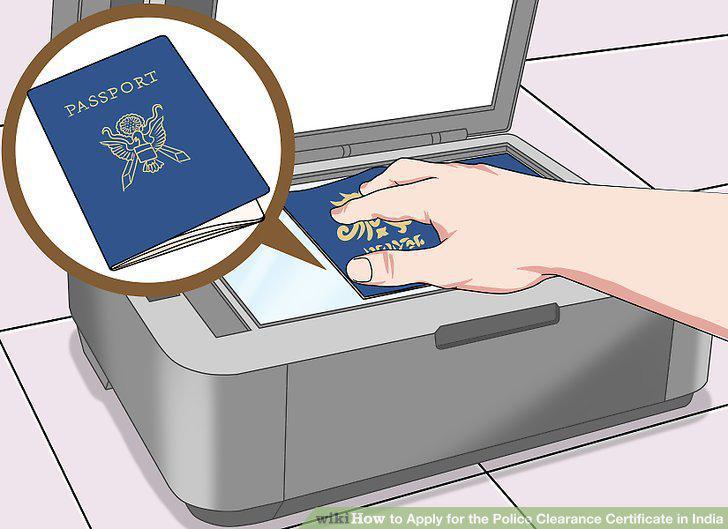
Make photocopies of your passport.
Bring proof of employment or residence.
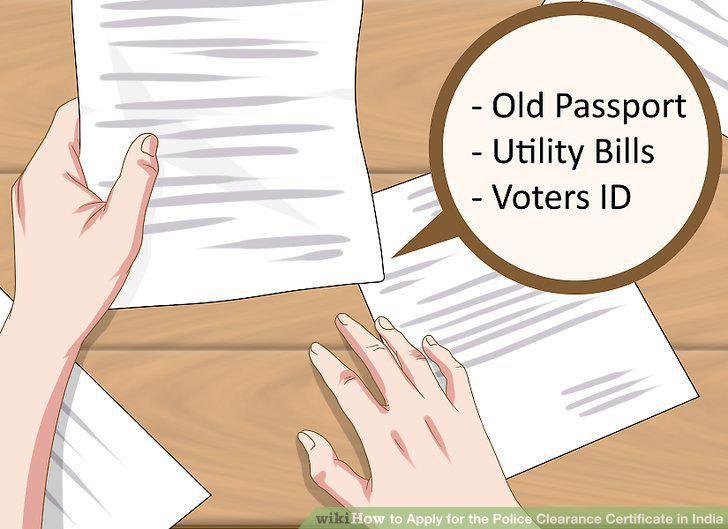
Bring proof of employment or residence.
Visit the Regional Passport Office.
Visit the Regional Passport Office.
Live in Delhi.
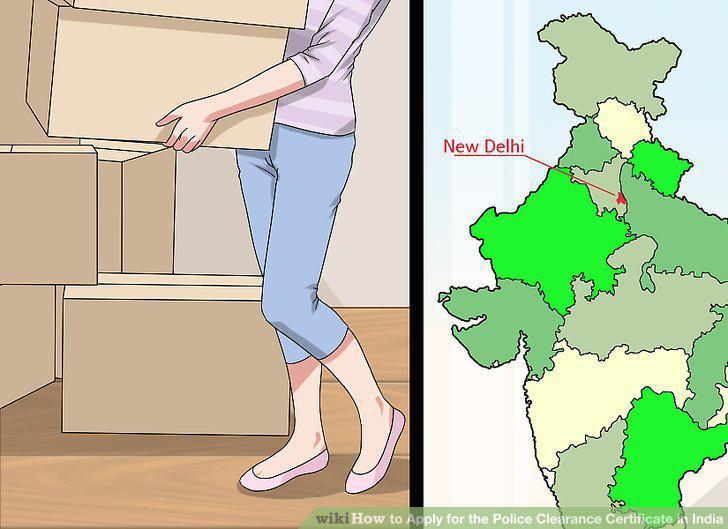
Live in Delhi.
Visit the Delhi Police website.
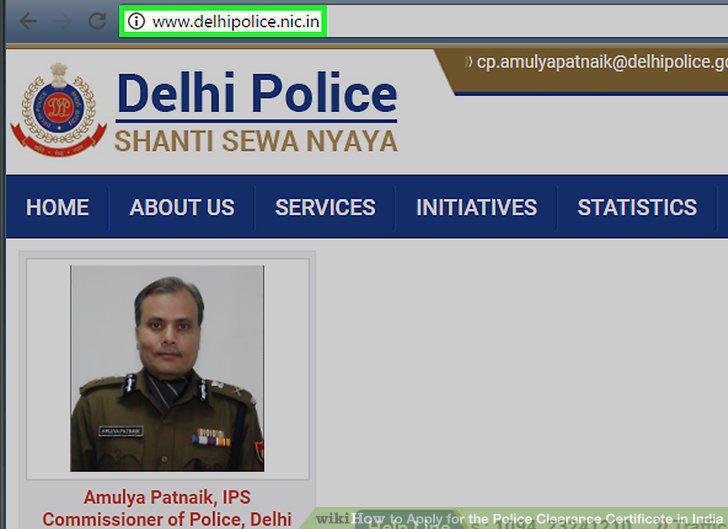
Visit the Delhi Police website.
Fill out the online registration form.
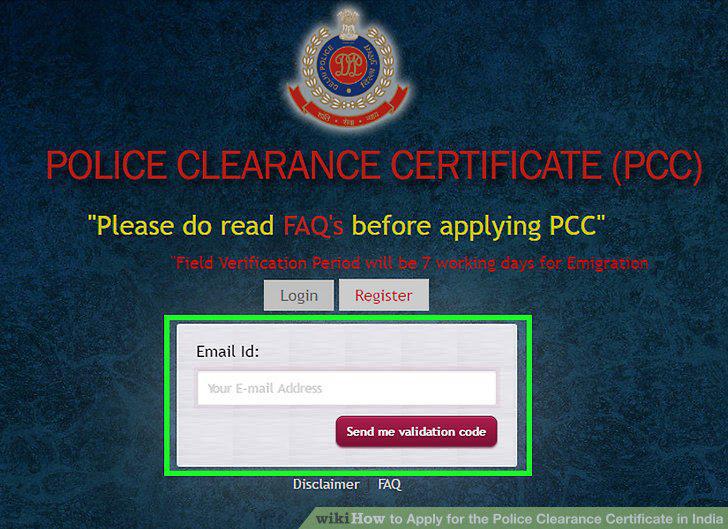
Fill out the online registration form.
Pay for the PCC.
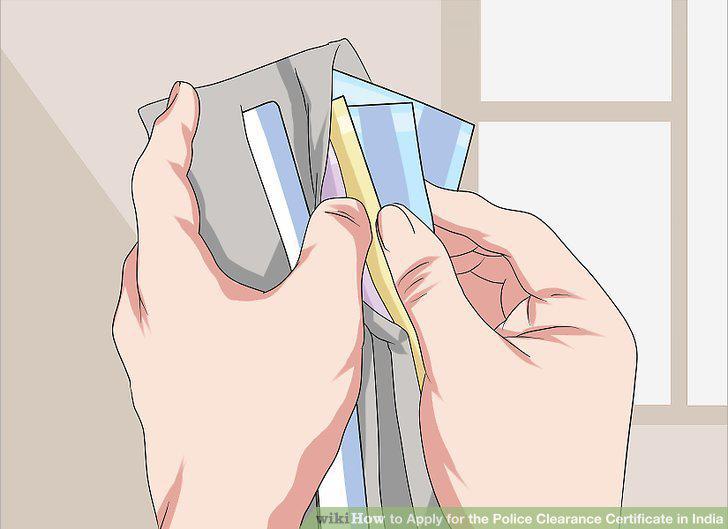
Pay for the PCC.
Wait for a field inquiry.

Wait for a field inquiry.
Check your email for an attached PCC.

Check your email for an attached PCC.
Comments (0)
No comments yet. Be the first to share your thoughts!