How to Check the Safety of an Internet Site
Use online security software to help, Download and use an online security service such as Norton or McAfee if possible.. Look where the page appears in Google.. Hover over the link to display the full URL.
Steps
1
Use online security software to help, Download and use an online security servic

Use online security software to help, Download and use an online security service such as Norton or McAfee if possible.
2
Look where the page appears in Google.

Look where the page appears in Google.
3
Hover over the link to display the full URL.
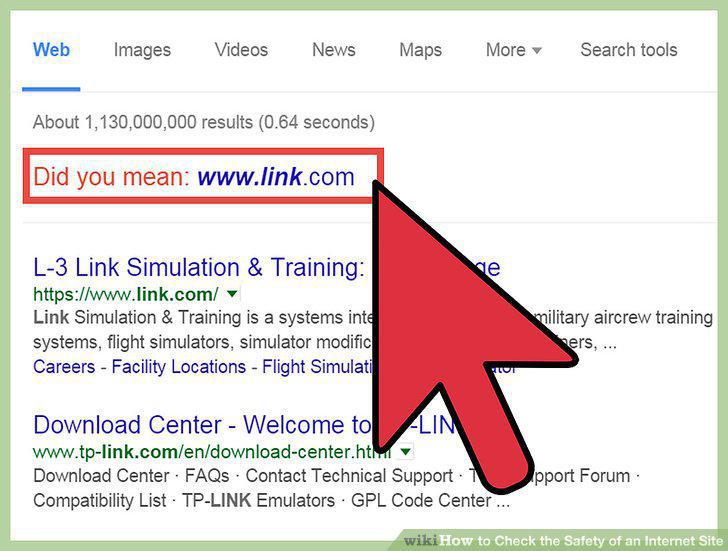
Hover over the link to display the full URL.
4
Trust your gut feeling.

Trust your gut feeling.
5
Check for the author's/creator's information.
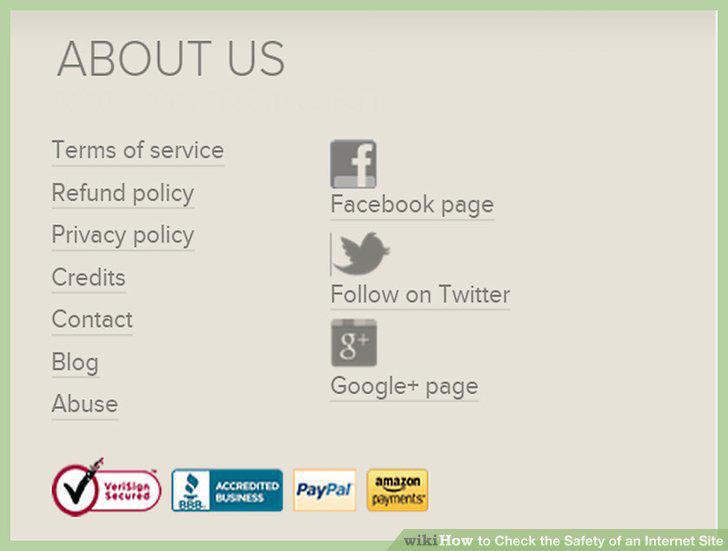
Check for the author's/creator's information.
6
Do a quick scan of the website.
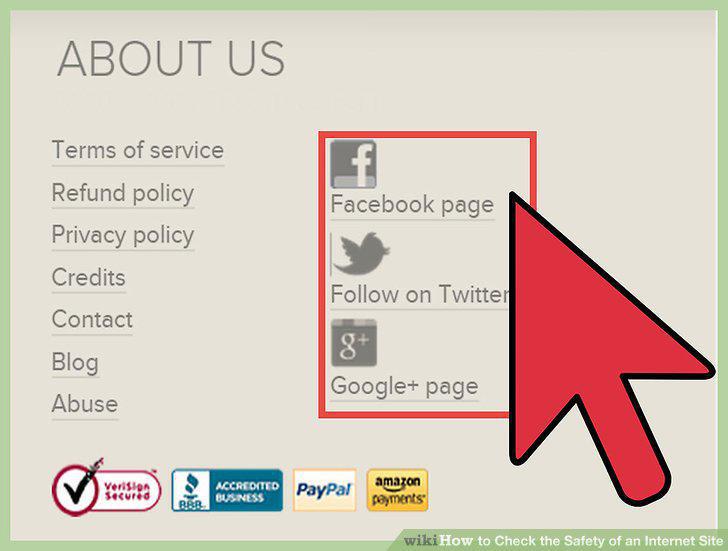
Do a quick scan of the website.
7
If you are still unsure, do a more thorough check.
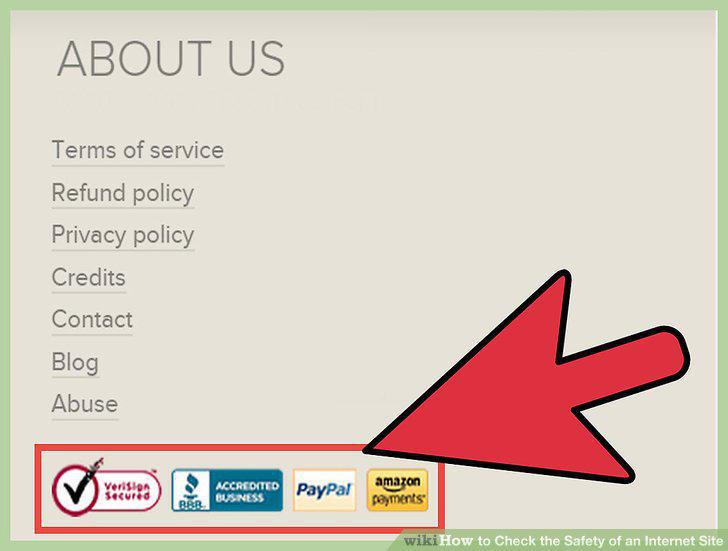
If you are still unsure, do a more thorough check.
Comments (0)
No comments yet. Be the first to share your thoughts!