How to Make a Movie Projector
Cut off the handle of a magnifying glass with a handsaw.. Reinforce any loose sides on a shoebox with glue.. Trace the magnifying glass on the small end of the shoebox.
Steps
Cut off the handle of a magnifying glass with a handsaw.
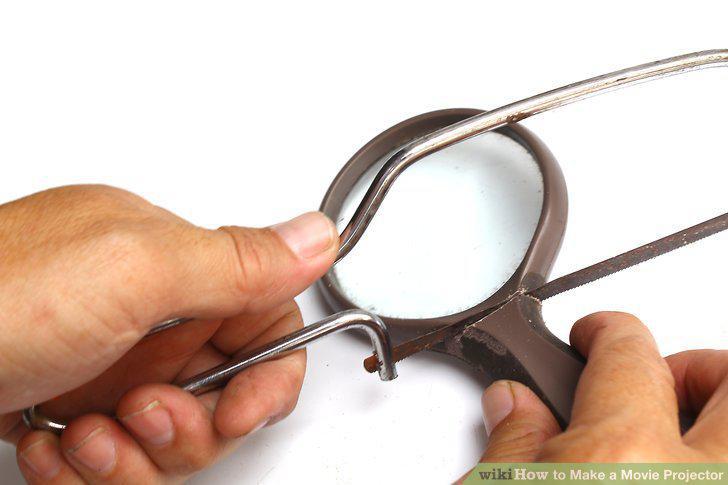
Cut off the handle of a magnifying glass with a handsaw.
Reinforce any loose sides on a shoebox with glue.
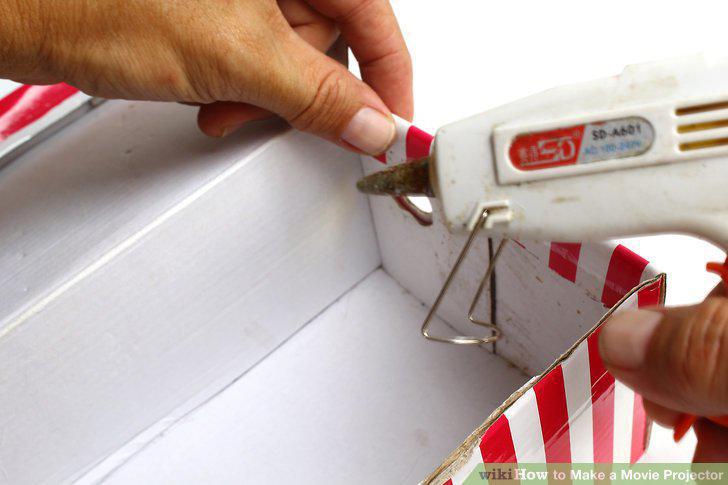
Reinforce any loose sides on a shoebox with glue.
Trace the magnifying glass on the small end of the shoebox.

Trace the magnifying glass on the small end of the shoebox.
Cut out the hole for the magnifying glass using a utility knife.
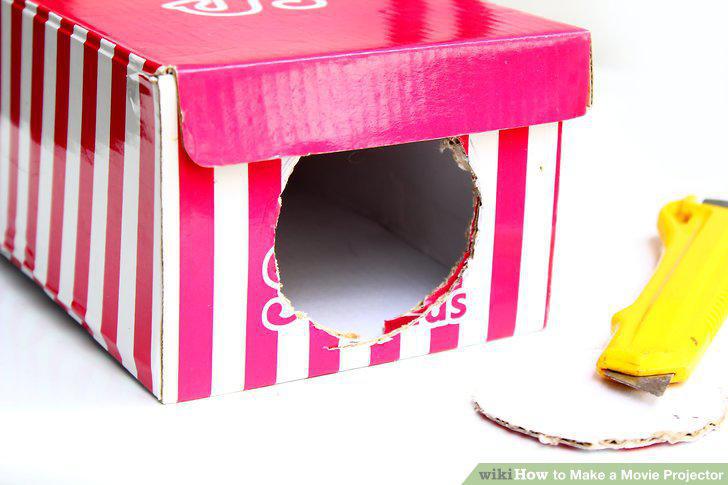
Cut out the hole for the magnifying glass using a utility knife.
Place the lens into the hole and reinforce it with duct tape or hot glue.
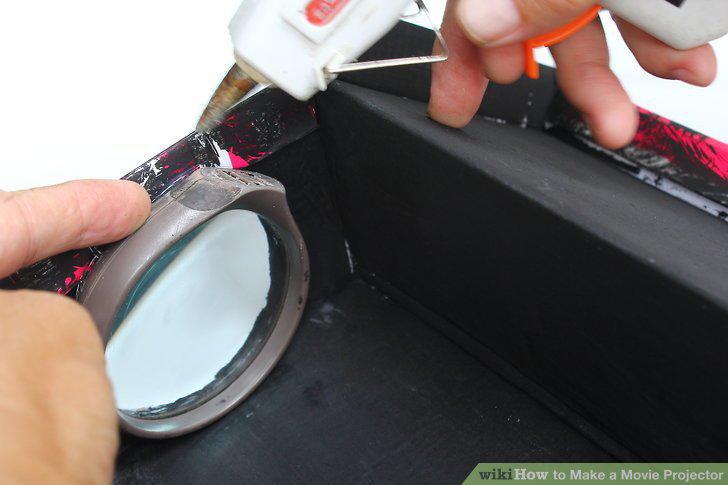
Place the lens into the hole and reinforce it with duct tape or hot glue.
Line the inside of the shoebox with black construction paper.
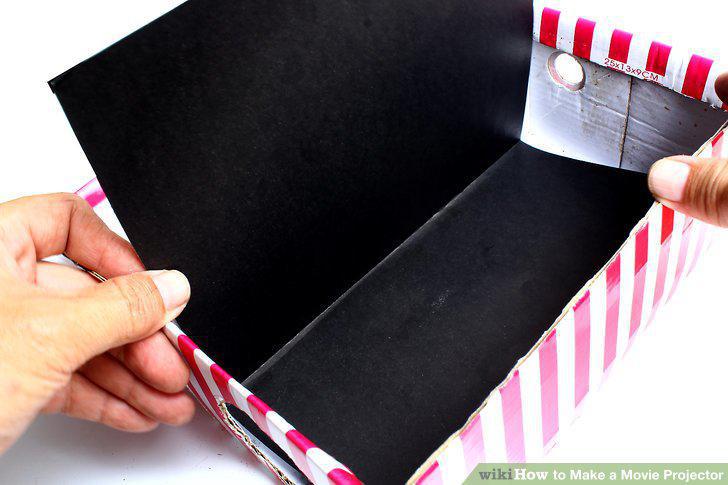
Line the inside of the shoebox with black construction paper.
Cut some sturdy foam board into 2 6.5 in × 4 in (17 cm × 10 cm) pieces.
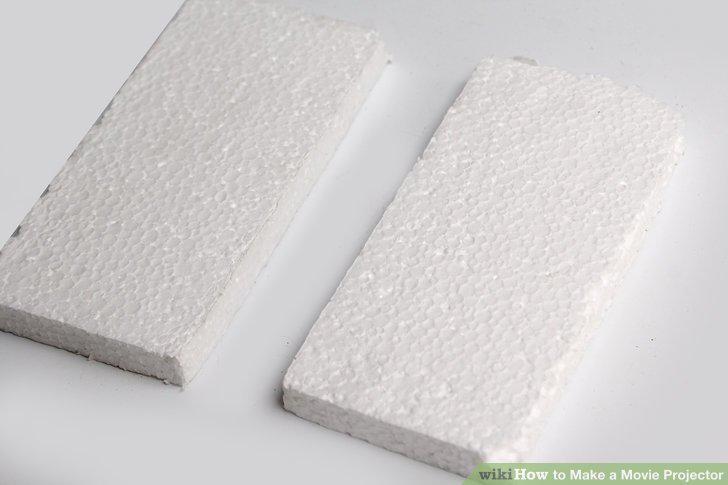
Cut some sturdy foam board into 2 6.5 in × 4 in (17 cm × 10 cm) pieces.
Glue the foam boards together perpendicularly to create a stand for your device.
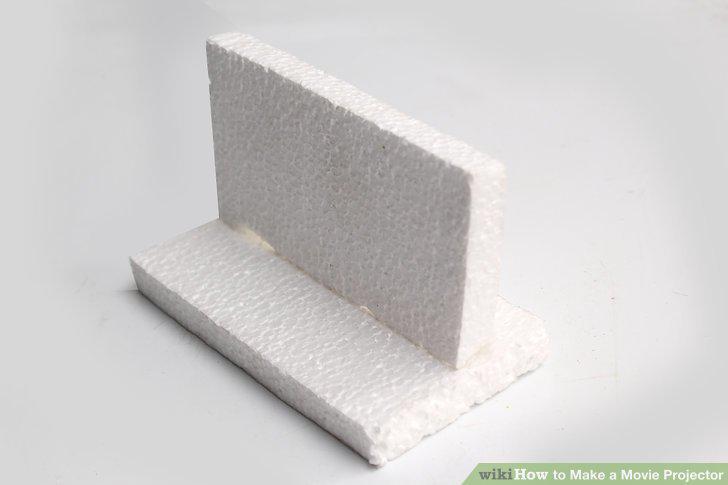
Glue the foam boards together perpendicularly to create a stand for your device.
Place 2 strips of double-sided tape onto a side of the standing part of your foa
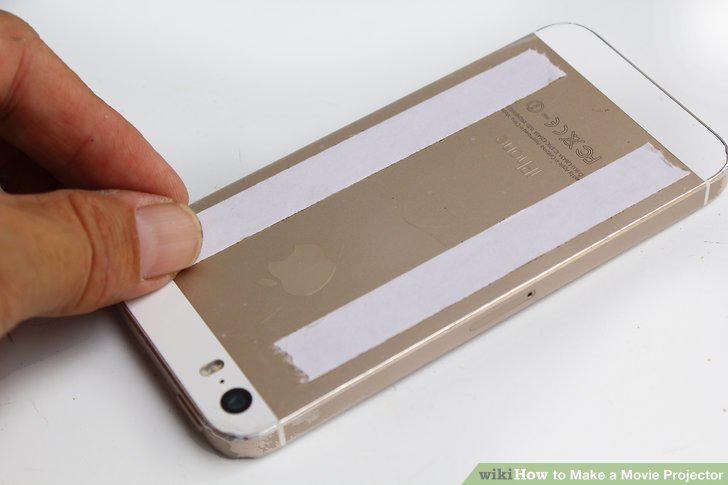
Place 2 strips of double-sided tape onto a side of the standing part of your foam.
Download a movie-playing app onto your device.
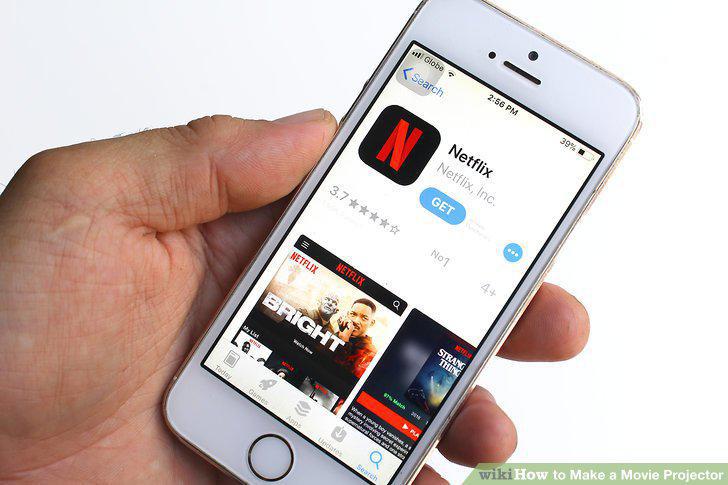
Download a movie-playing app onto your device.
Turn up the brightness of your device to the highest level.
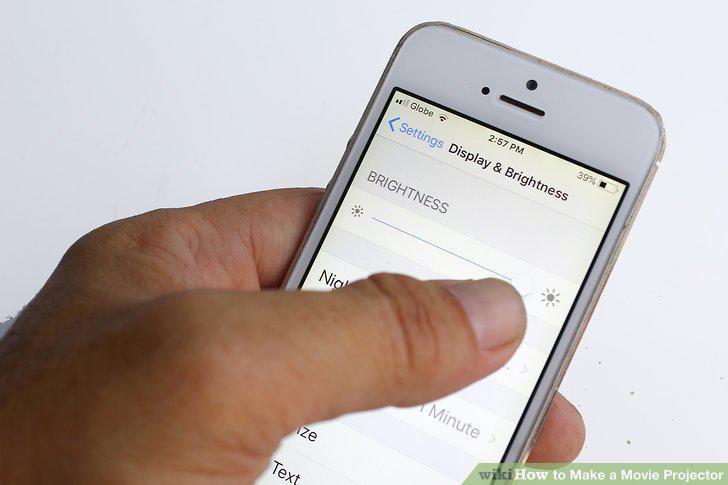
Turn up the brightness of your device to the highest level.
Set your device up to play through a Bluetooth speaker.
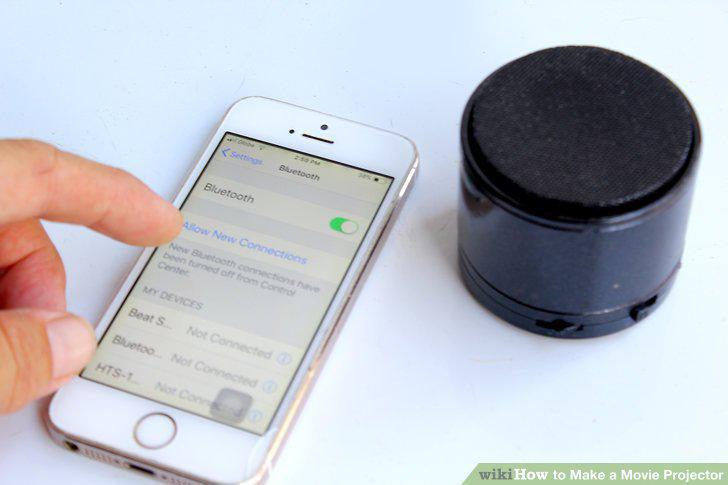
Set your device up to play through a Bluetooth speaker.
Place the device and stand inside the shoebox at the end opposite the lens.
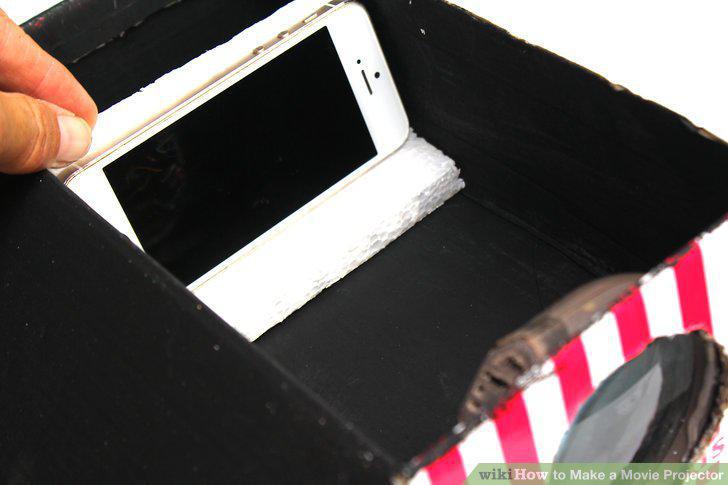
Place the device and stand inside the shoebox at the end opposite the lens.
Position the shoebox so the lens is facing a white, blank wall.
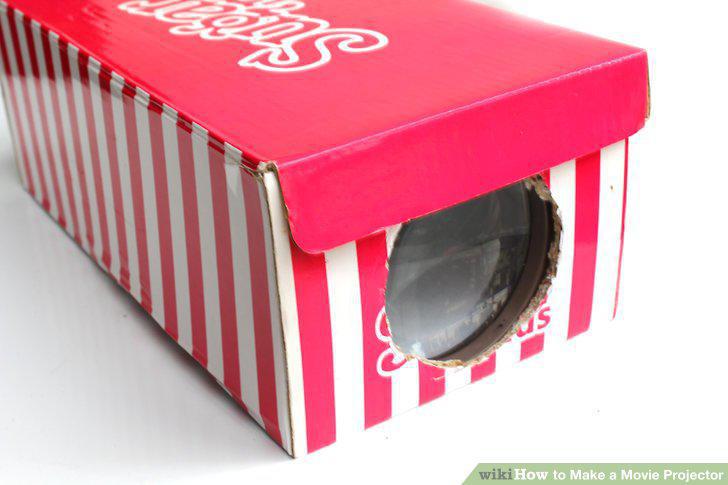
Position the shoebox so the lens is facing a white, blank wall.
Begin playing a video from your movie-playing app.
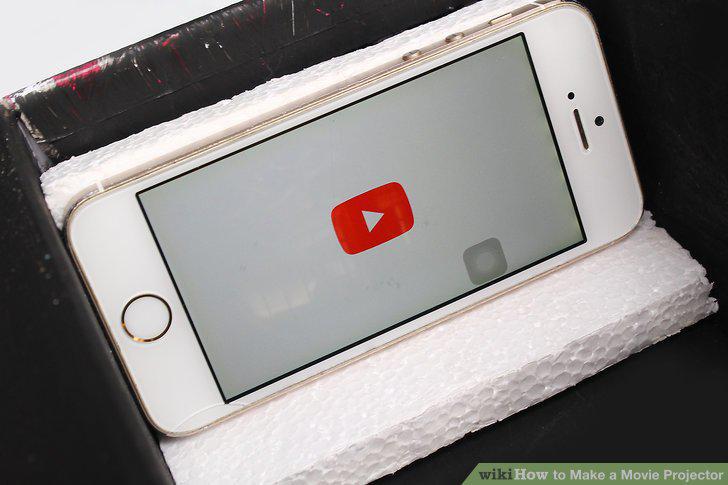
Begin playing a video from your movie-playing app.
Move the stand closer to the lens inside the box as needed.
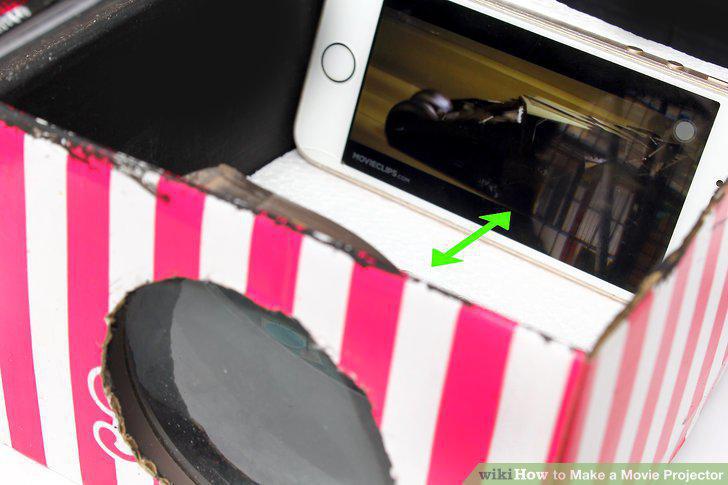
Move the stand closer to the lens inside the box as needed.
Move the box closer to or farther from your screen to adjust the image size.
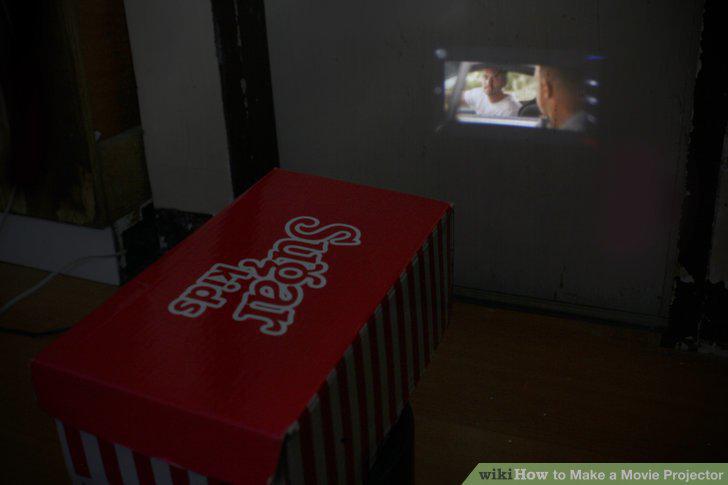
Move the box closer to or farther from your screen to adjust the image size.
Comments (0)
No comments yet. Be the first to share your thoughts!