How to Hide Your Number of Friends on Facebook on Android
Open the Facebook app on your device.. Tap on the three horizontal lines icon.. Scroll down and tap Account Settings.
Steps
1
Open the Facebook app on your device.
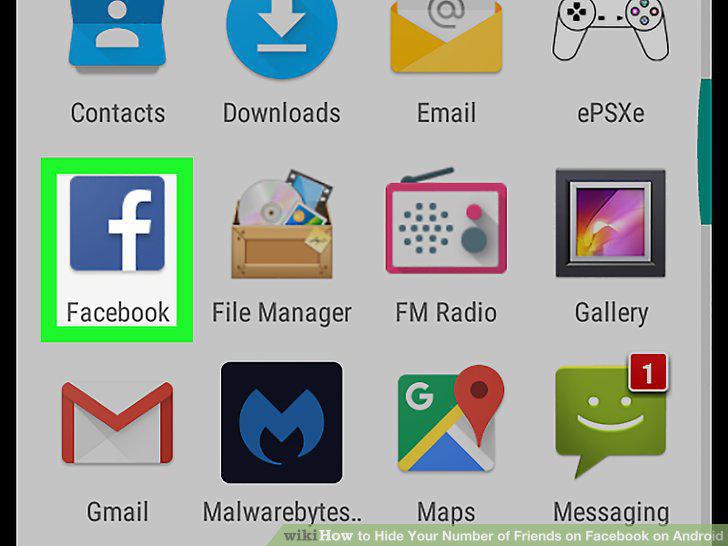
Open the Facebook app on your device.
2
Tap on the three horizontal lines icon.
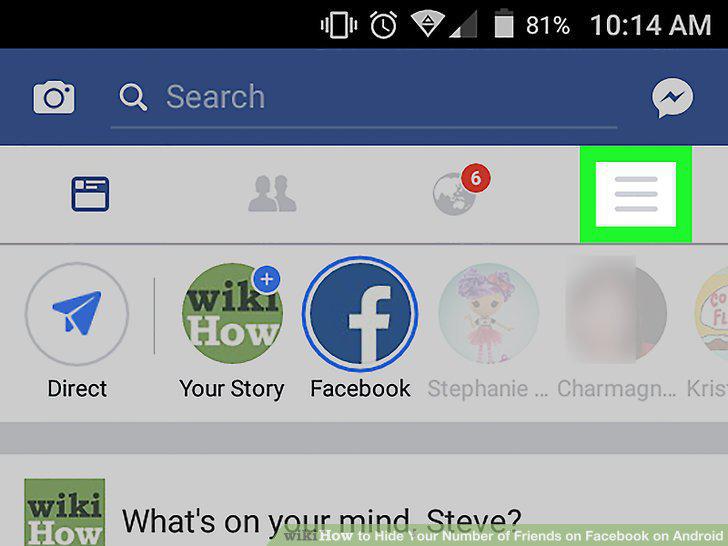
Tap on the three horizontal lines icon.
3
Scroll down and tap Account Settings.
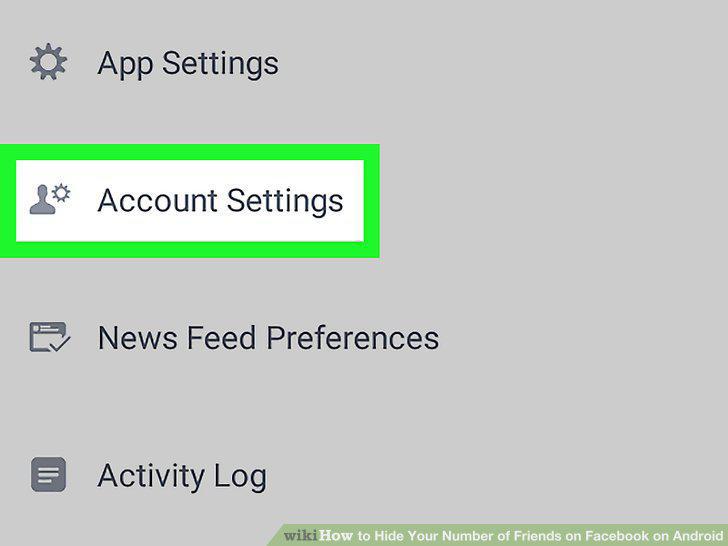
Scroll down and tap Account Settings.
4
Tap the Privacy button.
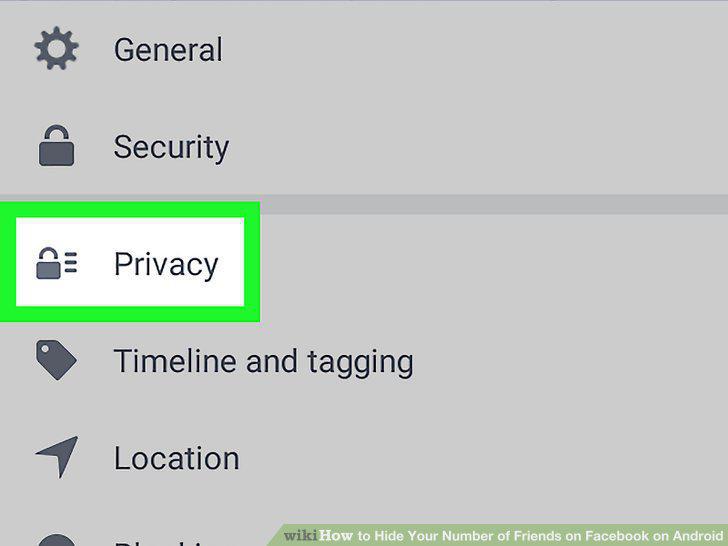
Tap the Privacy button.
5
Tap Who can see your friends list?.
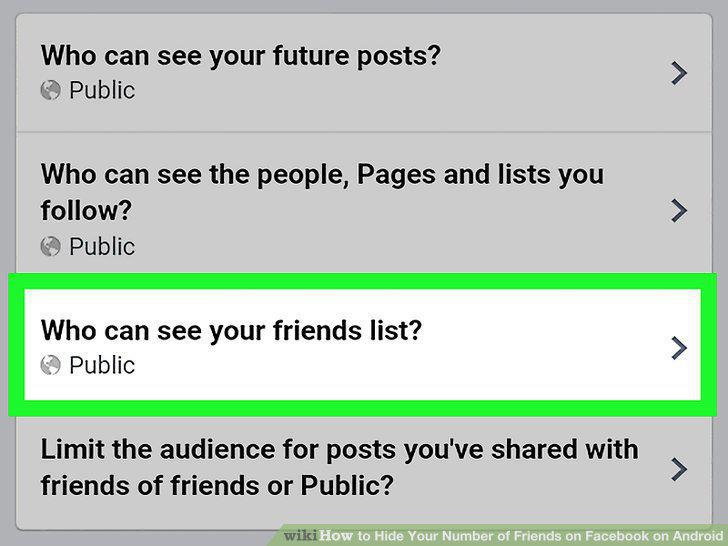
Tap Who can see your friends list?.
6
Select Only me from the menu.
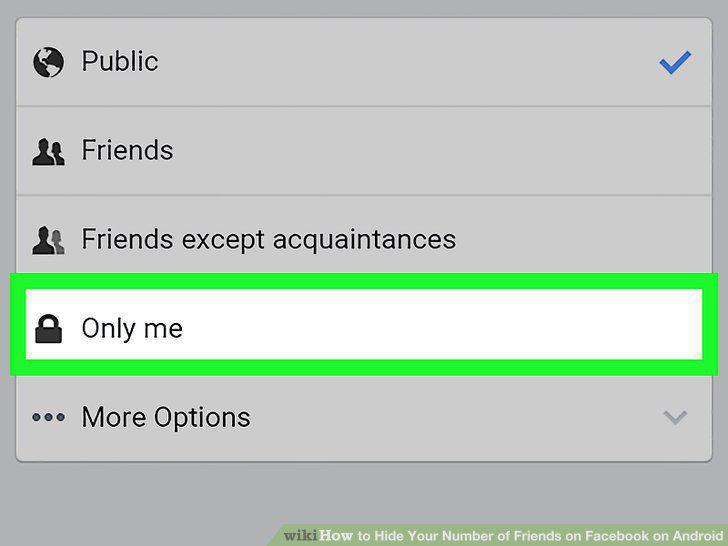
Select Only me from the menu.
Comments (0)
No comments yet. Be the first to share your thoughts!