How to Make ID Cards Online
Plan your card.. Visit an ID creator website.. Decide if you want to use a template.
Steps
1
Plan your card.
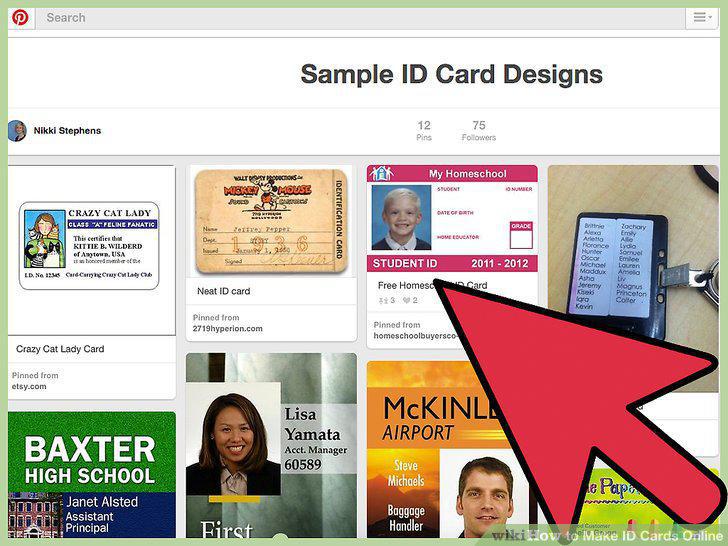
Plan your card.
2
Visit an ID creator website.
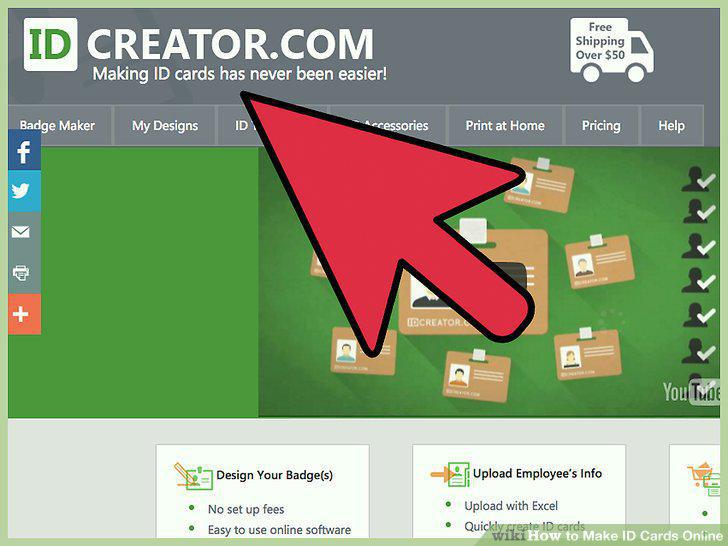
Visit an ID creator website.
3
Decide if you want to use a template.
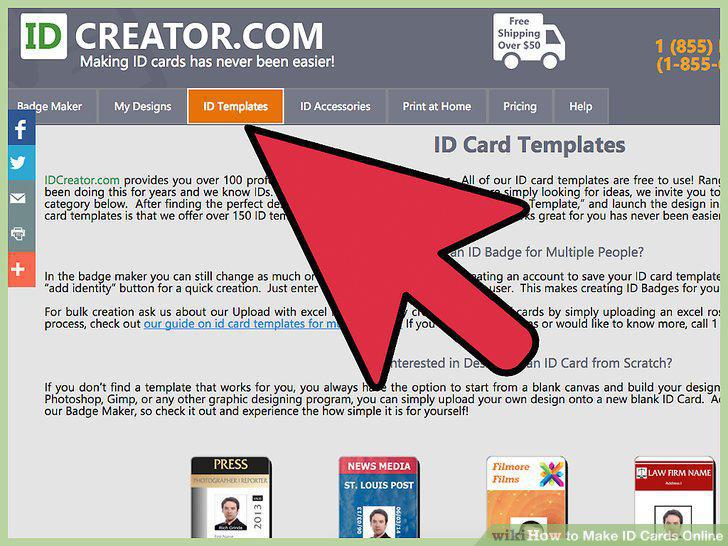
Decide if you want to use a template.
4
Contact the ID printing service about creating a custom design.
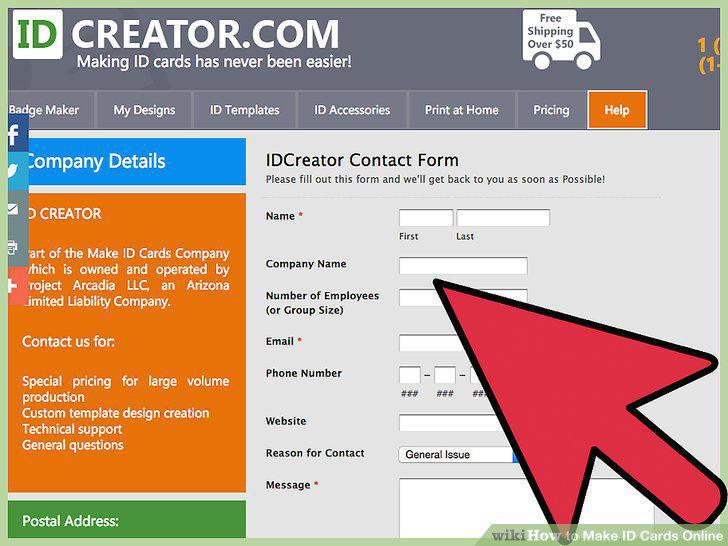
Contact the ID printing service about creating a custom design.
5
Choose options.
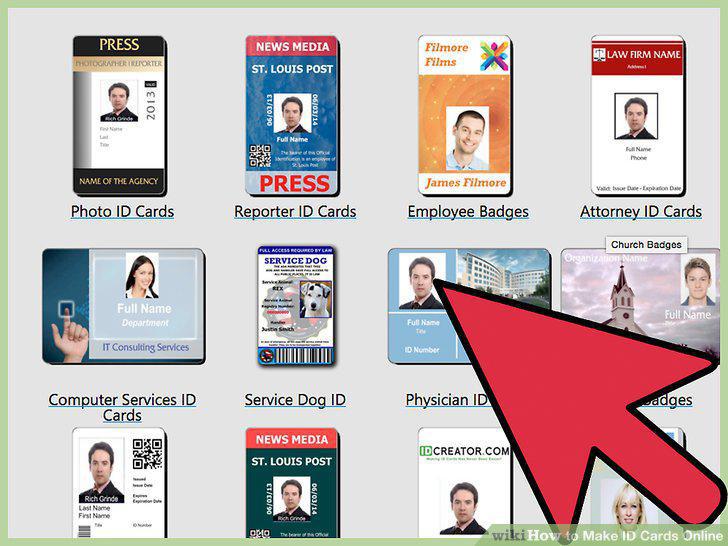
Choose options.
6
Decide what picture you want to include on the ID card, if any.
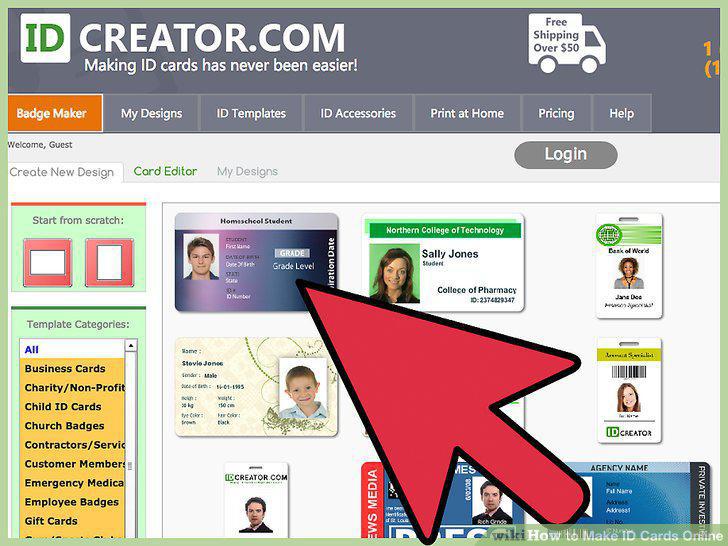
Decide what picture you want to include on the ID card, if any.
7
Determine if you want to use a magnetic stripe or bar code.
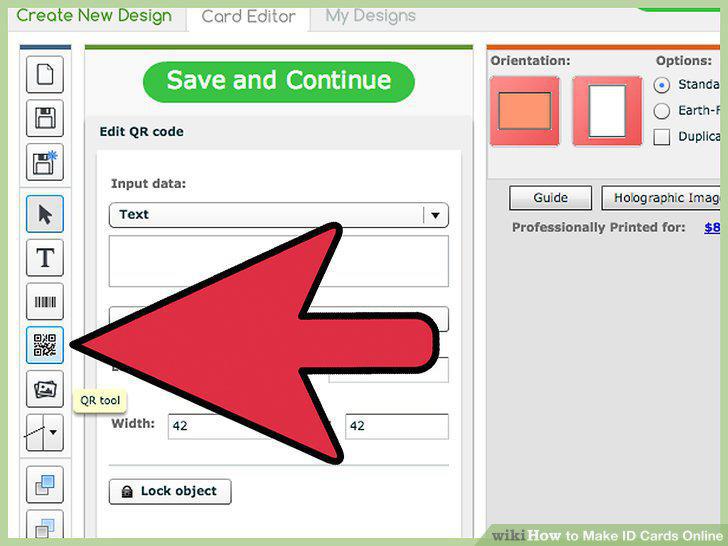
Determine if you want to use a magnetic stripe or bar code.
8
Choose any accessories.
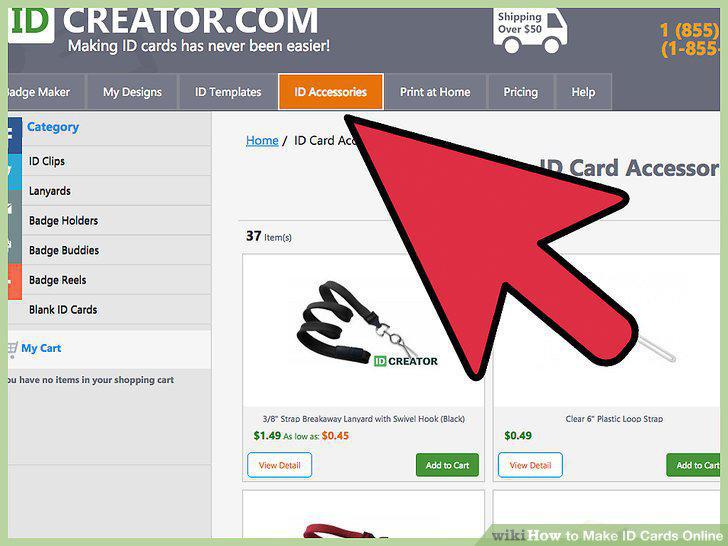
Choose any accessories.
9
Decide how many copies you want.
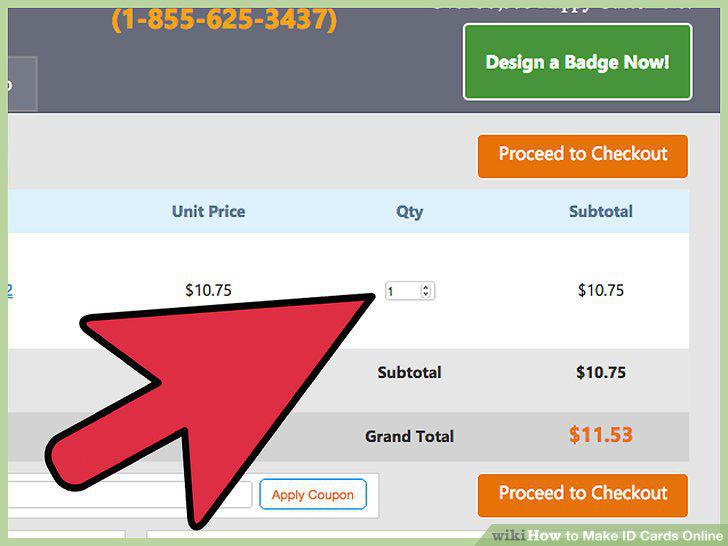
Decide how many copies you want.
10
Select shipping options.
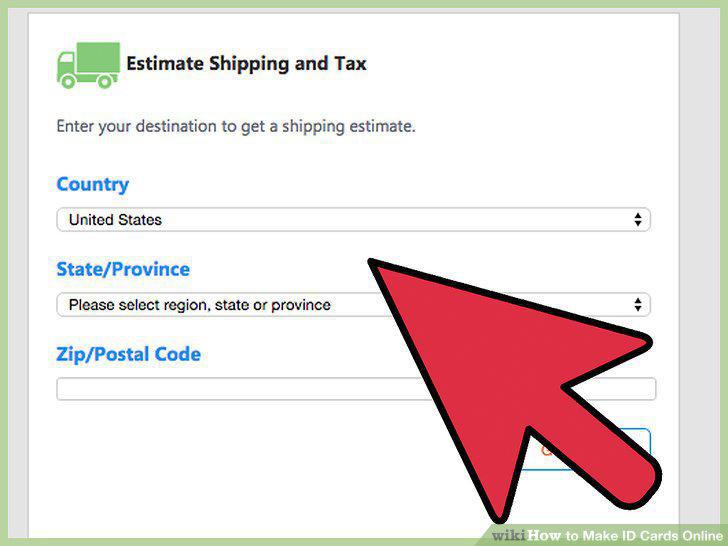
Select shipping options.
11
Enter your payment information.
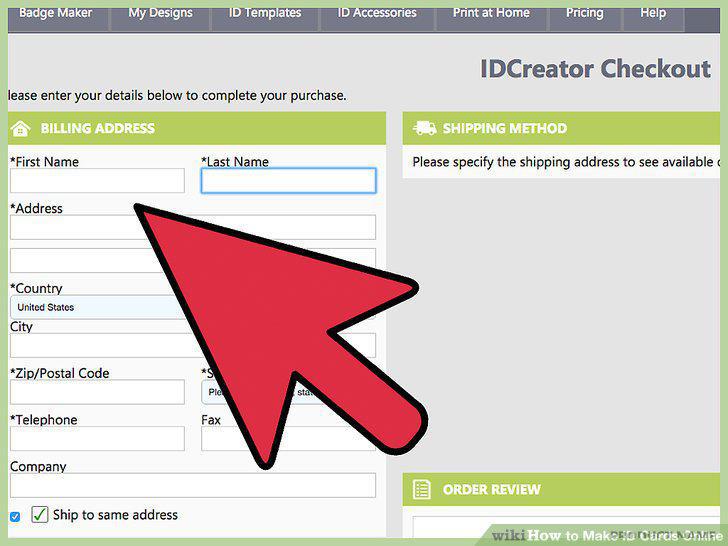
Enter your payment information.
12
Review your card and order.
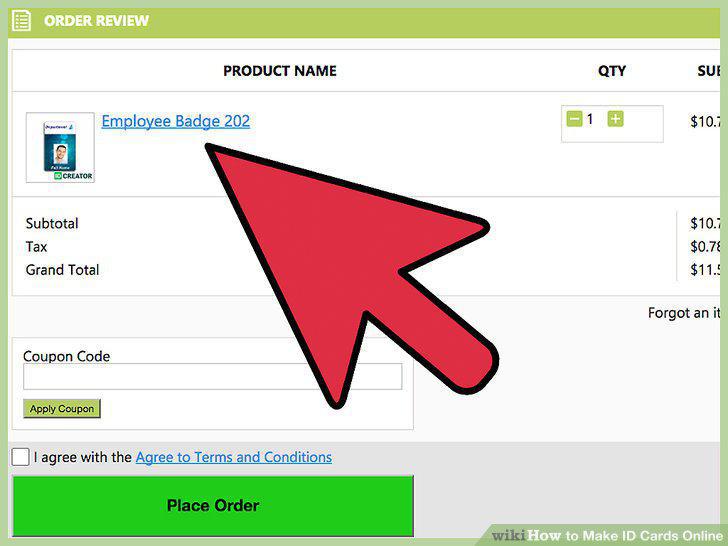
Review your card and order.
Comments (0)
No comments yet. Be the first to share your thoughts!