How to Organize Your Digital Life
Create a folder system for your files and photos.. Delete any digital files you don't need.. Remove duplicate photos and documents.
Steps
Create a folder system for your files and photos.
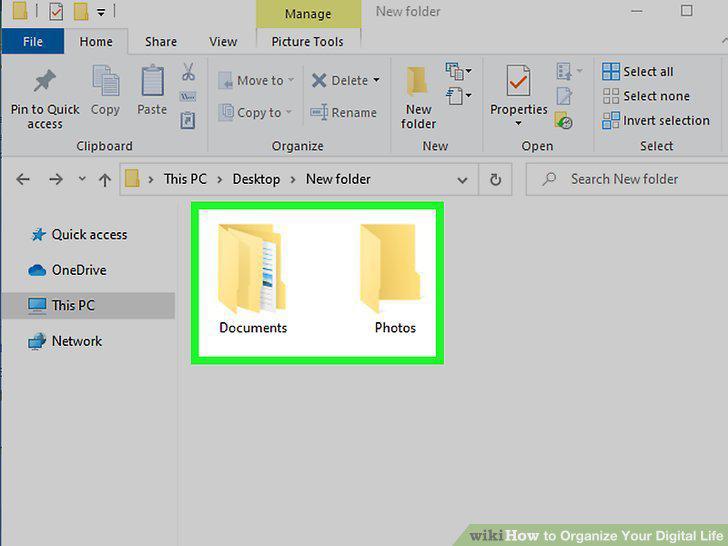
Create a folder system for your files and photos.
Delete any digital files you don't need.
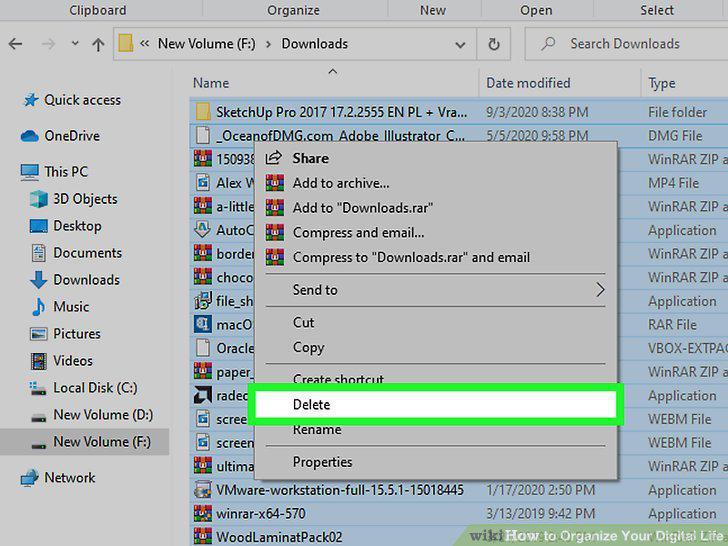
Delete any digital files you don't need.
Remove duplicate photos and documents.
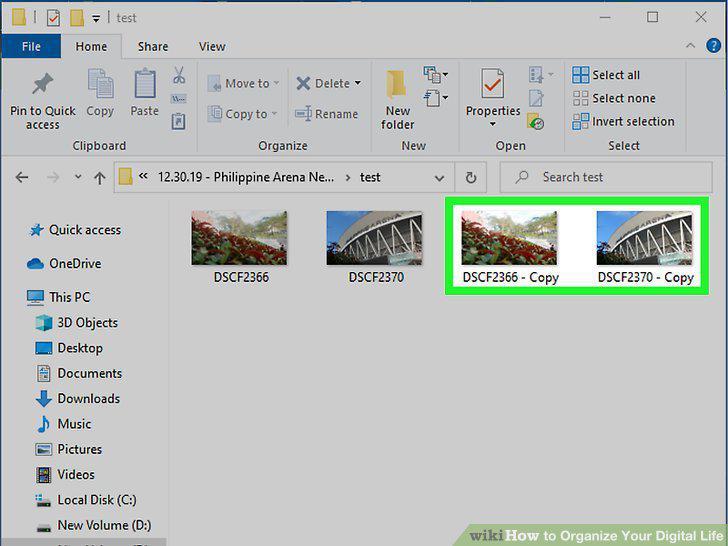
Remove duplicate photos and documents.
Uninstall any software you don't use.
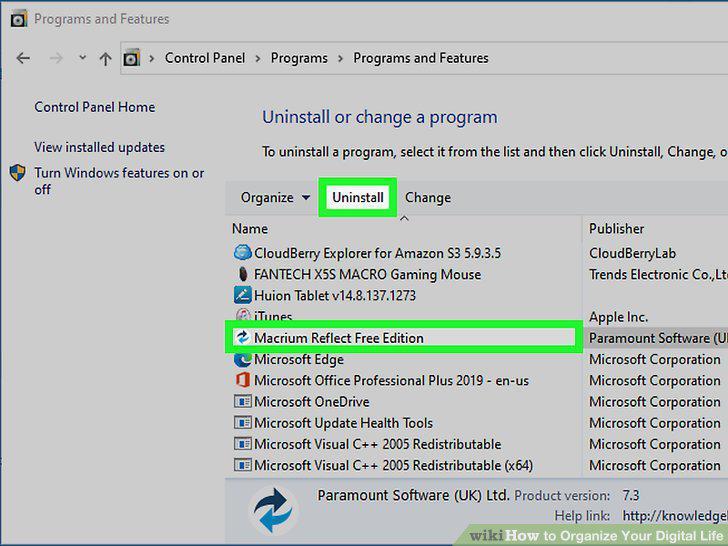
Uninstall any software you don't use.
Clear your desktop's recycle bin.
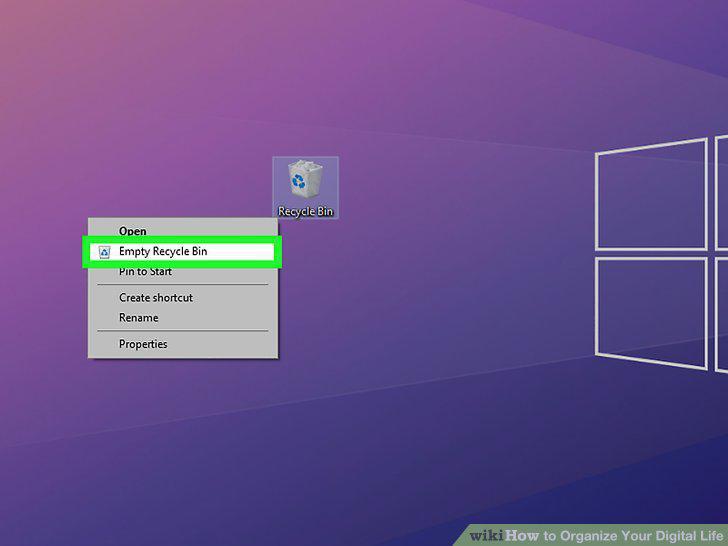
Clear your desktop's recycle bin.
Name your files and photos consistently.
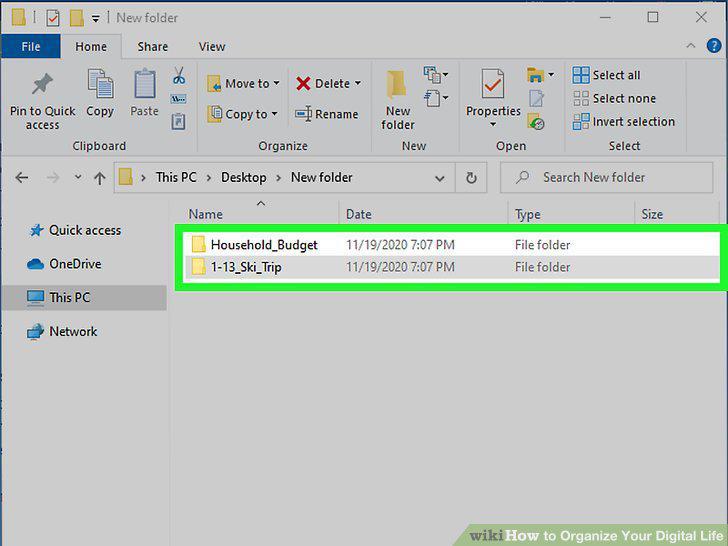
Name your files and photos consistently.
Back up your computer files and digital photos.
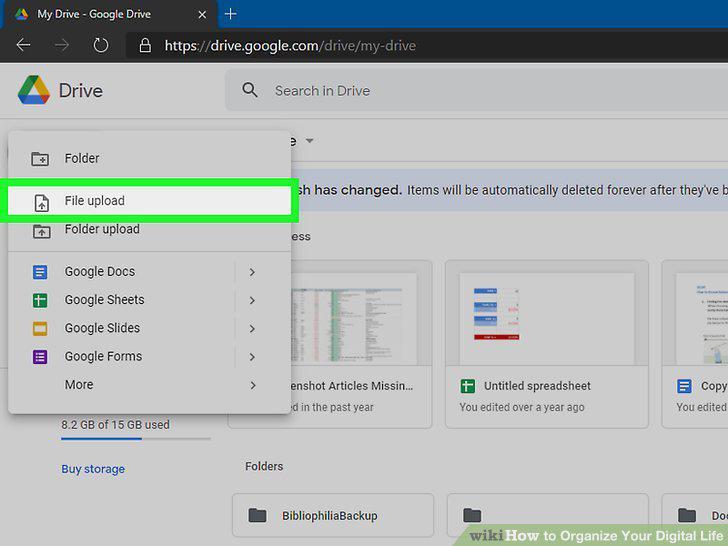
Back up your computer files and digital photos.
Consolidate your passwords with a password management tool.
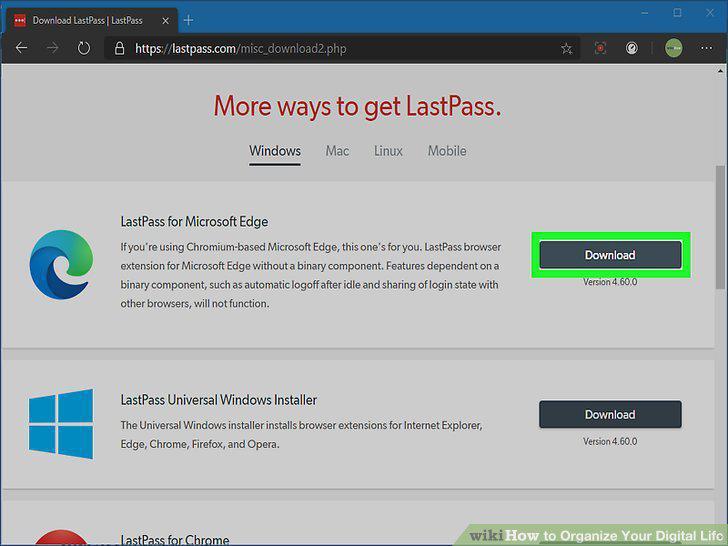
Consolidate your passwords with a password management tool.
Set up extra authentication for your personal accounts.
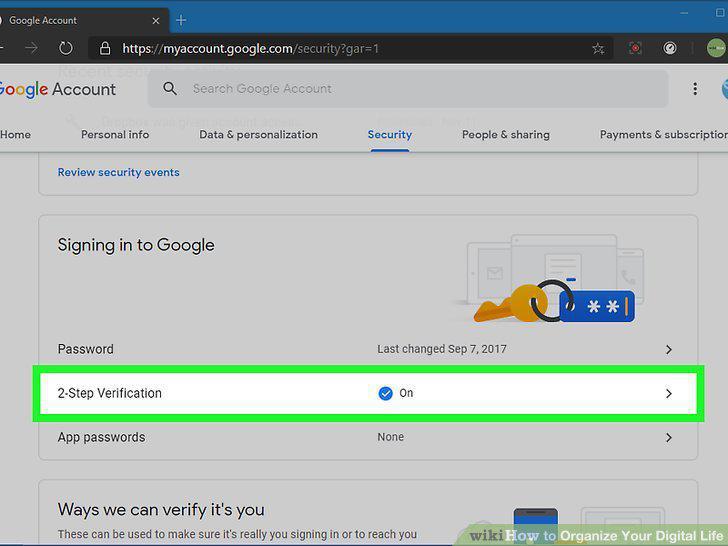
Set up extra authentication for your personal accounts.
Unfollow pages or people you aren't invested in.
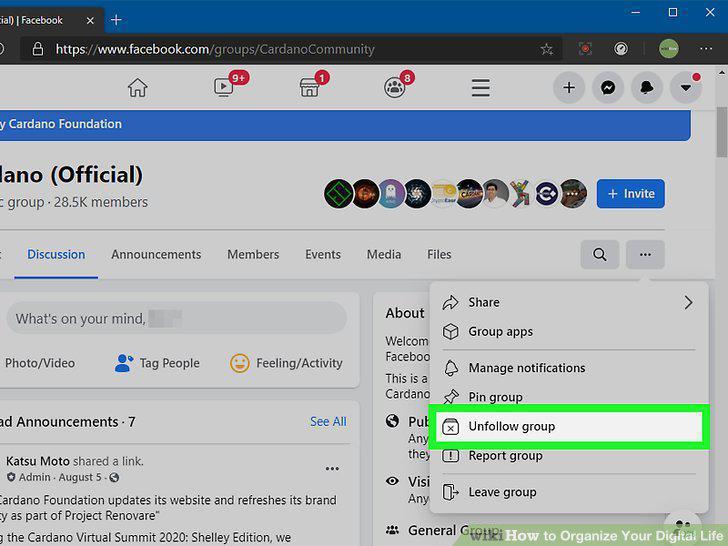
Unfollow pages or people you aren't invested in.
Prioritize your favorite accounts and pages so you can see them more often.
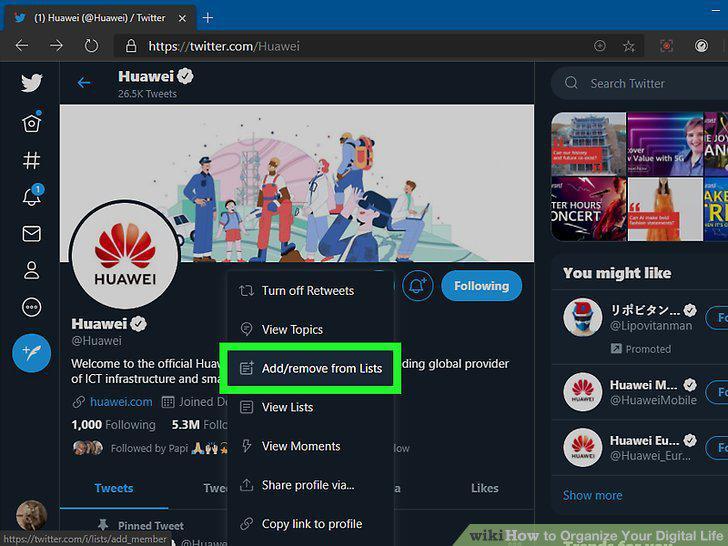
Prioritize your favorite accounts and pages so you can see them more often.
Delete and deactivate your old accounts.
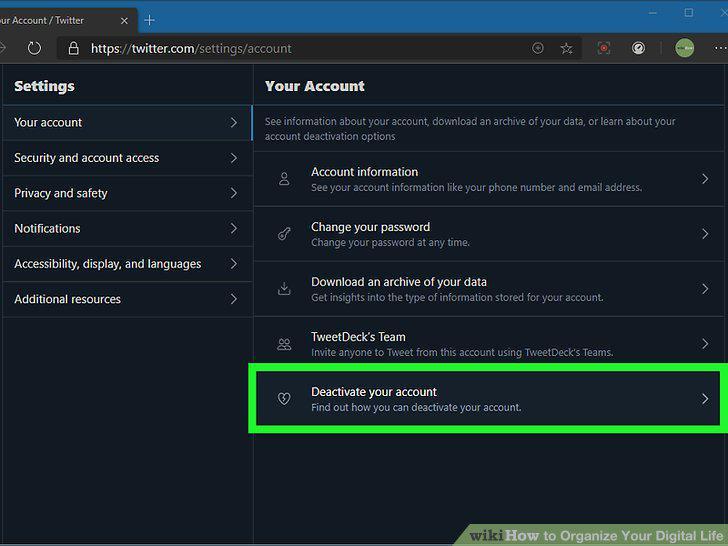
Delete and deactivate your old accounts.
Delete any apps you don't use anymore.
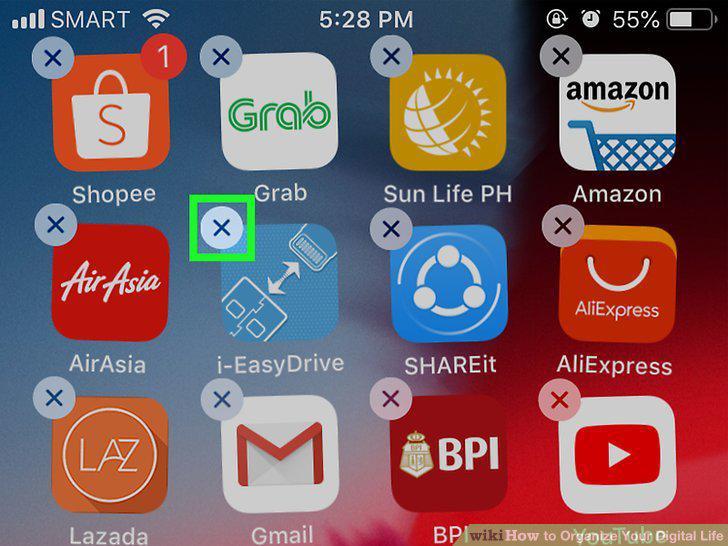
Delete any apps you don't use anymore.
Group your apps on your phone.
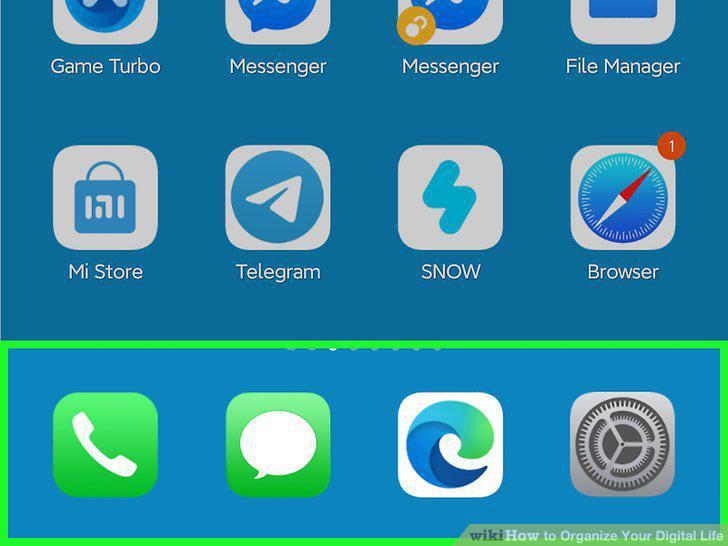
Group your apps on your phone.
Remove any phone contacts you don't need.
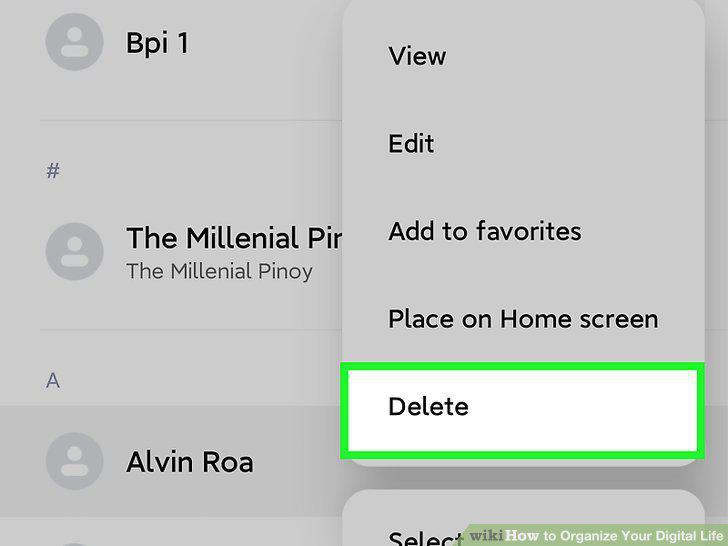
Remove any phone contacts you don't need.
Back up your phone to keep your data safe.
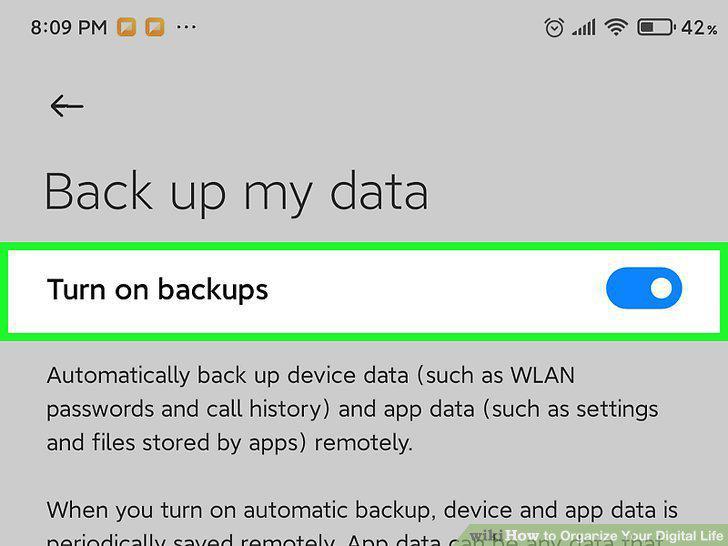
Back up your phone to keep your data safe.
Transfer your old photos and videos somewhere else.
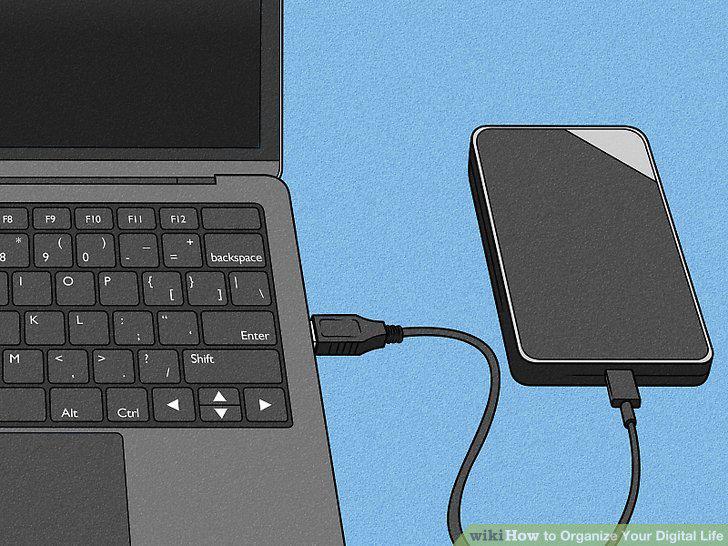
Transfer your old photos and videos somewhere else.
Archive or delete your emails if you have too many.
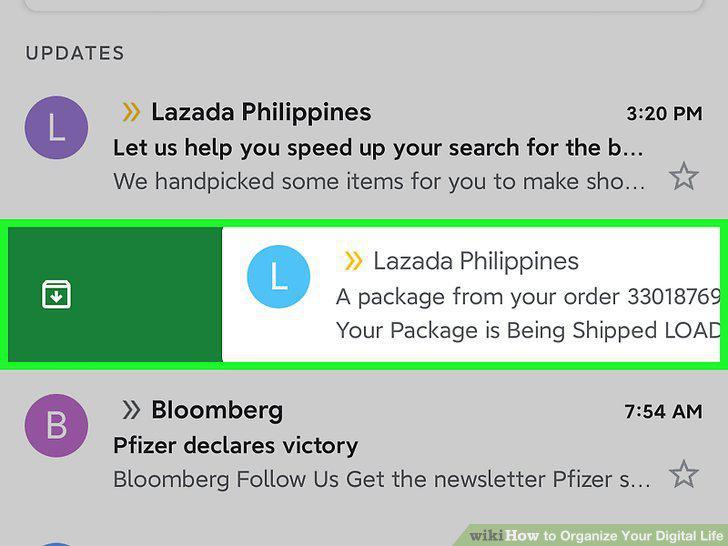
Archive or delete your emails if you have too many.
Create folders in your email inbox.
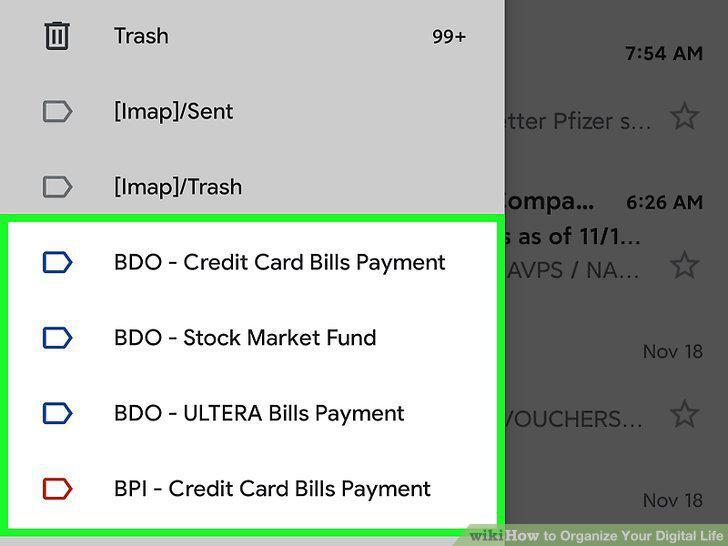
Create folders in your email inbox.
Add filters that organize your email automatically.
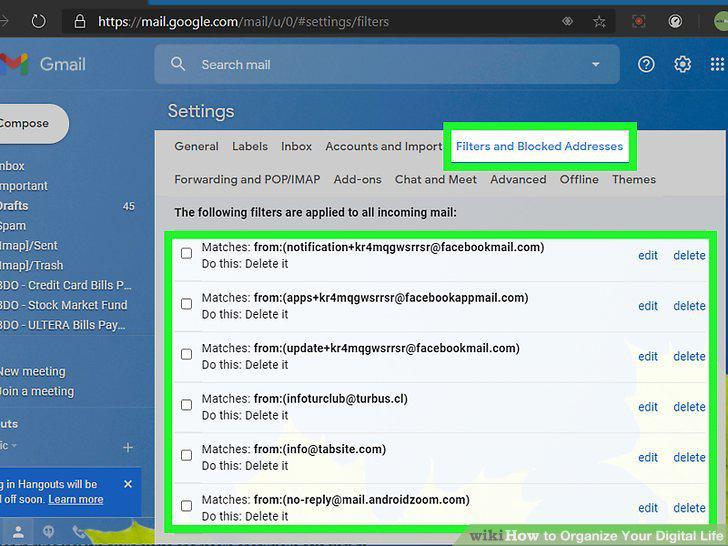
Add filters that organize your email automatically.
Unsubscribe from email subscriptions you don't want.
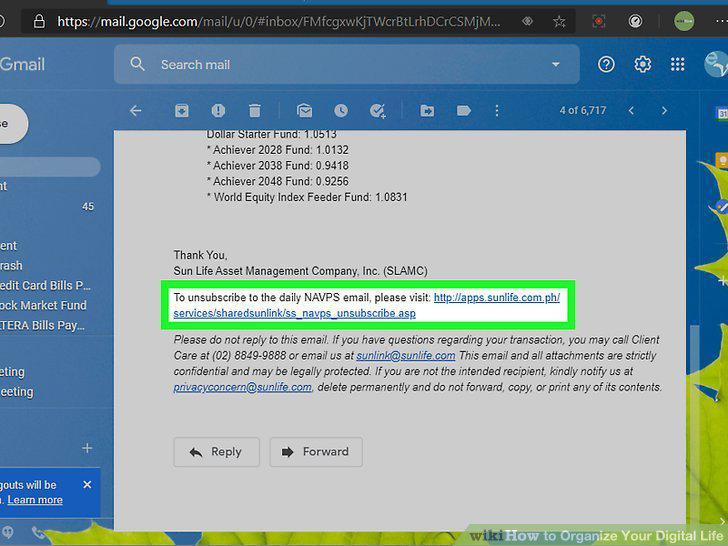
Unsubscribe from email subscriptions you don't want.
Consolidate your email accounts into 1 inbox.
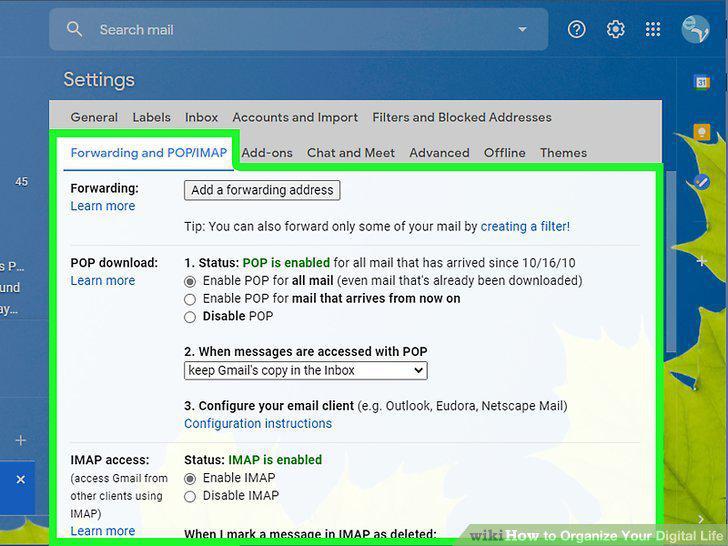
Consolidate your email accounts into 1 inbox.
Check your email only a few times a day.
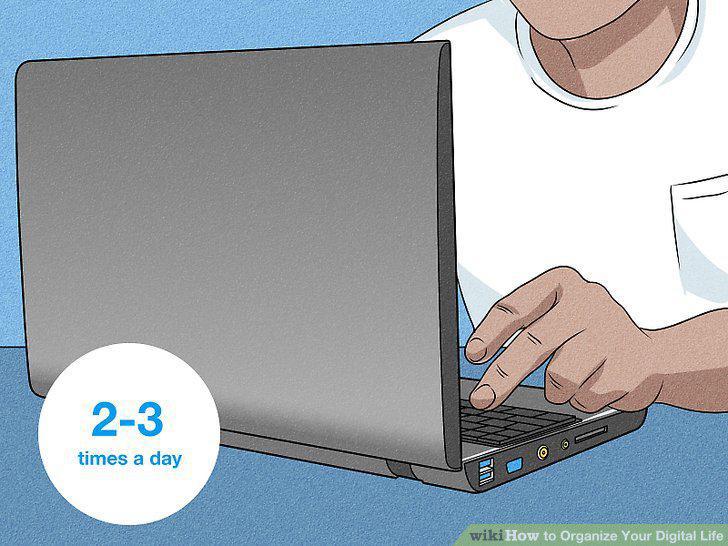
Check your email only a few times a day.
Comments (0)
No comments yet. Be the first to share your thoughts!