How to Sell Books on Amazon
Create an Amazon shopper account if you do not already have one.. Make a Professional Seller account if you represent a business.. Create an Individual Seller account if you're moving limited inventory.
Steps
Create an Amazon shopper account if you do not already have one.
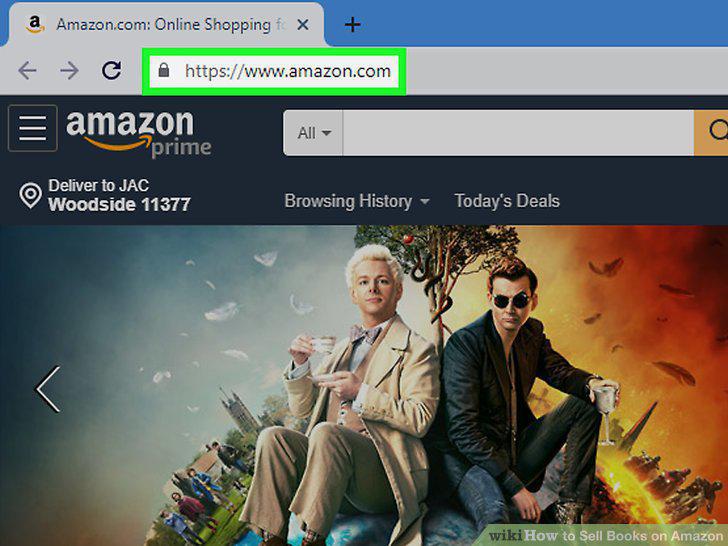
Create an Amazon shopper account if you do not already have one.
Make a Professional Seller account if you represent a business.
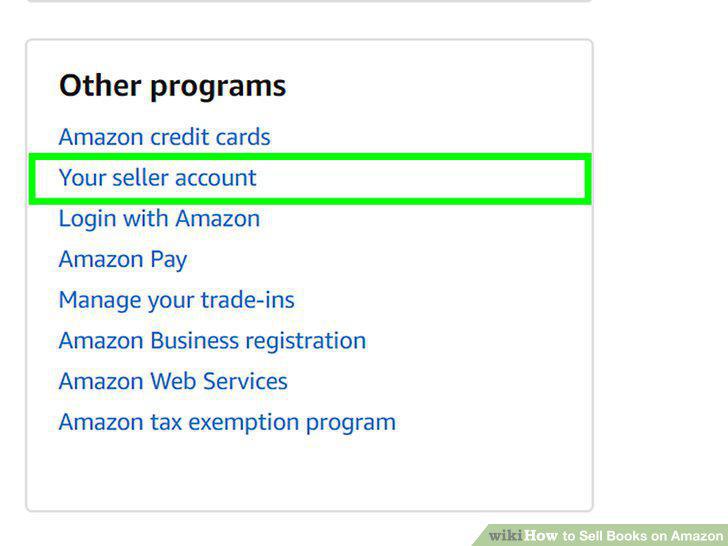
Make a Professional Seller account if you represent a business.
Create an Individual Seller account if you're moving limited inventory.
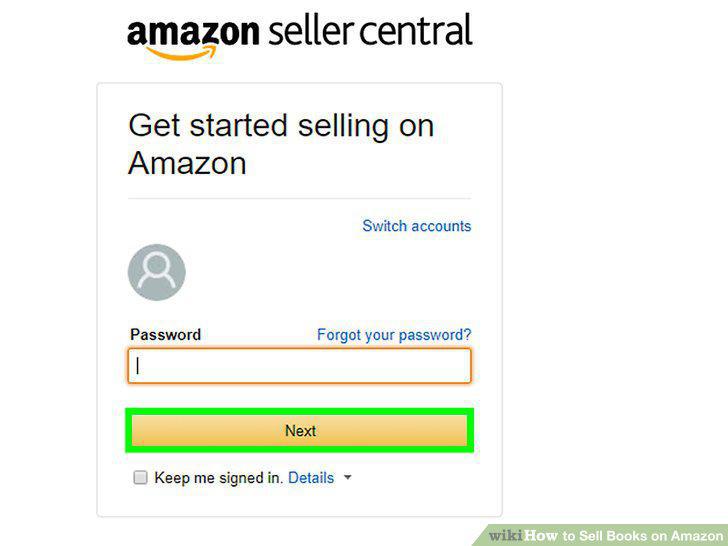
Create an Individual Seller account if you're moving limited inventory.
Enter your payment information to legitimize your seller page.
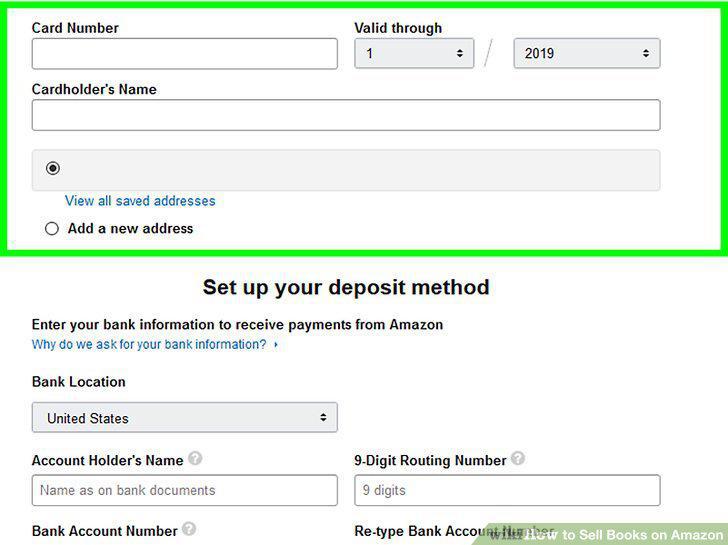
Enter your payment information to legitimize your seller page.
Search for the title of the book you wish to sell.
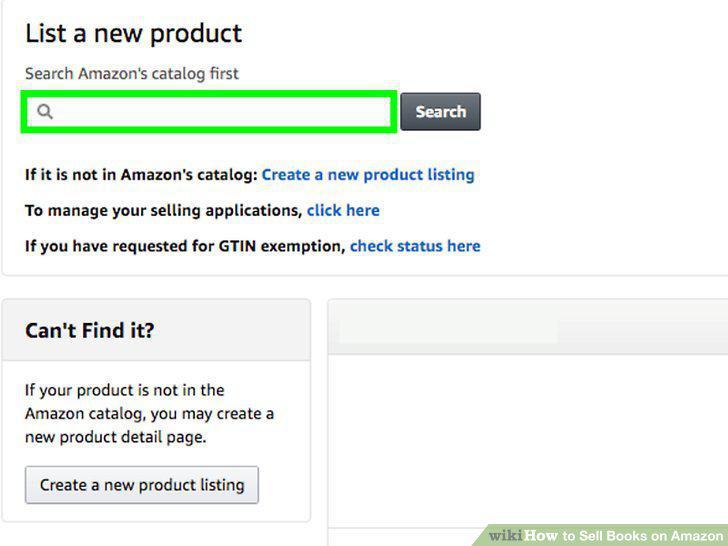
Search for the title of the book you wish to sell.
List a new book's title if you're selling a book that's new to Amazon.
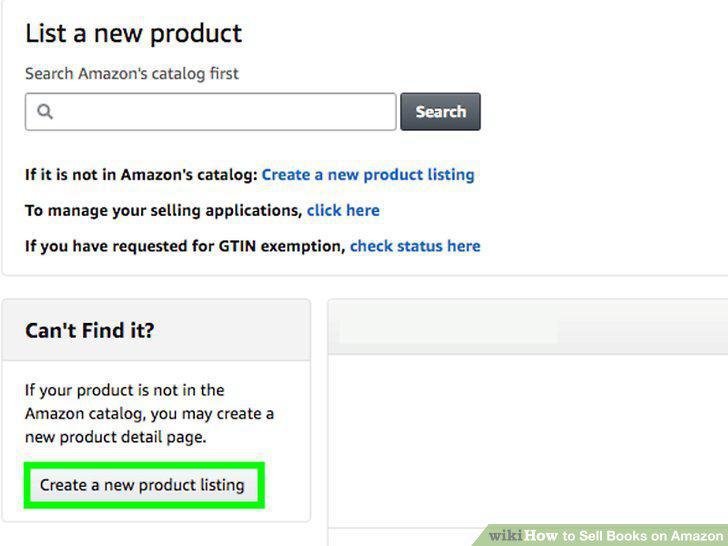
List a new book's title if you're selling a book that's new to Amazon.
Set the price of the book depending on its status.
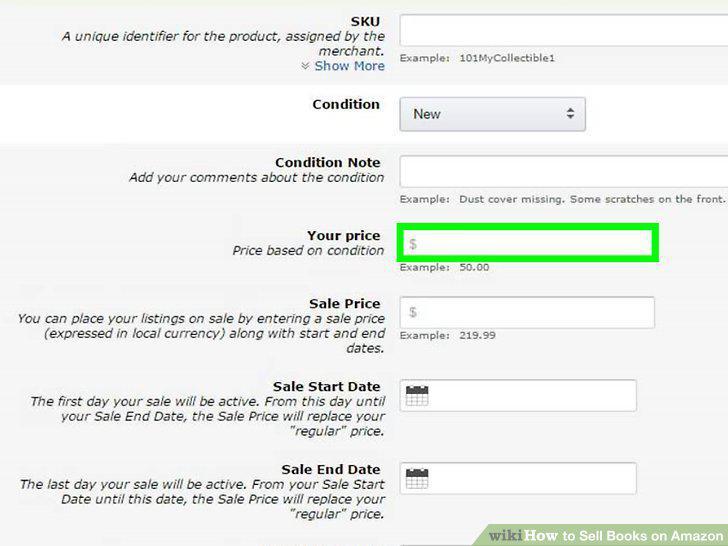
Set the price of the book depending on its status.
Describe the condition of the book you're selling.
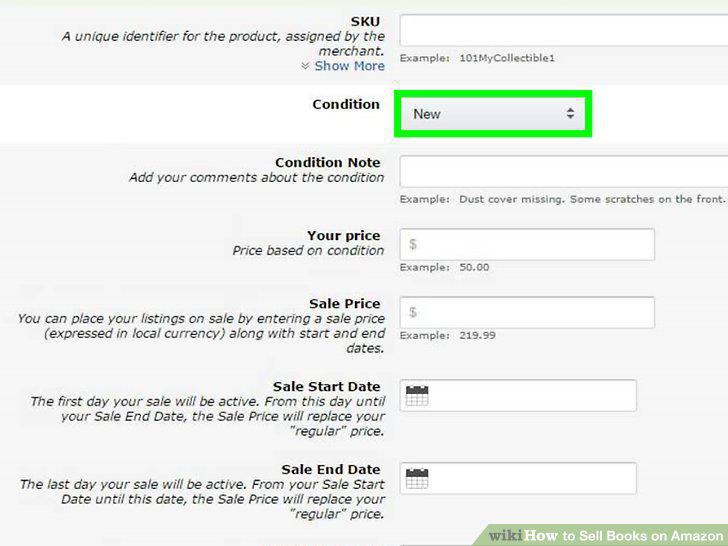
Describe the condition of the book you're selling.
Select the shipping method you plan on providing.
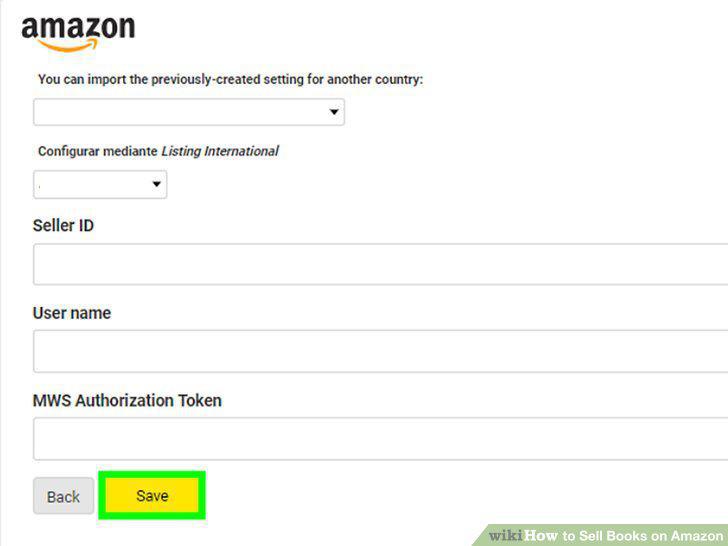
Select the shipping method you plan on providing.
Ship the book to the seller once they've purchased it.
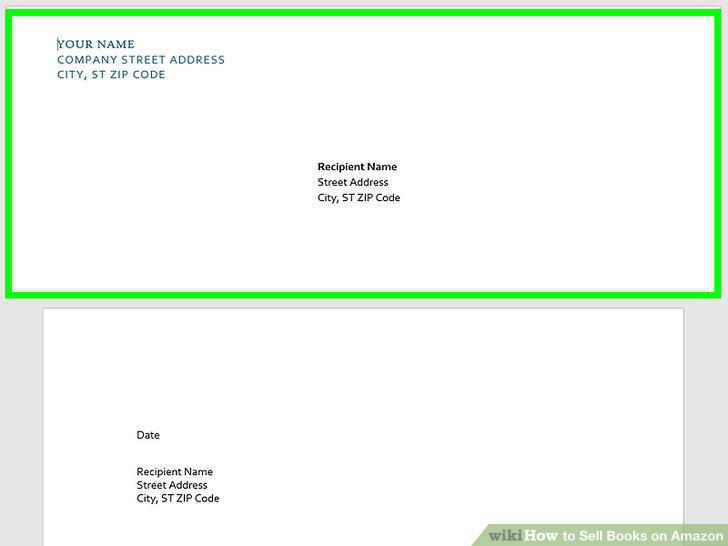
Ship the book to the seller once they've purchased it.
Change a previous book listing to "Fulfilled by Amazon.
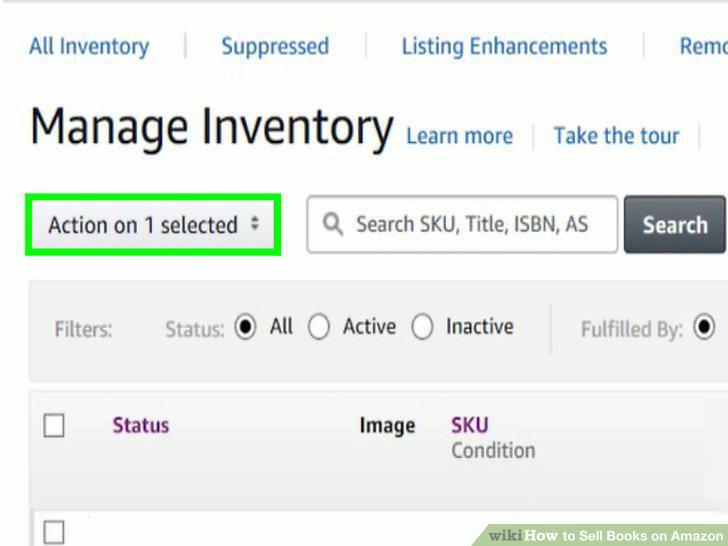
Change a previous book listing to "Fulfilled by Amazon.
Ship your book inventory to Amazon the nearest fulfillment center.
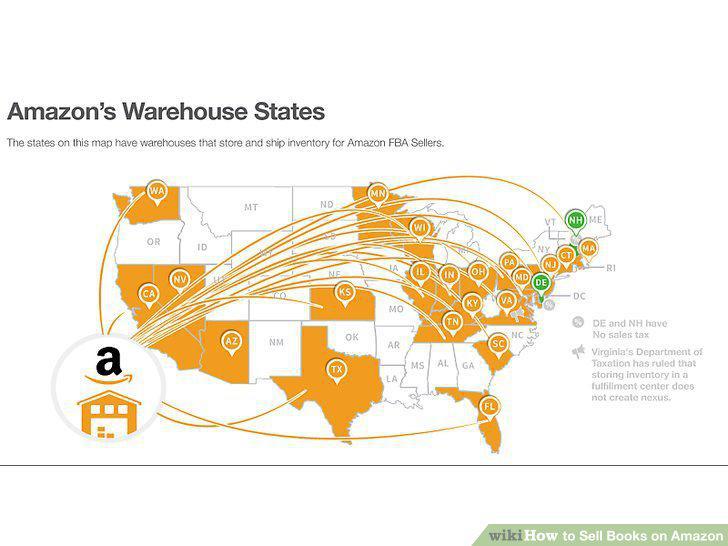
Ship your book inventory to Amazon the nearest fulfillment center.
Monitor the listing and let Amazon handle the rest.
Monitor the listing and let Amazon handle the rest.
Submit an Advantage application to join the program.
Submit an Advantage application to join the program.
Enroll at least 1 book title under your Advantage account.
Enroll at least 1 book title under your Advantage account.
Print your shipping label and packing slip for each order.
Print your shipping label and packing slip for each order.
Mail your products to an Amazon shipping center for distribution.
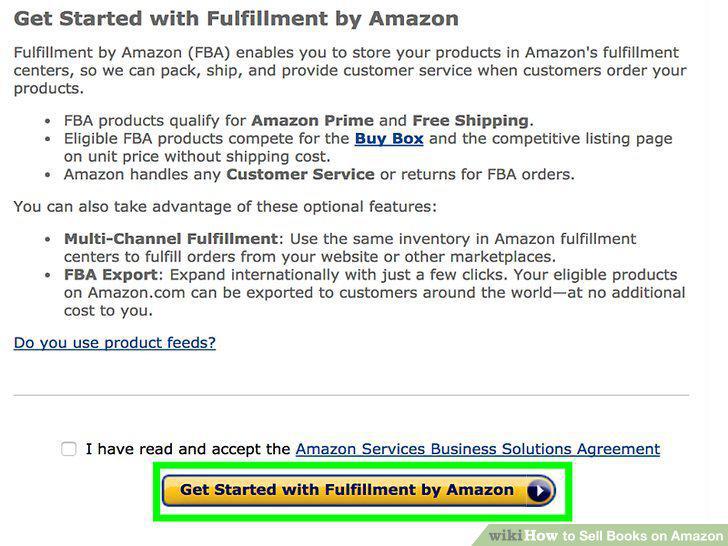
Mail your products to an Amazon shipping center for distribution.
Let Amazon sell the books and ship them out to customers.
Let Amazon sell the books and ship them out to customers.
Comments (0)
No comments yet. Be the first to share your thoughts!