How to Contact Klook
Open up the Klook app on your smartphone or tablet.. Select the "Account" icon in the bottom right-hand corner.. Press the "Help Center" option to pull up the help menu.
Steps
Open up the Klook app on your smartphone or tablet.
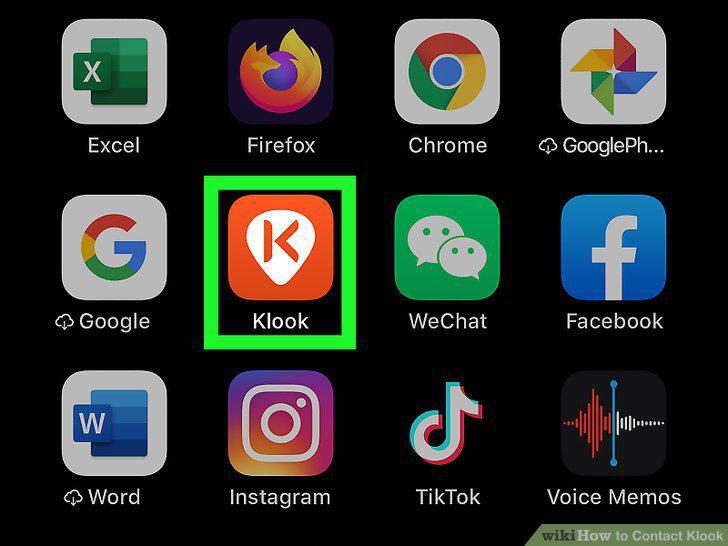
Open up the Klook app on your smartphone or tablet.
Select the "Account" icon in the bottom right-hand corner.
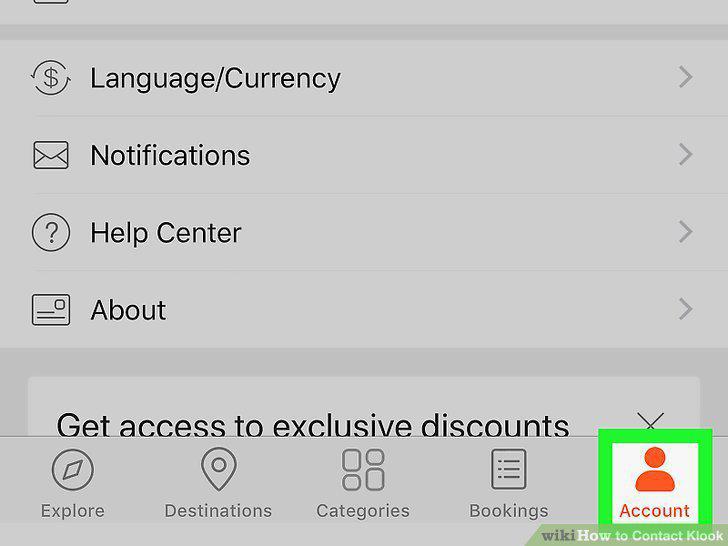
Select the "Account" icon in the bottom right-hand corner.
Press the "Help Center" option to pull up the help menu.
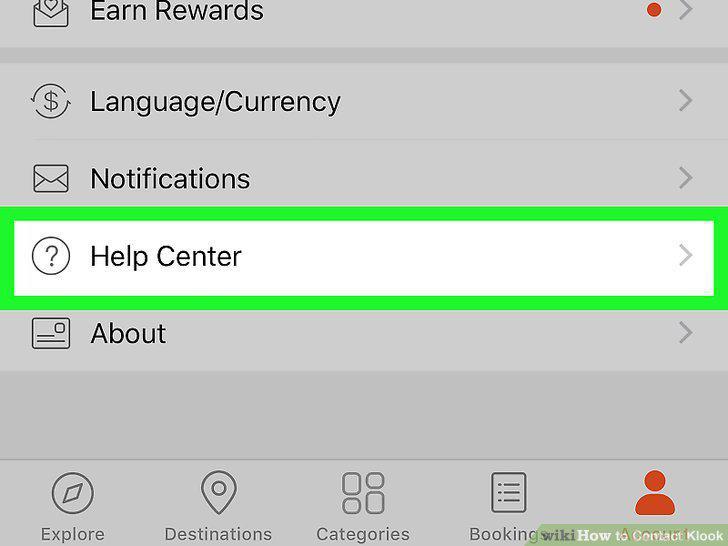
Press the "Help Center" option to pull up the help menu.
Scroll down and select the "Ask Klook" icon.
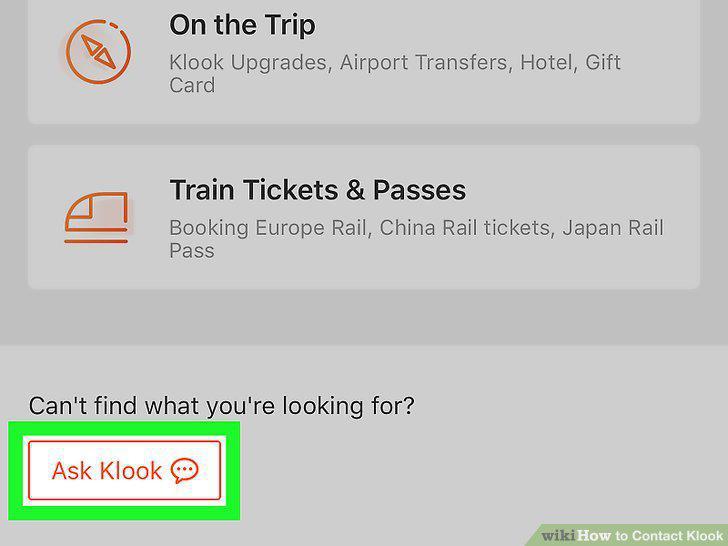
Scroll down and select the "Ask Klook" icon.
Choose the "General Inquiry" option to bring up the query form.
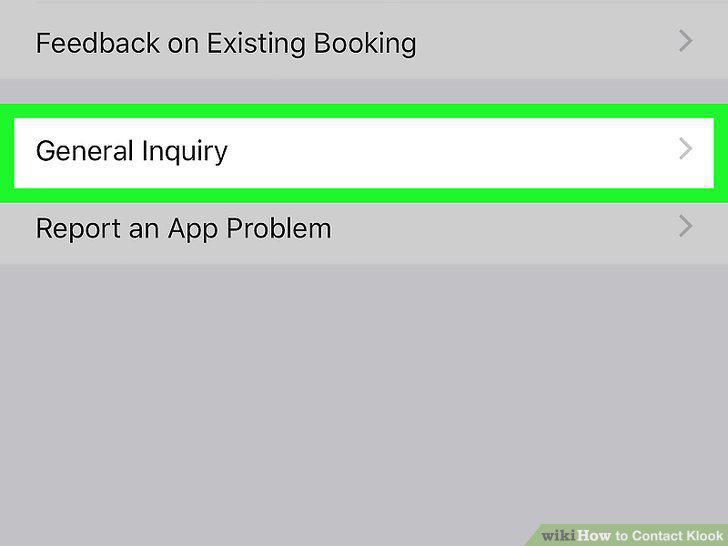
Choose the "General Inquiry" option to bring up the query form.
Fill out the form and ask for a response.
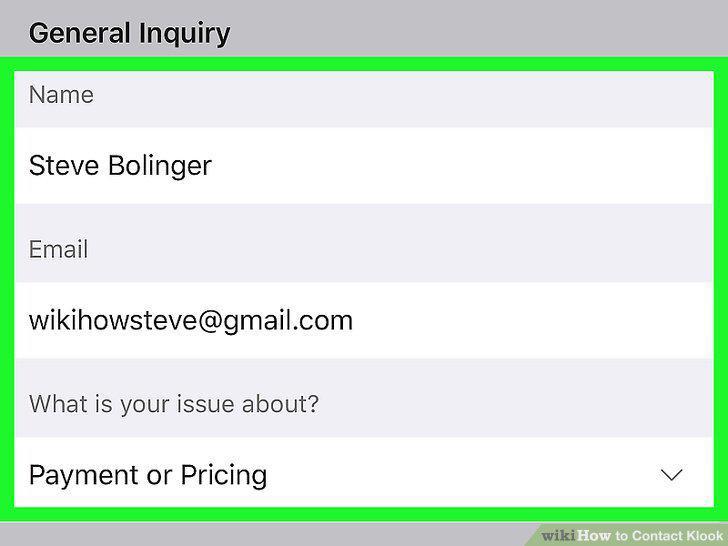
Fill out the form and ask for a response.
Submit the form and wait for Klook to contact you.
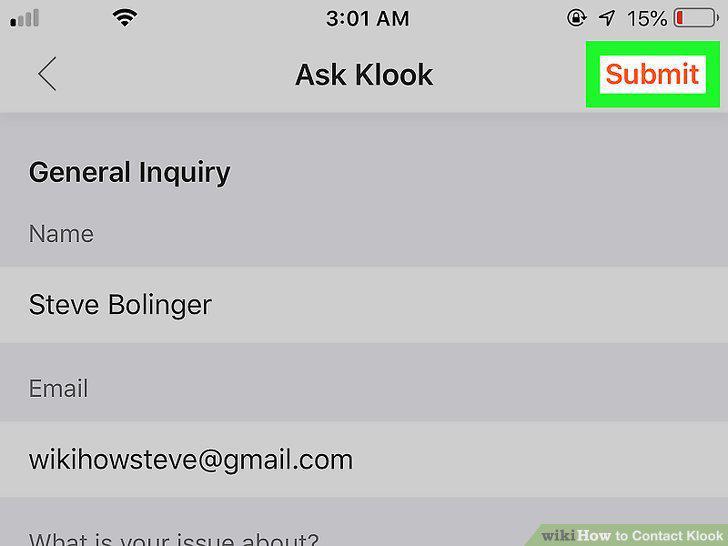
Submit the form and wait for Klook to contact you.
Log in to your account on the Klook website.
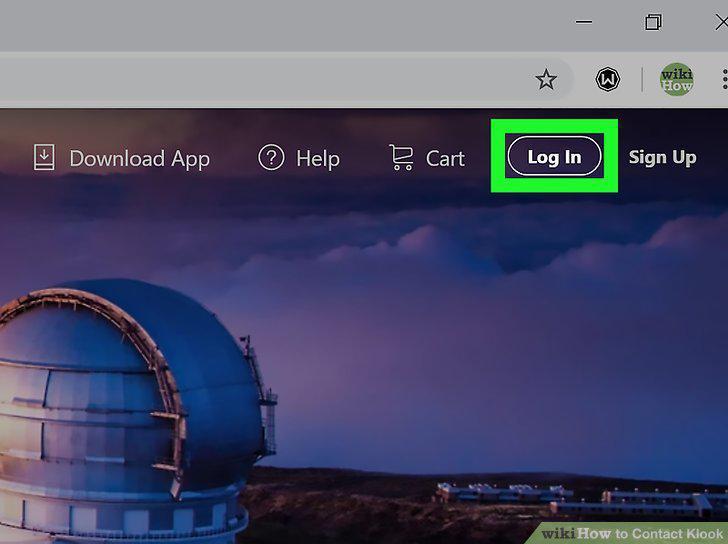
Log in to your account on the Klook website.
Click the "Help" button at the top right corner of the homepage.
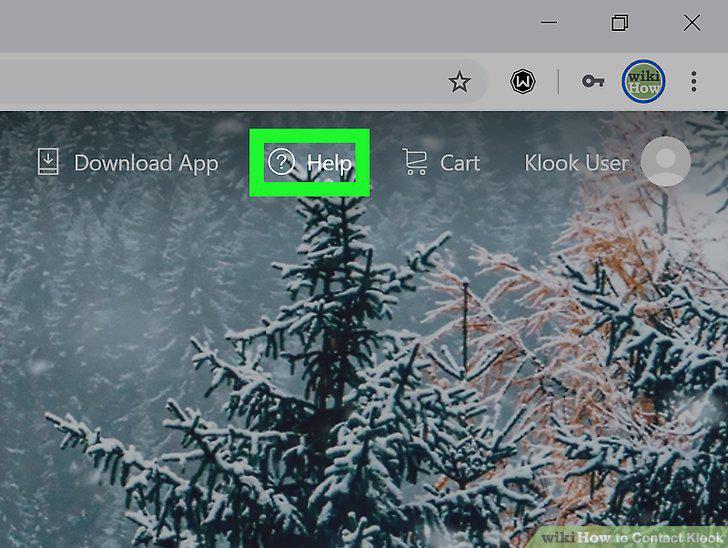
Click the "Help" button at the top right corner of the homepage.
Scroll down and click on the "Ask Klook" icon.

Scroll down and click on the "Ask Klook" icon.
Choose "General Inquiry" if you don't see your problem listed.
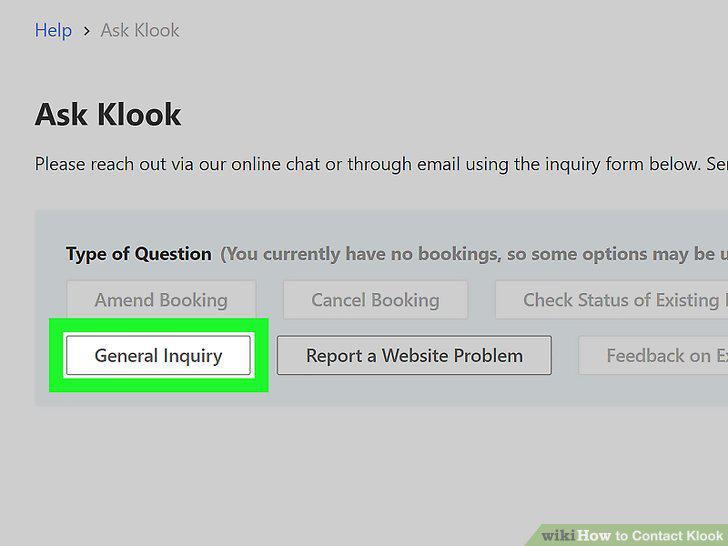
Choose "General Inquiry" if you don't see your problem listed.
Fill out the online form and ask for a response.
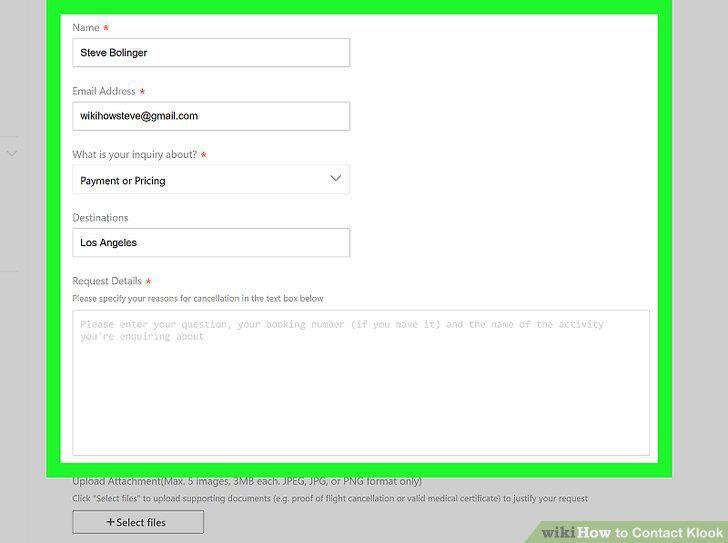
Fill out the online form and ask for a response.
Send the message and wait for a response.
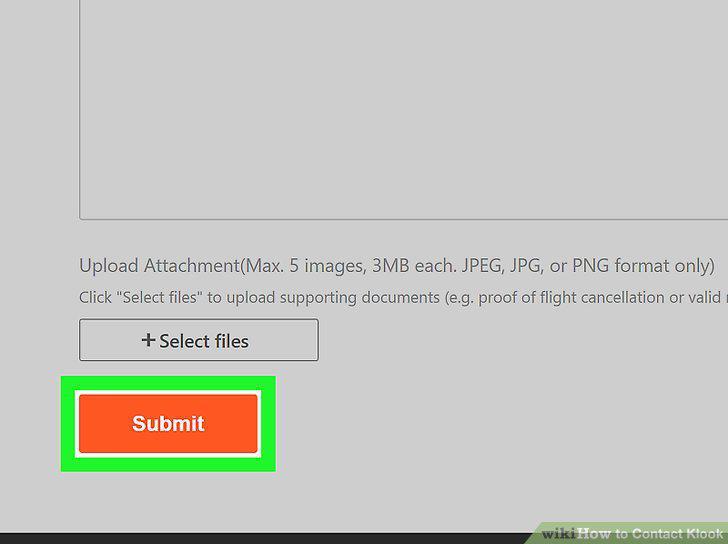
Send the message and wait for a response.
Email Klook's customer support at support@klook.com.
Email Klook's customer support at support@klook.com.
Send a message or post to Klook's Facebook page to reach them.
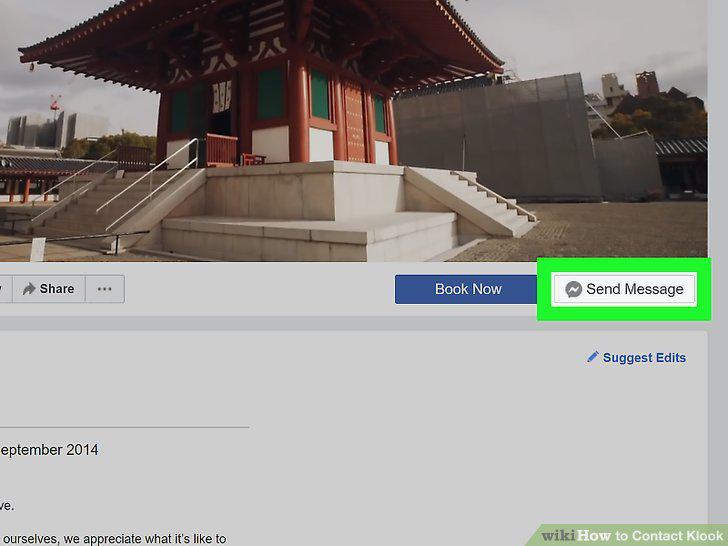
Send a message or post to Klook's Facebook page to reach them.
Message or tag Klook's Twitter page to get in touch.
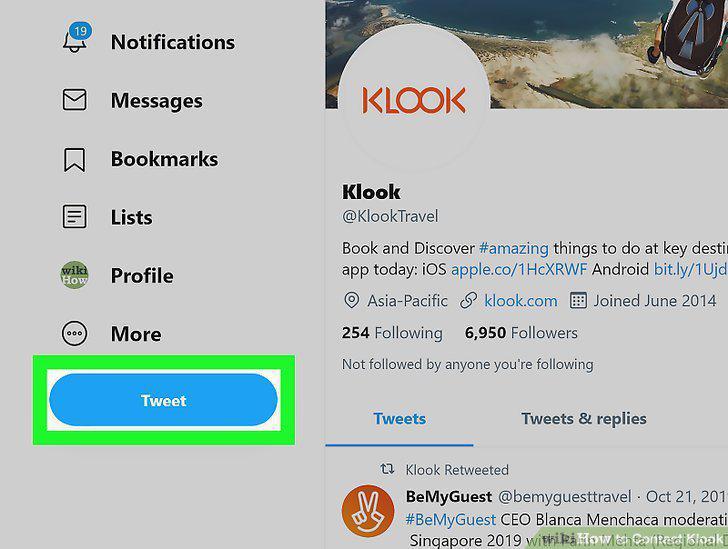
Message or tag Klook's Twitter page to get in touch.
Use Klook's Instagram account to contact them.
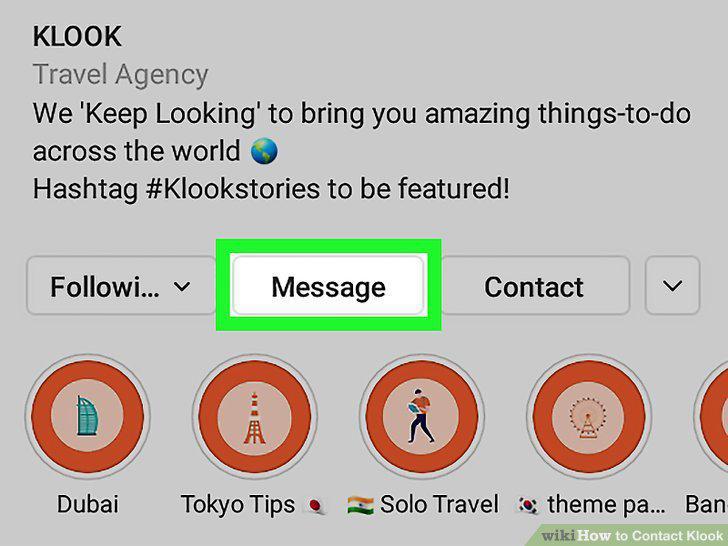
Use Klook's Instagram account to contact them.
Comments (0)
No comments yet. Be the first to share your thoughts!