How to Watch an Oculus Quest on Your Phone
Open the Oculus app on your phone.. (On your Oculus Quest or Quest 2) Press the oval button on the right Touch controller.. Select Sharing.
Steps
1
Open the Oculus app on your phone.
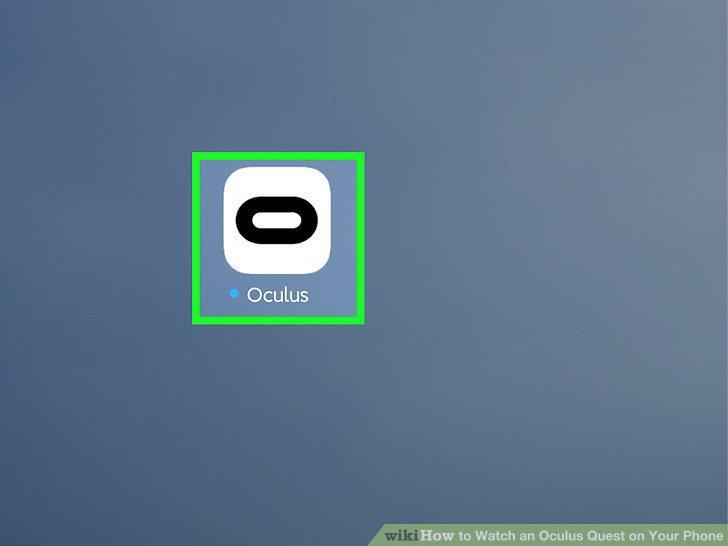
Open the Oculus app on your phone.
2
(On your Oculus Quest or Quest 2) Press the oval button on the right Touch contr
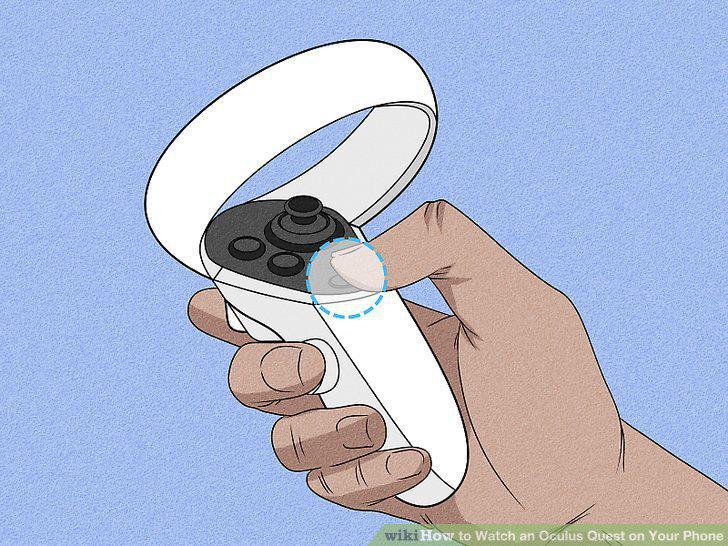
(On your Oculus Quest or Quest 2) Press the oval button on the right Touch controller.
3
Select Sharing.
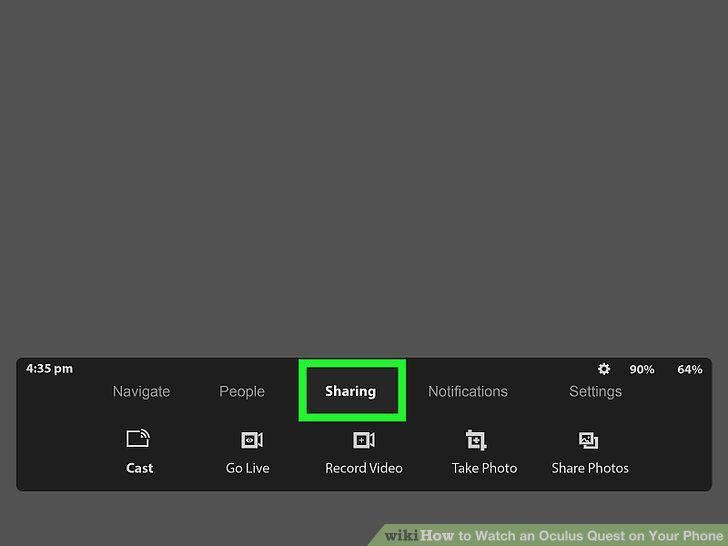
Select Sharing.
4
Select Cast on the menu.
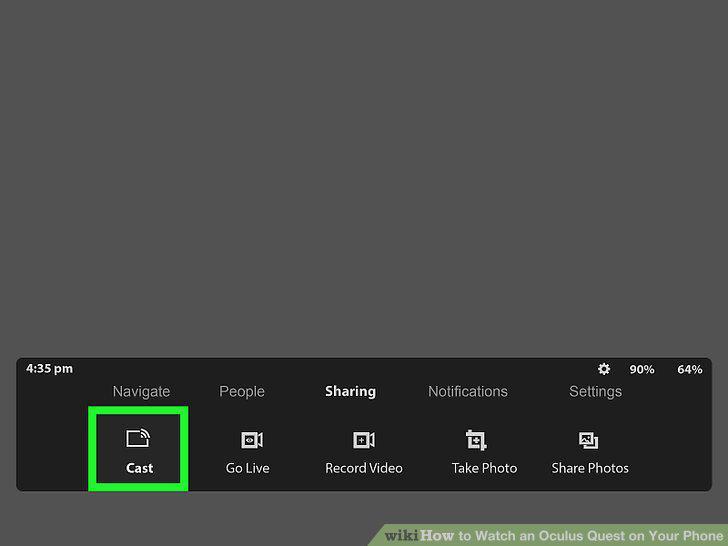
Select Cast on the menu.
5
Select Oculus app from the list.
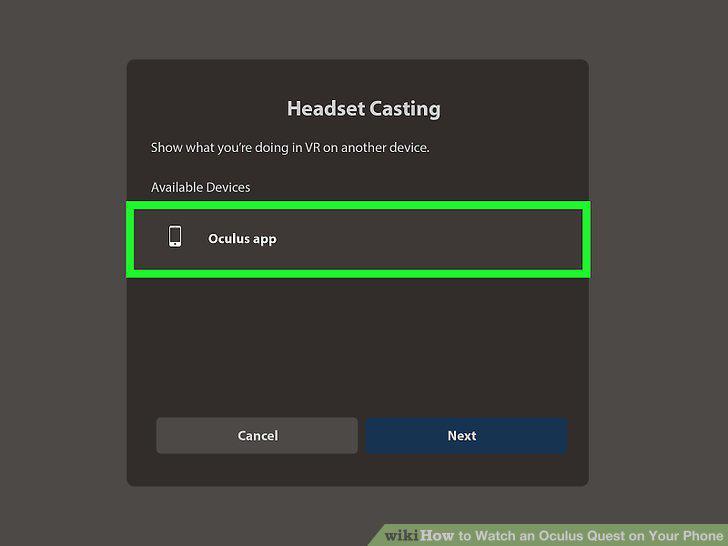
Select Oculus app from the list.
6
Select Next.
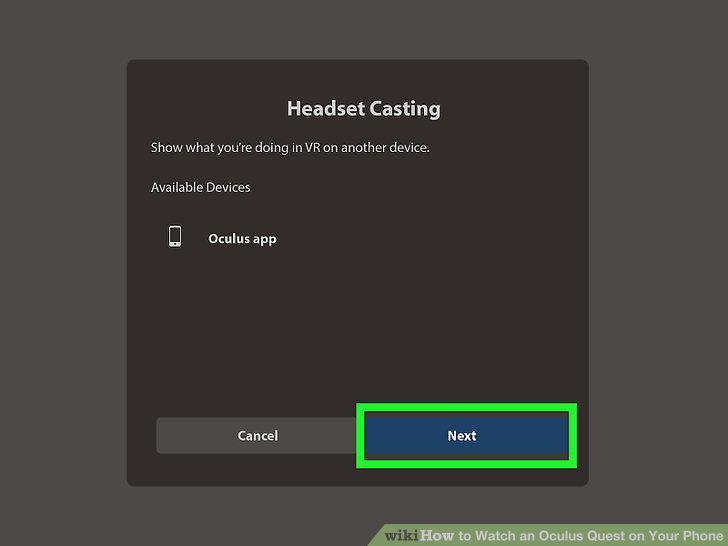
Select Next.
7
Tap the notification on your phone or select Start Casting.

Tap the notification on your phone or select Start Casting.
Comments (0)
No comments yet. Be the first to share your thoughts!