How to Buy Robux
Go to www.roblox.com/upgrades/robux in a web browser.. Click the price next to the amount of Robux you want to buy.. Select a payment method and click Continue.
Steps
1
Go to www.roblox.com/upgrades/robux in a web browser.
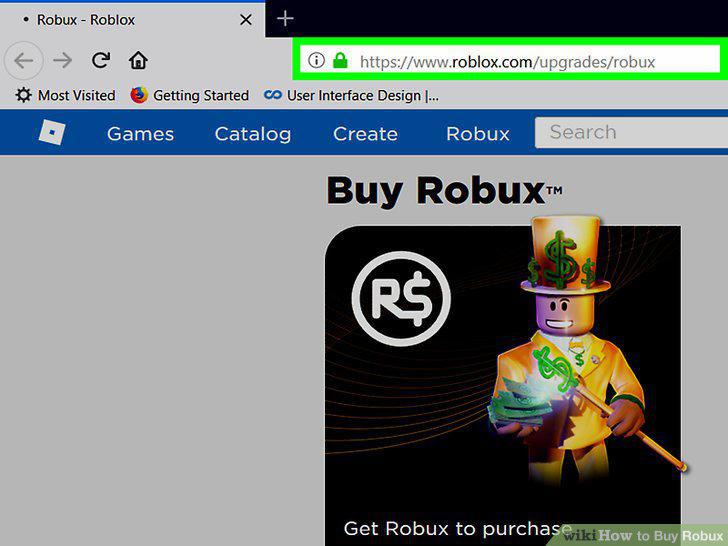
Go to www.roblox.com/upgrades/robux in a web browser.
2
Click the price next to the amount of Robux you want to buy.
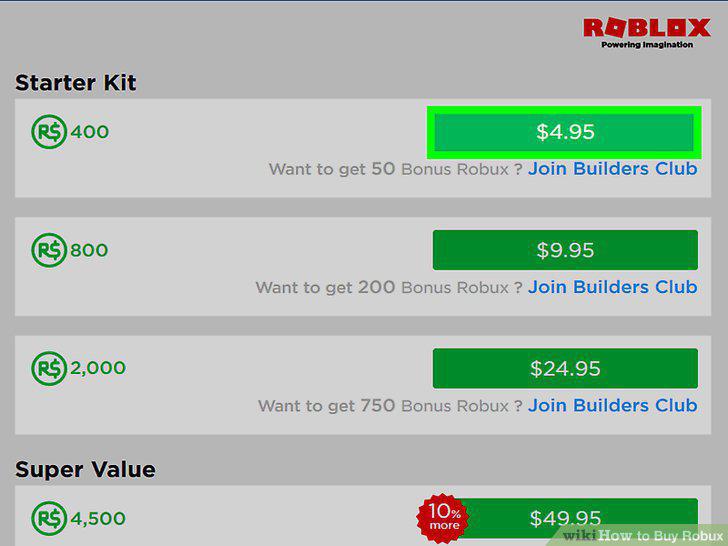
Click the price next to the amount of Robux you want to buy.
3
Select a payment method and click Continue.
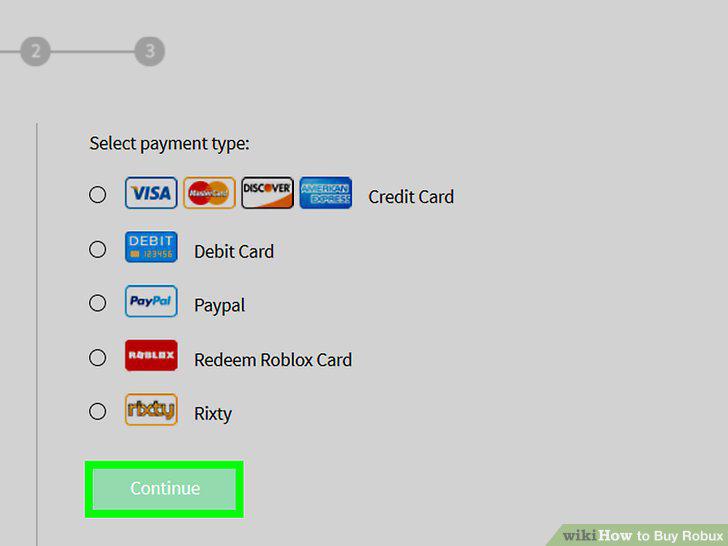
Select a payment method and click Continue.
4
Enter your payment details.
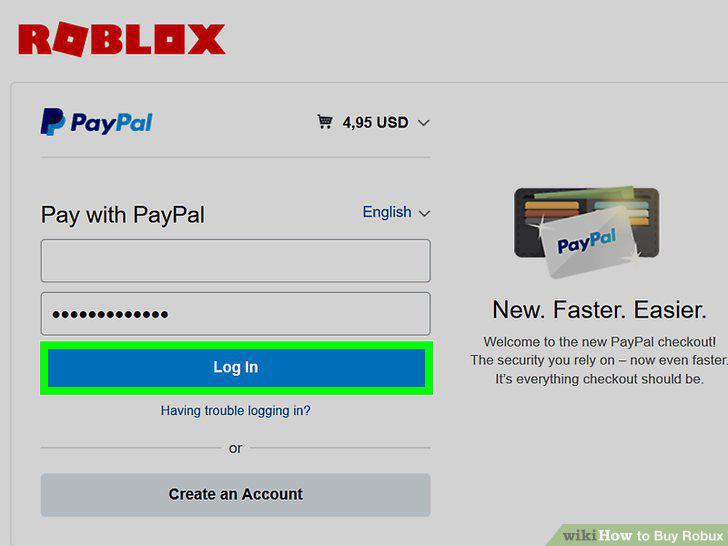
Enter your payment details.
5
Click Pay now or Submit Order.
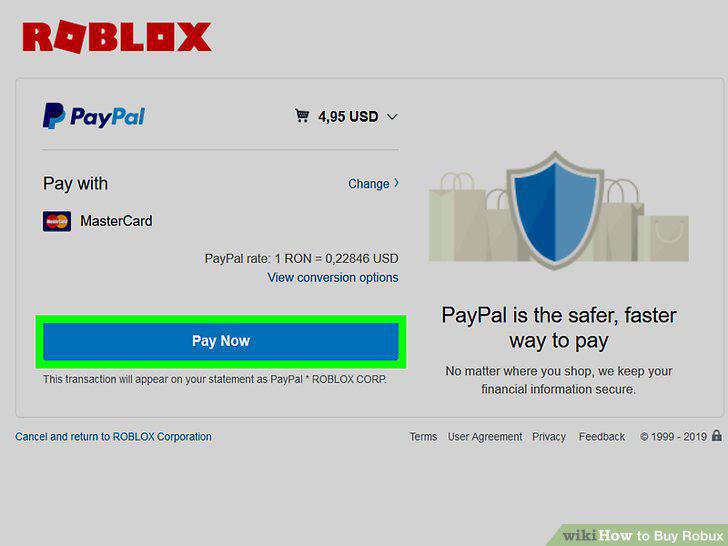
Click Pay now or Submit Order.
6
Open Roblox on your Android, iPhone, or iPad.
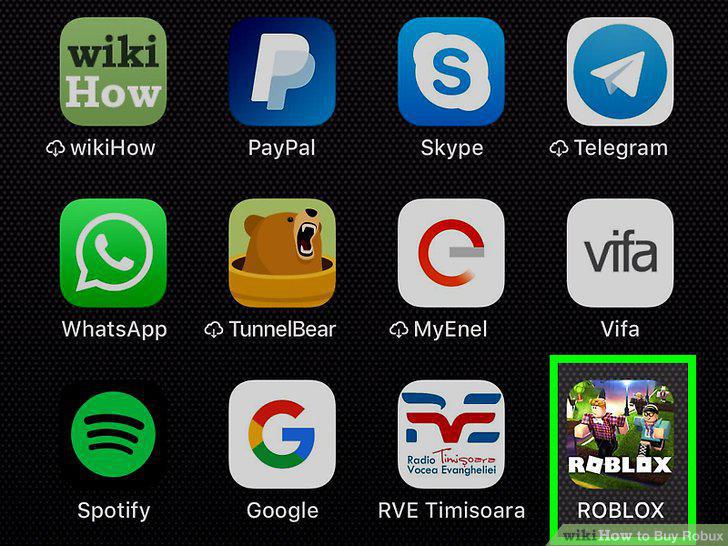
Open Roblox on your Android, iPhone, or iPad.
7
Tap the R$ icon.
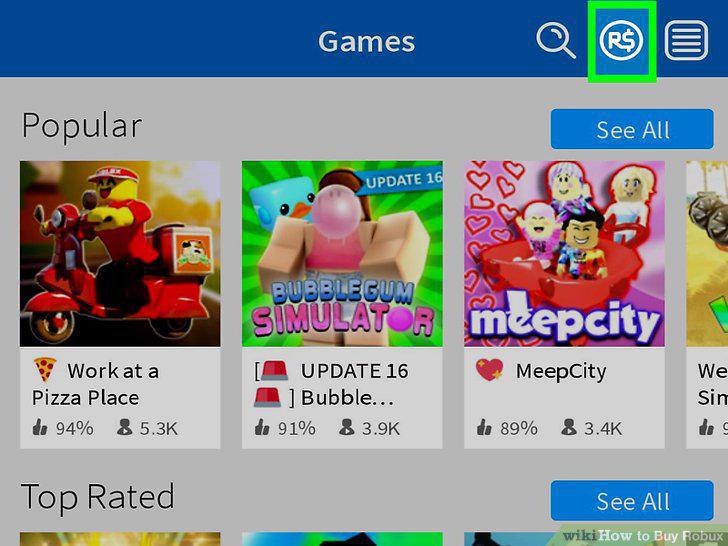
Tap the R$ icon.
8
Tap the amount of Robux you want to buy.
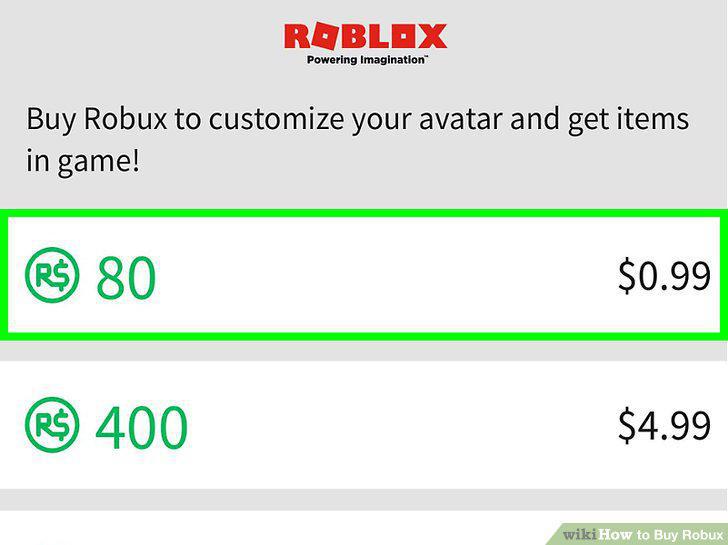
Tap the amount of Robux you want to buy.
9
Follow the on-screen instructions to pay for your Robux.
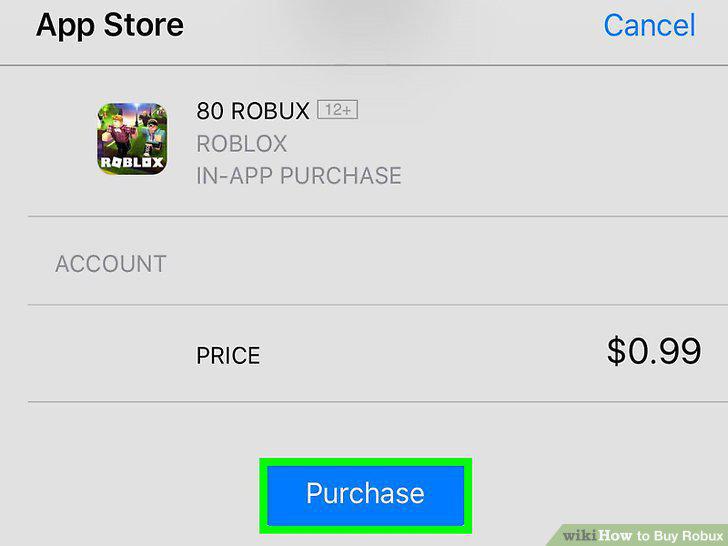
Follow the on-screen instructions to pay for your Robux.
Comments (0)
No comments yet. Be the first to share your thoughts!