How to Make a Cartography Table in Minecraft
Find at least 3 sugarcane to make the paper.. Collect 2 blocks of wood from any tree.. Open your inventory to access basic crafting.
Steps
Find at least 3 sugarcane to make the paper.
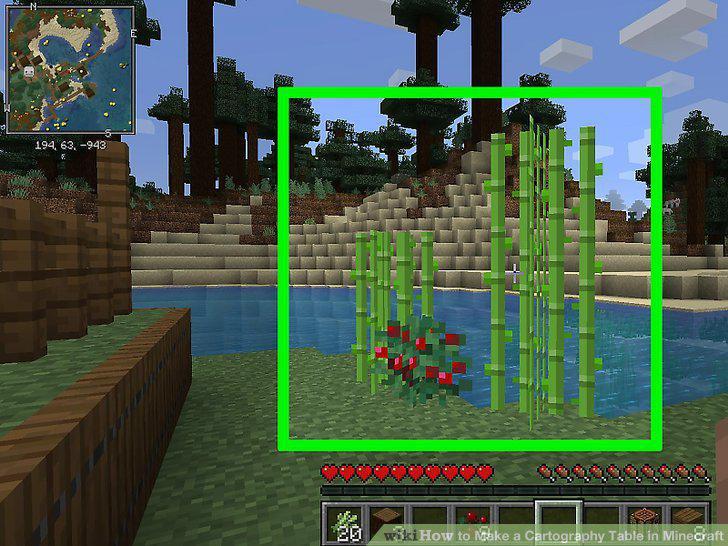
Find at least 3 sugarcane to make the paper.
Collect 2 blocks of wood from any tree.
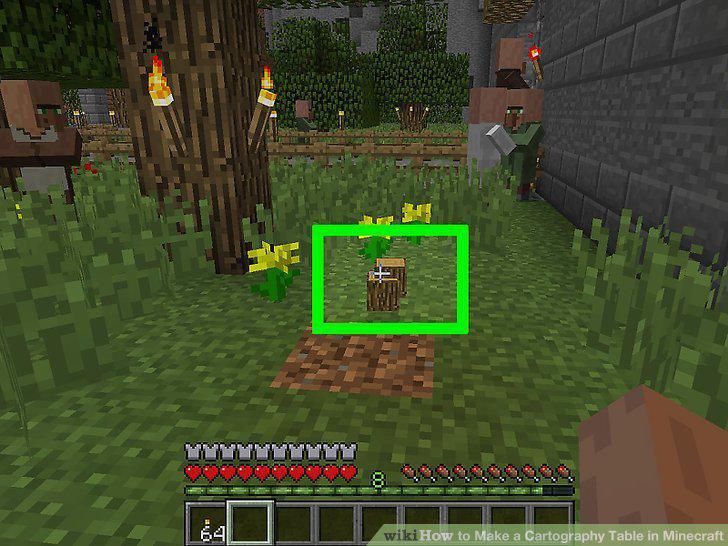
Collect 2 blocks of wood from any tree.
Open your inventory to access basic crafting.
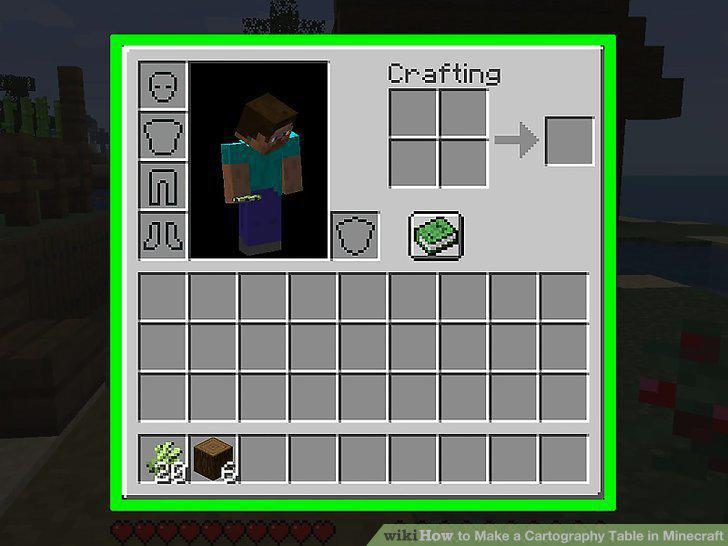
Open your inventory to access basic crafting.
Set the wood blocks in one crafting square to make 8 planks.
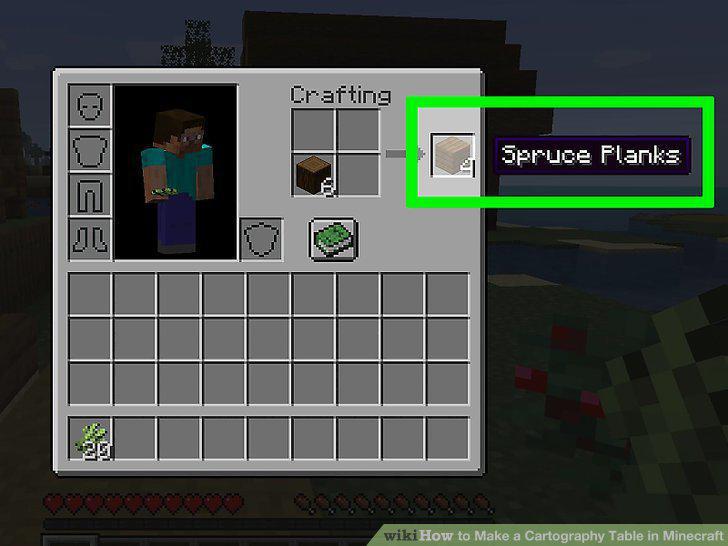
Set the wood blocks in one crafting square to make 8 planks.
Put a plank in each square to make a crafting table.
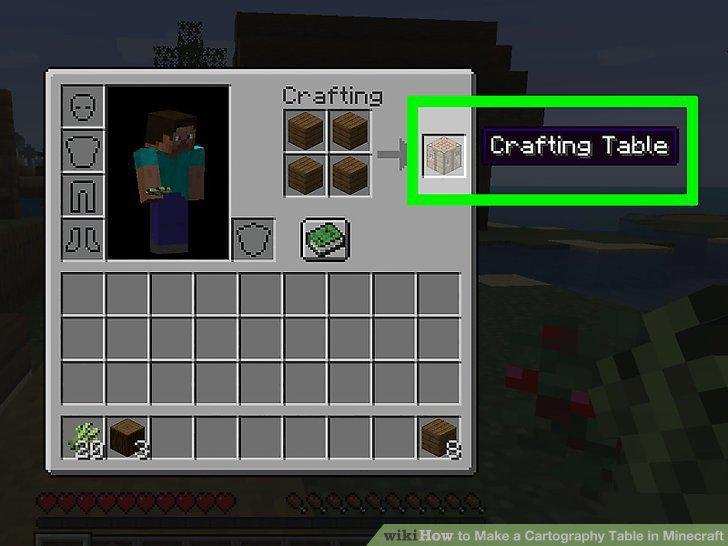
Put a plank in each square to make a crafting table.
Drop the crafting table somewhere in the world.
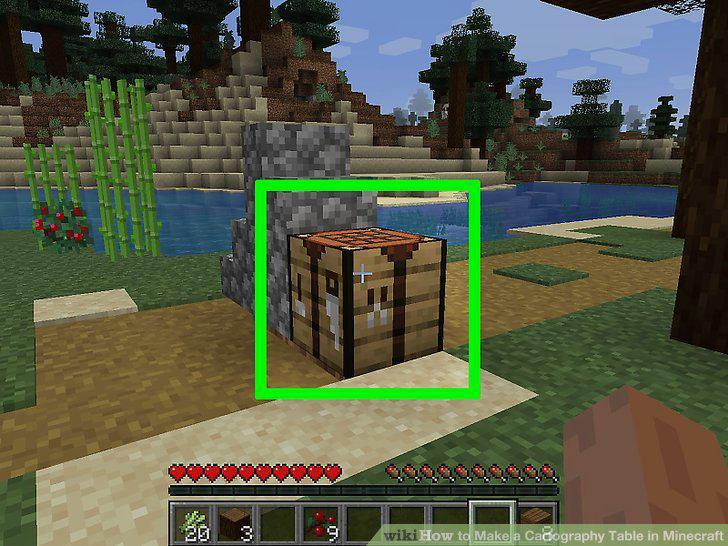
Drop the crafting table somewhere in the world.
Place 3 sugarcane in a row on the crafting table to make 3 pieces of paper.
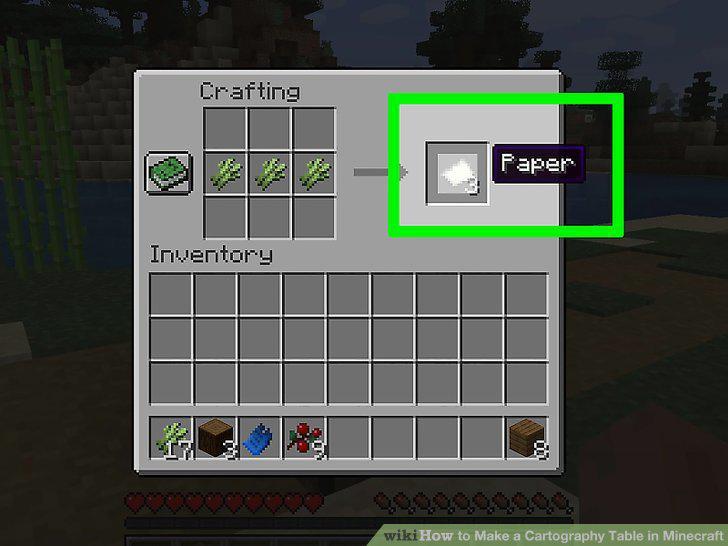
Place 3 sugarcane in a row on the crafting table to make 3 pieces of paper.
Open your crafting table to start building on it.
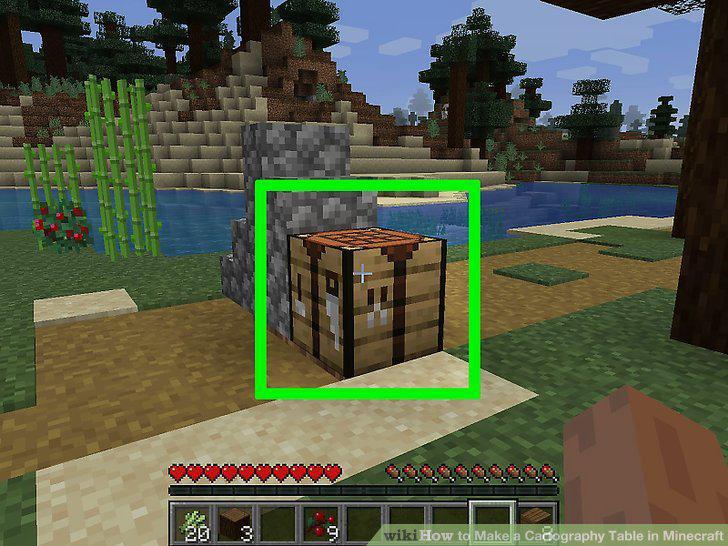
Open your crafting table to start building on it.
Set 4 wood planks on the crafting table in a 2 x 2 square.
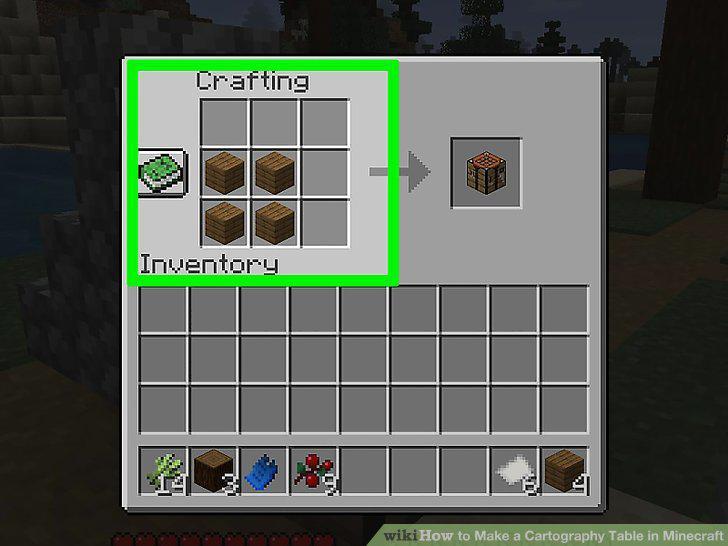
Set 4 wood planks on the crafting table in a 2 x 2 square.
Put 2 pieces of paper on top of the square to finish the cartography table.
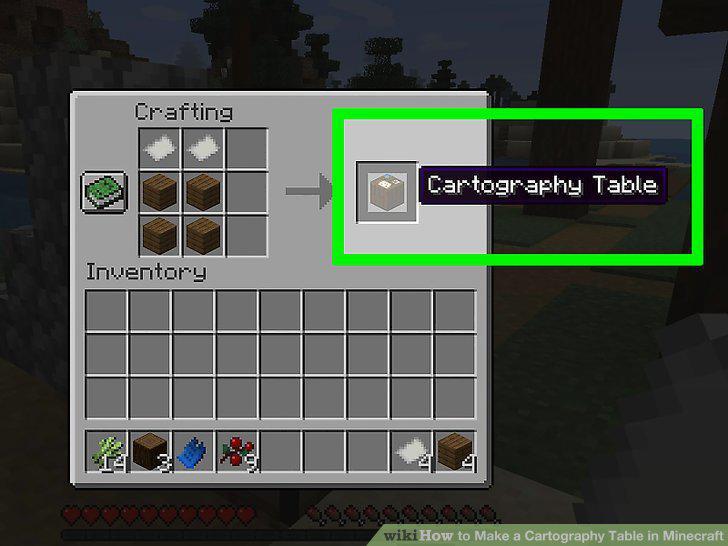
Put 2 pieces of paper on top of the square to finish the cartography table.
Set the cartography table somewhere in the world.
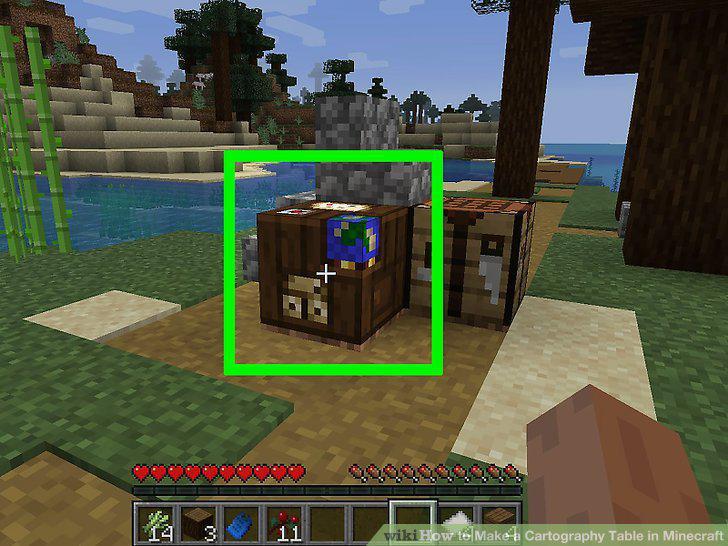
Set the cartography table somewhere in the world.
Place a filled map and paper in the cartography table to expand the map.
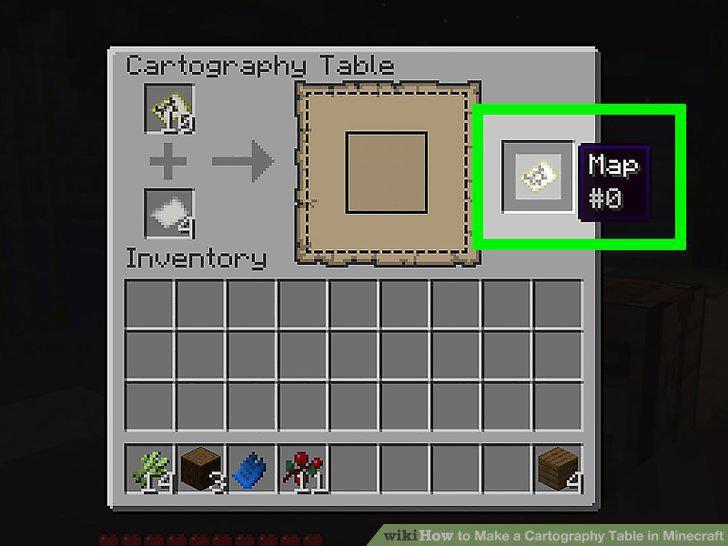
Place a filled map and paper in the cartography table to expand the map.
Duplicate a filled map by pairing it with one that's empty.
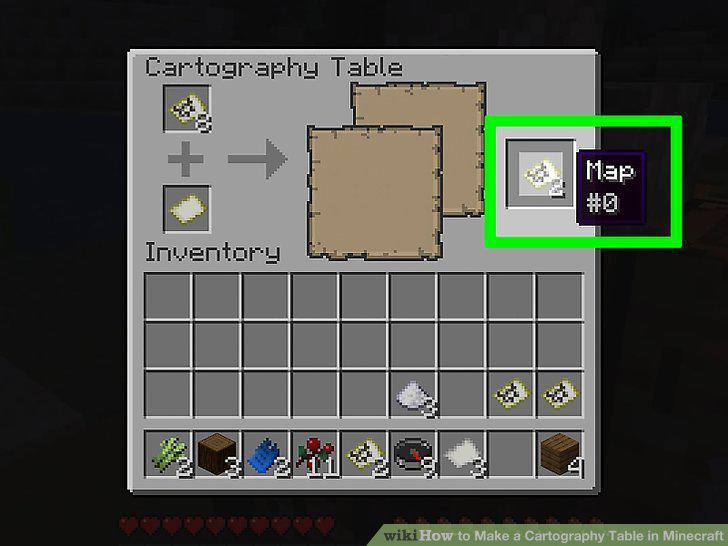
Duplicate a filled map by pairing it with one that's empty.
Combine a glass pane and map to prevent it from changing.
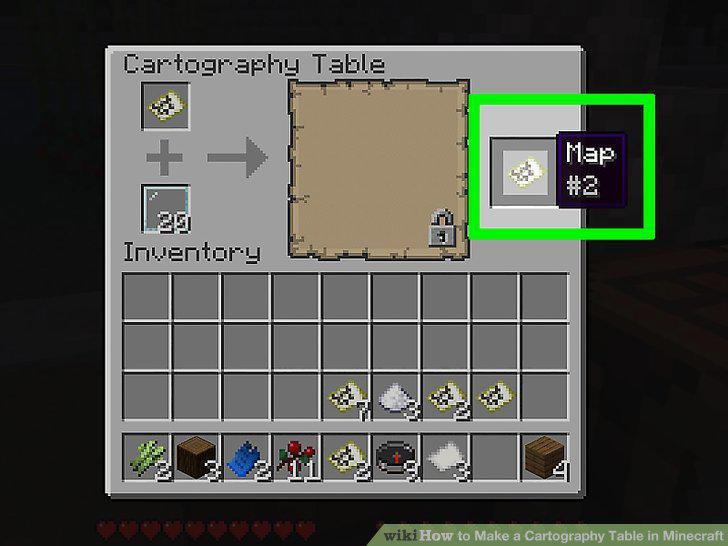
Combine a glass pane and map to prevent it from changing.
Comments (0)
No comments yet. Be the first to share your thoughts!