How to Book a Train Ticket Online
Find out what train lines operate where you plan to travel.. Use a third party website to buy your tickets if the train line's website is not navigable.. Decide whether you will need a single one-way ticket or a round-trip ticket.
Steps
Find out what train lines operate where you plan to travel.
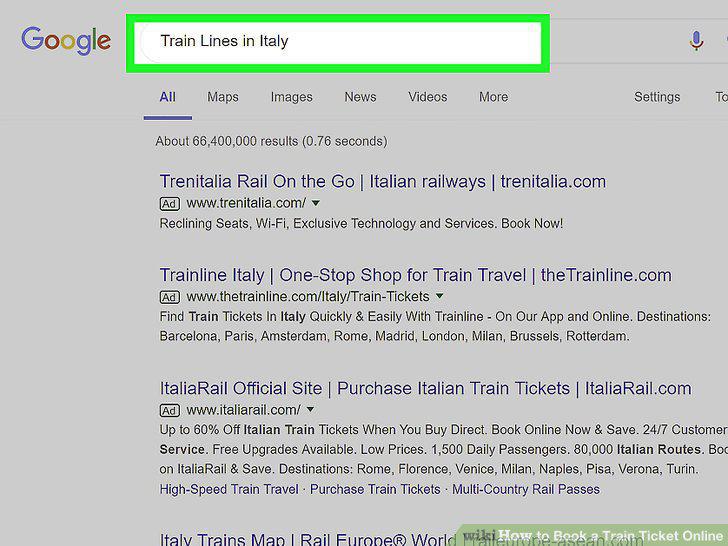
Find out what train lines operate where you plan to travel.
Use a third party website to buy your tickets if the train line's website is not
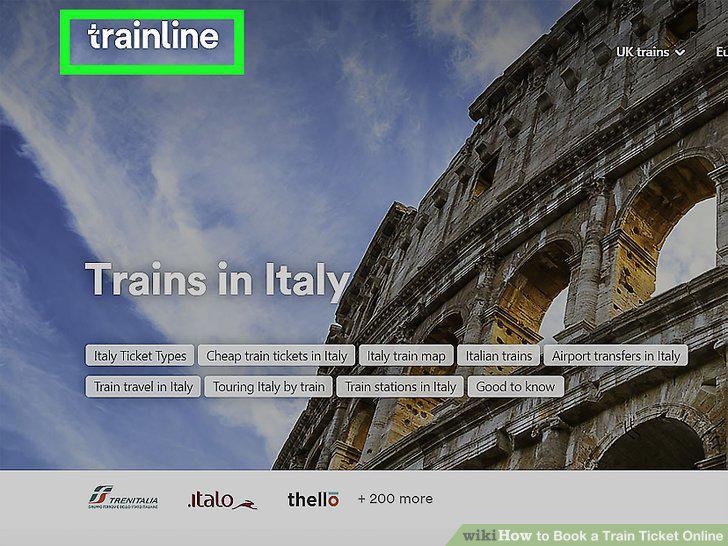
Use a third party website to buy your tickets if the train line's website is not navigable.
Decide whether you will need a single one-way ticket or a round-trip ticket.
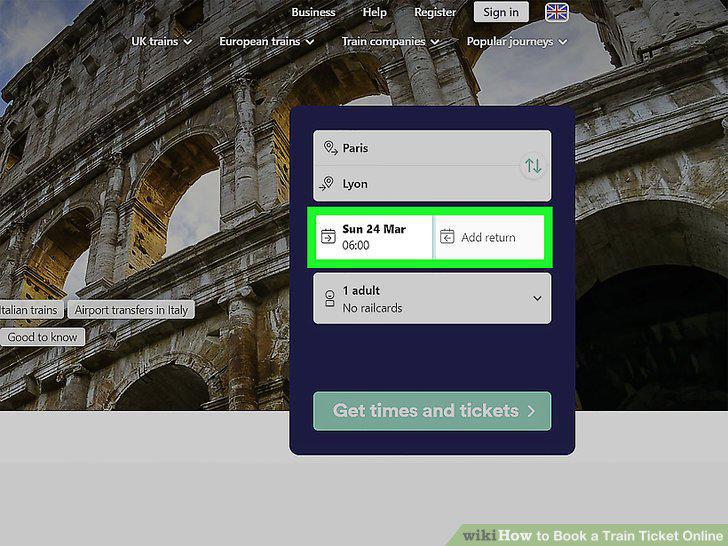
Decide whether you will need a single one-way ticket or a round-trip ticket.
Consider buying a rail pass if you will riding the train often.
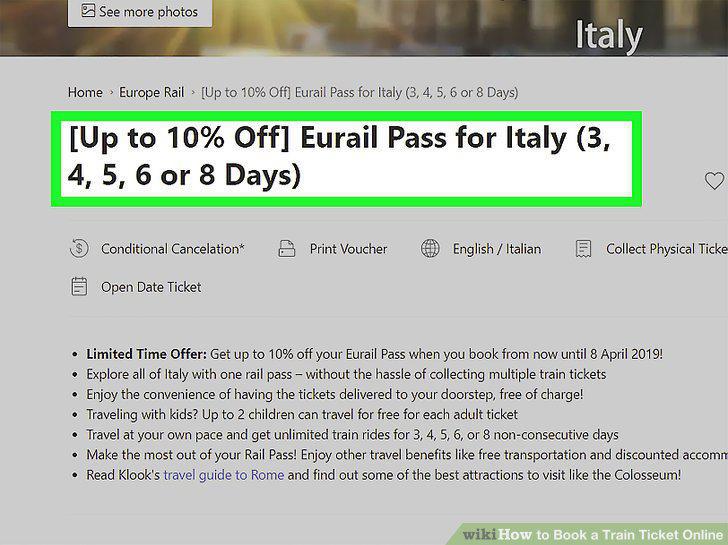
Consider buying a rail pass if you will riding the train often.
Choose the right ticket for your budget.
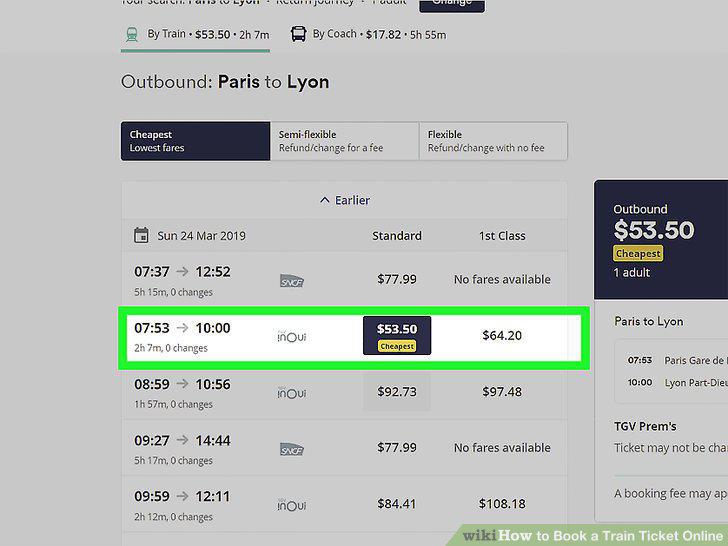
Choose the right ticket for your budget.
Find any discounts that apply to you.
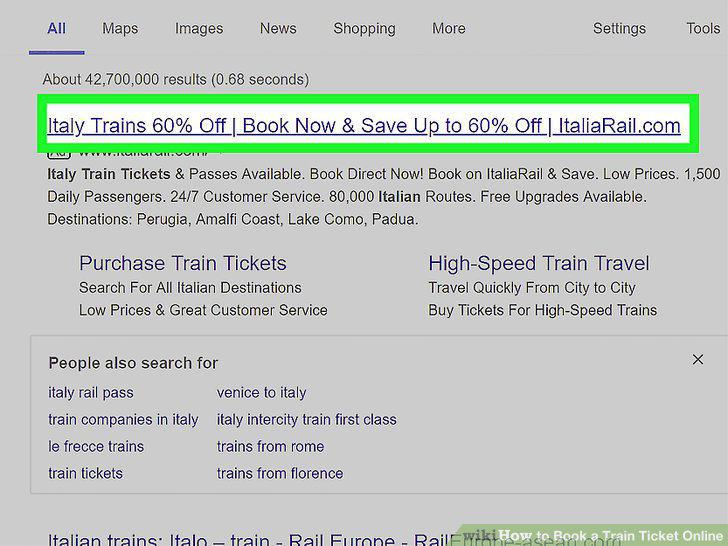
Find any discounts that apply to you.
Buy advance tickets if your trip is already planned out.
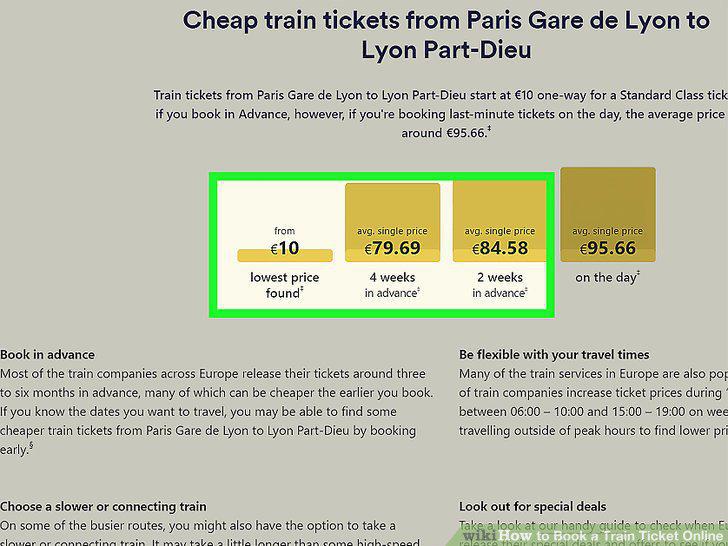
Buy advance tickets if your trip is already planned out.
Travel during off-peak hours for cheaper fares.
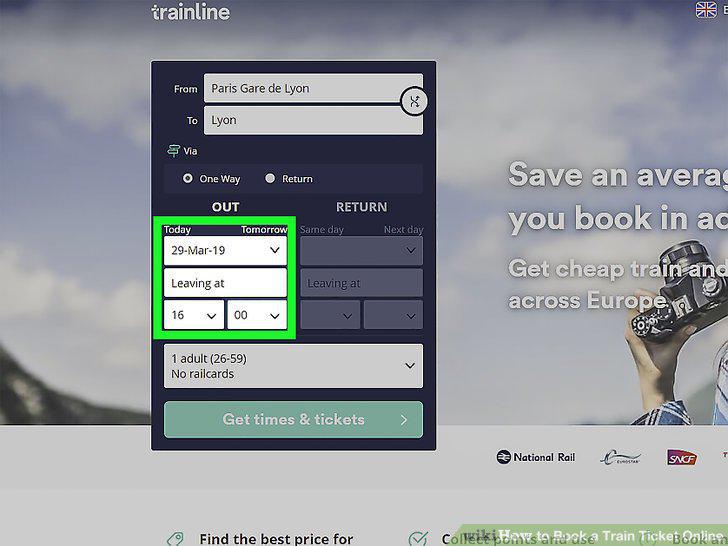
Travel during off-peak hours for cheaper fares.
Set up a ticket alert to see the range of prices for your trip and find the best
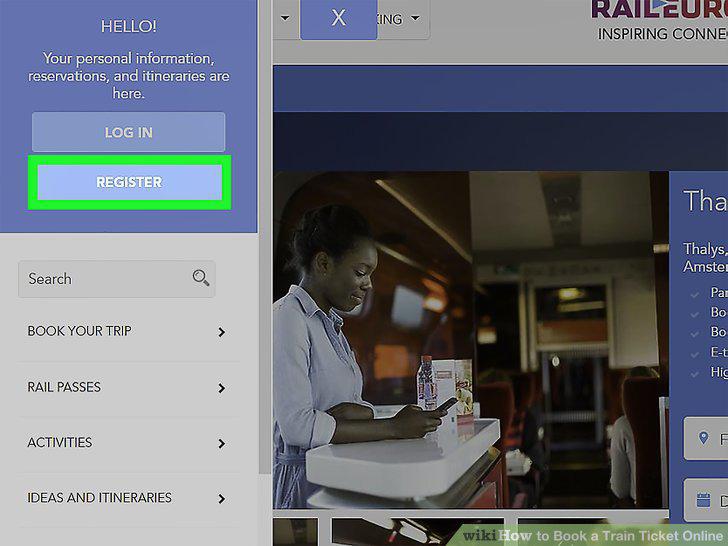
Set up a ticket alert to see the range of prices for your trip and find the best deal.
Register an account on the website where you will buy your ticket.
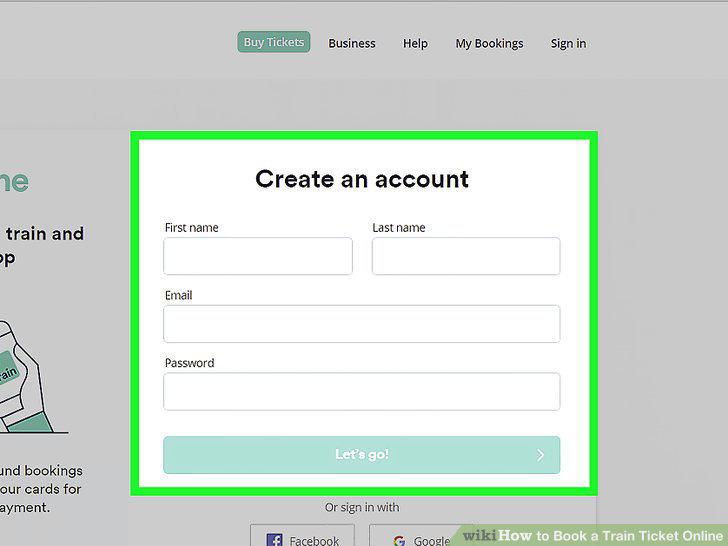
Register an account on the website where you will buy your ticket.
Search the timetable and choose your ticket.
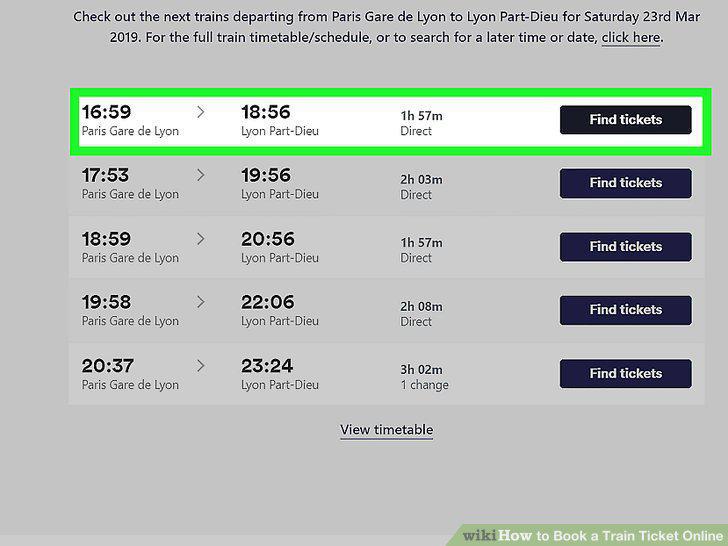
Search the timetable and choose your ticket.
Add a seat reservation if necessary.
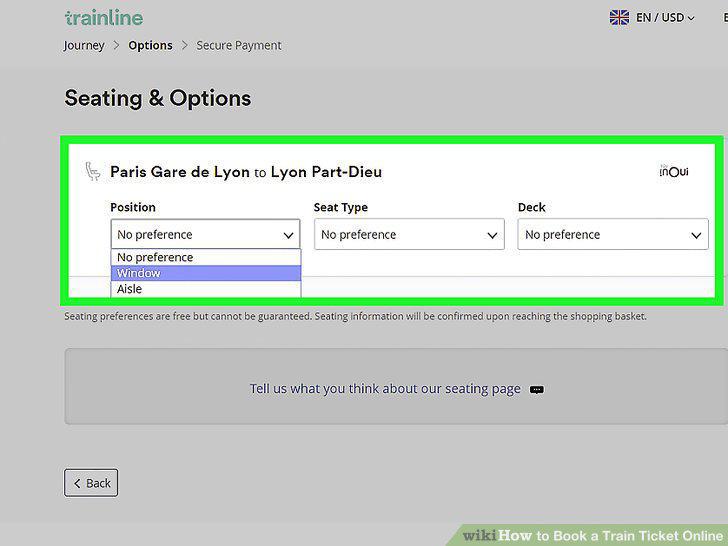
Add a seat reservation if necessary.
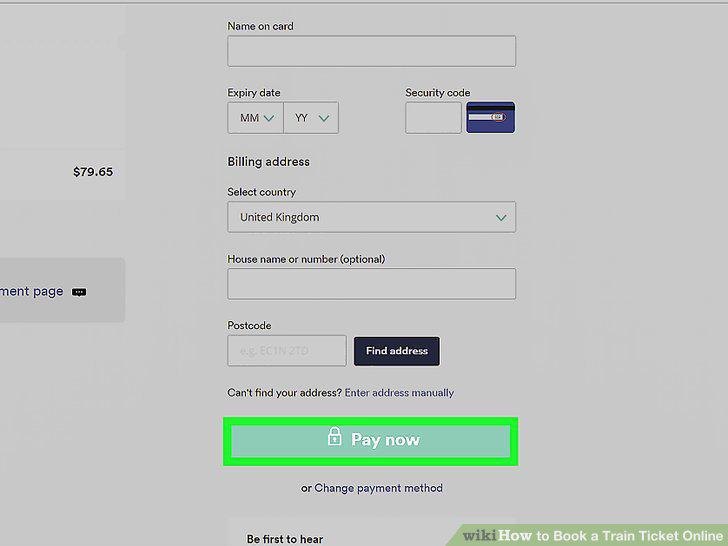
Provide the passenger and payment information.
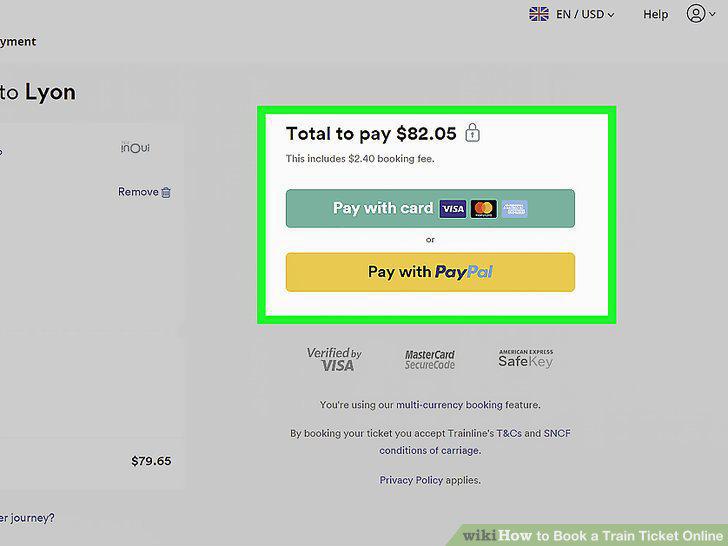
Provide the passenger and payment information.
Follow the collection instructions in the confirmation email so you know how to
Follow the collection instructions in the confirmation email so you know how to use your ticket.
Validate your ticket if necessary.
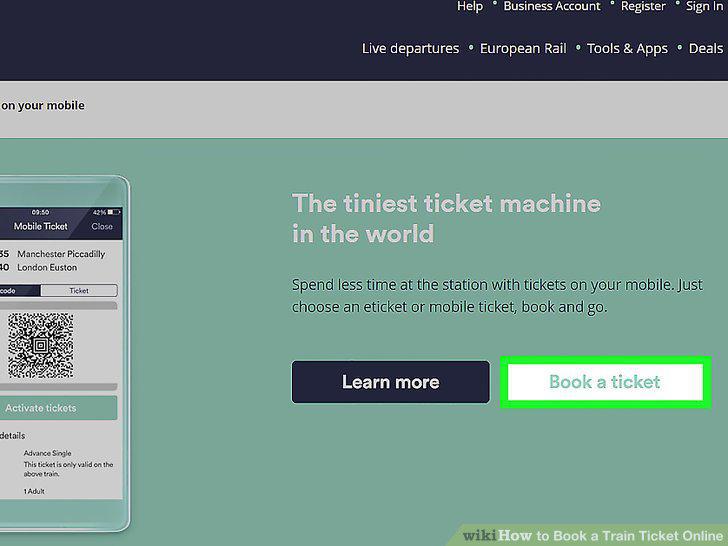
Validate your ticket if necessary.
Comments (0)
No comments yet. Be the first to share your thoughts!