How to Activate a PayPal Prepaid Card on PC or Mac
Go to https://www.paypal-prepaid.com in a web browser.. Click Activate your Card Account here.. Type the card number into the first blank.
Steps
1
Go to https://www.paypal-prepaid.com in a web browser.
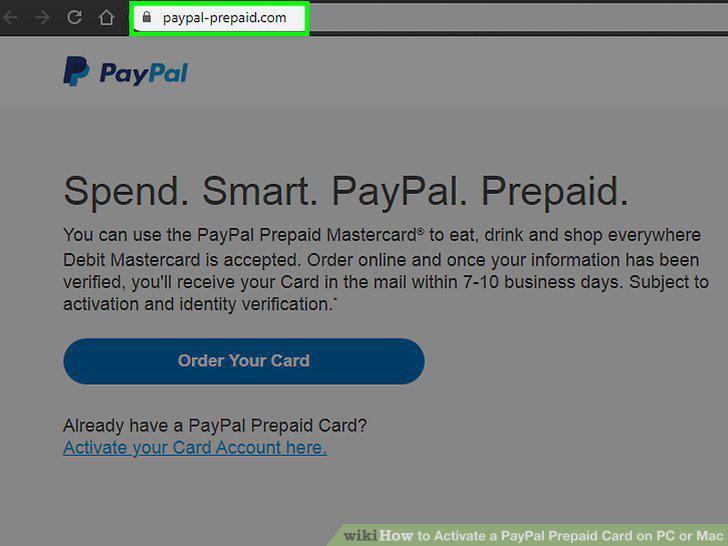
Go to https://www.paypal-prepaid.com in a web browser.
2
Click Activate your Card Account here.
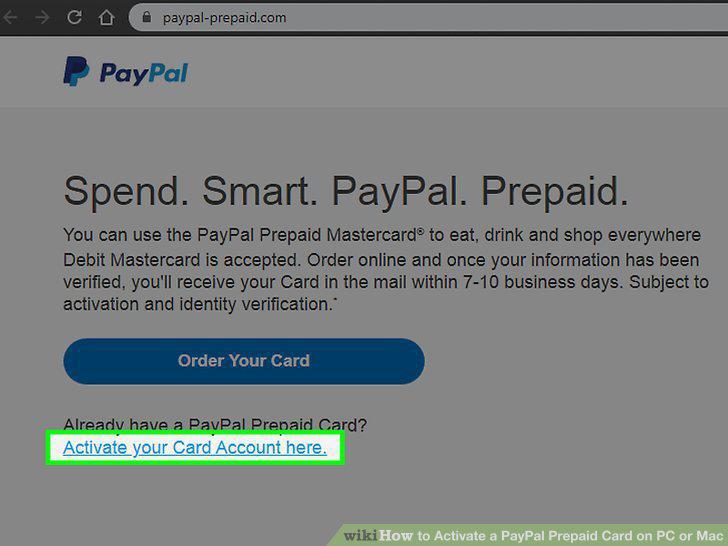
Click Activate your Card Account here.
3
Type the card number into the first blank.
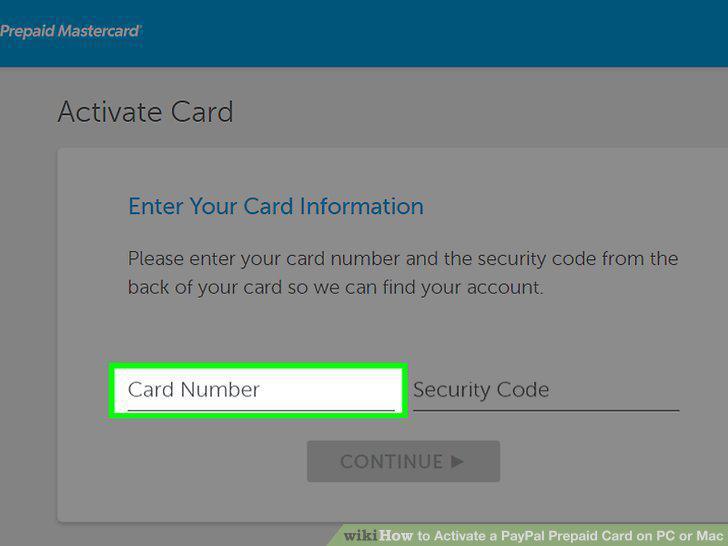
Type the card number into the first blank.
4
Type the CVC code into the second blank.
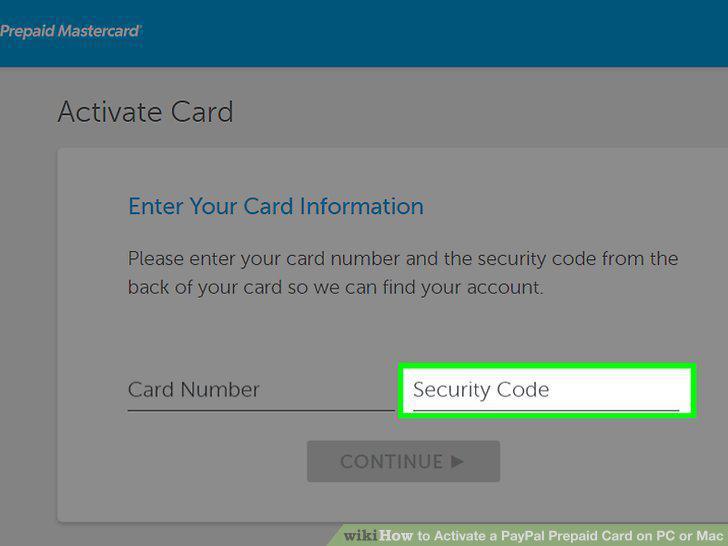
Type the CVC code into the second blank.
5
Click Continue.
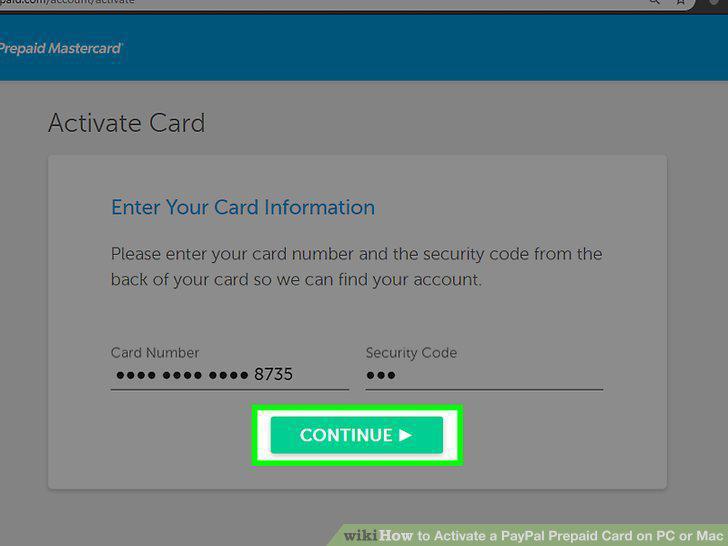
Click Continue.
6
Fill out the form.
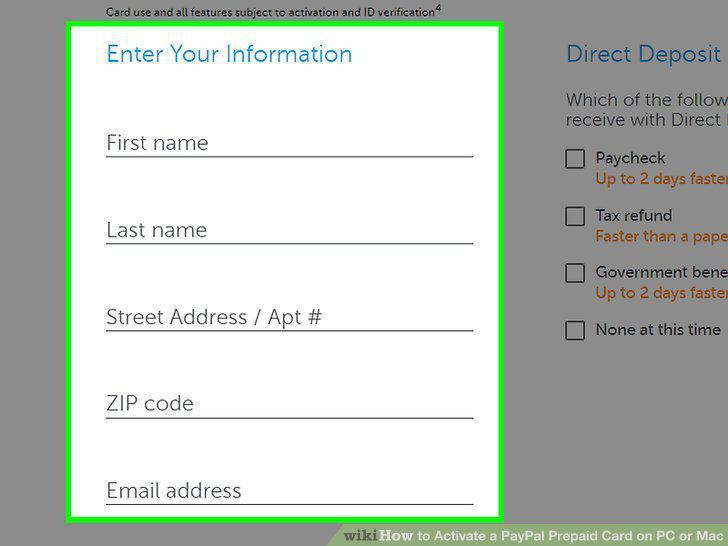
Fill out the form.
7
Create a 4-digit PIN.
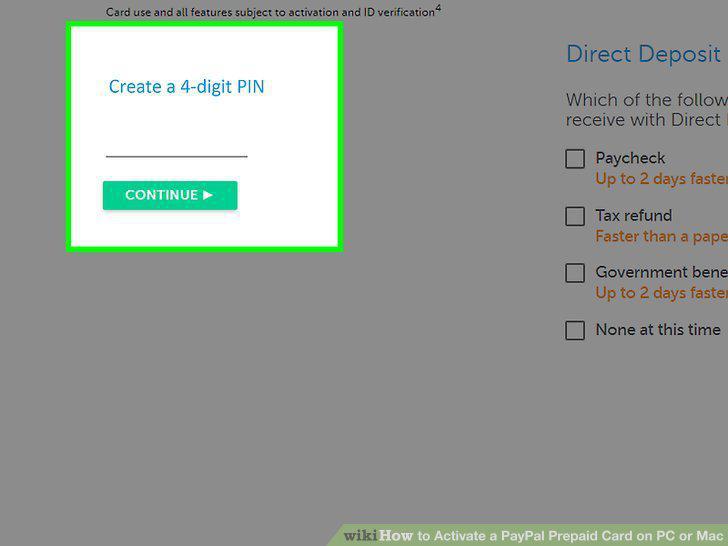
Create a 4-digit PIN.
8
Tap Continue.
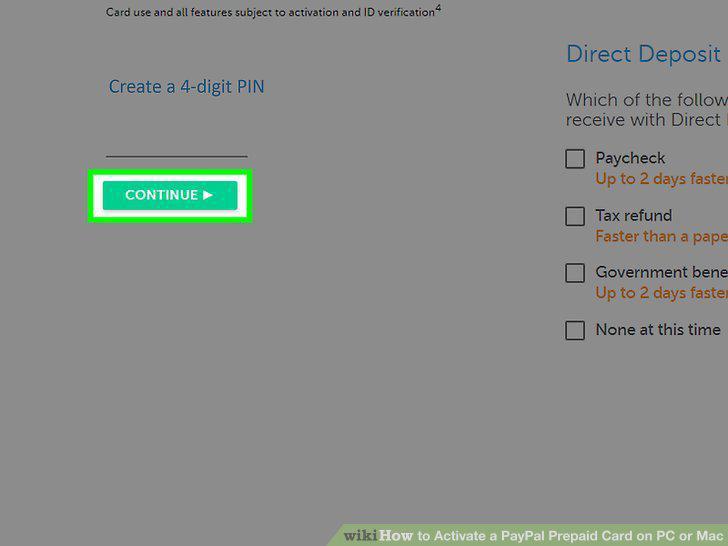
Tap Continue.
9
Follow the on-screen instructions to complete your activation.
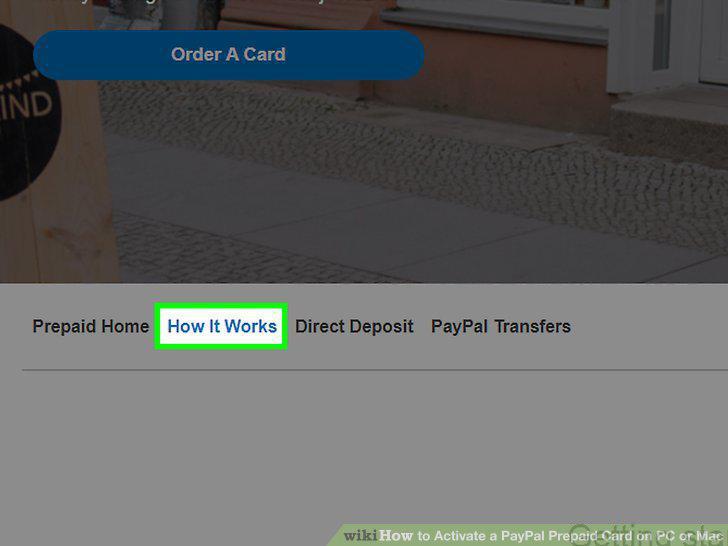
Follow the on-screen instructions to complete your activation.
Comments (0)
No comments yet. Be the first to share your thoughts!