How to Contact TurboTax
Log into your TurboTax account online.. Select "Contact Us" from the Help menu.. Type in the question or concern you have before clicking "Let's Talk.
Steps
1
Log into your TurboTax account online.
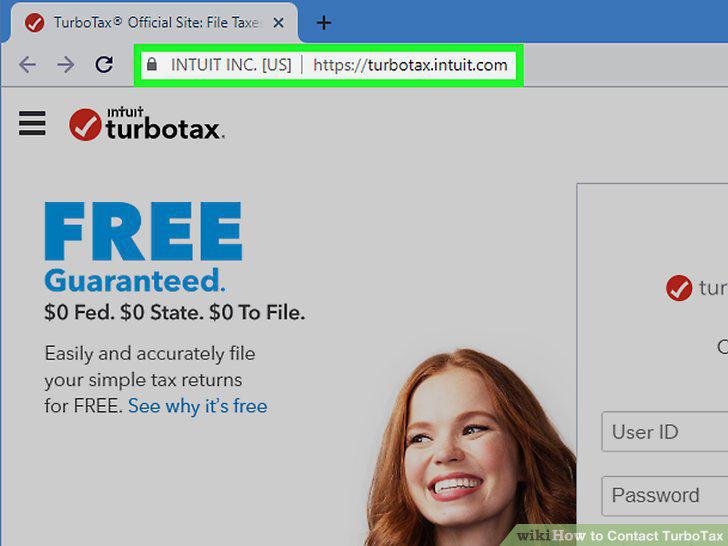
Log into your TurboTax account online.
2
Select "Contact Us" from the Help menu.
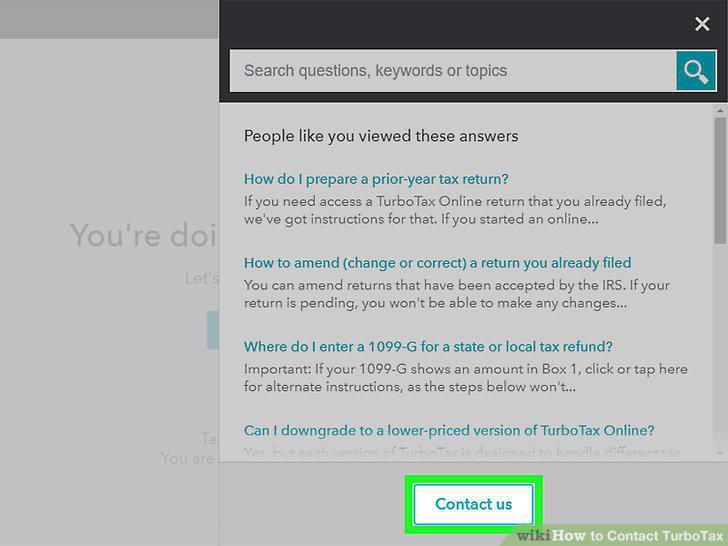
Select "Contact Us" from the Help menu.
3
Type in the question or concern you have before clicking "Let's Talk.
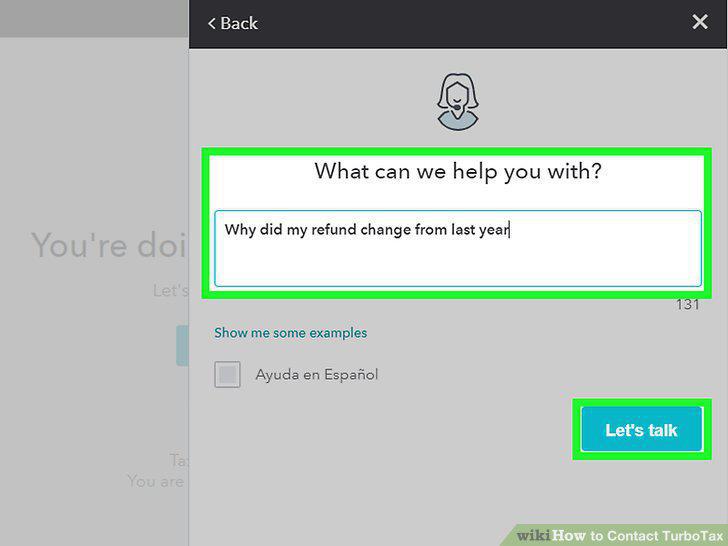
Type in the question or concern you have before clicking "Let's Talk.
4
Fill in your personal information.
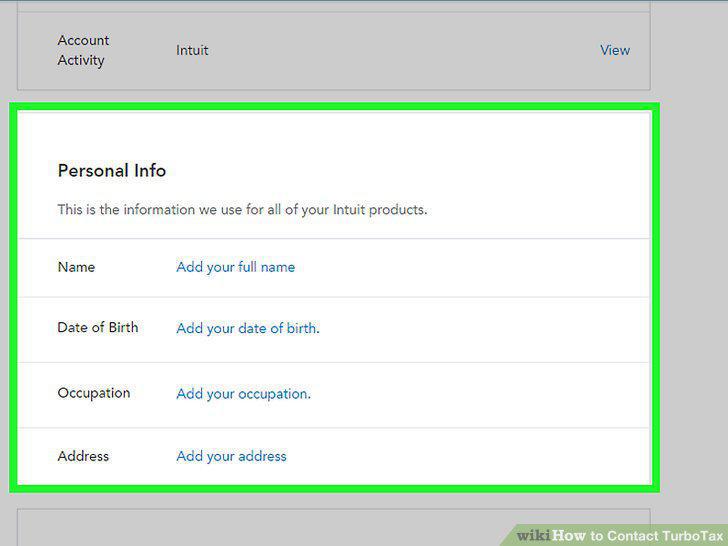
Fill in your personal information.
5
Call the phone number the website gives you.
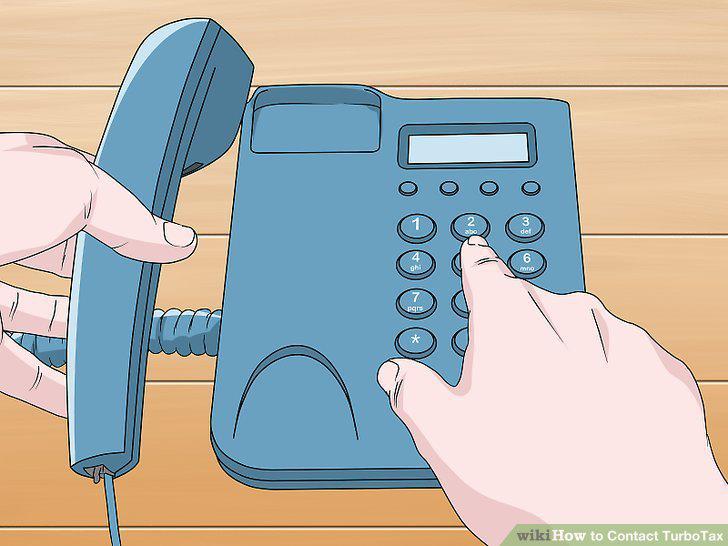
Call the phone number the website gives you.
6
Sign in to the TurboTax app if you aren't logged in.
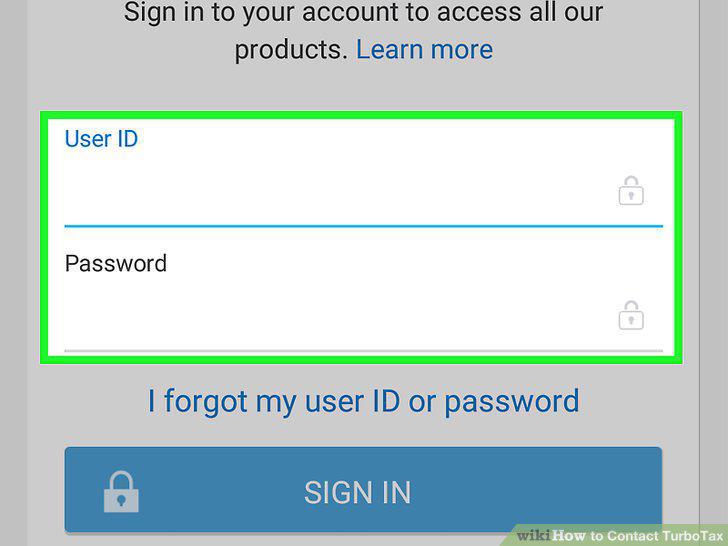
Sign in to the TurboTax app if you aren't logged in.
7
Click the question mark in the upper-right corner.
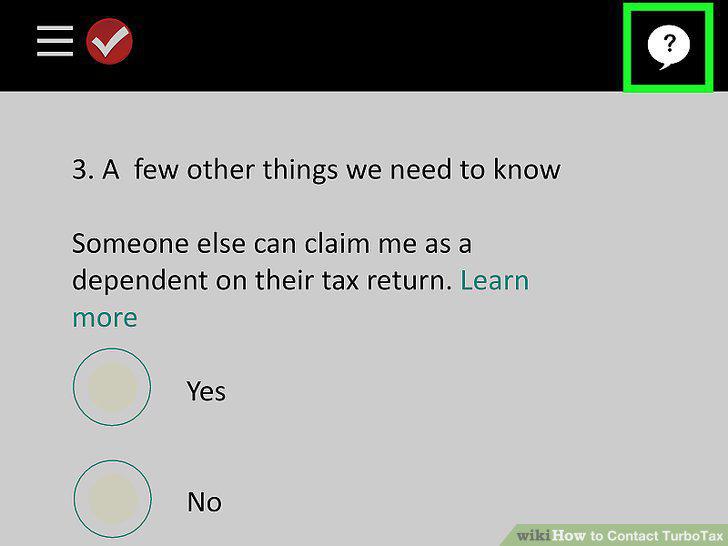
Click the question mark in the upper-right corner.
8
Select the "Get Live Help" button to ask your question.
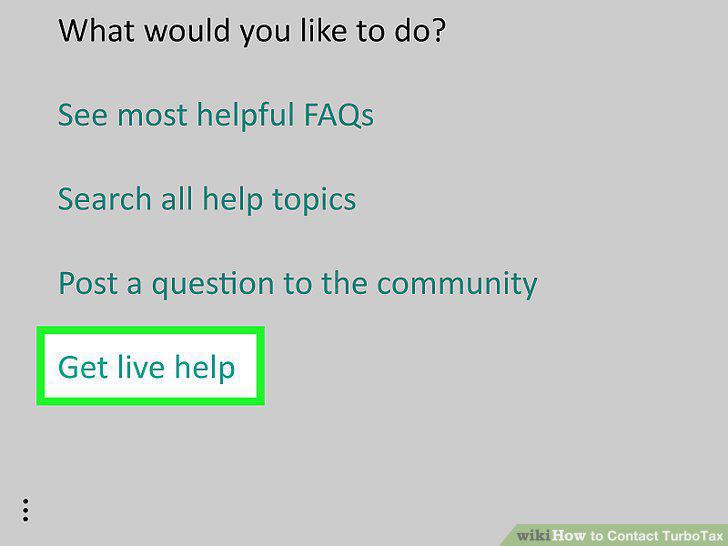
Select the "Get Live Help" button to ask your question.
9
Choose "Connect Me" so a specialist can view your screen and guide you.
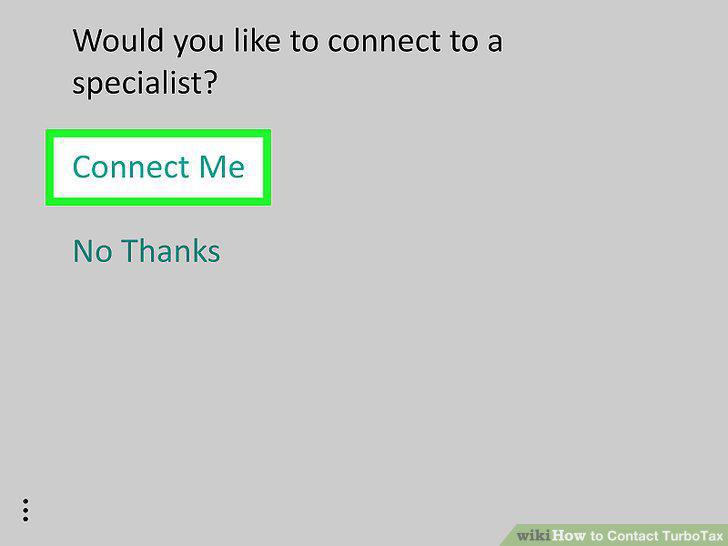
Choose "Connect Me" so a specialist can view your screen and guide you.
10
Pick "No Thanks" and provide your phone number to have a specialist call you.
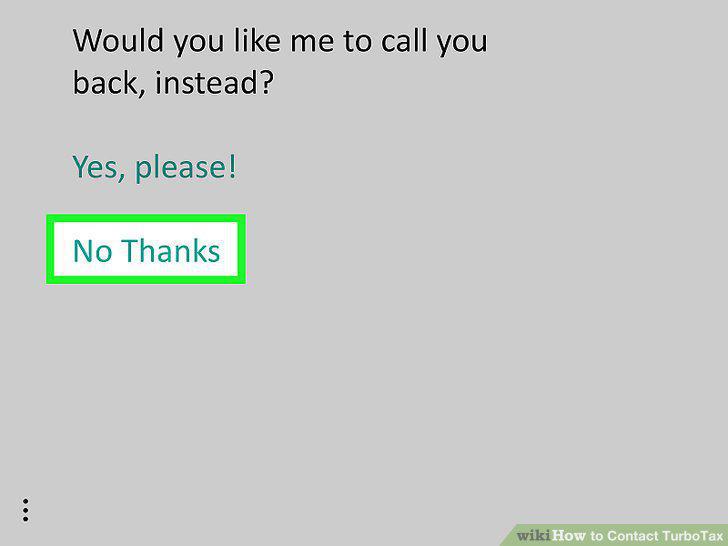
Pick "No Thanks" and provide your phone number to have a specialist call you.
Comments (0)
No comments yet. Be the first to share your thoughts!