How to Pay Someone on Venmo
Open Venmo.. Tap the "Pay or Request" icon.. Select a recipient.
Steps
1
Open Venmo.
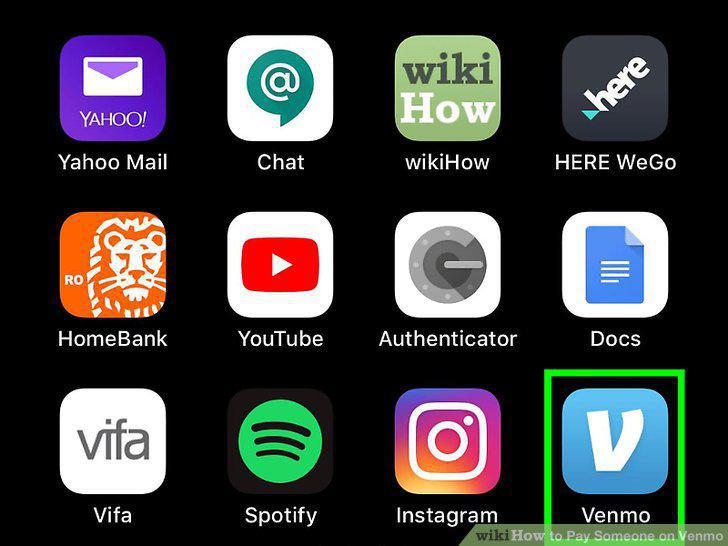
Open Venmo.
2
Tap the "Pay or Request" icon.

Tap the "Pay or Request" icon.
3
Select a recipient.
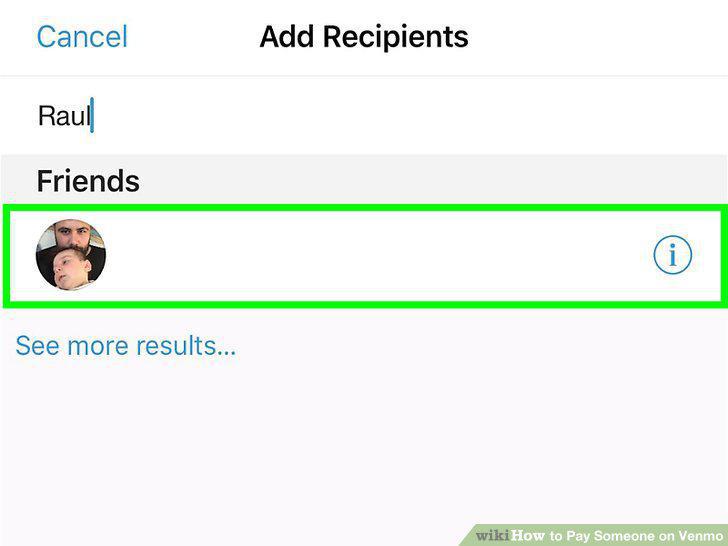
Select a recipient.
4
Enter an amount.
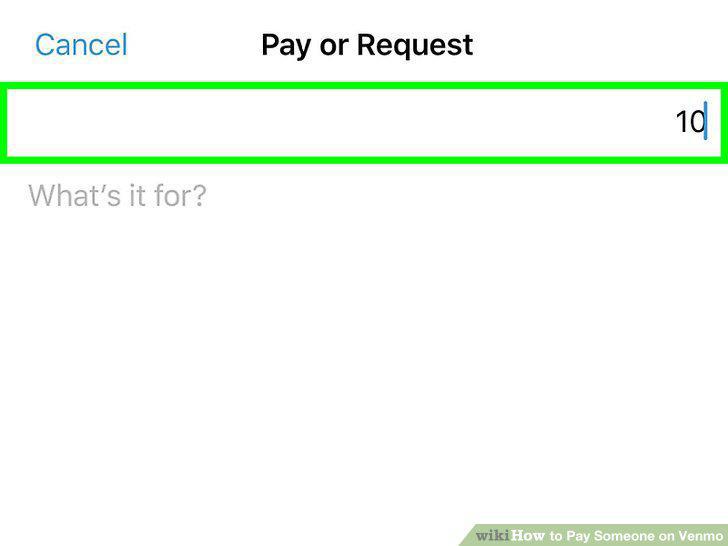
Enter an amount.
5
Add a note.
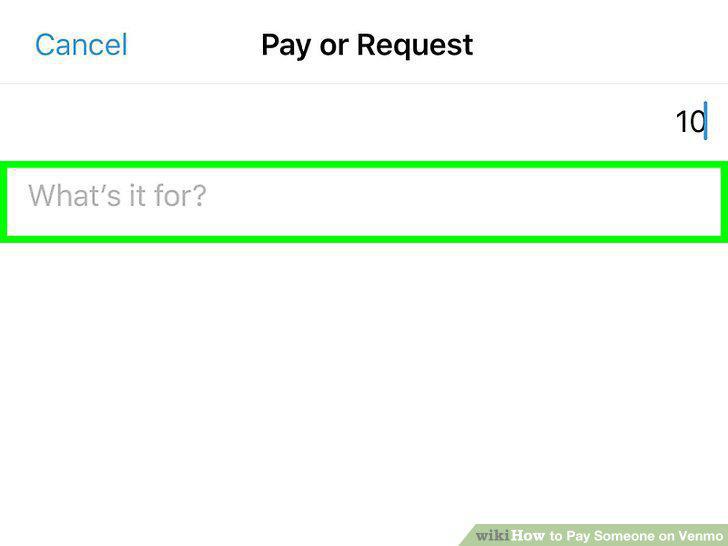
Add a note.
6
Determine who can see your payment.
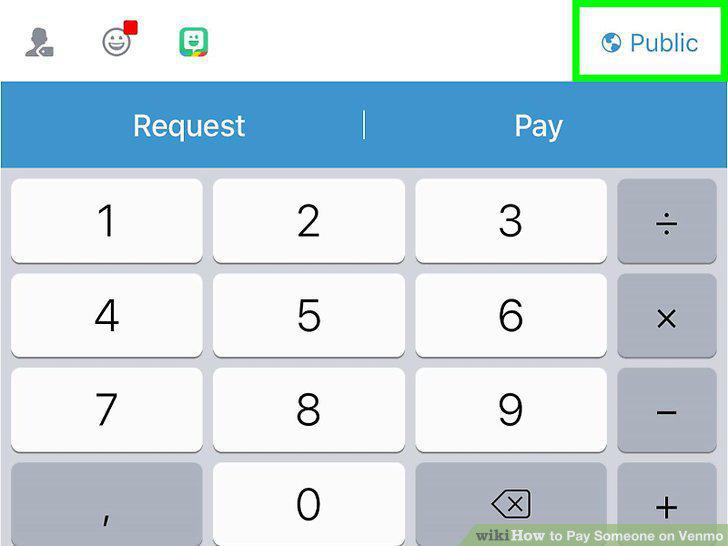
Determine who can see your payment.
7
Tap Pay.
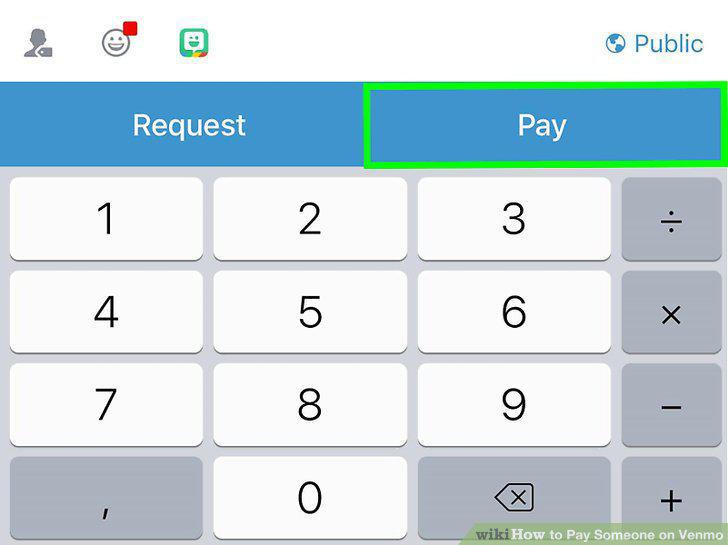
Tap Pay.
8
Tap Pay when prompted.
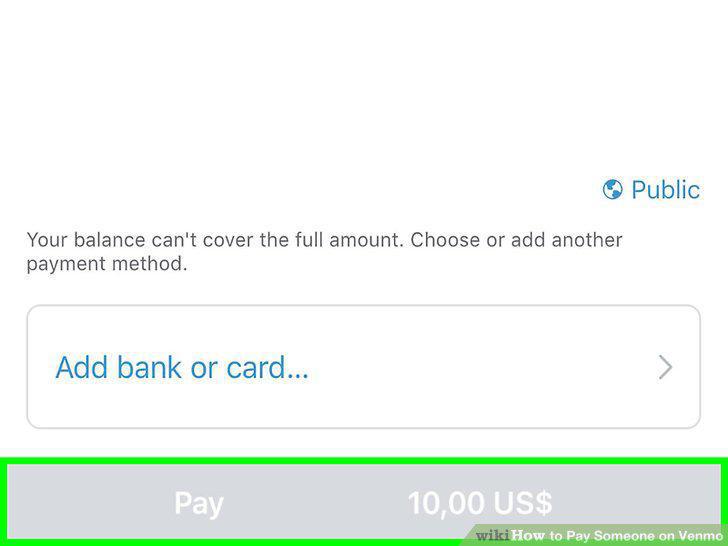
Tap Pay when prompted.
Comments (0)
No comments yet. Be the first to share your thoughts!