How to Use Skype for Video Games on Android
Open Skype on your Android.. Tap the Chats tab.. Tap the Contacts button.
Steps
1
Open Skype on your Android.
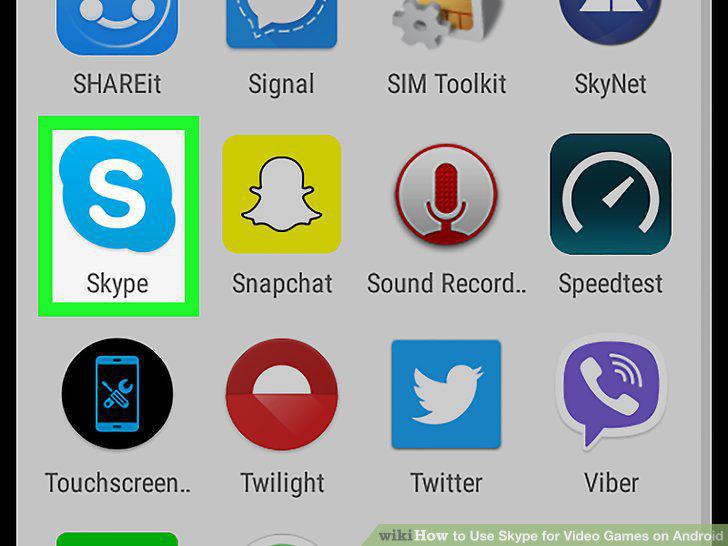
Open Skype on your Android.
2
Tap the Chats tab.
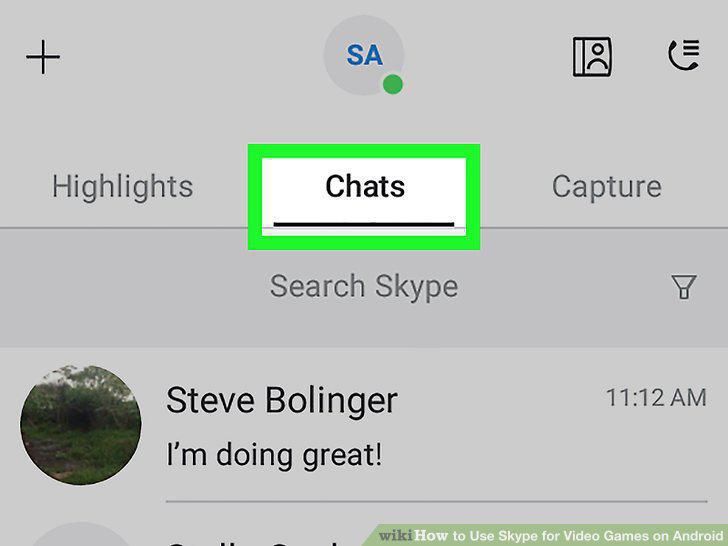
Tap the Chats tab.
3
Tap the Contacts button.
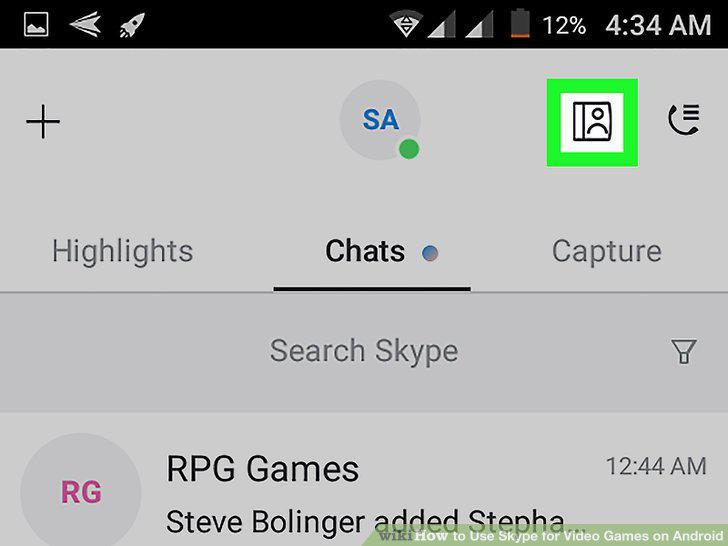
Tap the Contacts button.
4
Tap the Skype tab.
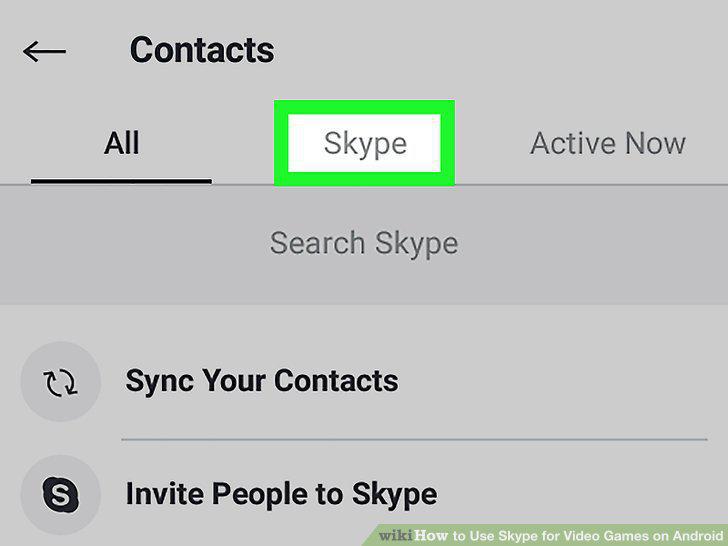
Tap the Skype tab.
5
Find and tap the friend you want to voice chat.
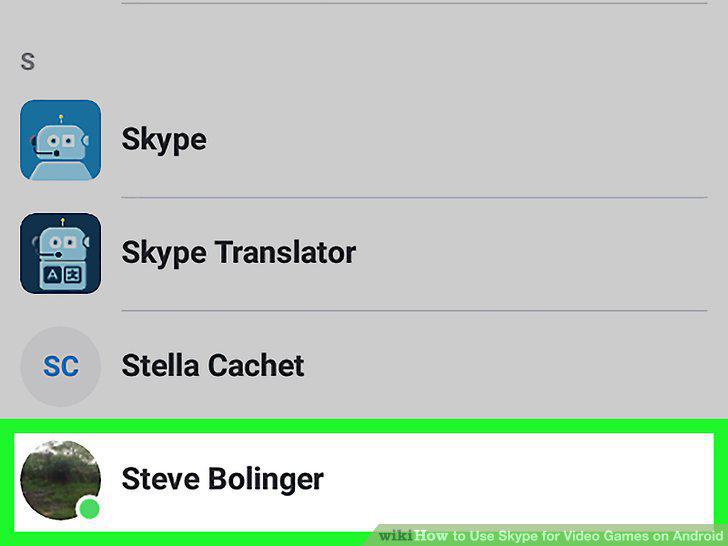
Find and tap the friend you want to voice chat.
6
Tap the phone icon.
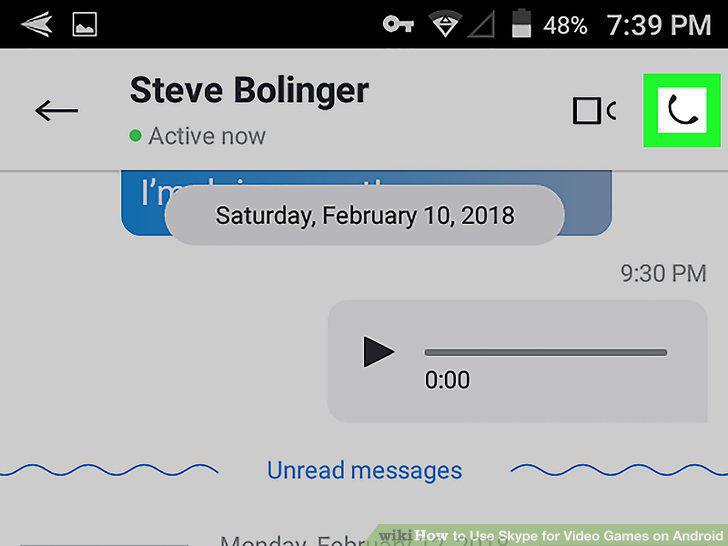
Tap the phone icon.
7
Press your Android's home button.
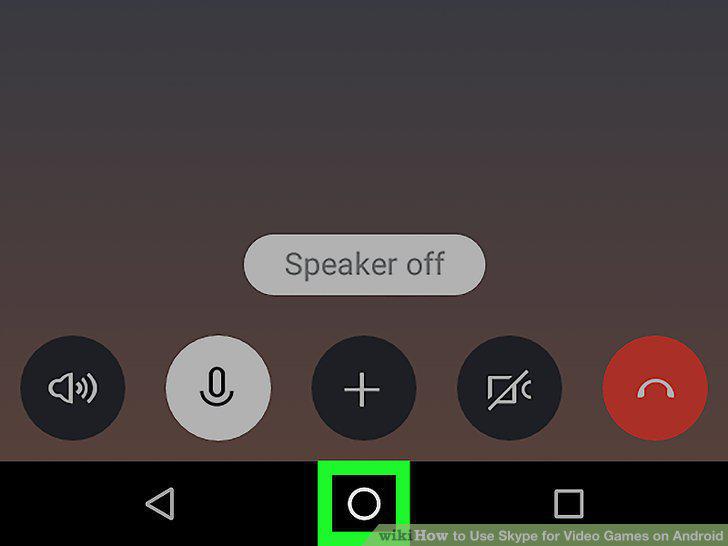
Press your Android's home button.
8
Open the game you want to play.
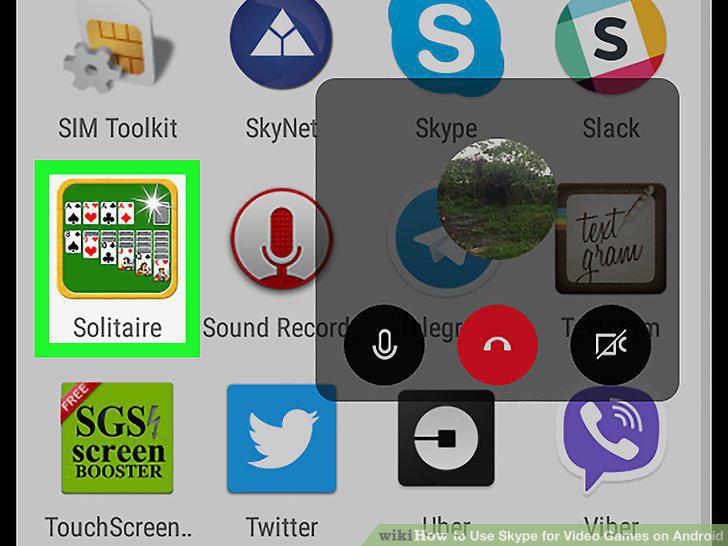
Open the game you want to play.
9
Play your game while voice chatting.
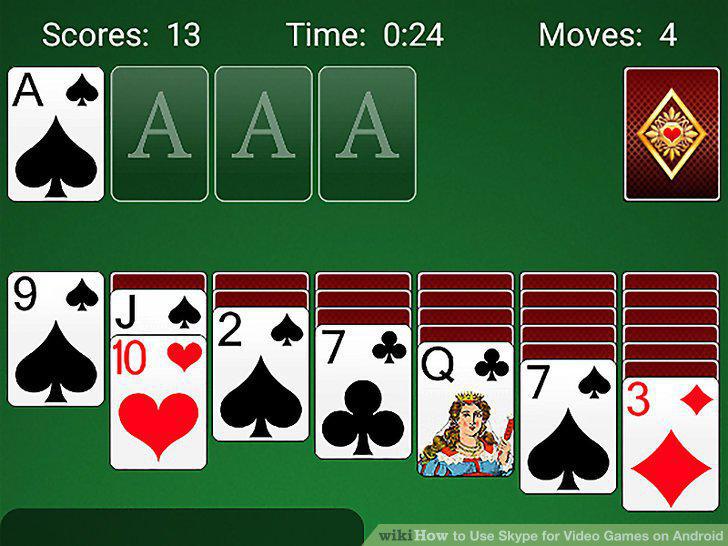
Play your game while voice chatting.
Comments (0)
No comments yet. Be the first to share your thoughts!