How to Close a Case on eBay
Make sure that you qualify for closing the case.. Open the eBay website.. Click Help & Contact.
Steps
1
Make sure that you qualify for closing the case.
Make sure that you qualify for closing the case.
2
Open the eBay website.
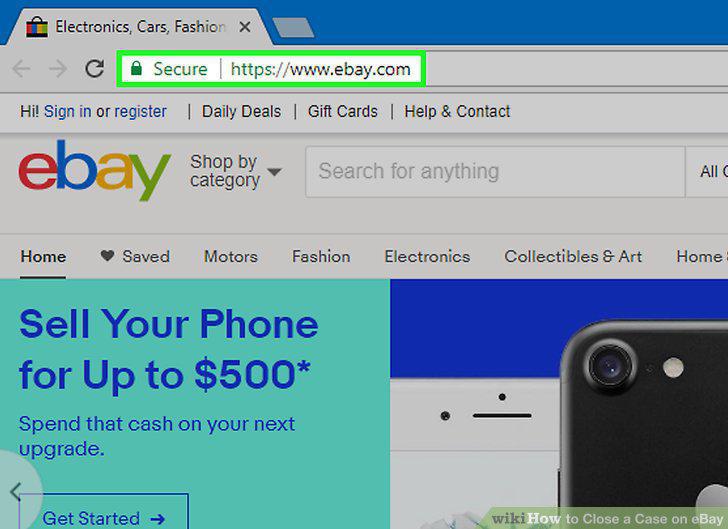
Open the eBay website.
3
Click Help & Contact.
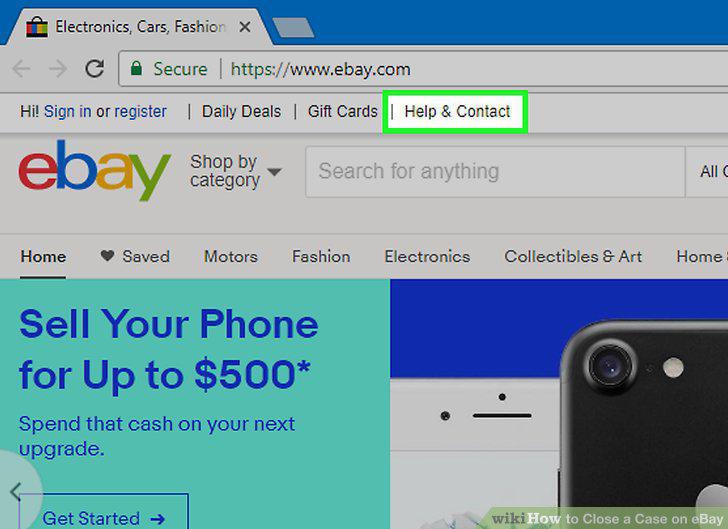
Click Help & Contact.
4
Scroll down and click Resolution Center.
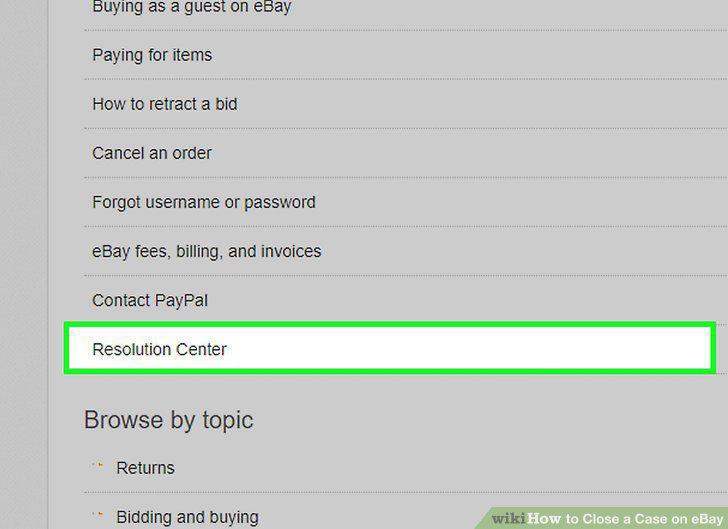
Scroll down and click Resolution Center.
5
Find your case.
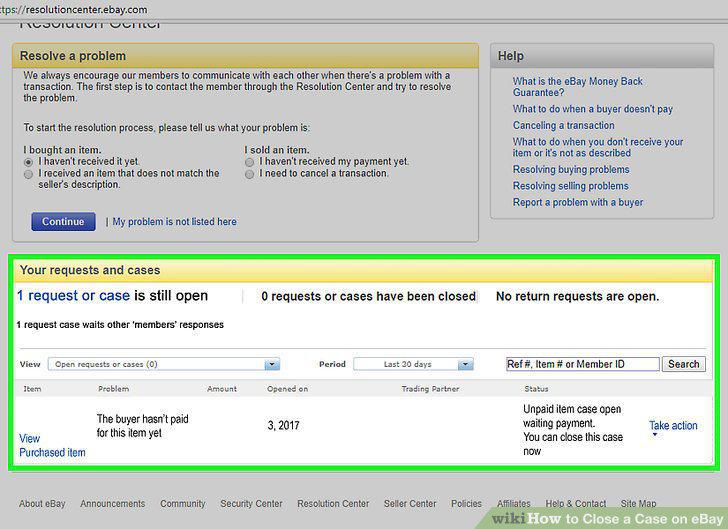
Find your case.
6
Click Take action.
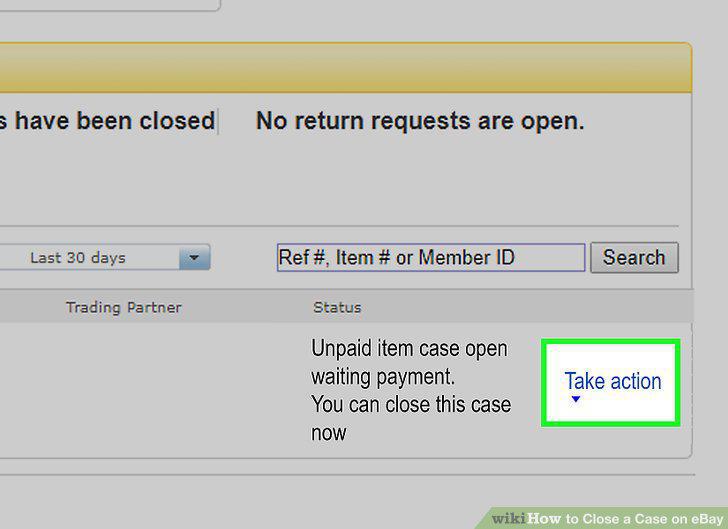
Click Take action.
7
Click Receive fee credit.
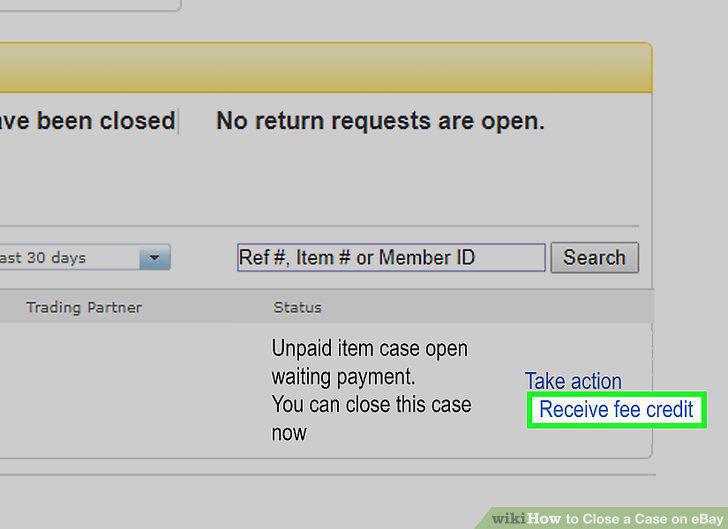
Click Receive fee credit.
8
Check the "Yes" or "No" box.
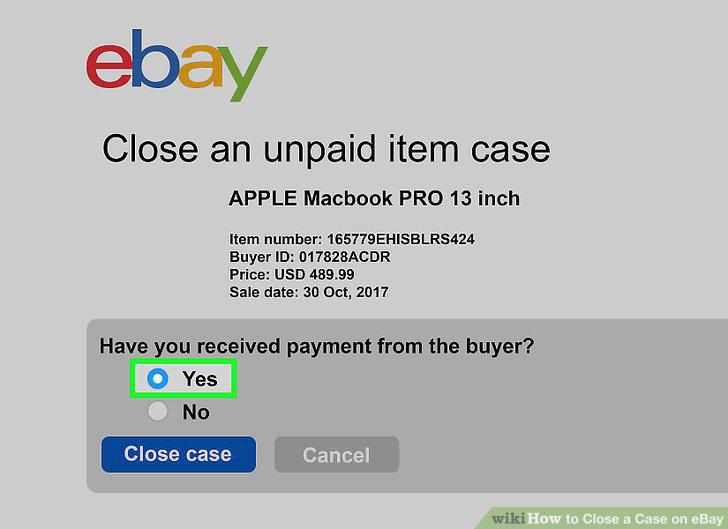
Check the "Yes" or "No" box.
9
Click Close case.
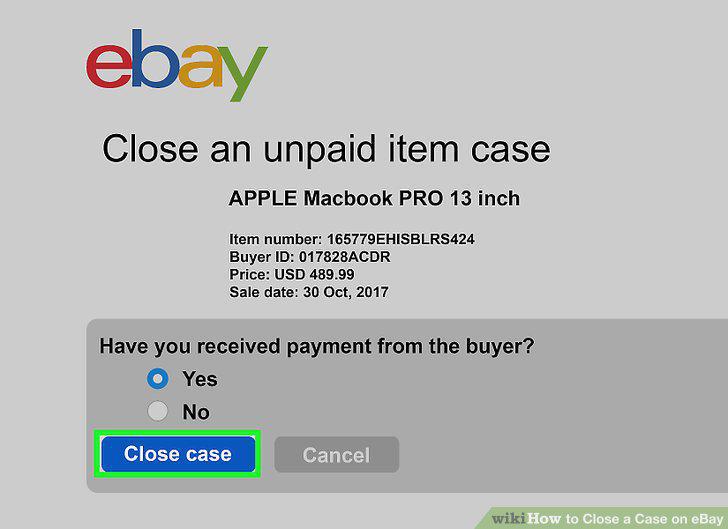
Click Close case.
Comments (0)
No comments yet. Be the first to share your thoughts!