How to Become a YouTube Partner
Find out if you qualify for the program.. Enable the monetization status on your YouTube account.. Agree to the YouTube Partner Program terms.
Steps
Find out if you qualify for the program.
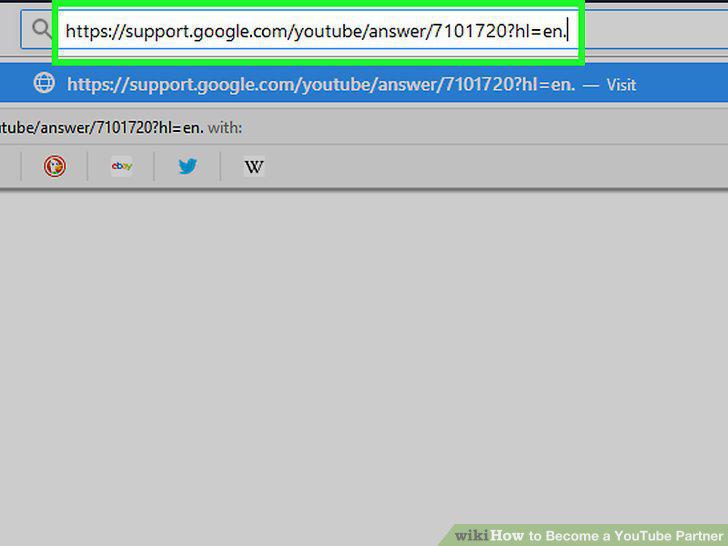
Find out if you qualify for the program.
Enable the monetization status on your YouTube account.
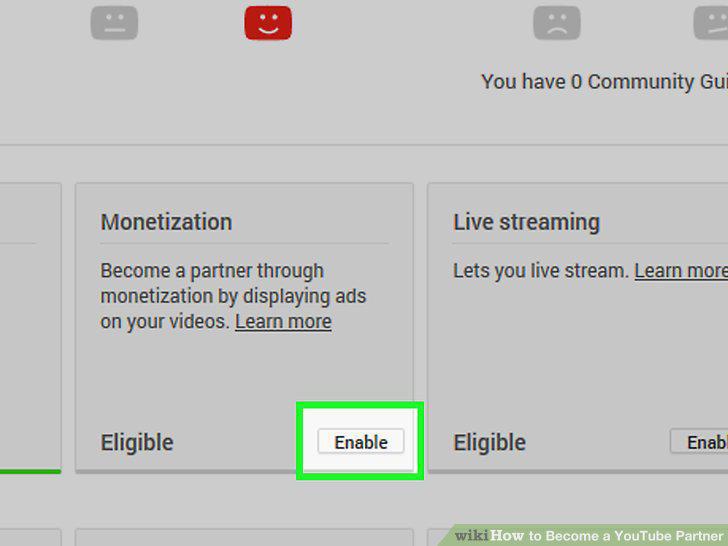
Enable the monetization status on your YouTube account.
Agree to the YouTube Partner Program terms.
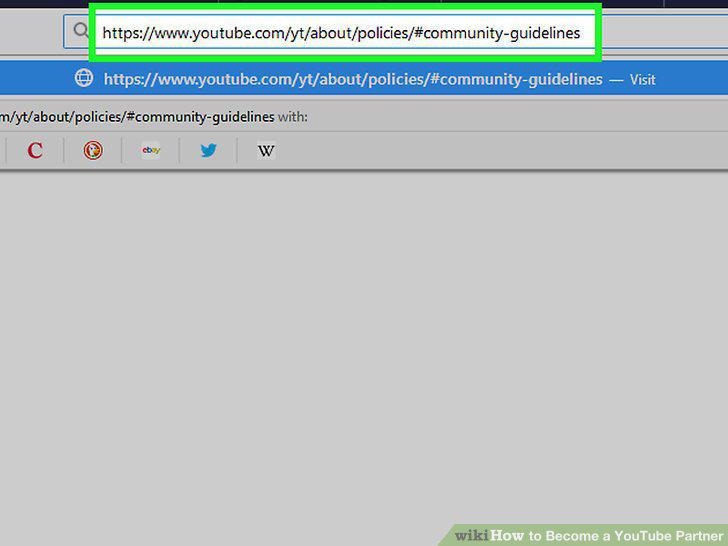
Agree to the YouTube Partner Program terms.
Select your monetizing options.
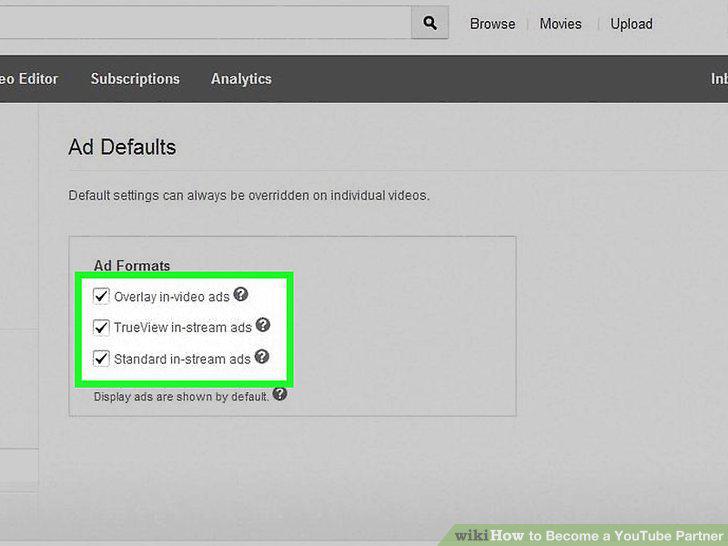
Select your monetizing options.
Click "Monetize My Videos" to confirm your enrollment in the program.
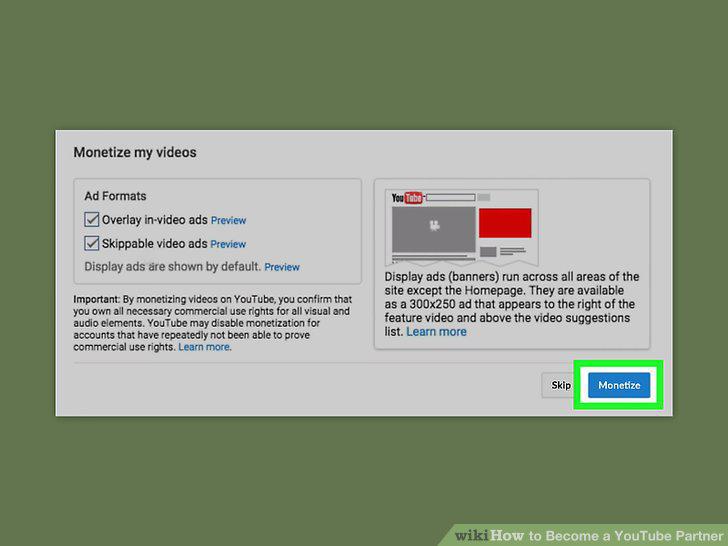
Click "Monetize My Videos" to confirm your enrollment in the program.
Wait for program approval from YouTube.
Wait for program approval from YouTube.
Create an AdSense account through your YouTube Account.
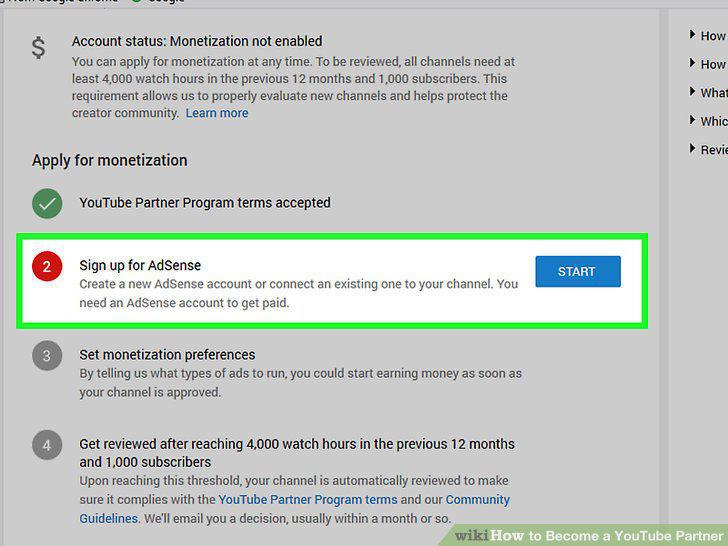
Create an AdSense account through your YouTube Account.
Provide your email address and your billing information.
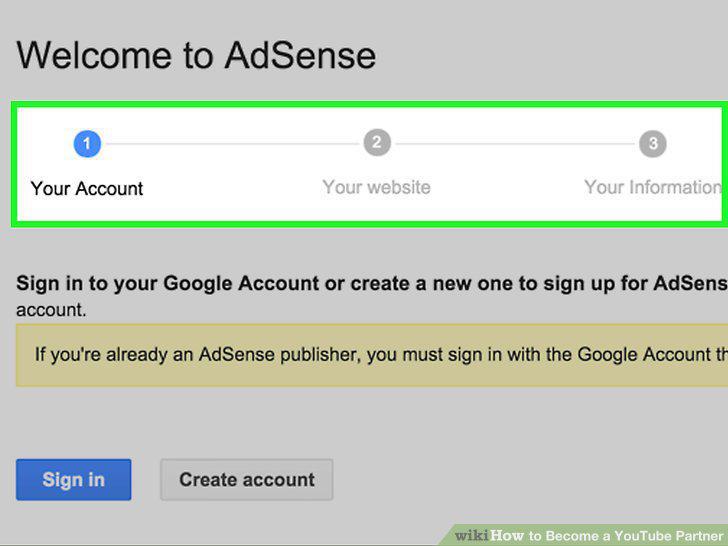
Provide your email address and your billing information.
Log into your AdSense account and start collecting revenue.
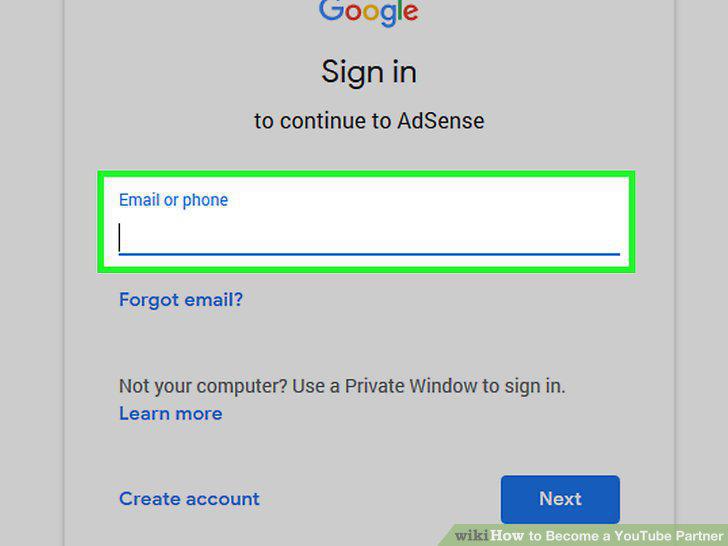
Log into your AdSense account and start collecting revenue.
Enable monetization on your older videos.
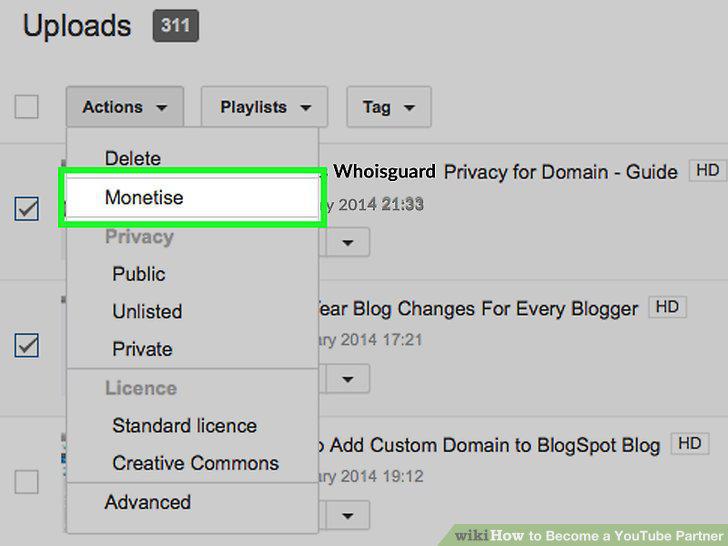
Enable monetization on your older videos.
Use the added features that come with being a YouTube partner.
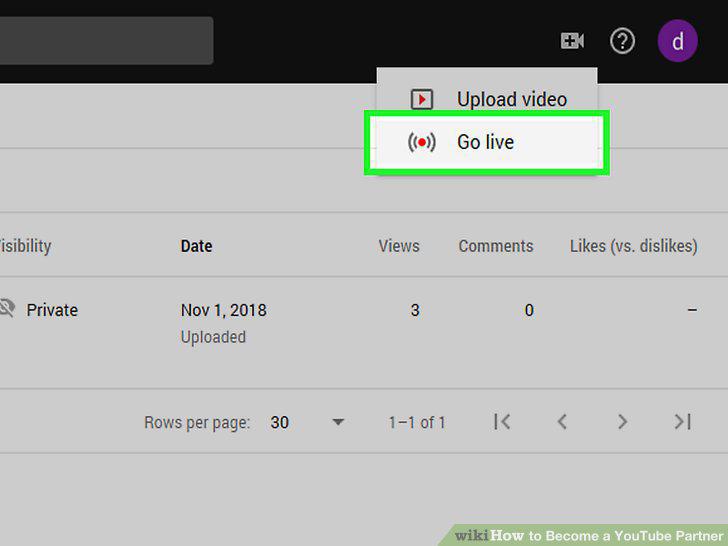
Use the added features that come with being a YouTube partner.
Vary the advertisements you use in your videos.
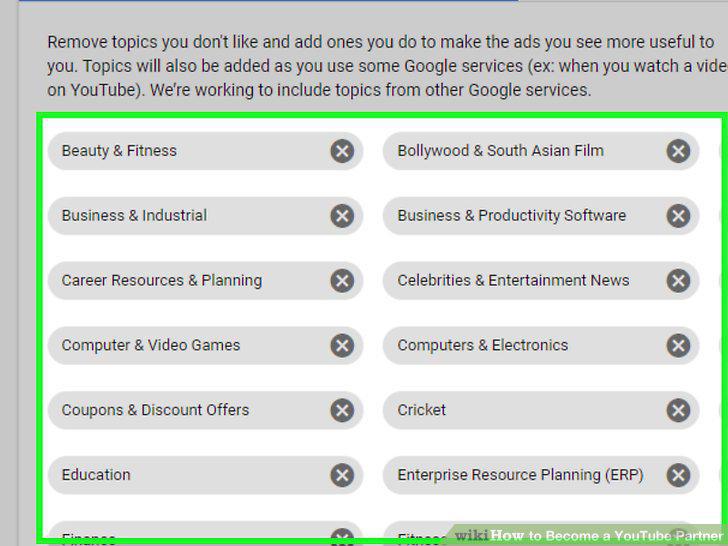
Vary the advertisements you use in your videos.
Offer paid subscriptions once you hit 10,000 subscribers.
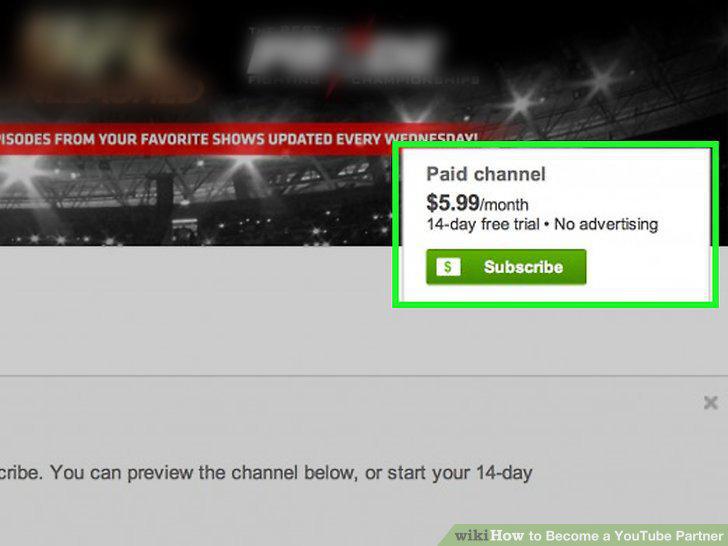
Offer paid subscriptions once you hit 10,000 subscribers.
Comments (0)
No comments yet. Be the first to share your thoughts!