How to Open an eBay Store
Open an eBay account.. Decide what you want to sell.. List some items.
Steps
1
Open an eBay account.
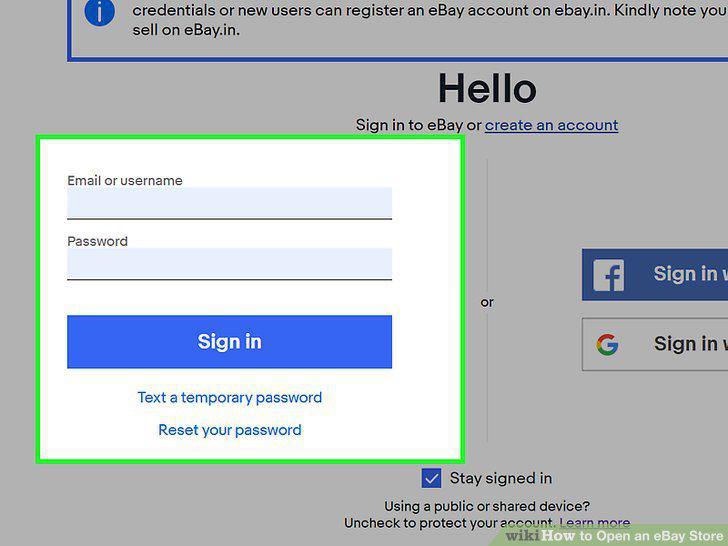
Open an eBay account.
2
Decide what you want to sell.
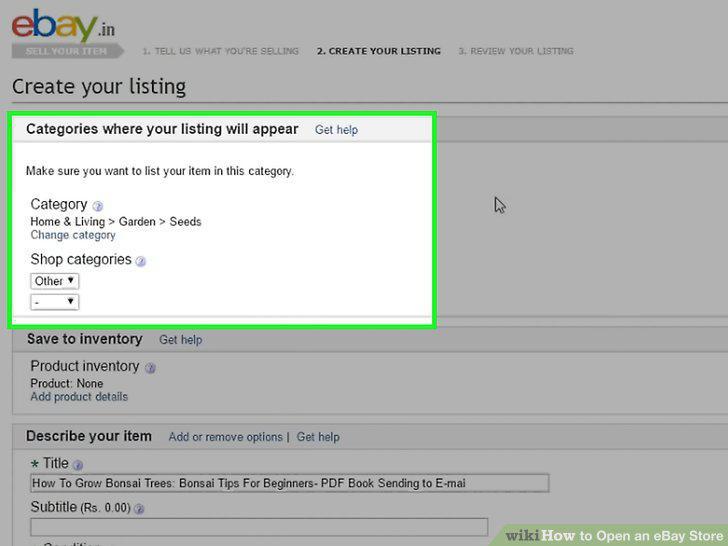
Decide what you want to sell.
3
List some items.
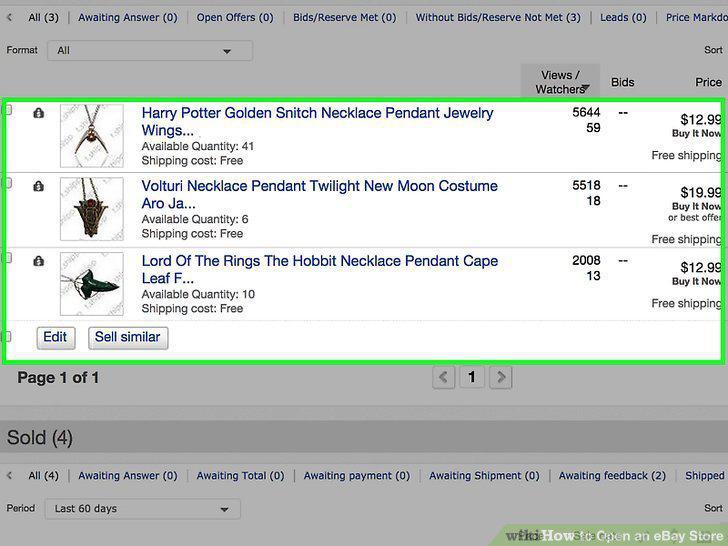
List some items.
4
Price your item to make a profit.
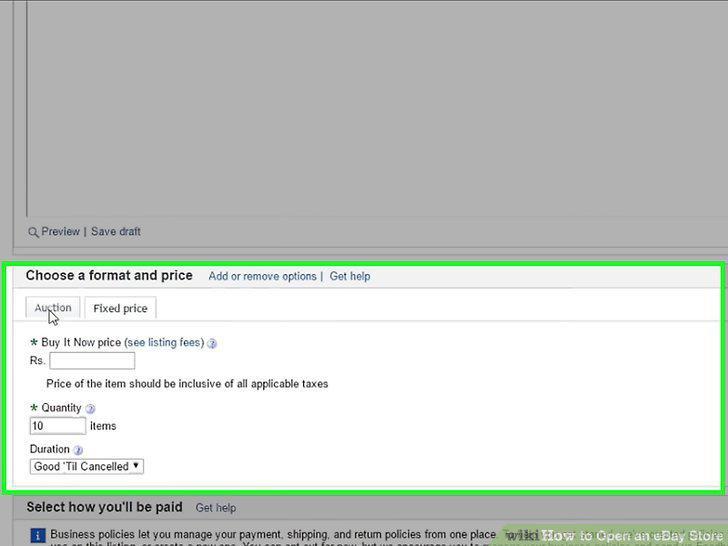
Price your item to make a profit.
5
Include high quality photos in your listing.
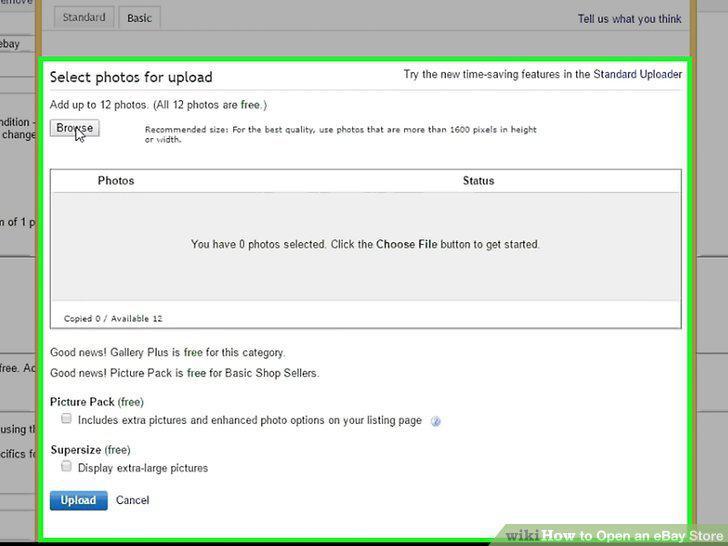
Include high quality photos in your listing.
6
Create an accurate and appealing description of the item.
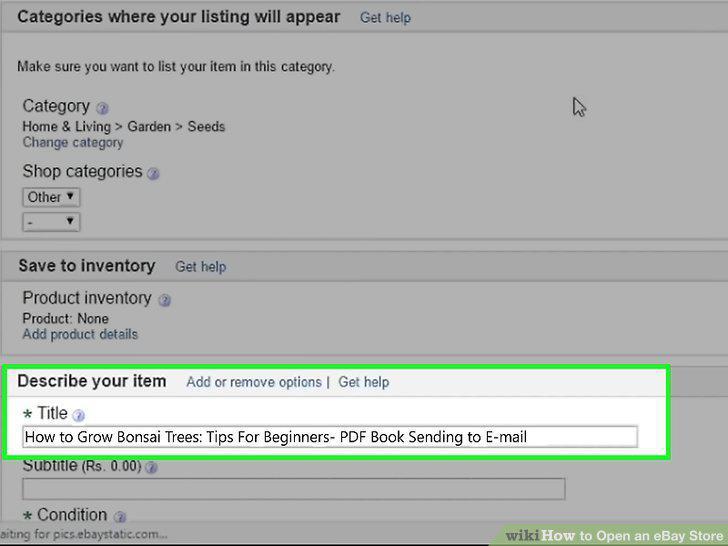
Create an accurate and appealing description of the item.
7
Gain several months of selling experience on eBay.
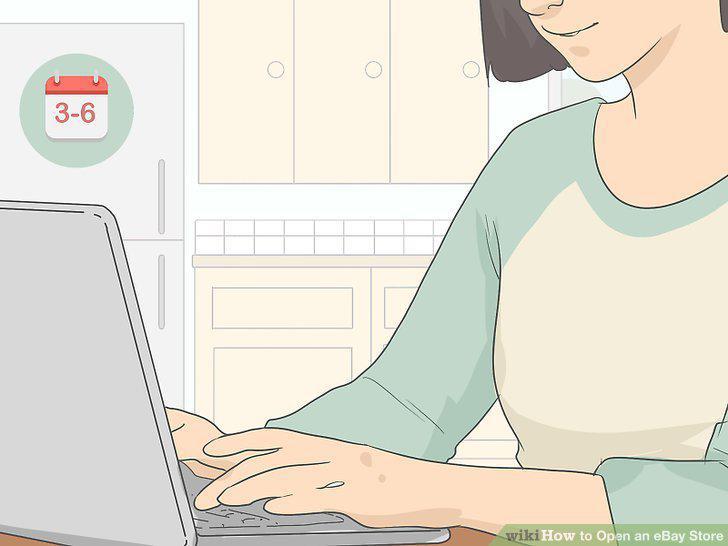
Gain several months of selling experience on eBay.
8
Make sure that you're generating a good amount of sales.
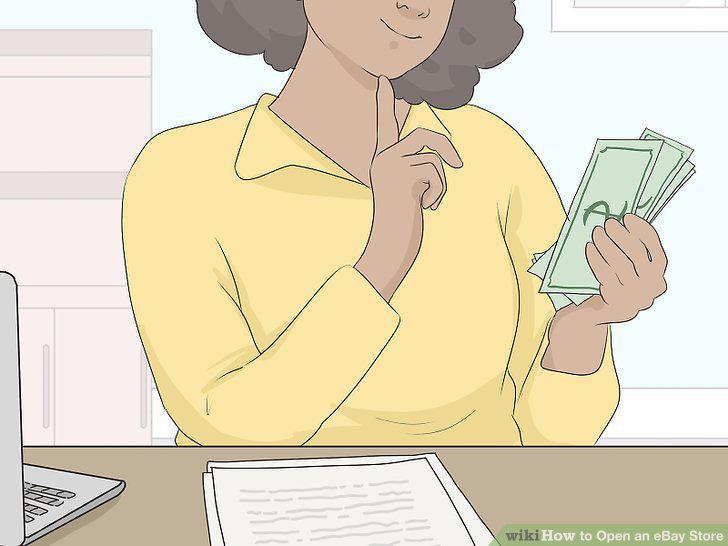
Make sure that you're generating a good amount of sales.
9
Be sure that you have 25 listings.
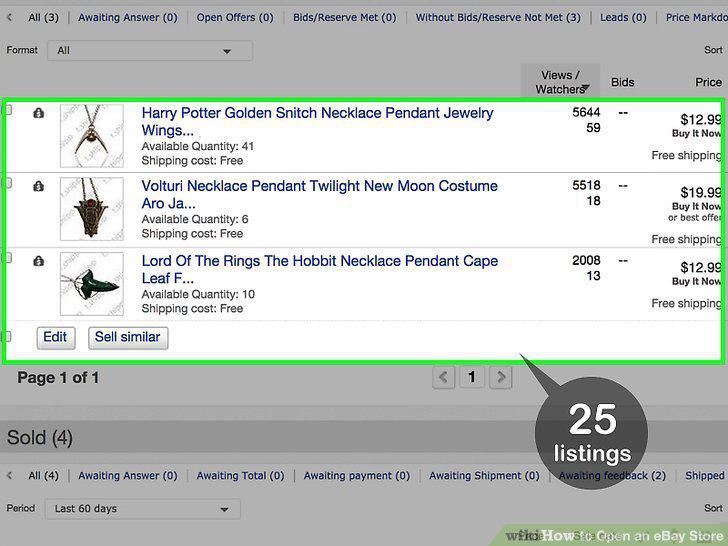
Be sure that you have 25 listings.
10
Add an automatic payment method to your account.
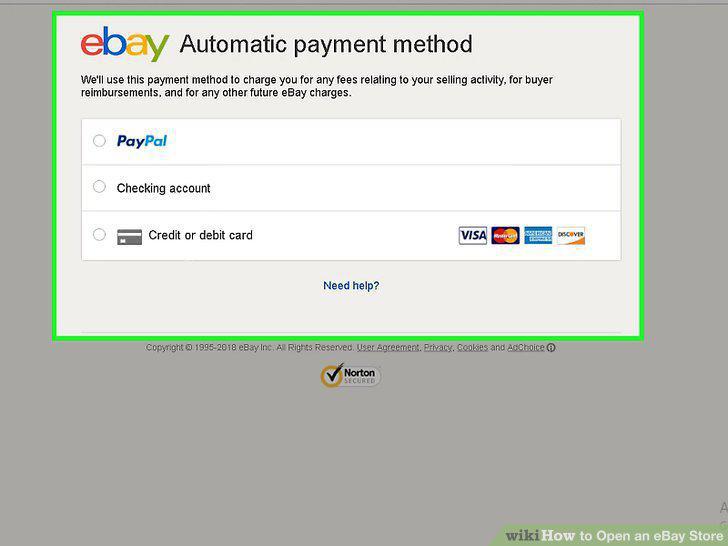
Add an automatic payment method to your account.
11
Have a verified PayPal account.
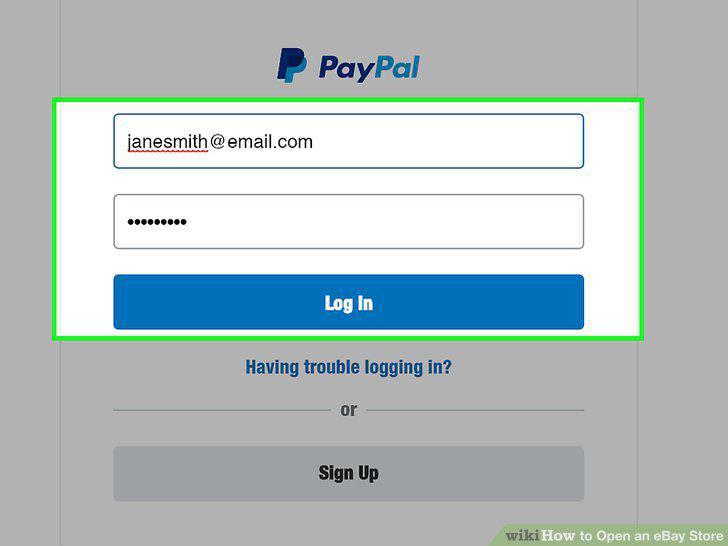
Have a verified PayPal account.
12
Choose a subscription level.
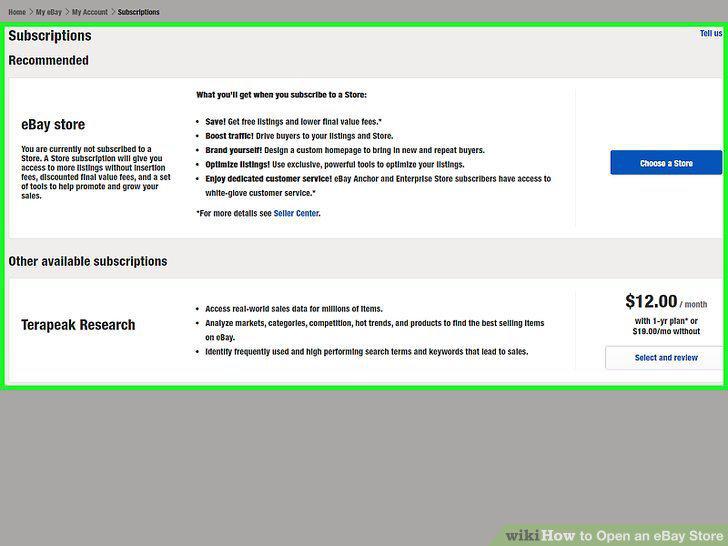
Choose a subscription level.
13
Select a store name.
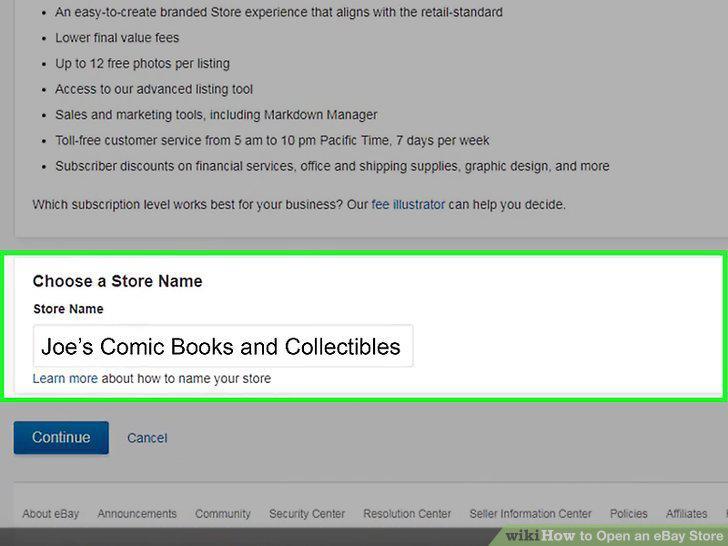
Select a store name.
14
Subscribe to eBay stores.
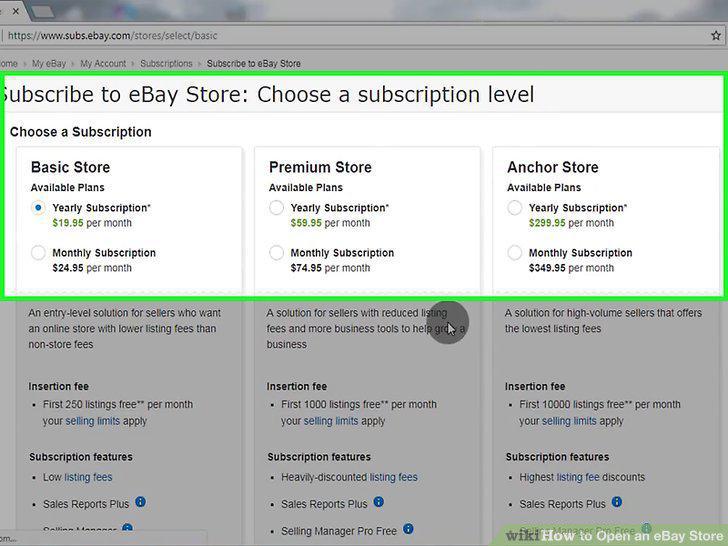
Subscribe to eBay stores.
15
Follow the "Build Your Store" link.
Follow the "Build Your Store" link.
16
Choose a billboard image.
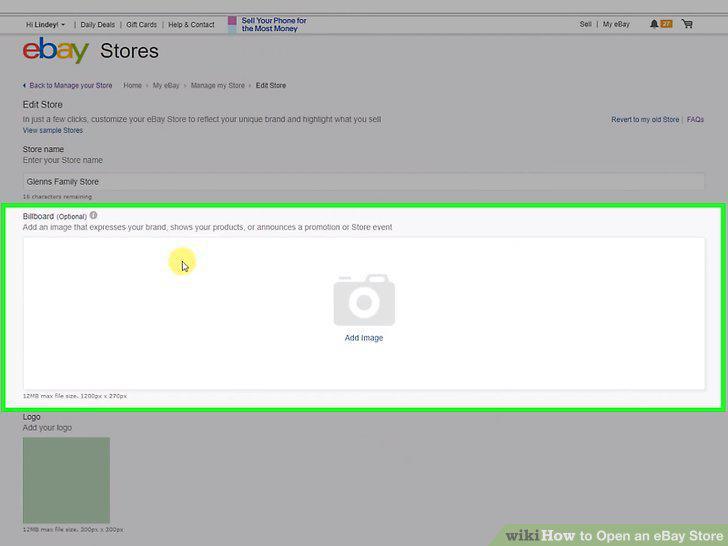
Choose a billboard image.
17
Add your store's name and description.
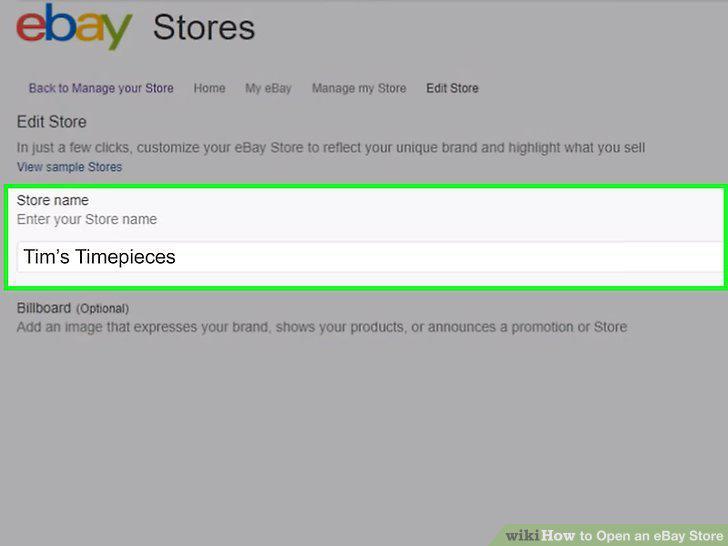
Add your store's name and description.
18
Create categories for the store.
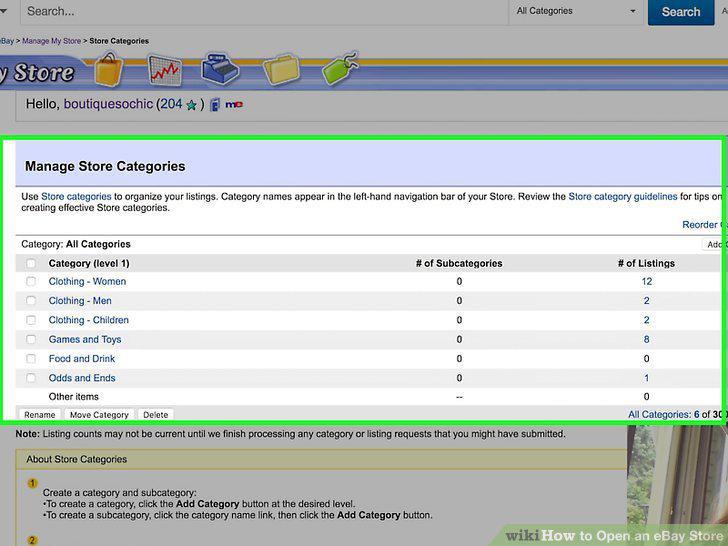
Create categories for the store.
19
Add listings to your store.
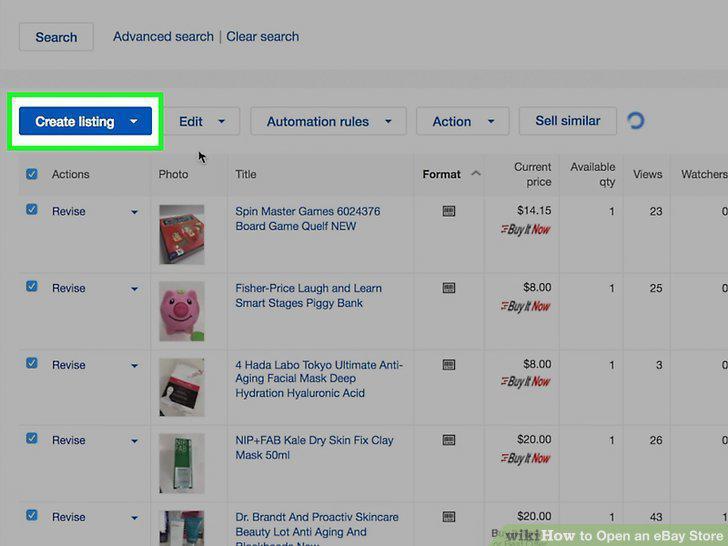
Add listings to your store.
Comments (0)
No comments yet. Be the first to share your thoughts!