How to Check the Points on Your Driver's License
Go online for a fast and easy option.. Visit the website of your local DMV.. Click the driver records link.
Steps
Go online for a fast and easy option.
Go online for a fast and easy option.
Visit the website of your local DMV.
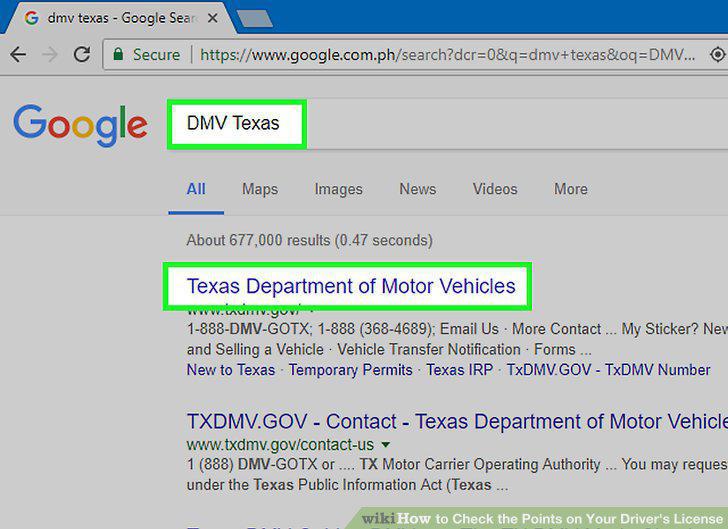
Visit the website of your local DMV.
Click the driver records link.
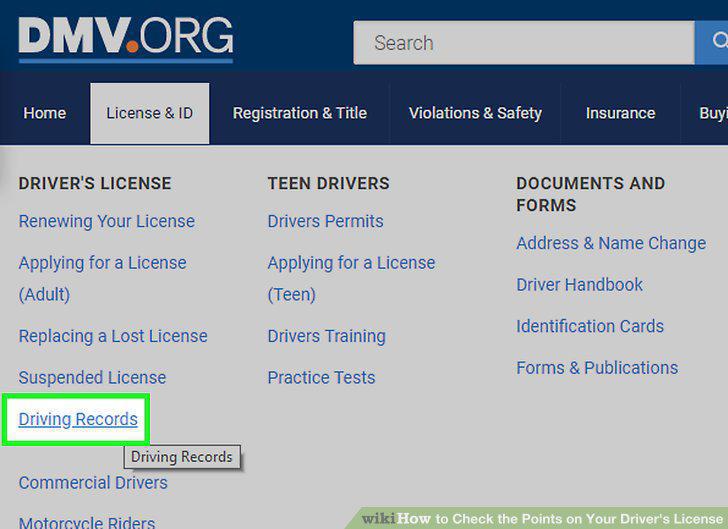
Click the driver records link.
Provide your personal information to access your driving record.
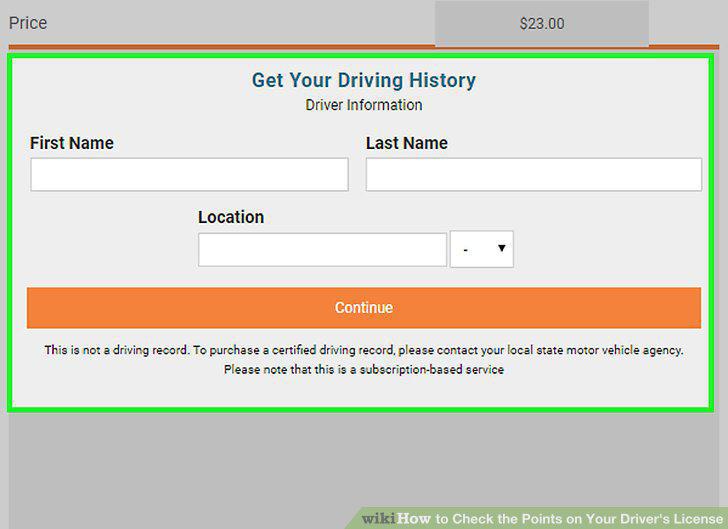
Provide your personal information to access your driving record.
Pay the fee to access your driving record.
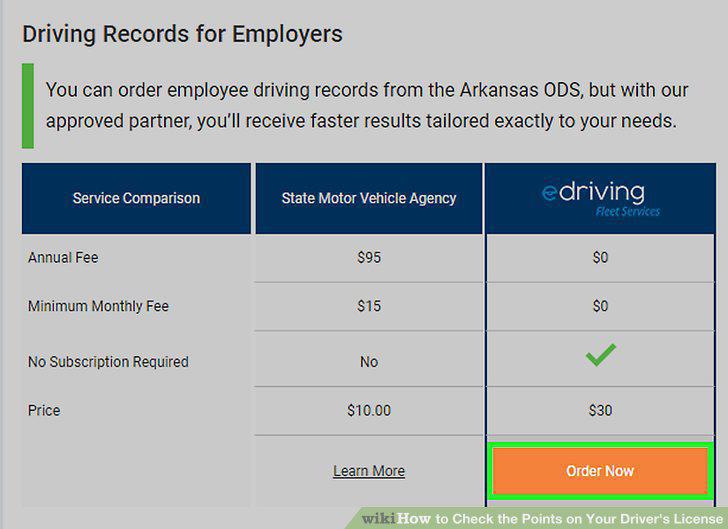
Pay the fee to access your driving record.
Use the DMV's third party vendor to obtain your driving record.
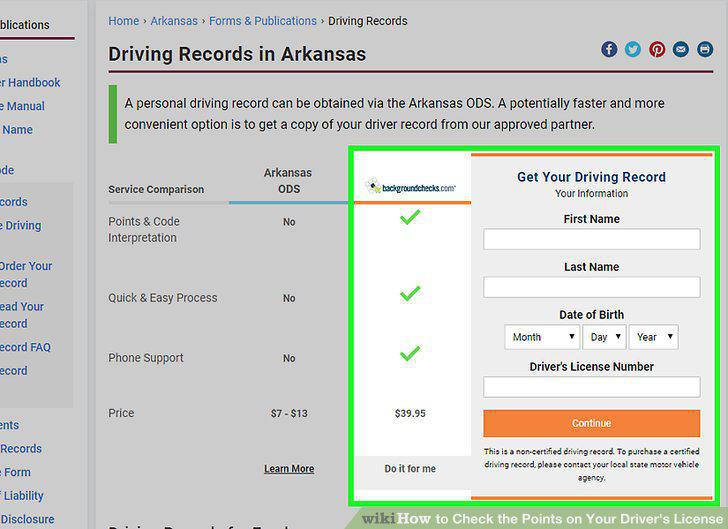
Use the DMV's third party vendor to obtain your driving record.
Use the mail if you don't mind waiting.
Use the mail if you don't mind waiting.
Obtain a Request for Driver Records form.
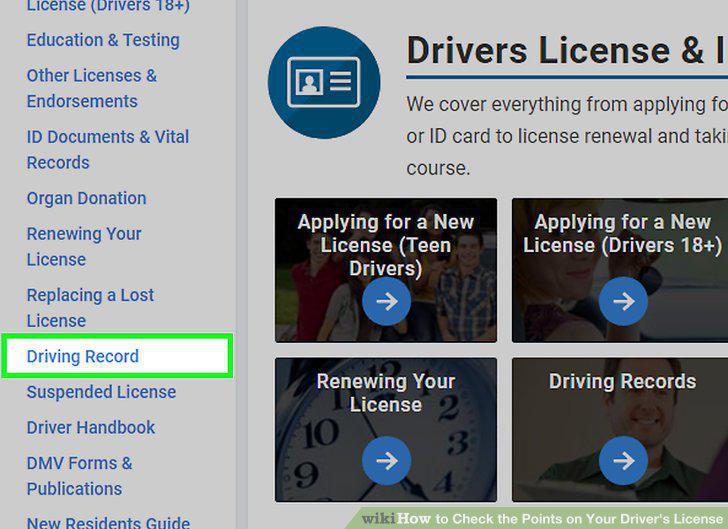
Obtain a Request for Driver Records form.
Download and print the form.
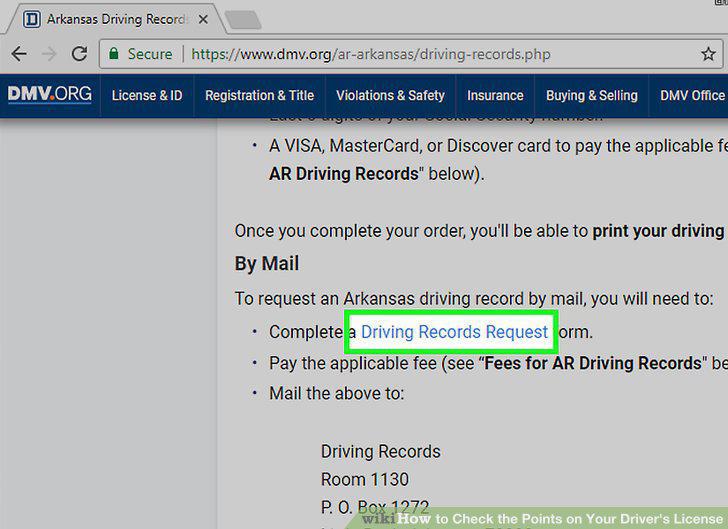
Download and print the form.
Fill out all of the required information on the form.
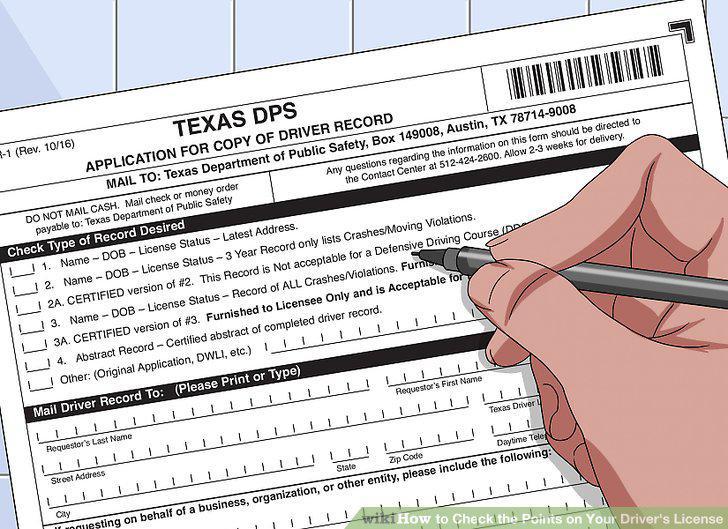
Fill out all of the required information on the form.
Write a check to pay the fee.
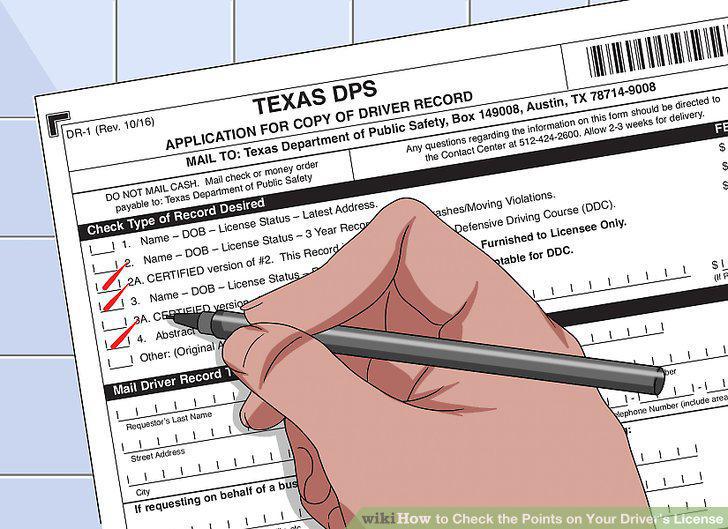
Write a check to pay the fee.
Mail the form and check to the address on the form.
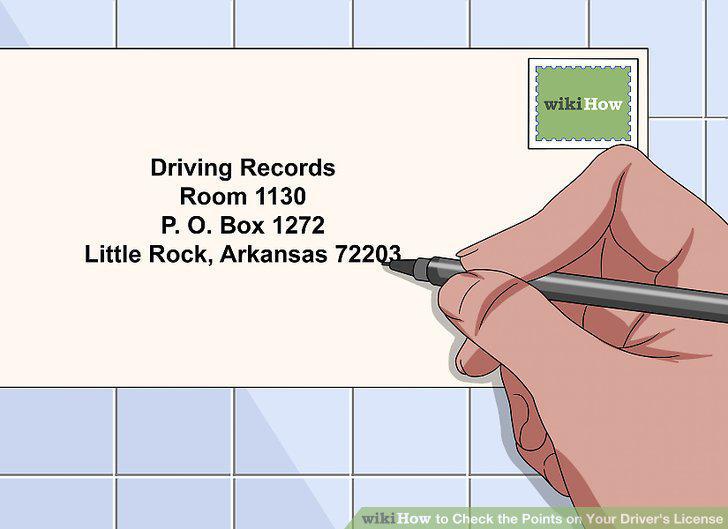
Mail the form and check to the address on the form.
Visit the DMV to receive your driving record right away.
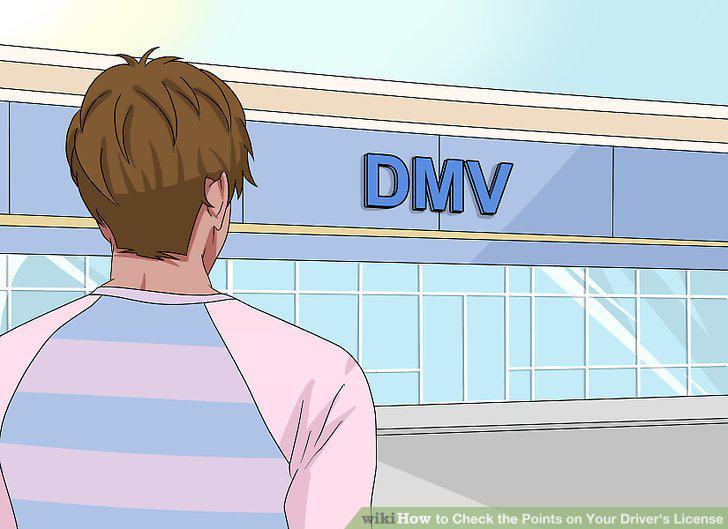
Visit the DMV to receive your driving record right away.
Fill out the application.
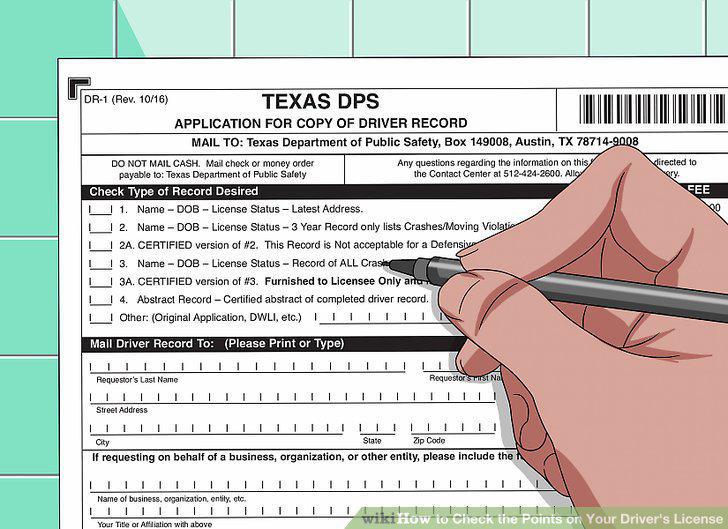
Fill out the application.
Submit the form with identification.
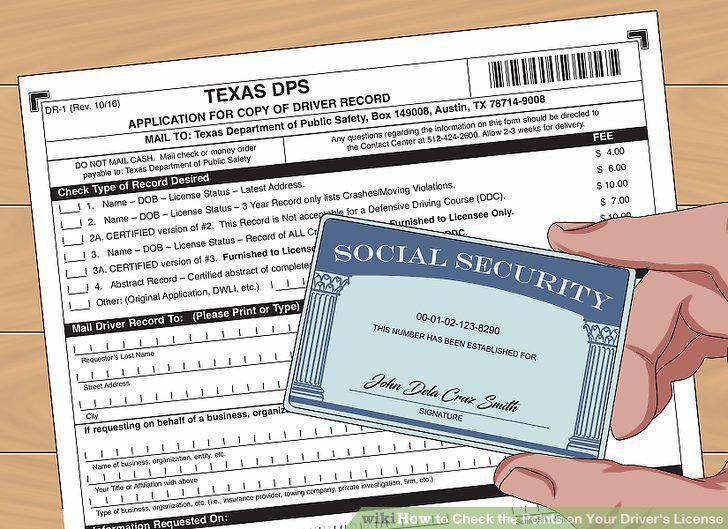
Submit the form with identification.
Pay the fee and receive your driving record.
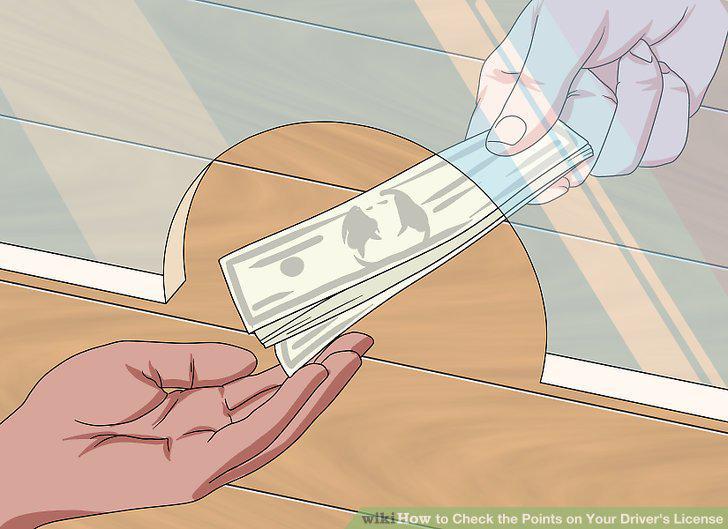
Pay the fee and receive your driving record.
Comments (0)
No comments yet. Be the first to share your thoughts!