How to Tag a Facebook Business Page on Android
Open Facebook.. Tap the Search box.. Search for the business.
Steps
1
Open Facebook.

Open Facebook.
2
Tap the Search box.

Tap the Search box.
3
Search for the business.
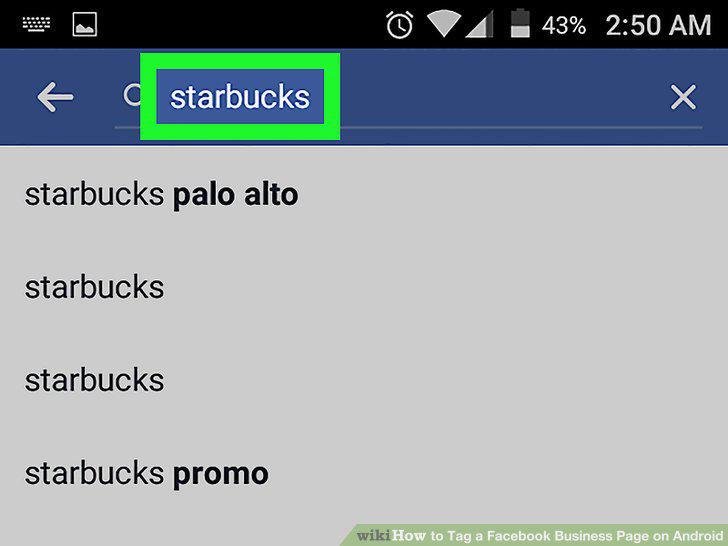
Search for the business.
4
Select the business from the results.

Select the business from the results.
5
Tap Like on the business's page.

Tap Like on the business's page.
6
Tap the Home button.

Tap the Home button.
7
Tap What's on your mind?.

Tap What's on your mind?.
8
Type @ followed by the business's name.
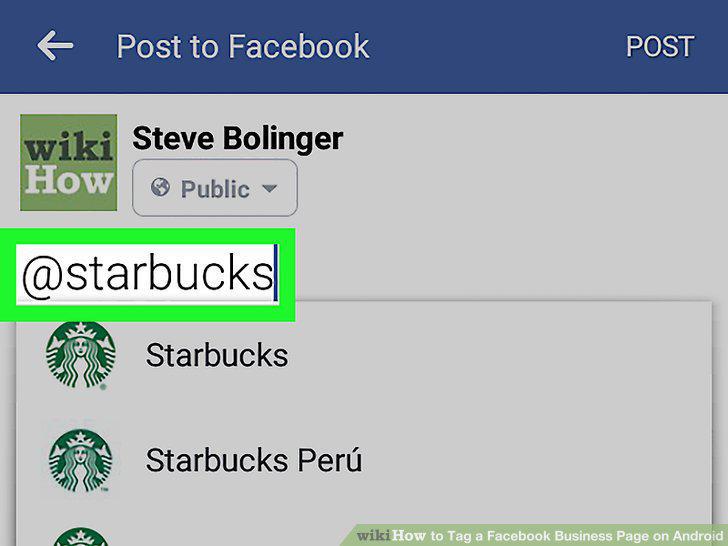
Type @ followed by the business's name.
9
Select the business page you want to tag.
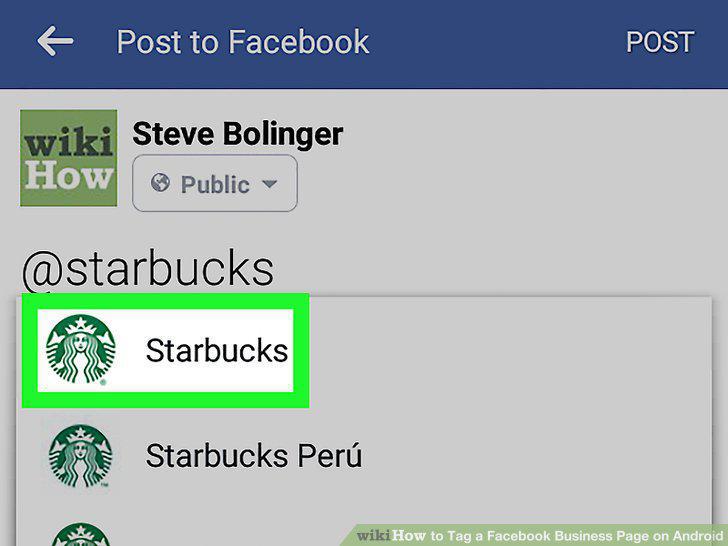
Select the business page you want to tag.
10
Add additional information and tap Post.
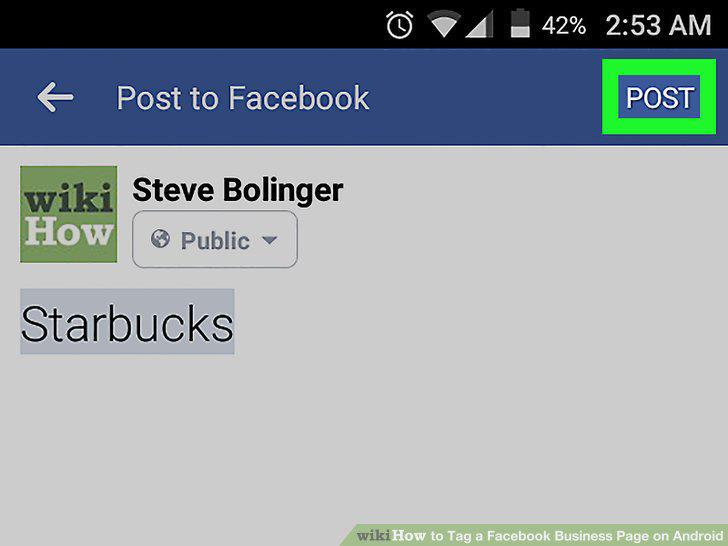
Add additional information and tap Post.
Comments (0)
No comments yet. Be the first to share your thoughts!