How to Send CSGO Skins on Steam on PC or Mac
Open Steam.. Click the View tab.. Click Inventory.
Steps
1
Open Steam.
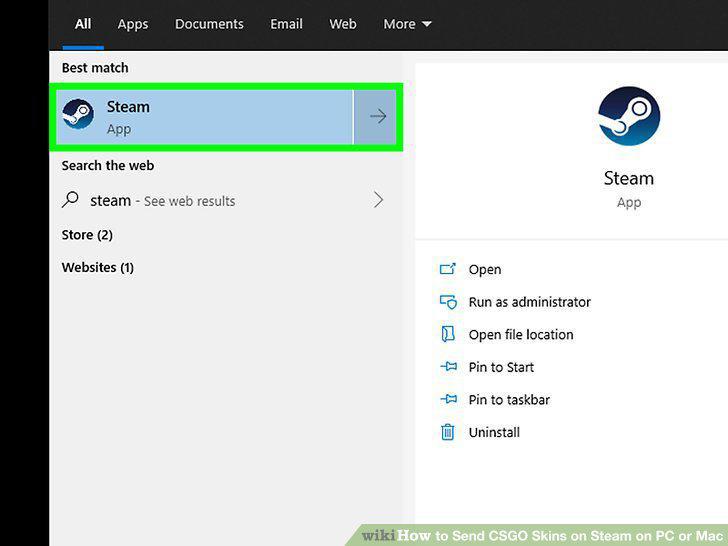
Open Steam.
2
Click the View tab.
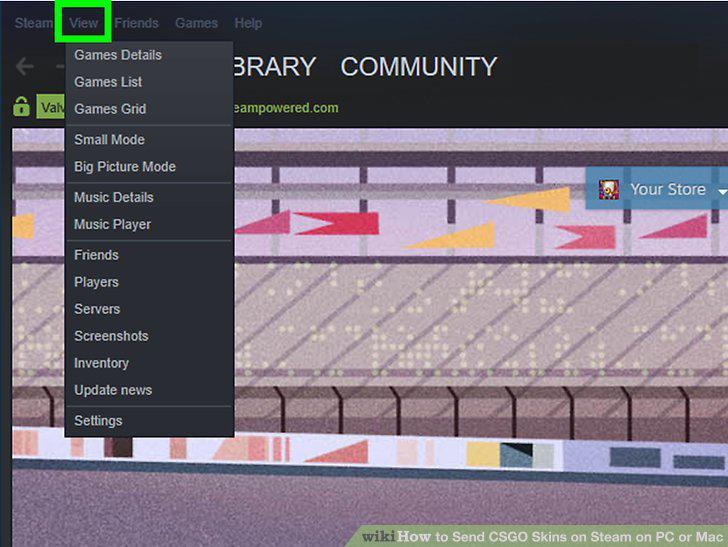
Click the View tab.
3
Click Inventory.
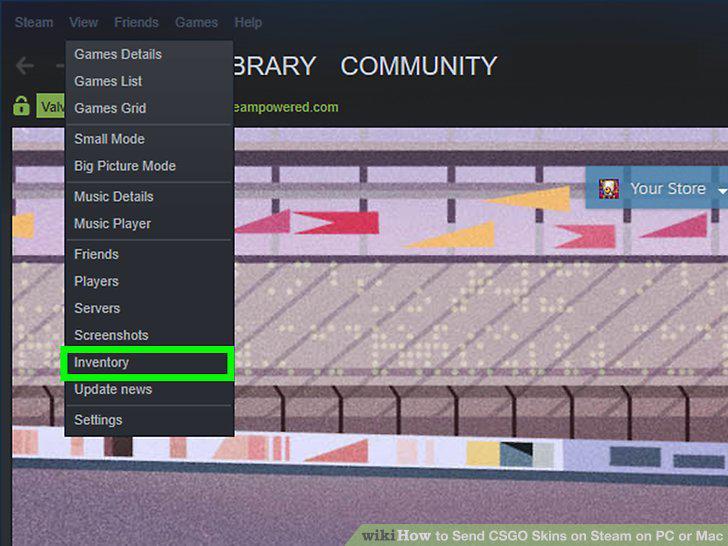
Click Inventory.
4
Click Trade Offers.
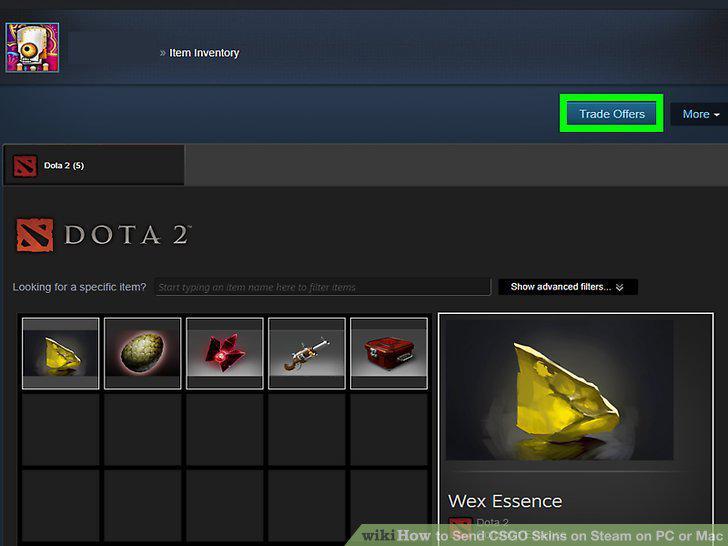
Click Trade Offers.
5
Click New Trade Offer.
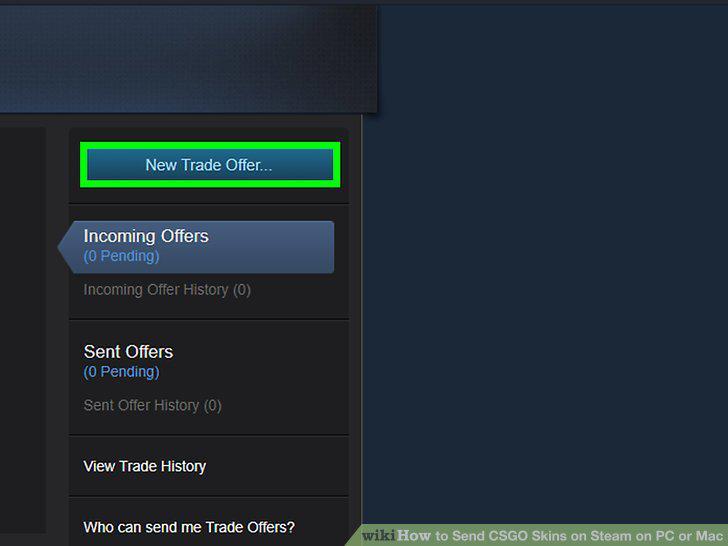
Click New Trade Offer.
6
Click the friend you want to send the skin to.
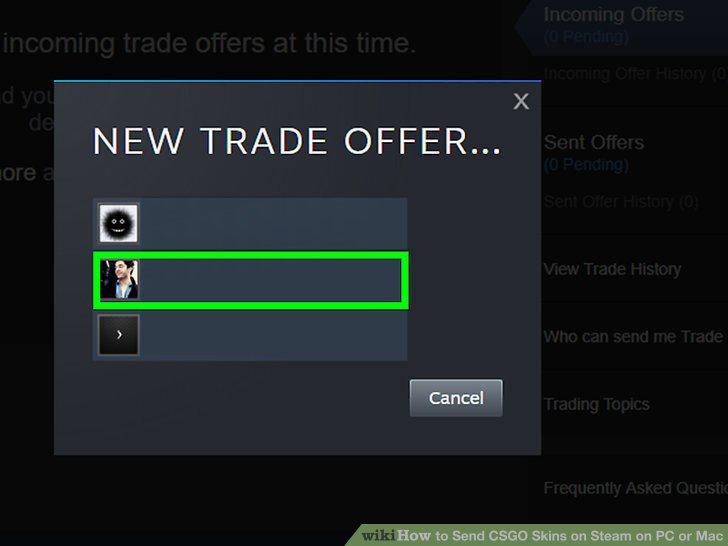
Click the friend you want to send the skin to.
7
Select the skin and click Make Offer.
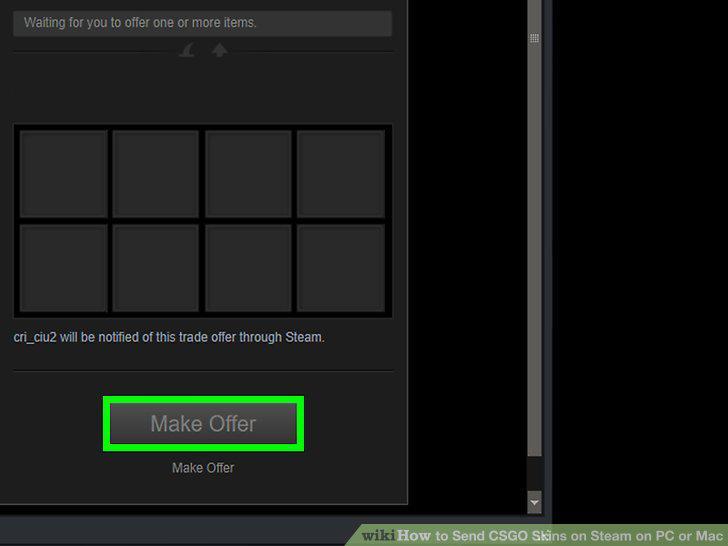
Select the skin and click Make Offer.
Comments (0)
No comments yet. Be the first to share your thoughts!