How to Obtain a PayPal Debit Card
Switch to a business account.. Switch to a Premier account.. Visit the PayPal website or app.
Steps
Switch to a business account.
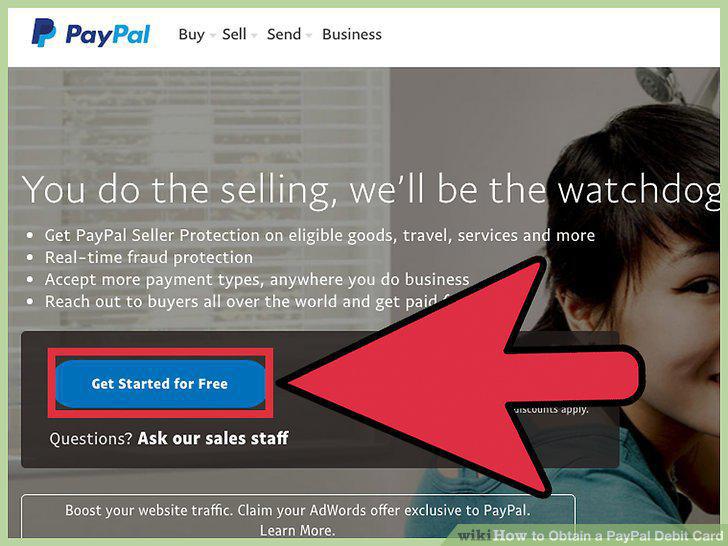
Switch to a business account.
Switch to a Premier account.
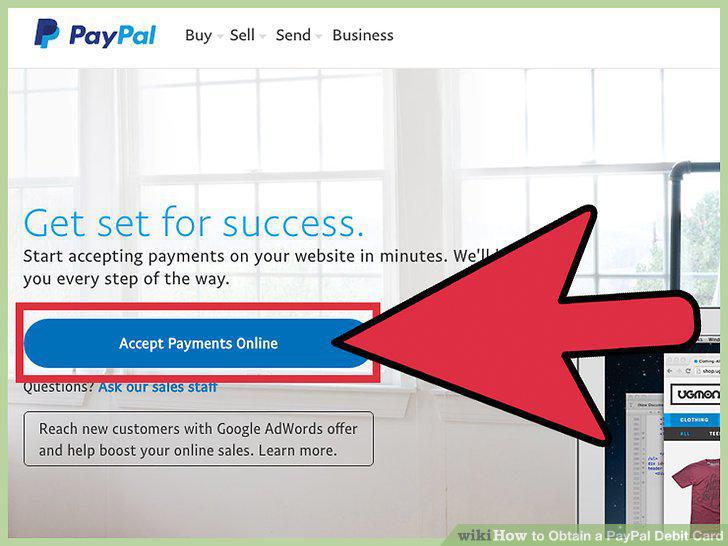
Switch to a Premier account.
Visit the PayPal website or app.
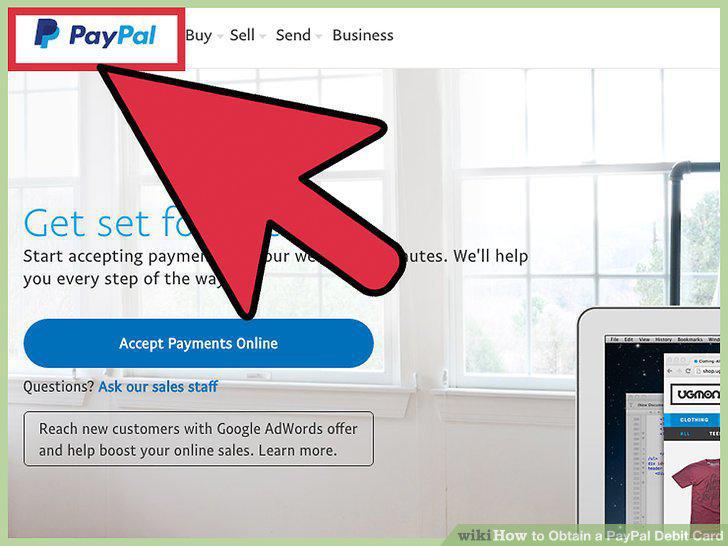
Visit the PayPal website or app.
Select the button next to "Business Account.
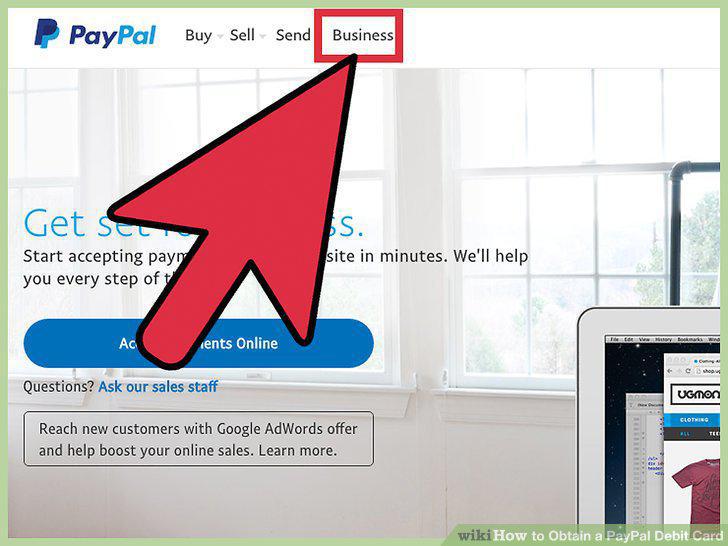
Select the button next to "Business Account.
Choose either Standard or Pro.
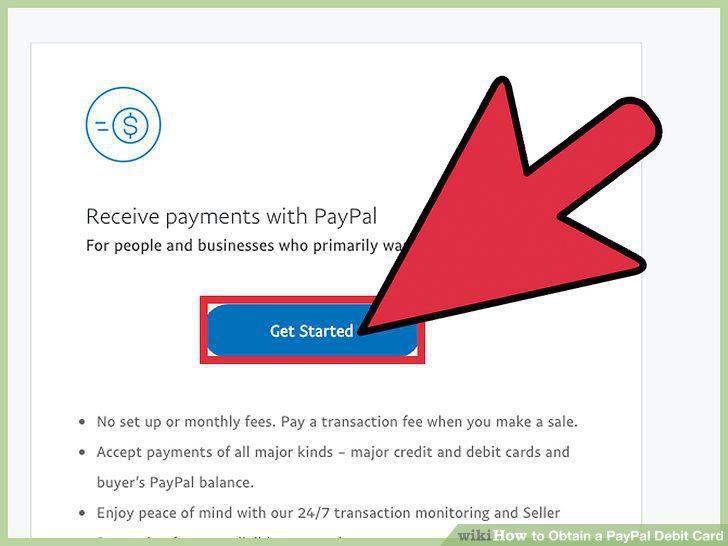
Choose either Standard or Pro.
Enter your personal details.
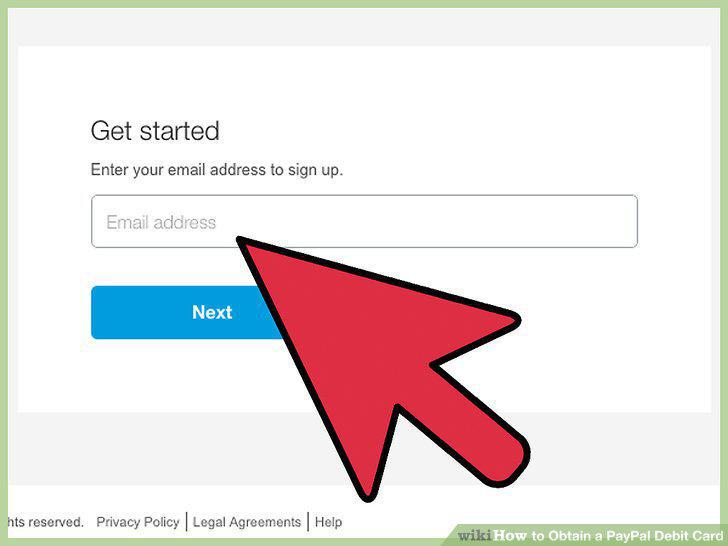
Enter your personal details.
Create a password.
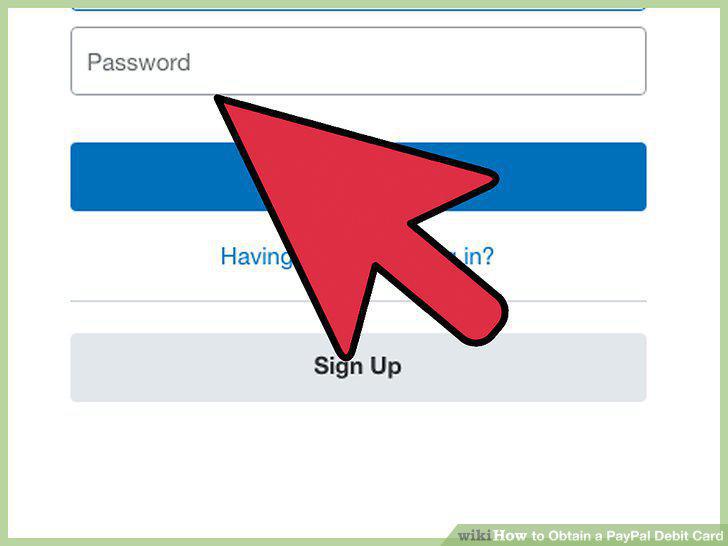
Create a password.
Link a credit card, debit card, or bank account.
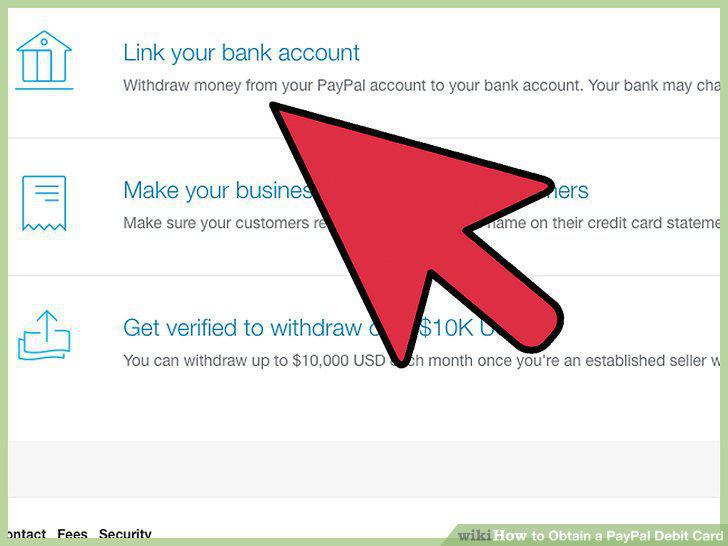
Link a credit card, debit card, or bank account.
Verify your PayPal account.
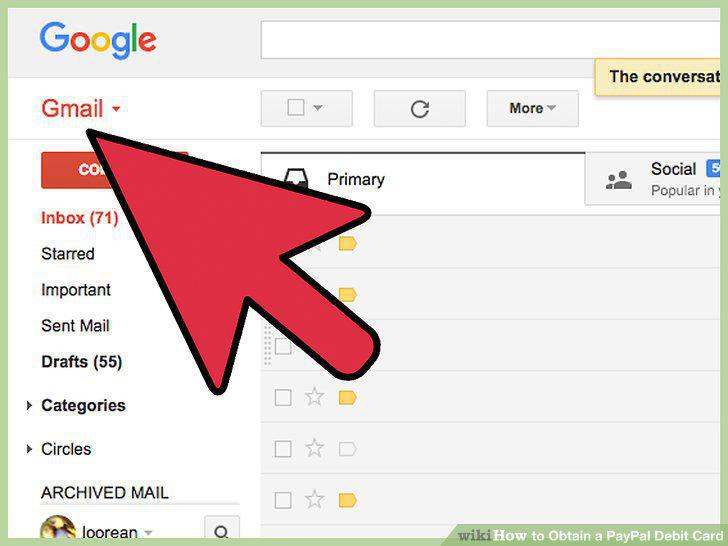
Verify your PayPal account.
Confirm your bank account or debit/credit card.
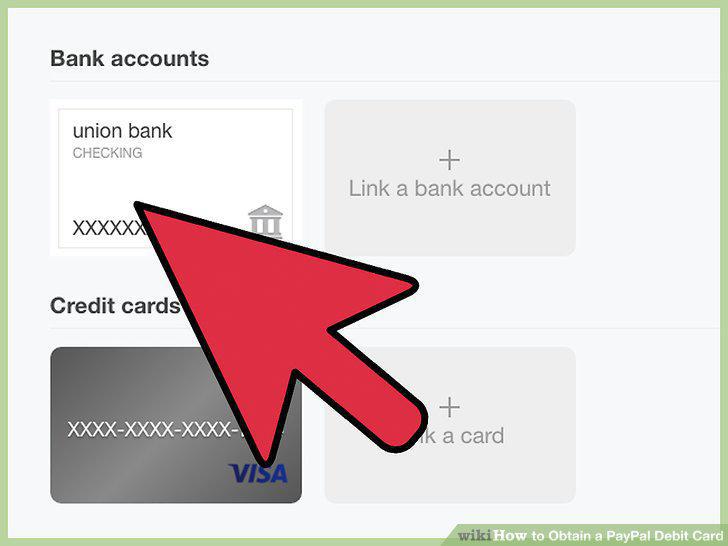
Confirm your bank account or debit/credit card.
Pull up the debit card application.
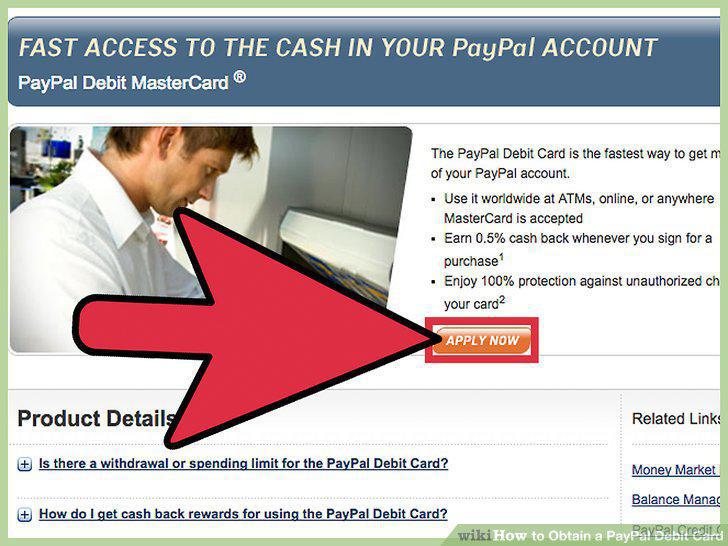
Pull up the debit card application.
Fill out your personal info.
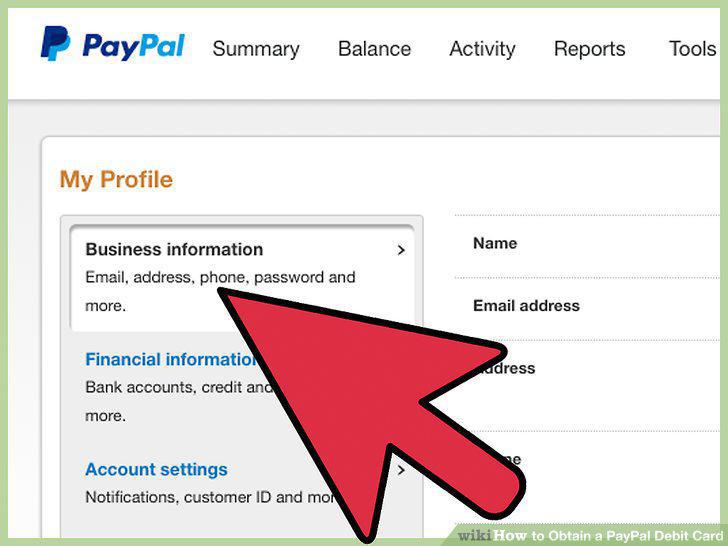
Fill out your personal info.
Wait for your approval.
Wait for your approval.
Wait for your card to come in the mail.
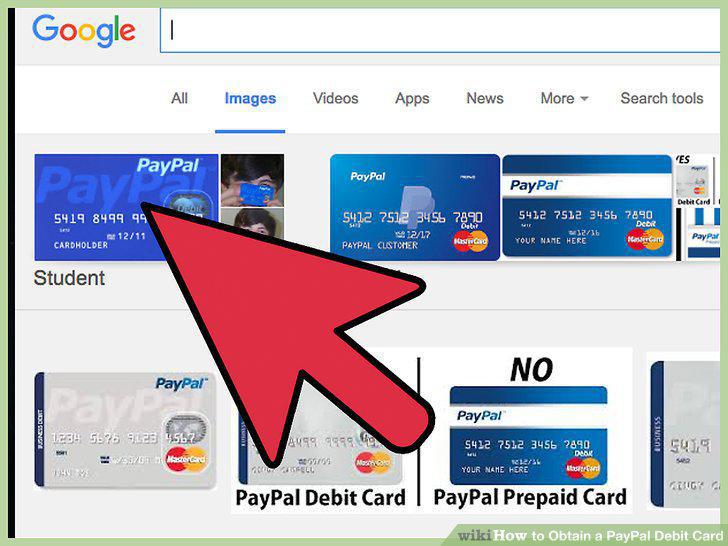
Wait for your card to come in the mail.
Keep daily spending limits in mind.
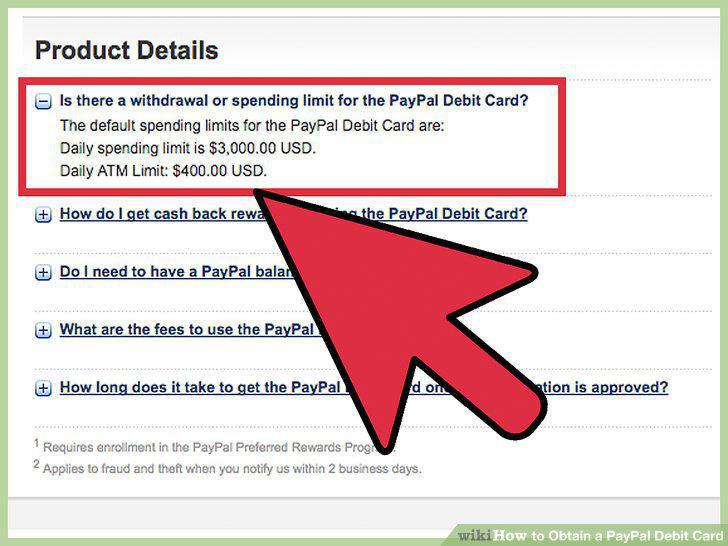
Keep daily spending limits in mind.
Use an ATM.
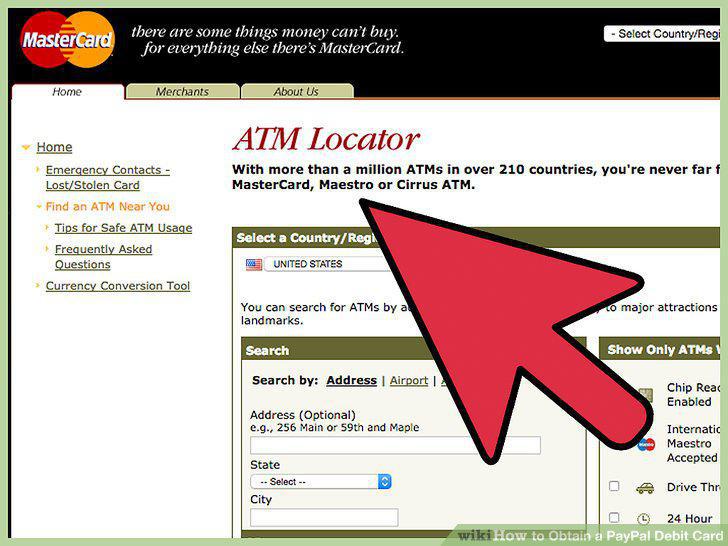
Use an ATM.
Use the card without an annual fee.
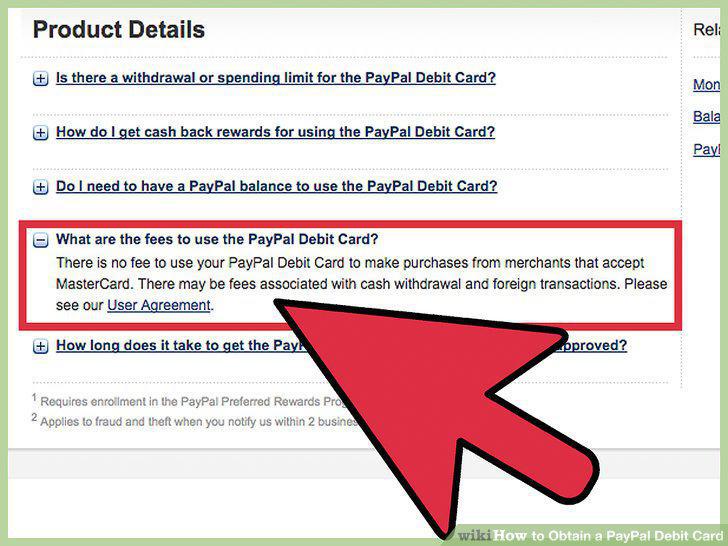
Use the card without an annual fee.
Use the card wherever you see a MasterCard logo.
Use the card wherever you see a MasterCard logo.
Use the card even if you don't have enough in your PayPal account.
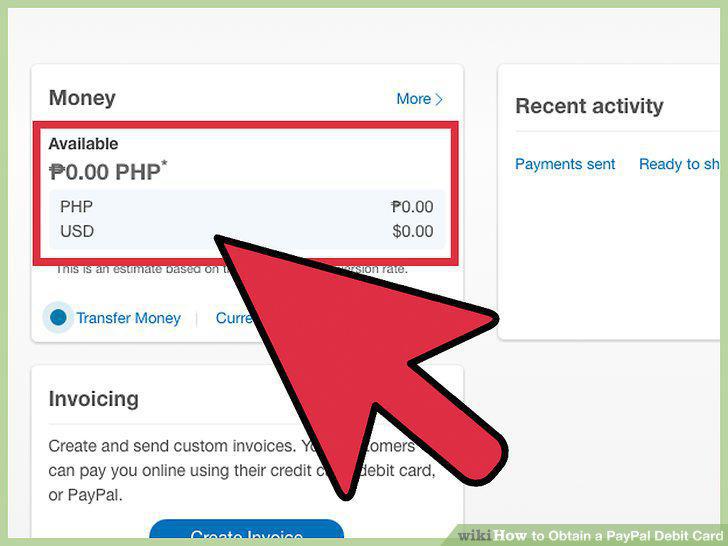
Use the card even if you don't have enough in your PayPal account.
Get identify theft protection.
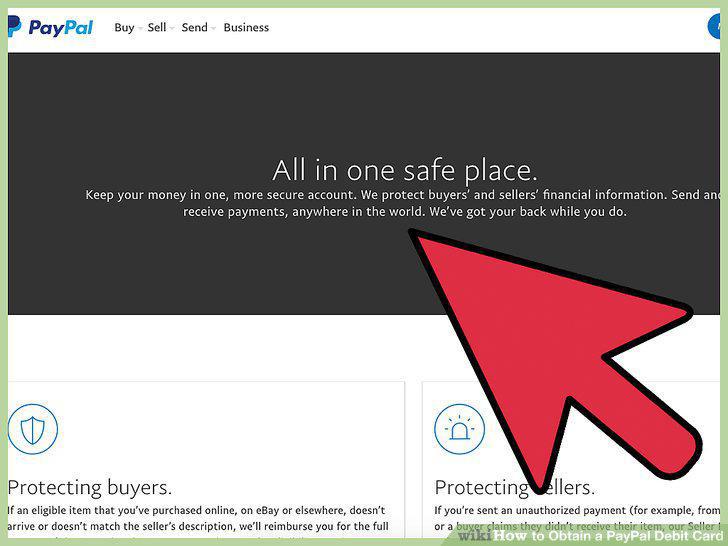
Get identify theft protection.
Get cash back.
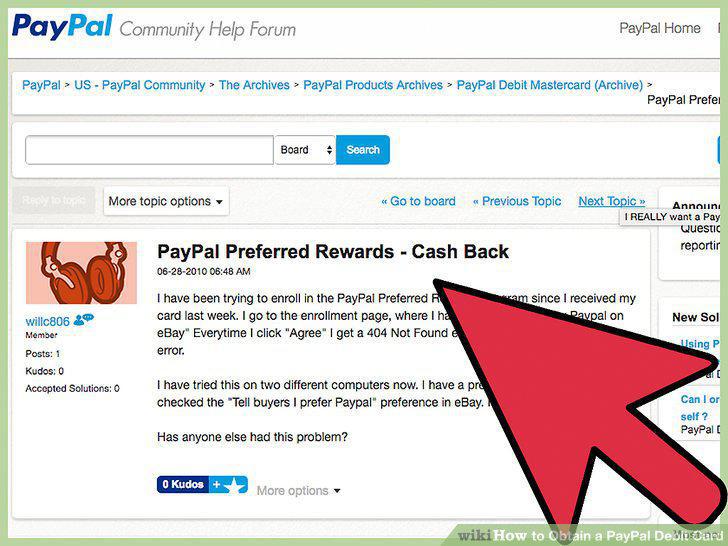
Get cash back.
Comments (0)
No comments yet. Be the first to share your thoughts!