How to Join a Nintendo Switch Online Family
Log in to https://accounts.nintendo.com with an admin account.. Click Nintendo Account.. Click Family Group in the left panel.
Steps
1
Log in to https://accounts.nintendo.com with an admin account.
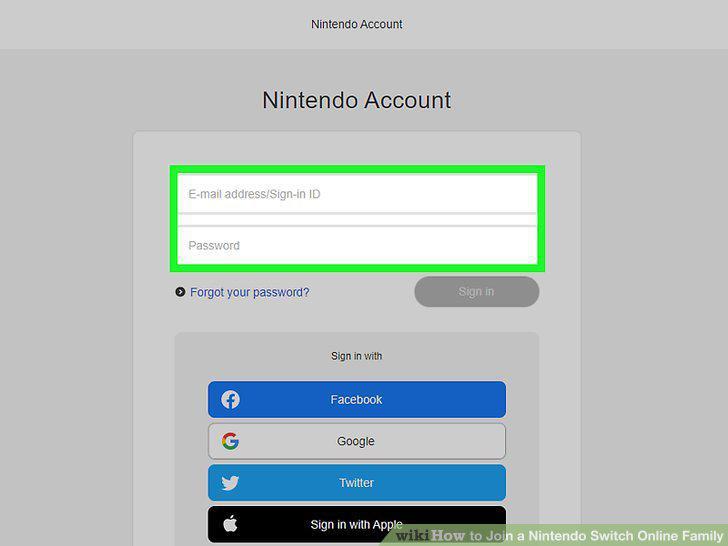
Log in to https://accounts.nintendo.com with an admin account.
2
Click Nintendo Account.
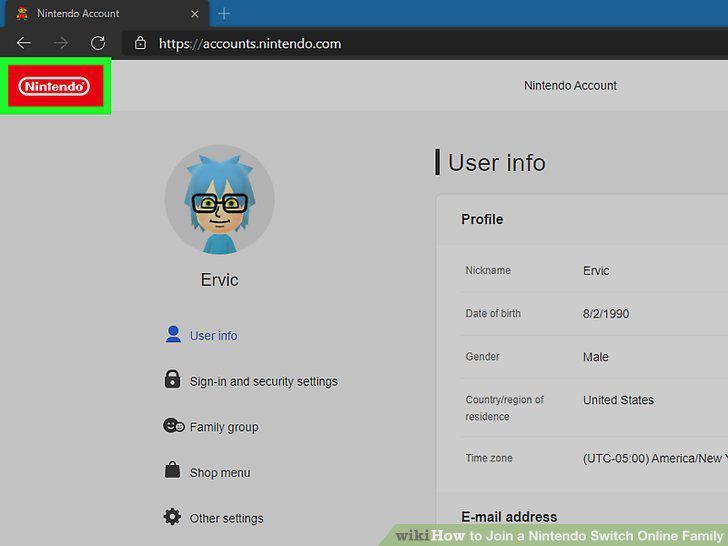
Click Nintendo Account.
3
Click Family Group in the left panel.
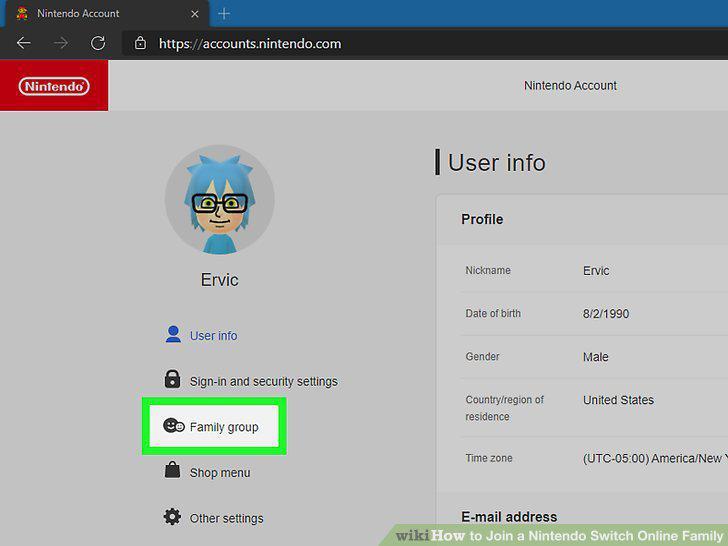
Click Family Group in the left panel.
4
Click Add member.
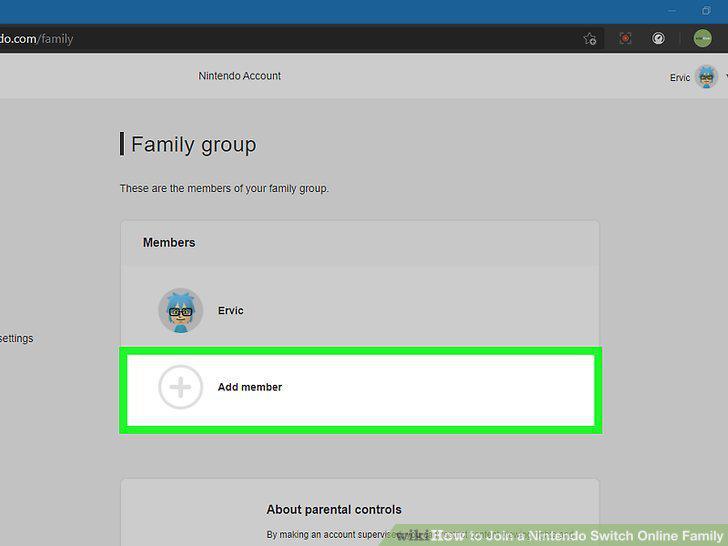
Click Add member.
5
Click Invite someone to your family group.
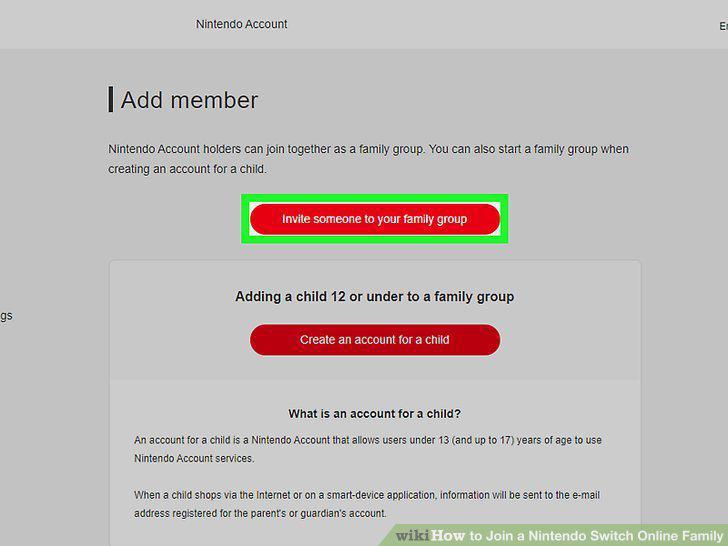
Click Invite someone to your family group.
6
Enter the email address of the person you want to add.
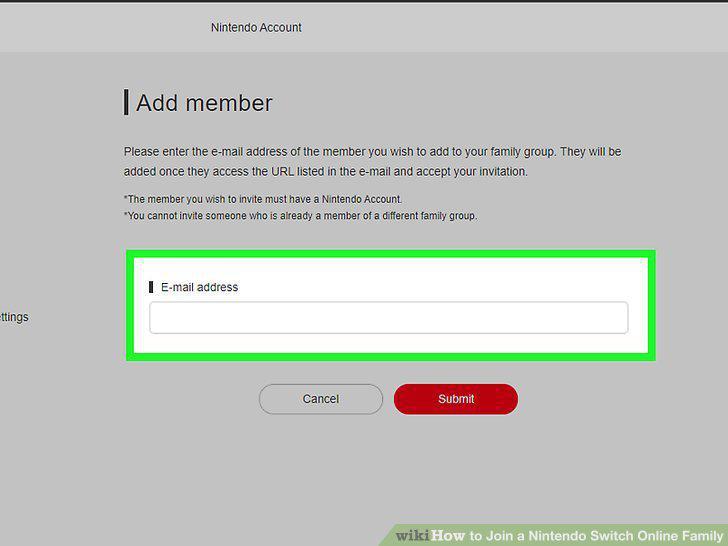
Enter the email address of the person you want to add.
7
Click the Submit button.
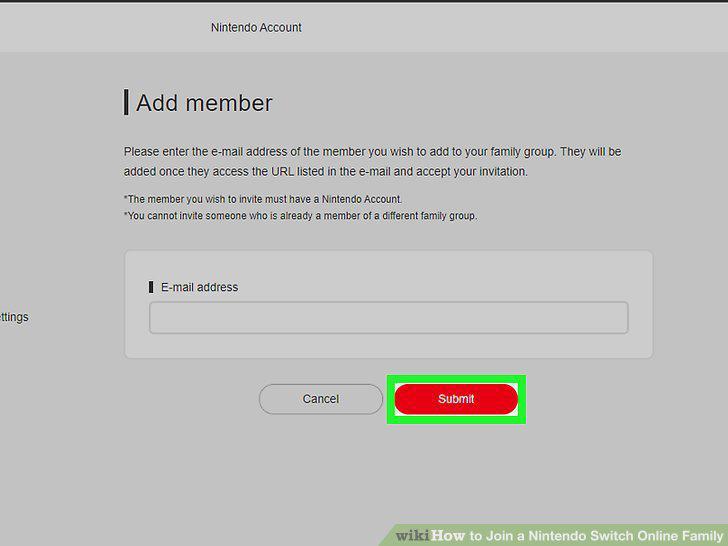
Click the Submit button.
8
Have the new member click the Join Family Group link in the email from Nintendo.
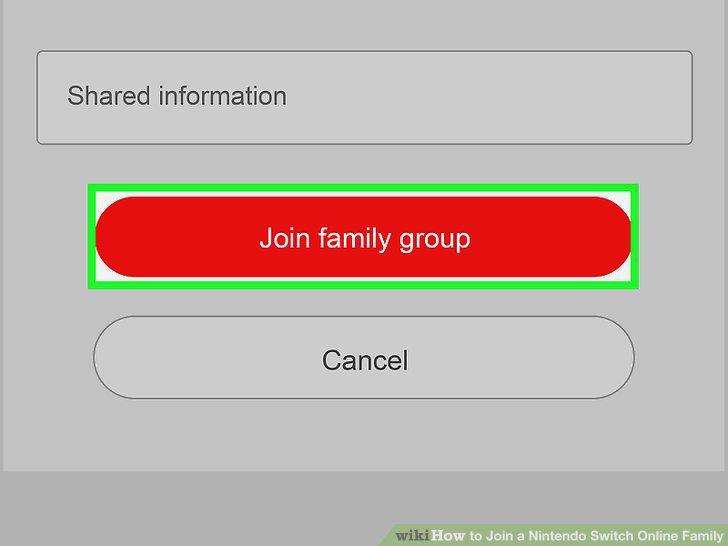
Have the new member click the Join Family Group link in the email from Nintendo.
Comments (0)
No comments yet. Be the first to share your thoughts!