How to Design Vehicle Wraps
Get a digital vehicle template for the specific model you're working on.. Pick a computer program to use.. Learn how to use the software.
Steps
Get a digital vehicle template for the specific model you're working on.
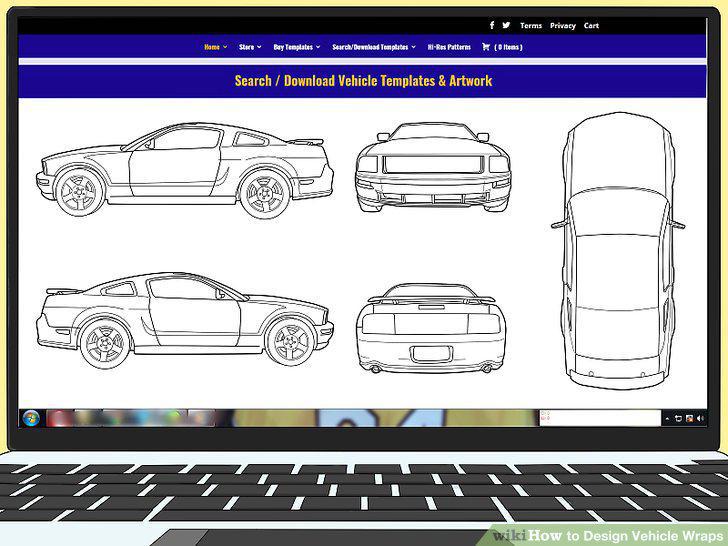
Get a digital vehicle template for the specific model you're working on.
Pick a computer program to use.
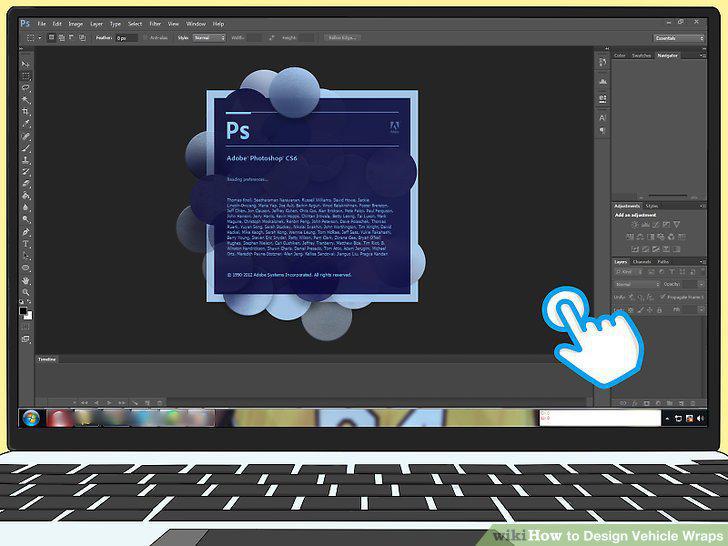
Pick a computer program to use.
Learn how to use the software.
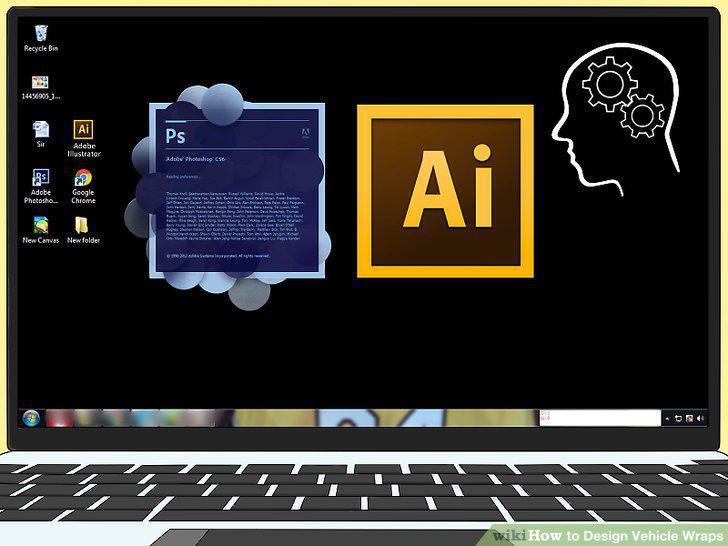
Learn how to use the software.
Import your vehicle template file.
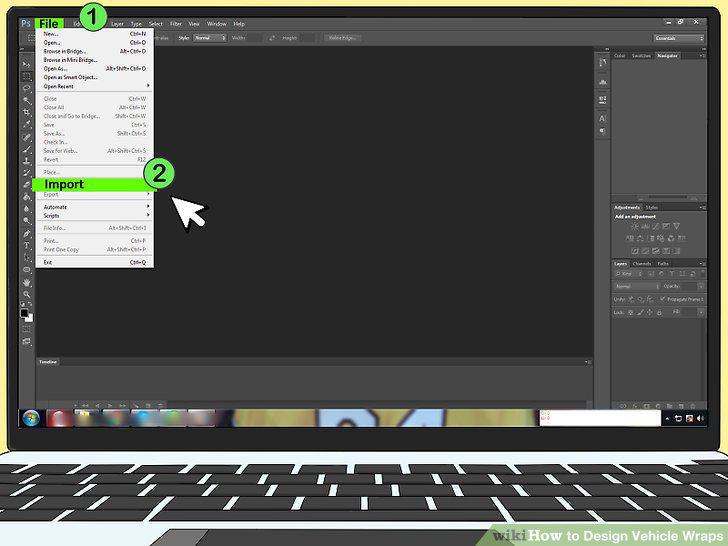
Import your vehicle template file.
Create files representing each side of the car.
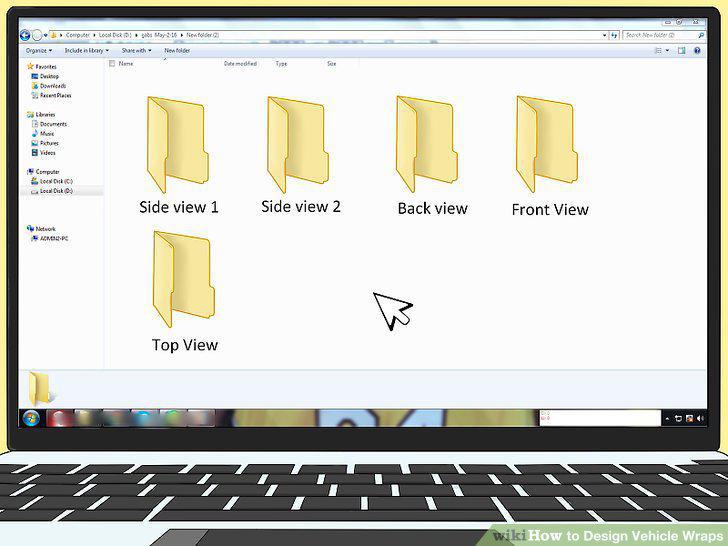
Create files representing each side of the car.
Sketch your design out by hand before creating it on the computer.
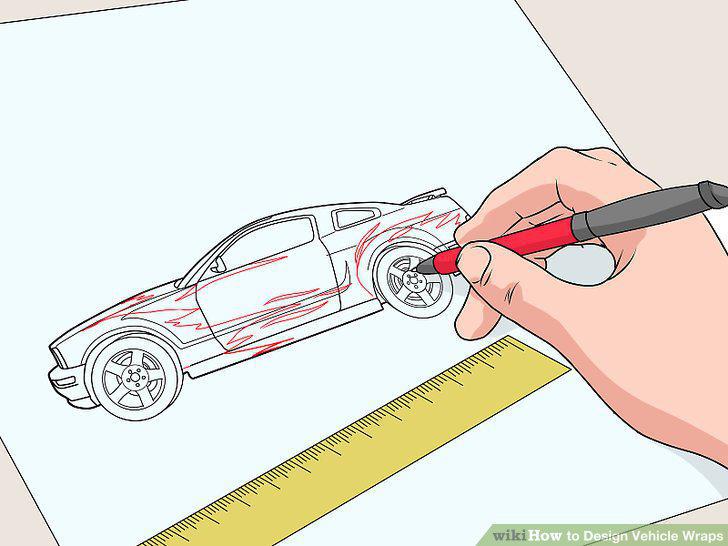
Sketch your design out by hand before creating it on the computer.
Make a design that is big and easy to see.
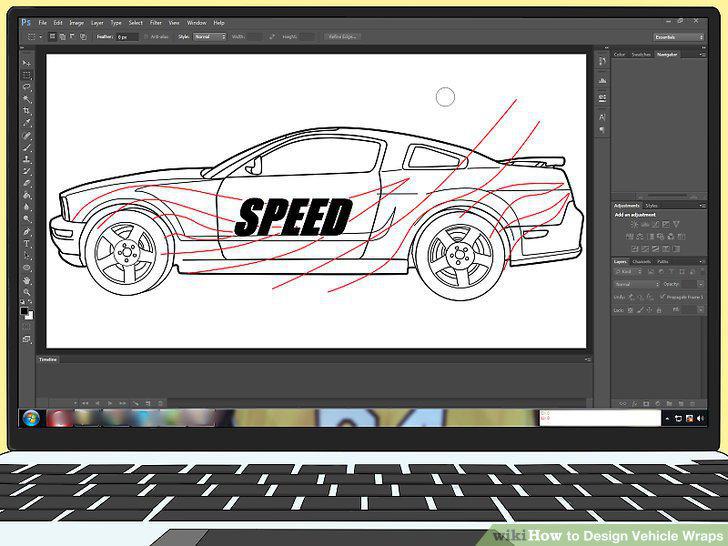
Make a design that is big and easy to see.
Use strong colors that show up well outside.
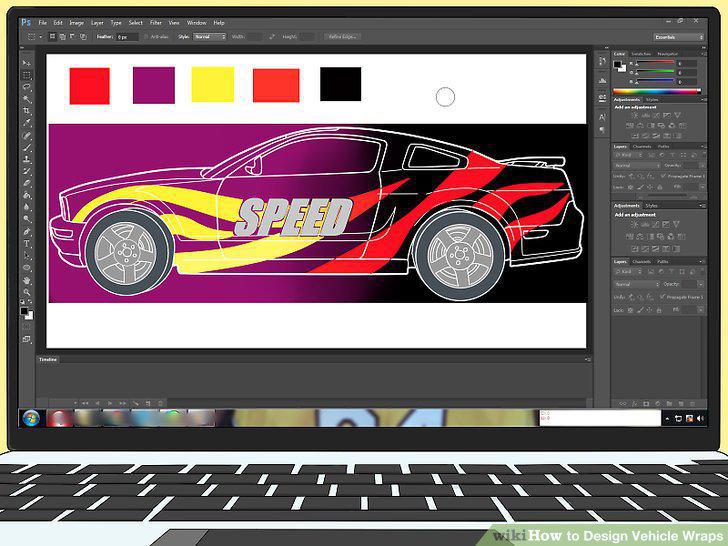
Use strong colors that show up well outside.
Limit the amount of writing you use.
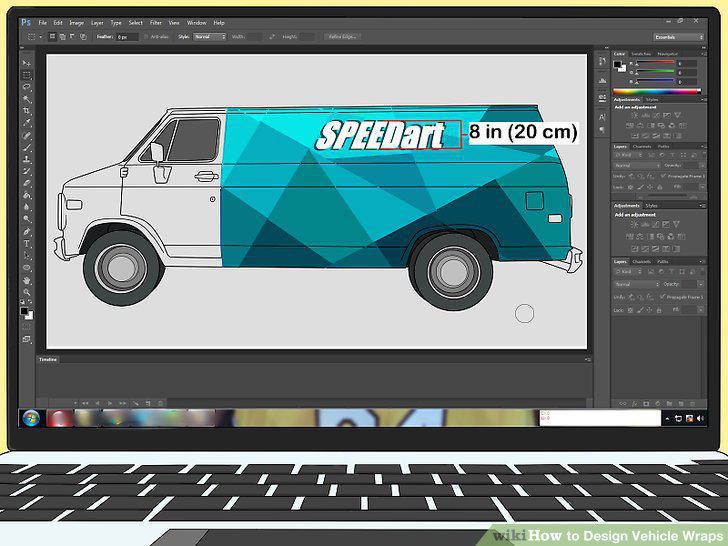
Limit the amount of writing you use.
Give important graphics at least 2 in (5.1 cm) of space.
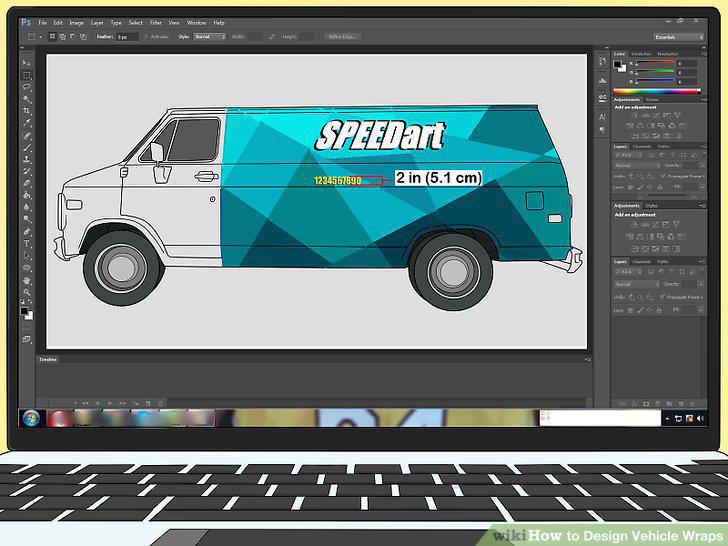
Give important graphics at least 2 in (5.1 cm) of space.
Keep the vehicle's body in mind.
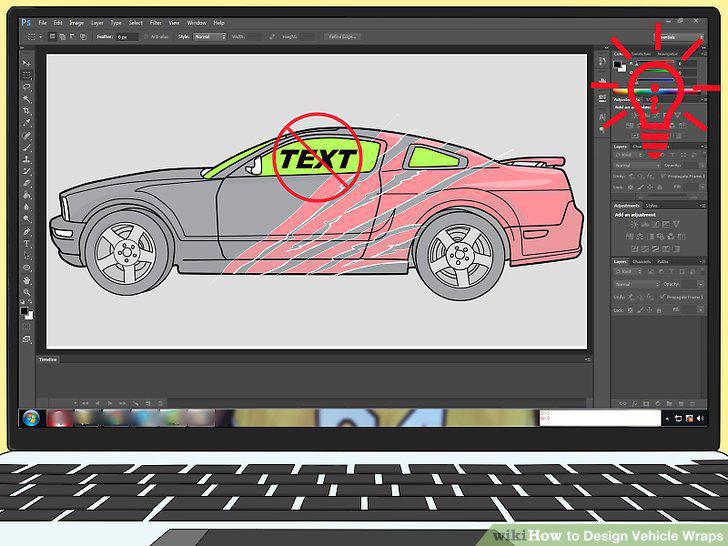
Keep the vehicle's body in mind.
Avoid making complex designs that wrap around to multiple sides.
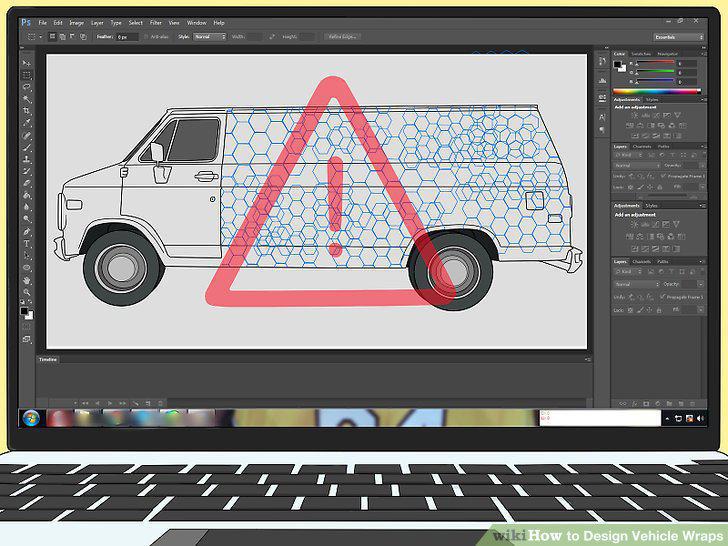
Avoid making complex designs that wrap around to multiple sides.
Check your design for flaws.
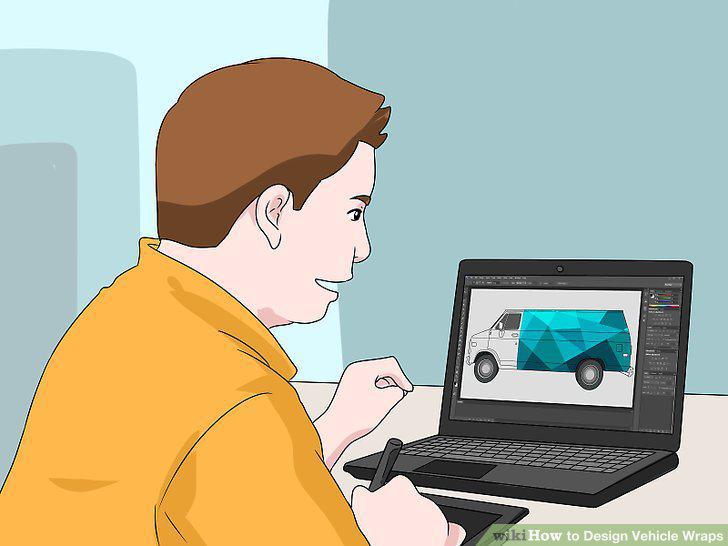
Check your design for flaws.
Save your design as separate, printable files.
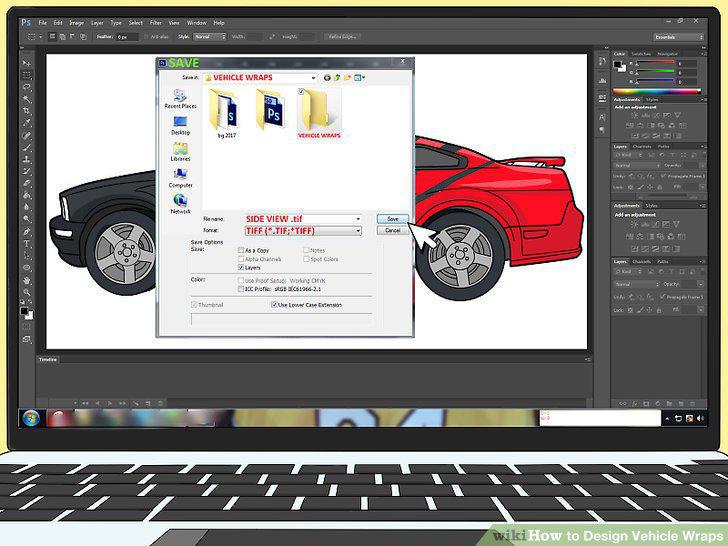
Save your design as separate, printable files.
Create a folder with your printable files and any resources you used.
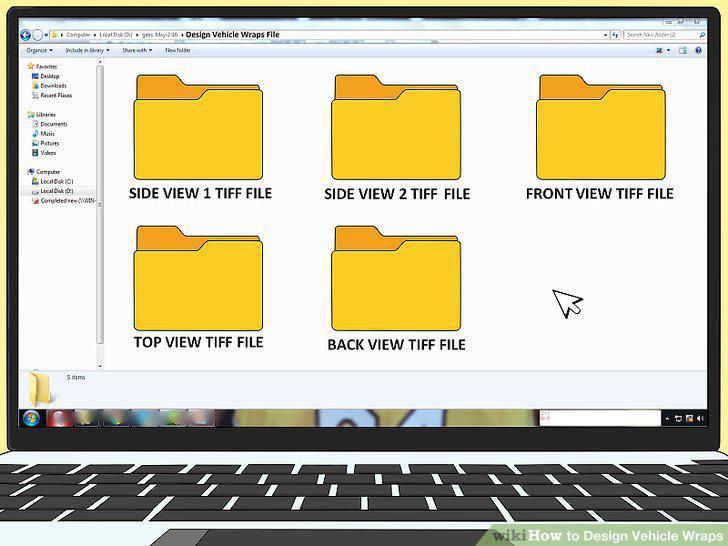
Create a folder with your printable files and any resources you used.
Send your files to a printing company.
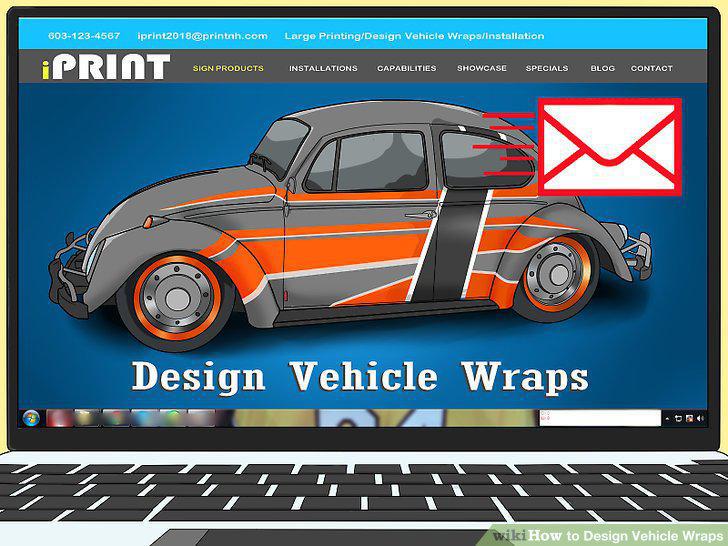
Send your files to a printing company.
Comments (0)
No comments yet. Be the first to share your thoughts!