How to Accept Donations Online
Sign up for a merchant account.. Choose how you want to accept payments.. Understand merchant account fees.
Steps
Sign up for a merchant account.
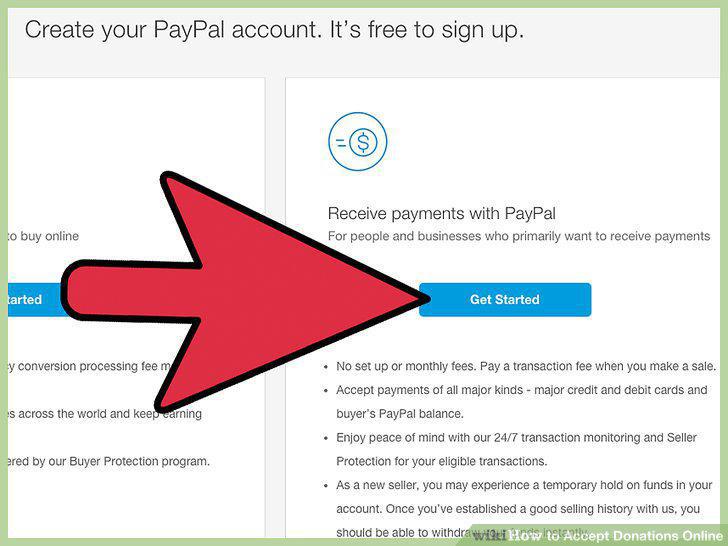
Sign up for a merchant account.
Choose how you want to accept payments.
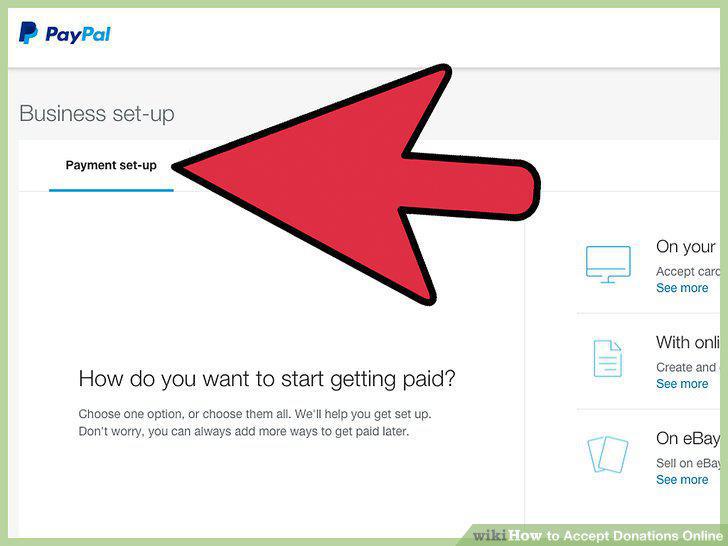
Choose how you want to accept payments.
Understand merchant account fees.
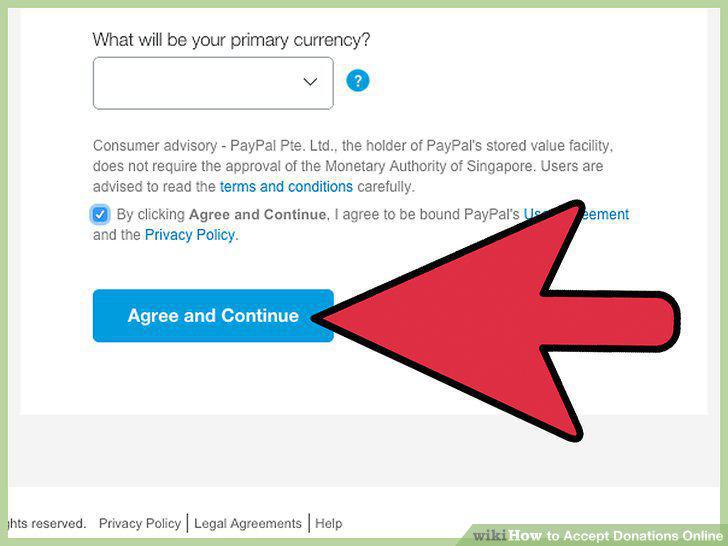
Understand merchant account fees.
Evaluate merchant account providers.
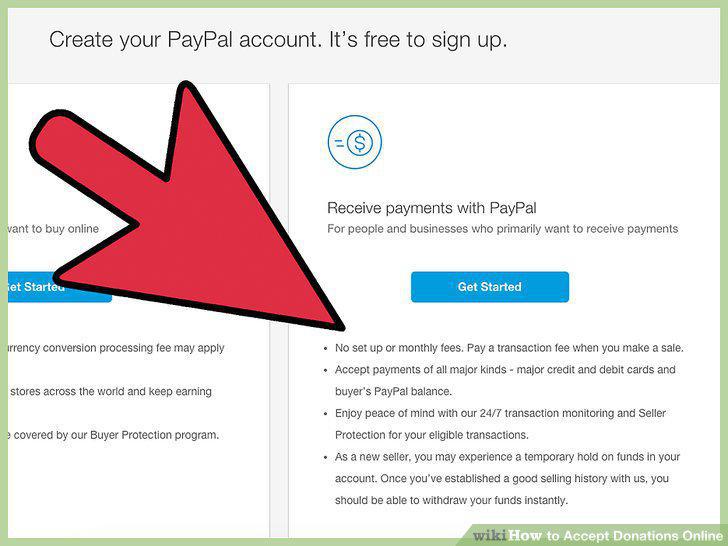
Evaluate merchant account providers.
Apply for the merchant account.
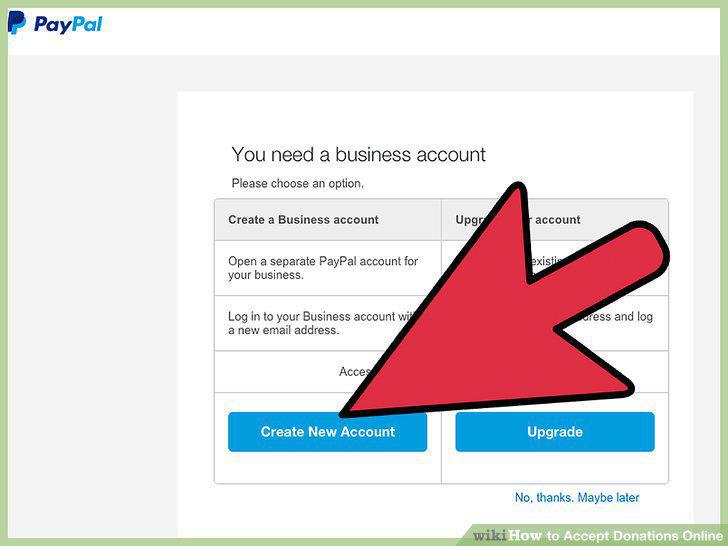
Apply for the merchant account.
Understand the advantages and disadvantages of a merchant account.
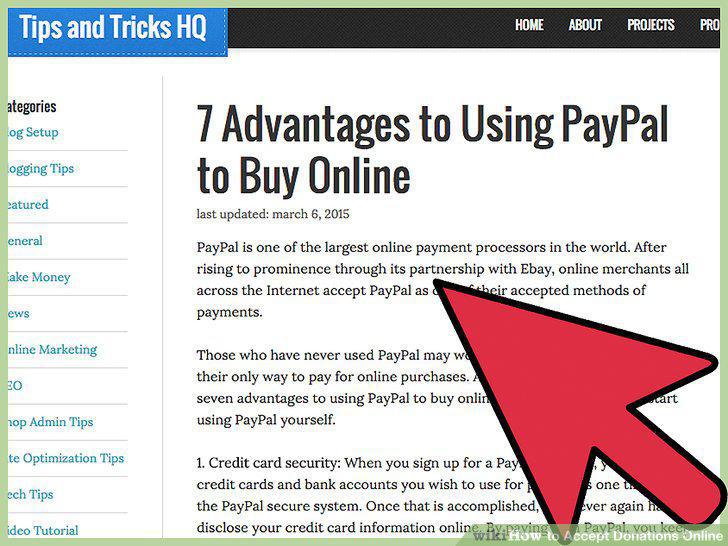
Understand the advantages and disadvantages of a merchant account.
Begin accepting payments.
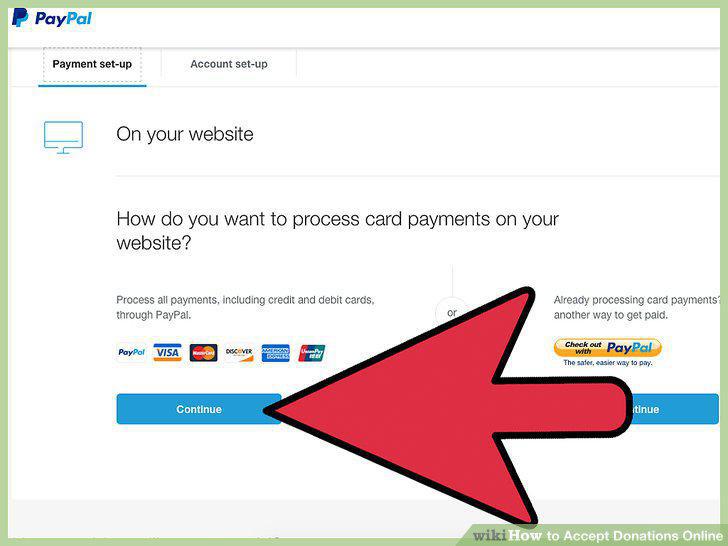
Begin accepting payments.
Choose a third-party processor.
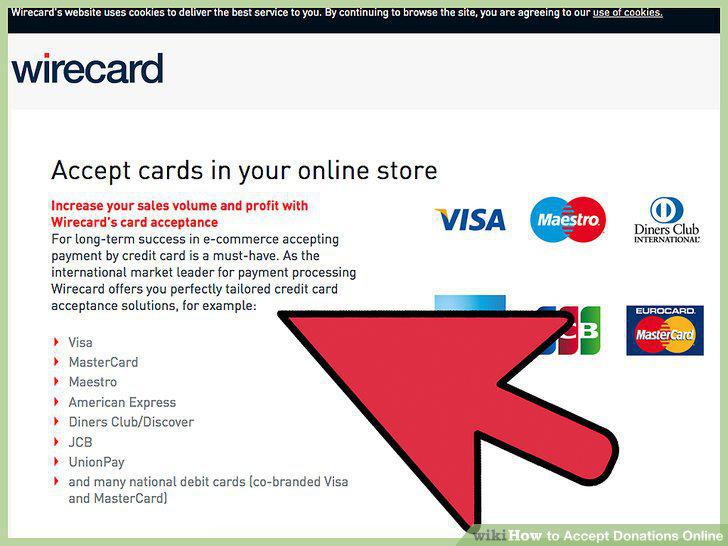
Choose a third-party processor.
Find a third-party processor that specializes in working with nonprofits.
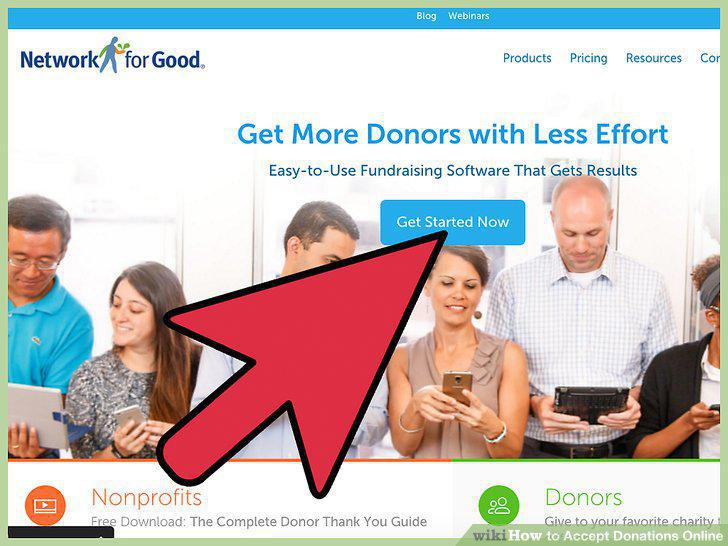
Find a third-party processor that specializes in working with nonprofits.
Consider using PayPal.
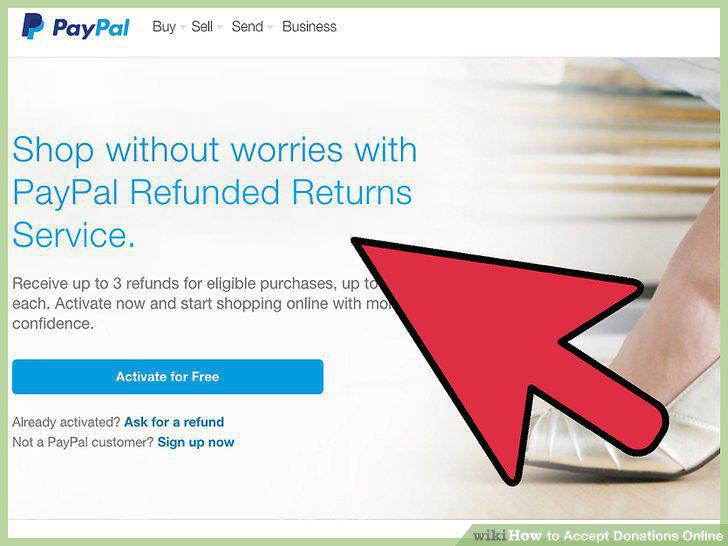
Consider using PayPal.
Understand the advantages and disadvantages of a third-party processor.
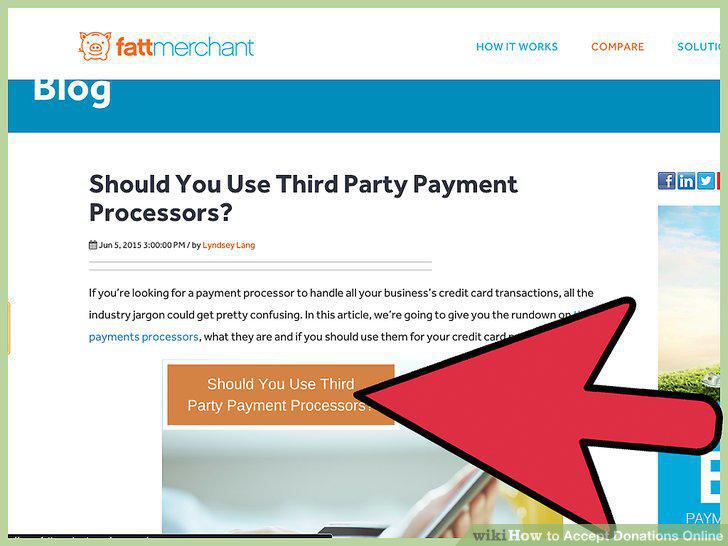
Understand the advantages and disadvantages of a third-party processor.
Know which states in which to register your nonprofit organization.
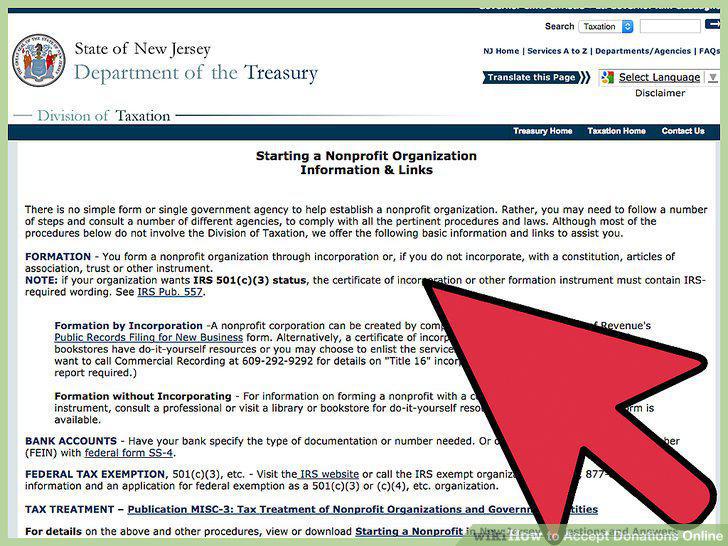
Know which states in which to register your nonprofit organization.
Fill out an initial registration application.
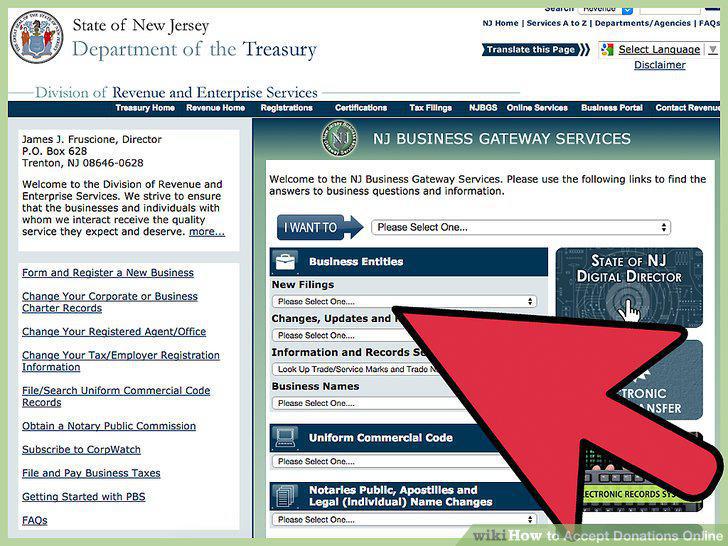
Fill out an initial registration application.
Know if your nonprofit is exempt from registration.
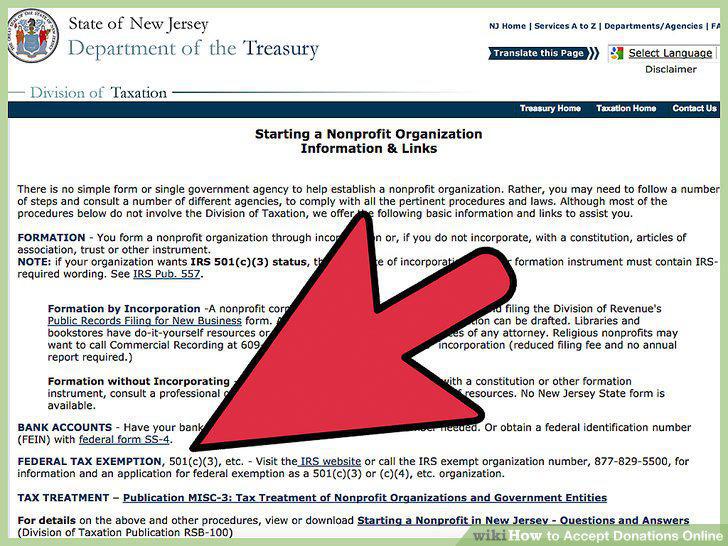
Know if your nonprofit is exempt from registration.
Submit IRS form 990.
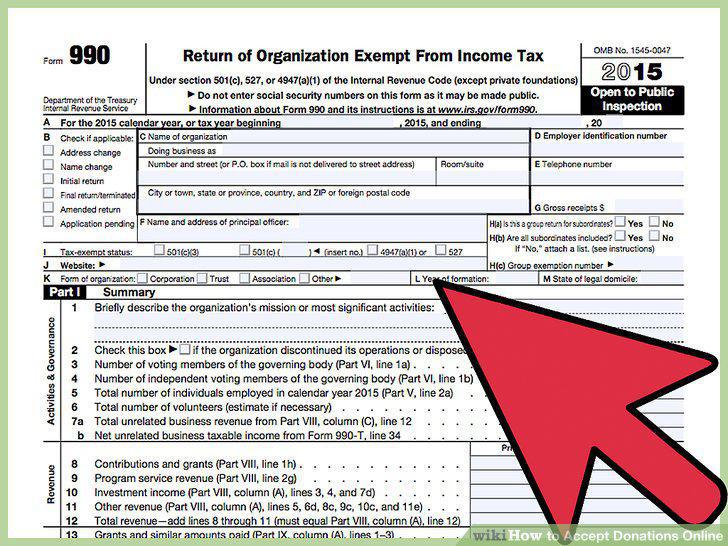
Submit IRS form 990.
Understand the importance of good website design.
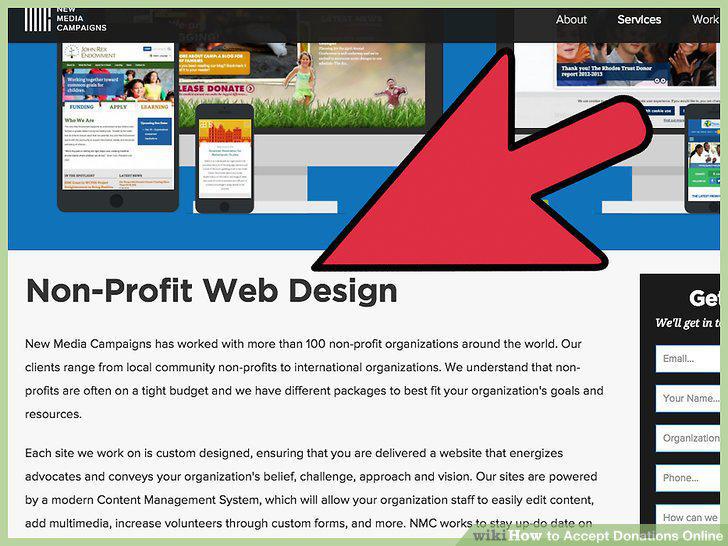
Understand the importance of good website design.
Include information about your mission.
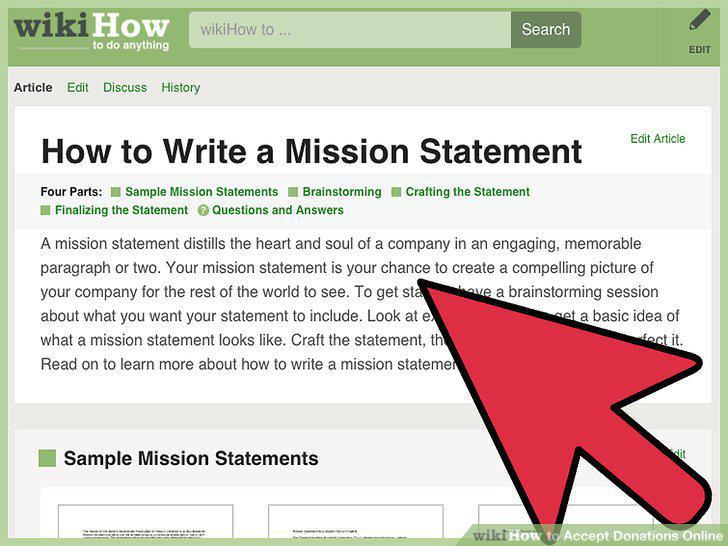
Include information about your mission.
Provide details about how you use donations.
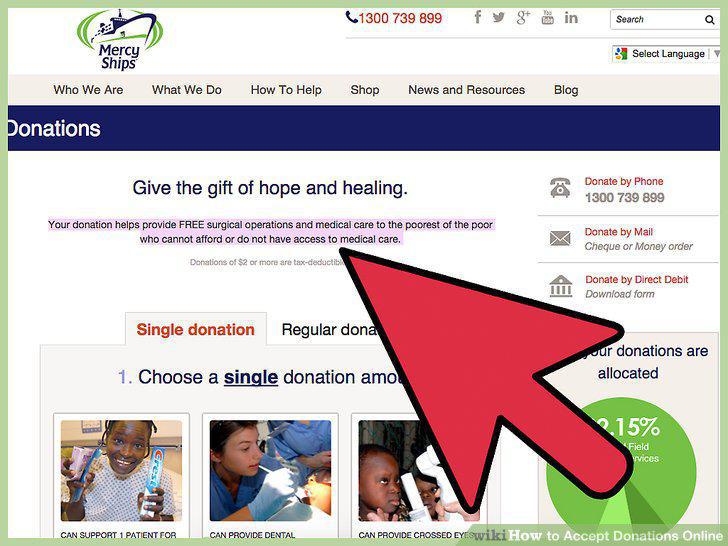
Provide details about how you use donations.
Make your site user-friendly.
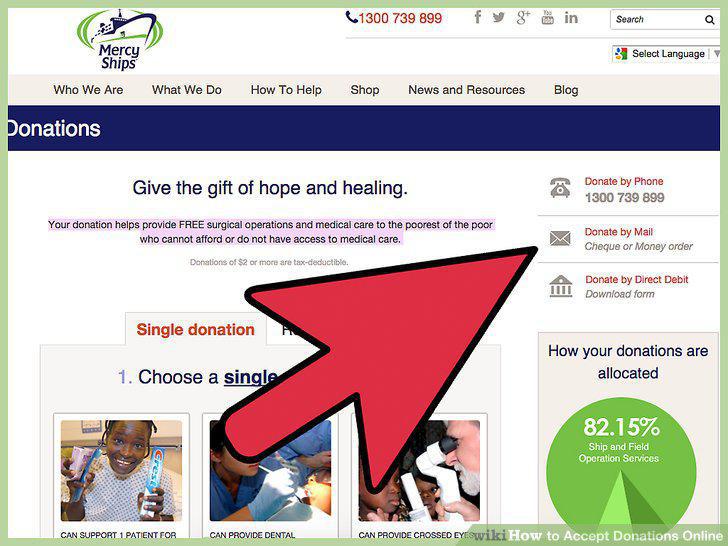
Make your site user-friendly.
Comments (0)
No comments yet. Be the first to share your thoughts!