How to Pay As a Guest on PayPal on Android
Request an invoice via email.. Open the invoice email.. Tap Pay Now or View and Pay Invoice.
Steps
1
Request an invoice via email.
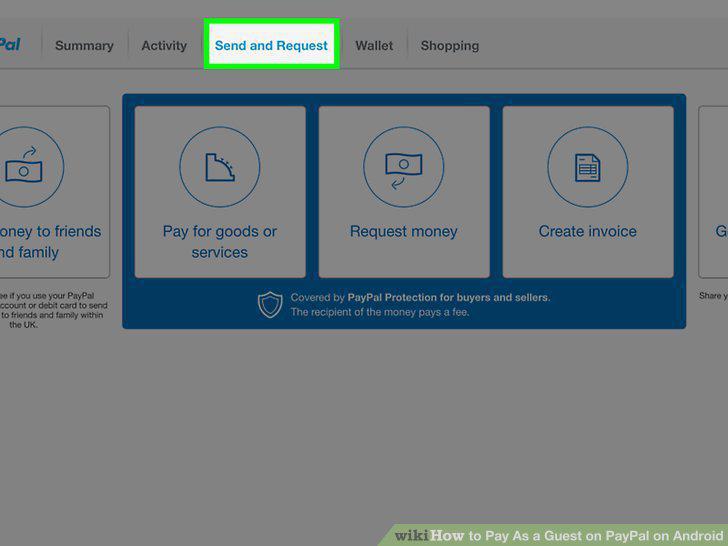
Request an invoice via email.
2
Open the invoice email.
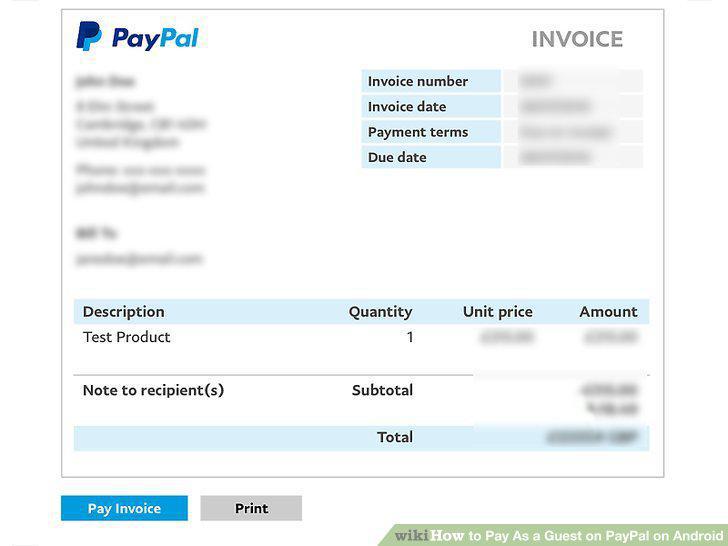
Open the invoice email.
3
Tap Pay Now or View and Pay Invoice.
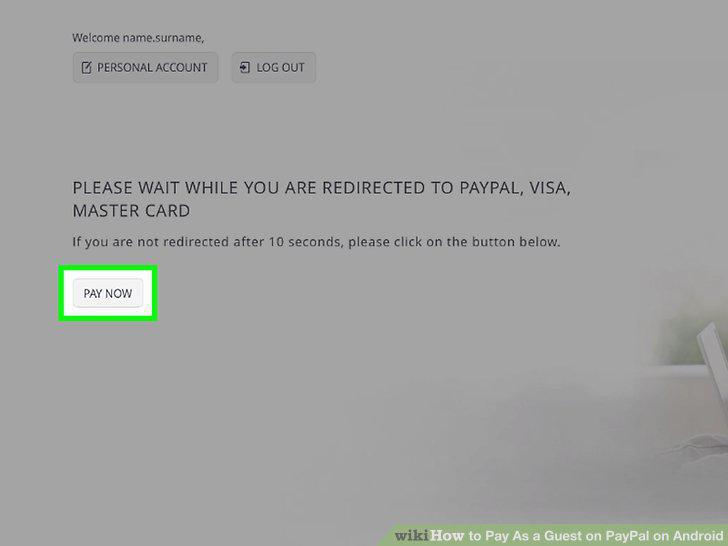
Tap Pay Now or View and Pay Invoice.
4
Tap the Debit or Credit tabs.
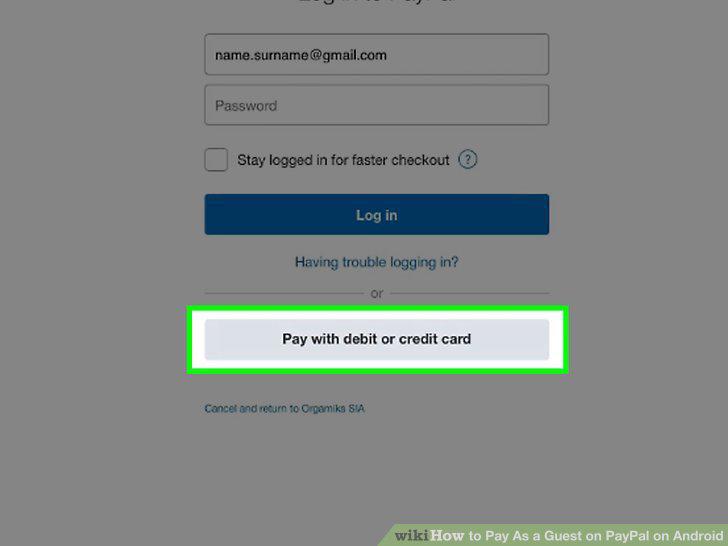
Tap the Debit or Credit tabs.
5
Enter your payment information.
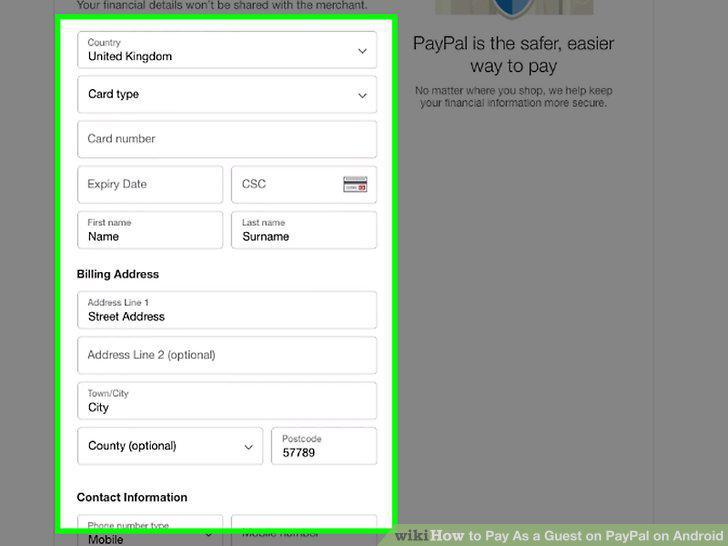
Enter your payment information.
6
Tap Review and Continue.
Tap Review and Continue.
Comments (0)
No comments yet. Be the first to share your thoughts!