How to Check Flight Reservations
Visit the airline or travel service's website.. Click the Log In or Sign In option.. Log in to your account.
Steps
1
Visit the airline or travel service's website.
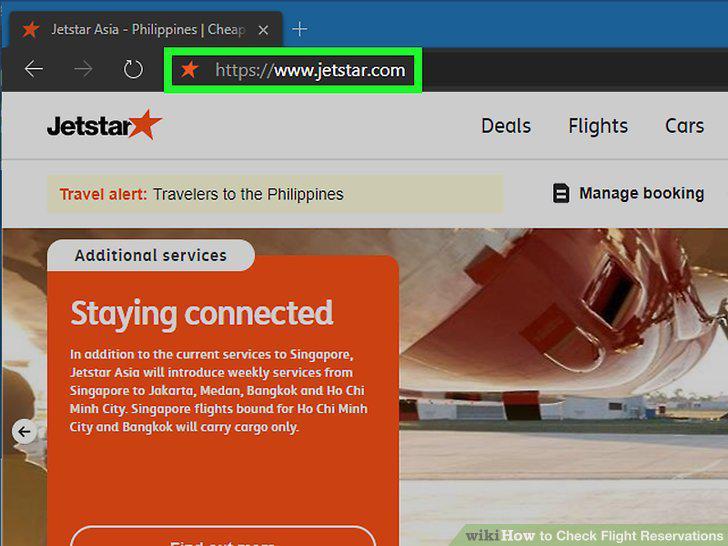
Visit the airline or travel service's website.
2
Click the Log In or Sign In option.
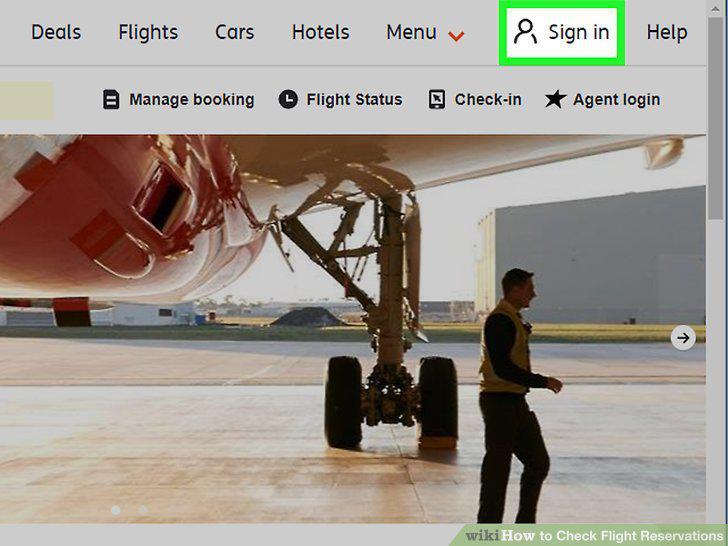
Click the Log In or Sign In option.
3
Log in to your account.
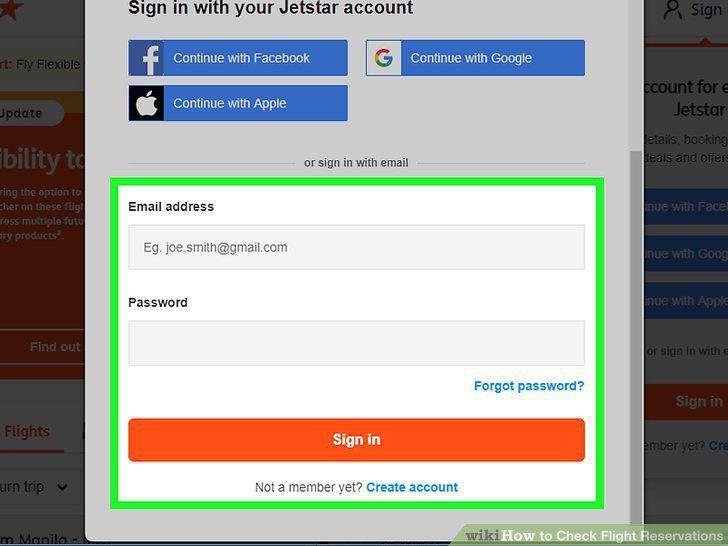
Log in to your account.
4
Click the My Trips tab.
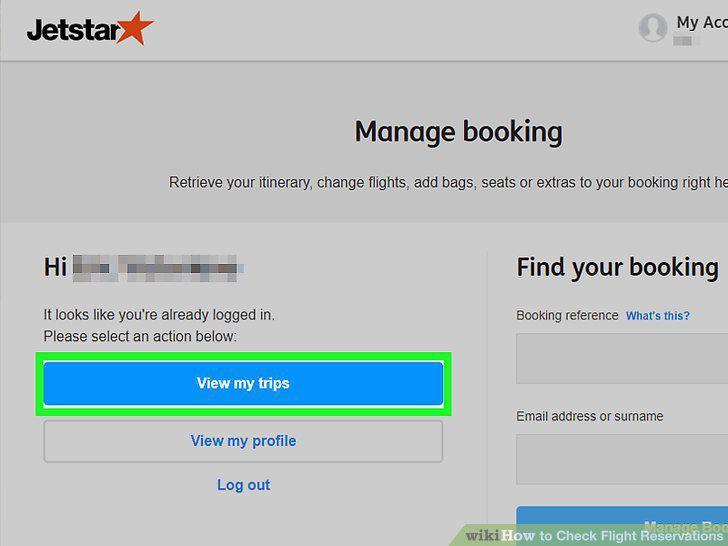
Click the My Trips tab.
5
Update your flight preferences (if available).
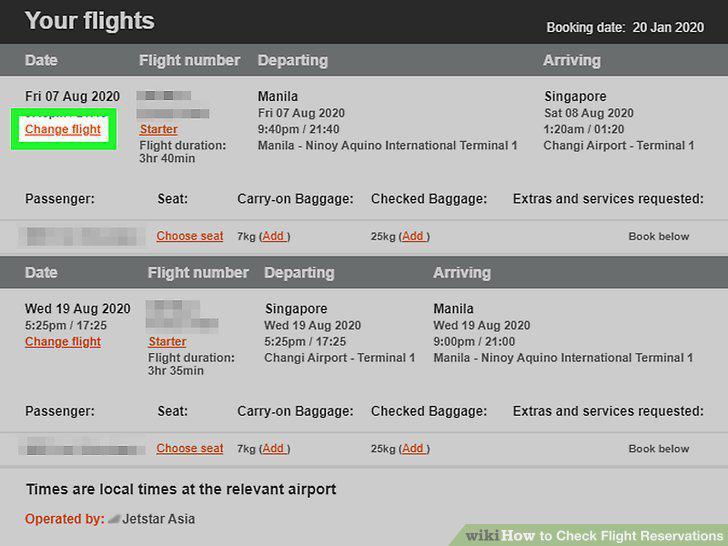
Update your flight preferences (if available).
6
Check in online (optional).
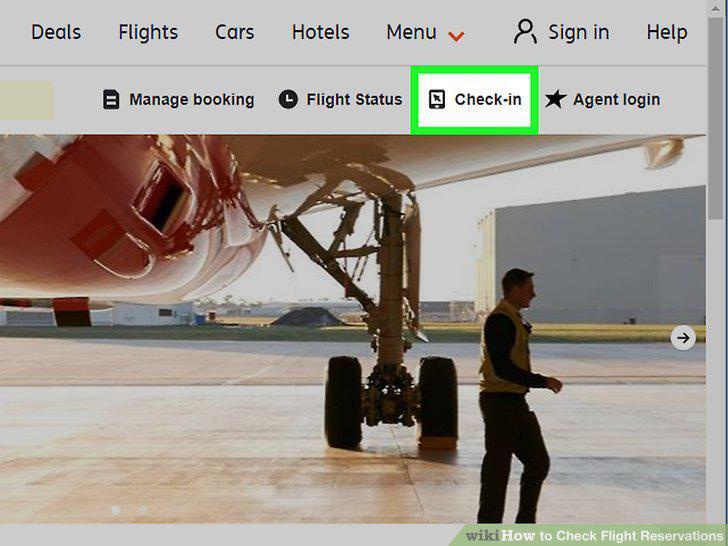
Check in online (optional).
7
Install the Alexa skill for your airline or travel service.
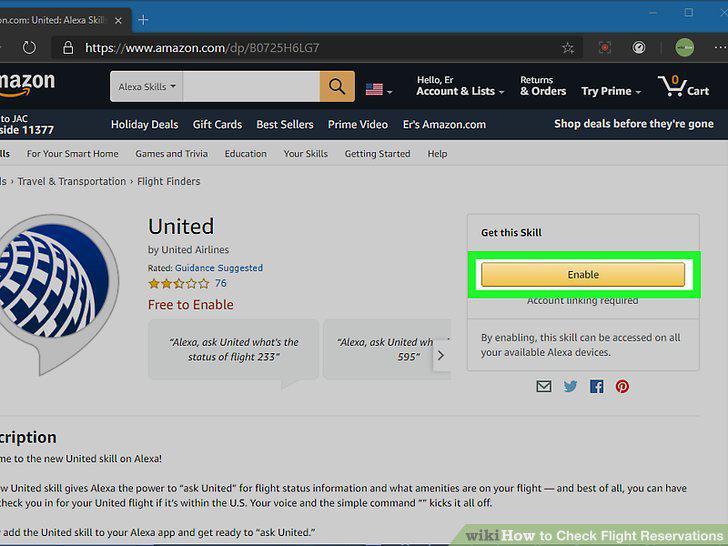
Install the Alexa skill for your airline or travel service.
8
Click Link Account to connect your airline or account.
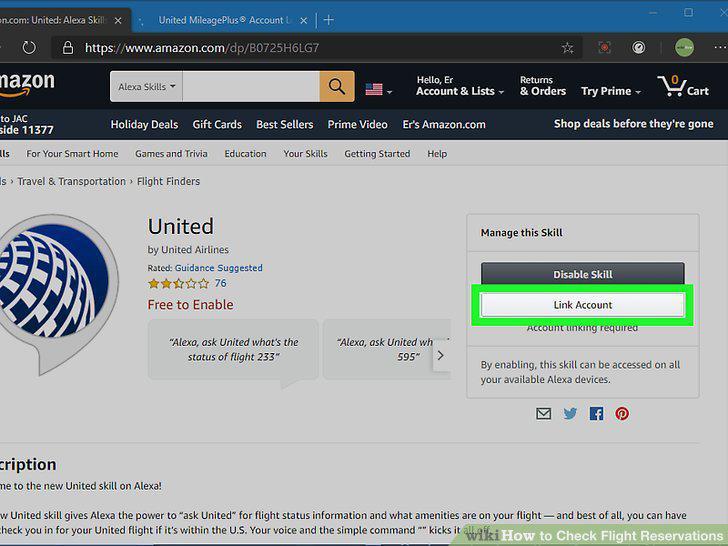
Click Link Account to connect your airline or account.
9
Follow the on-screen instructions to link your account to Alexa.
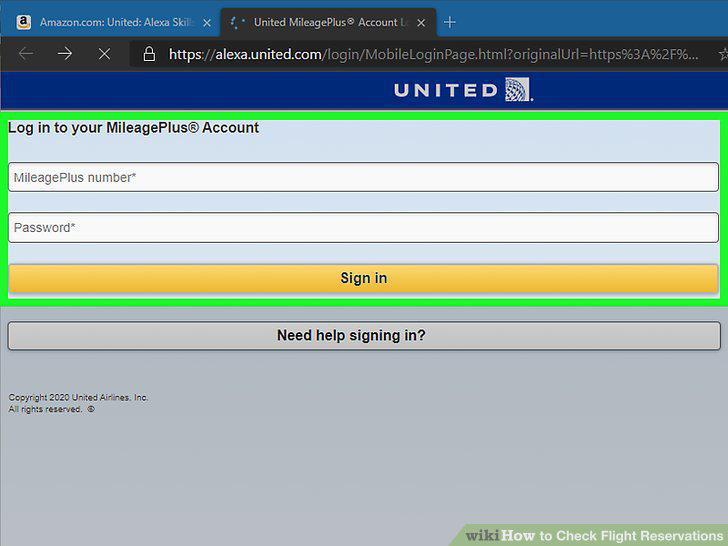
Follow the on-screen instructions to link your account to Alexa.
10
Ask Alexa for information about your flight.
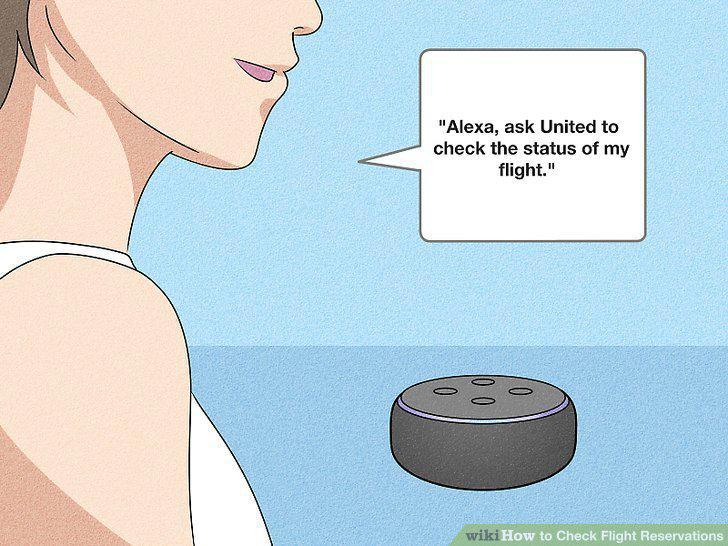
Ask Alexa for information about your flight.
11
Forward your flight details to your Gmail account.
Forward your flight details to your Gmail account.
12
Make sure "Personal Results" is enabled for Google Assistant.
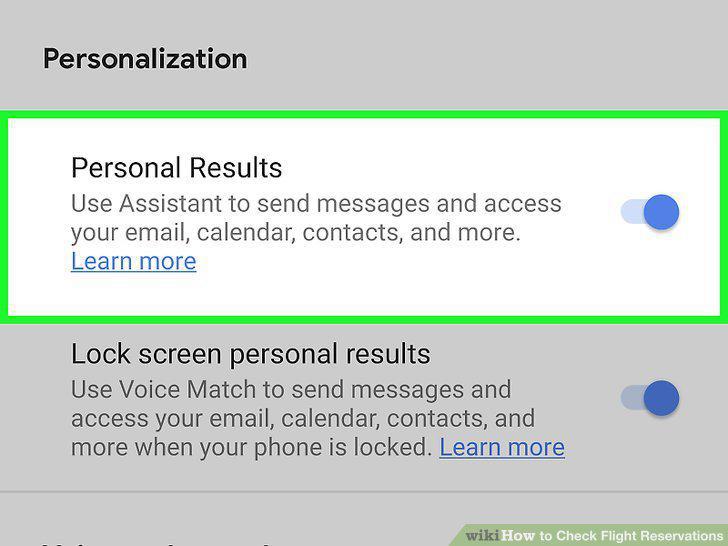
Make sure "Personal Results" is enabled for Google Assistant.
13
Ask Google Assistant for the details of your reservation.
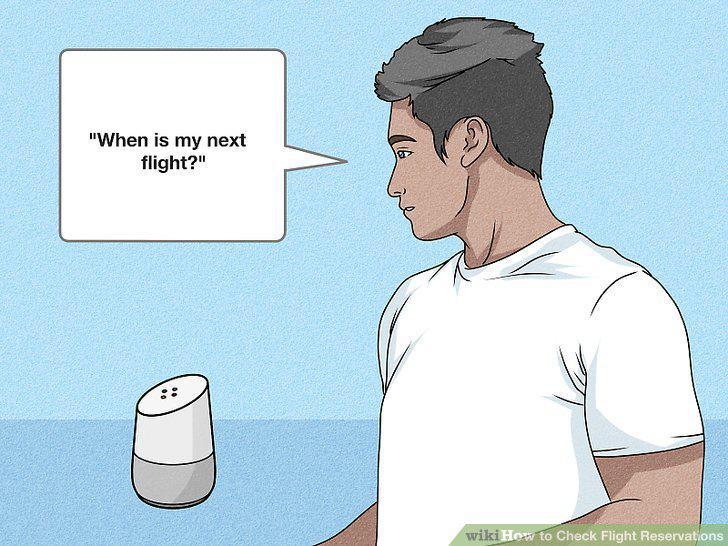
Ask Google Assistant for the details of your reservation.
Comments (0)
No comments yet. Be the first to share your thoughts!