How to Delete Fiverr Account
Sign in to https://www.fiverr.com.. Click your profile photo.. Click Settings on the menu.
Steps
1
Sign in to https://www.fiverr.com.
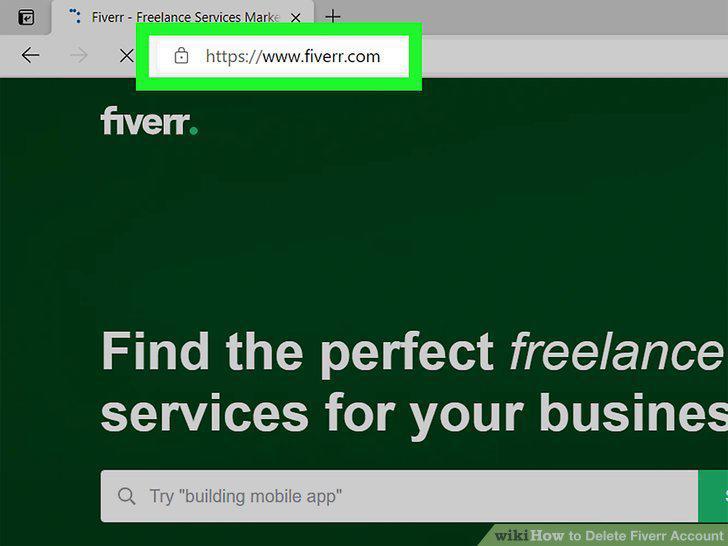
Sign in to https://www.fiverr.com.
2
Click your profile photo.
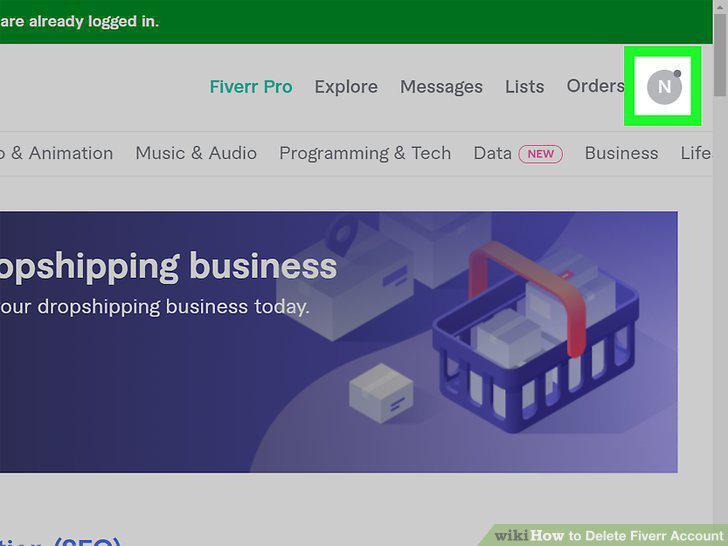
Click your profile photo.
3
Click Settings on the menu.
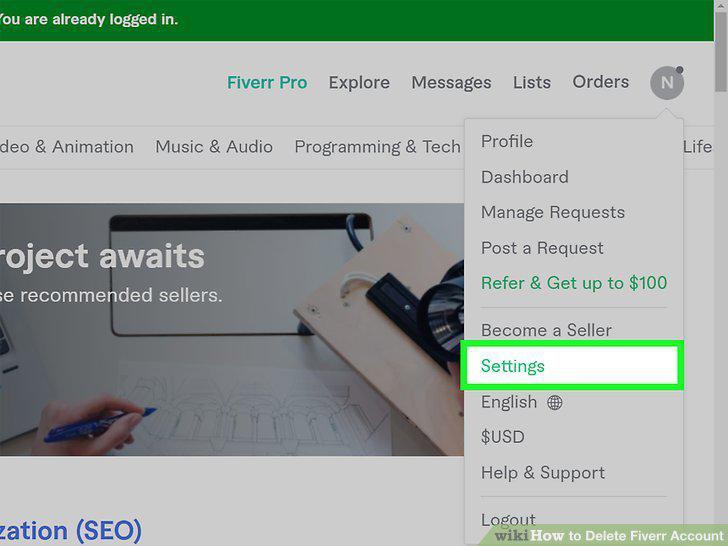
Click Settings on the menu.
4
Select a reason from the menu.
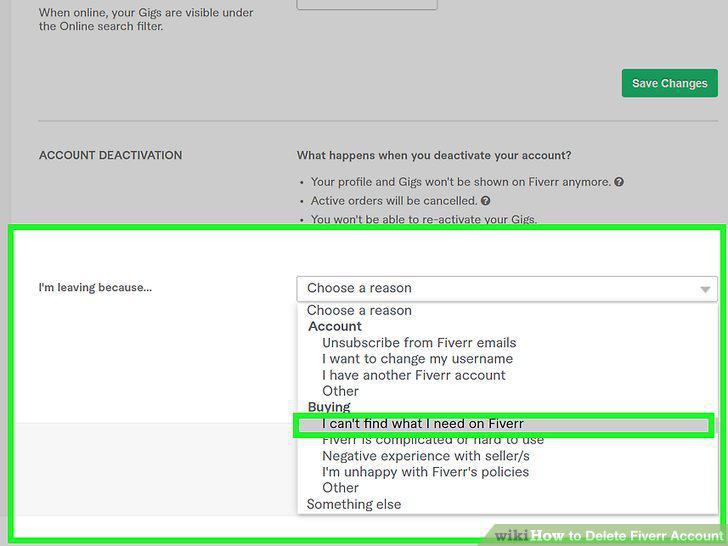
Select a reason from the menu.
5
Enter a description (optional).
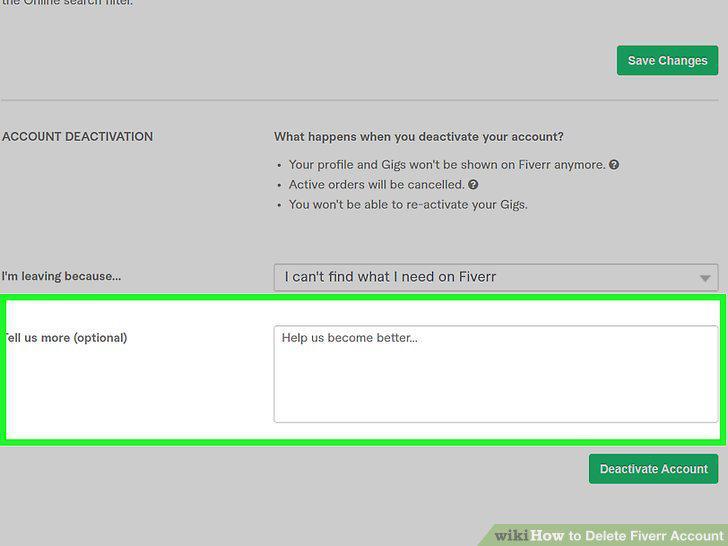
Enter a description (optional).
6
Click the green Deactivate Account button.
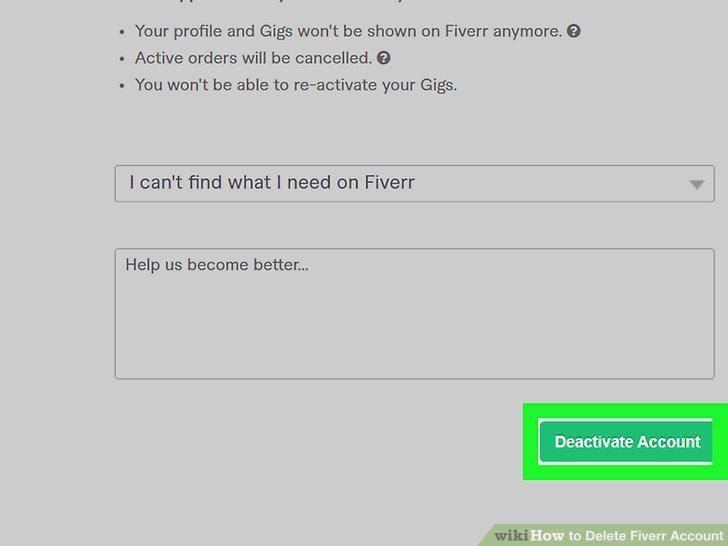
Click the green Deactivate Account button.
7
Request that your account be permanently deleted (optional).
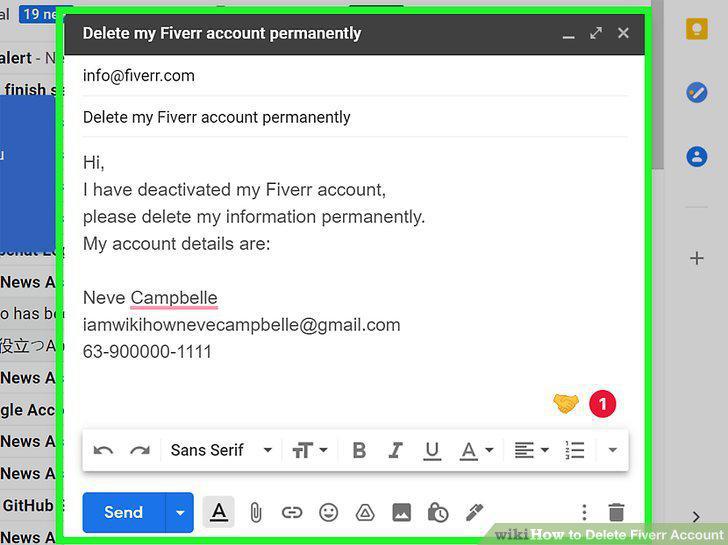
Request that your account be permanently deleted (optional).
Comments (0)
No comments yet. Be the first to share your thoughts!