Steps
1
Open Tinder.
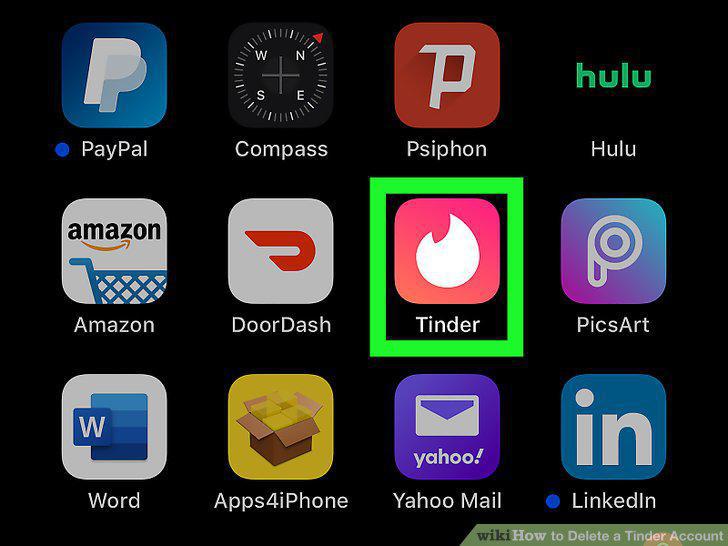
Open Tinder.
2
Tap the profile icon.
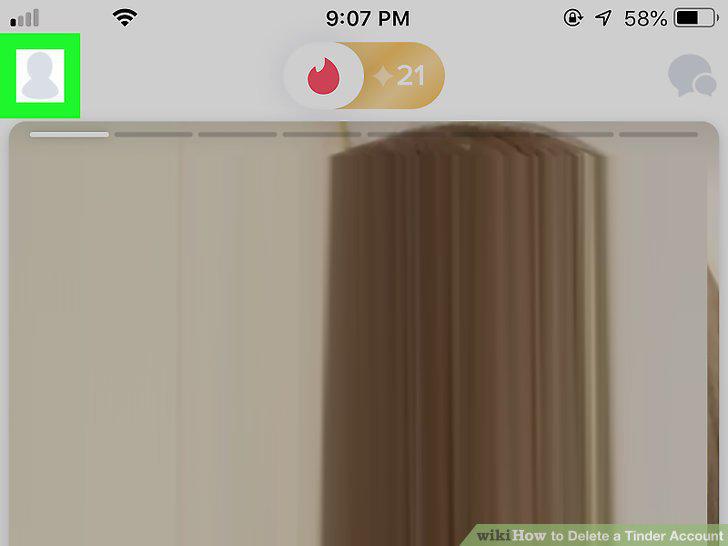
Tap the profile icon.
3
Tap SETTINGS.
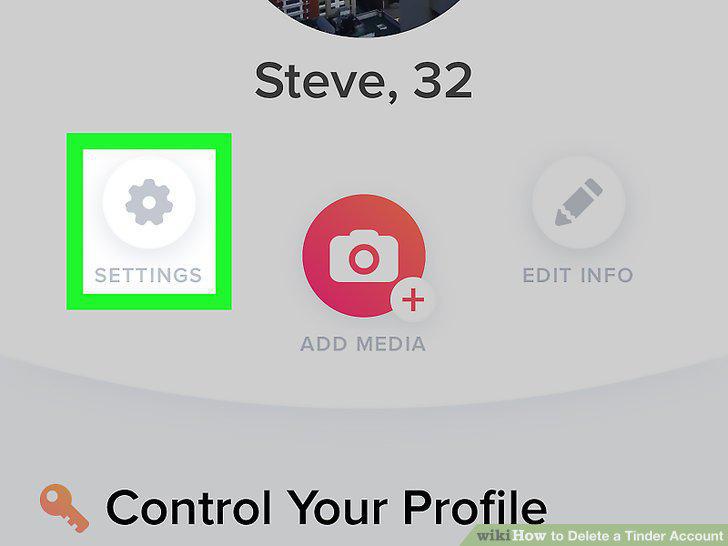
Tap SETTINGS.
4
Tap Delete Account.
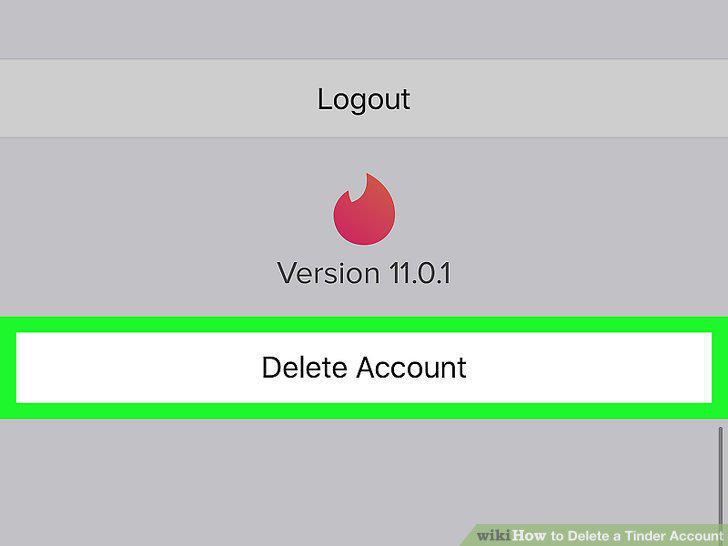
Tap Delete Account.
5
Tap Delete My Account again.
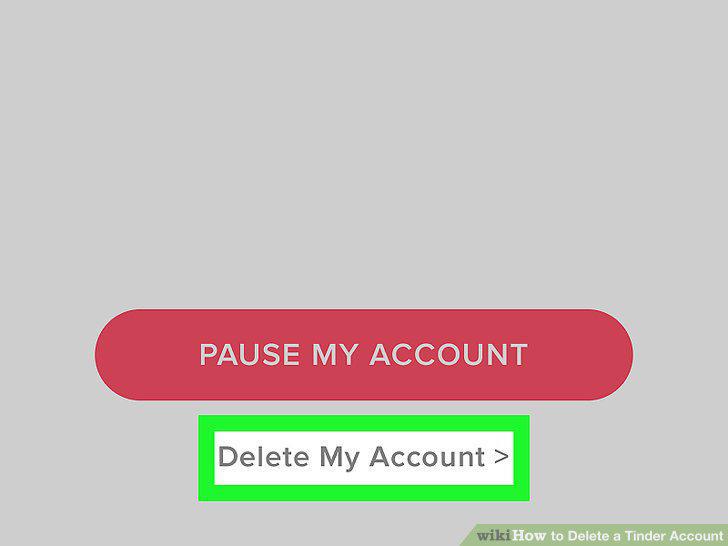
Tap Delete My Account again.
6
Tap to select a reason for deleting Tinder.
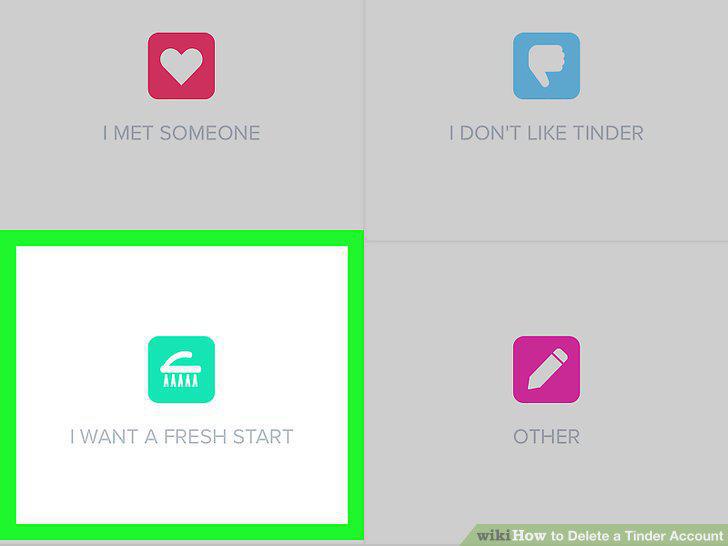
Tap to select a reason for deleting Tinder.
7
Select a follow-up reason.
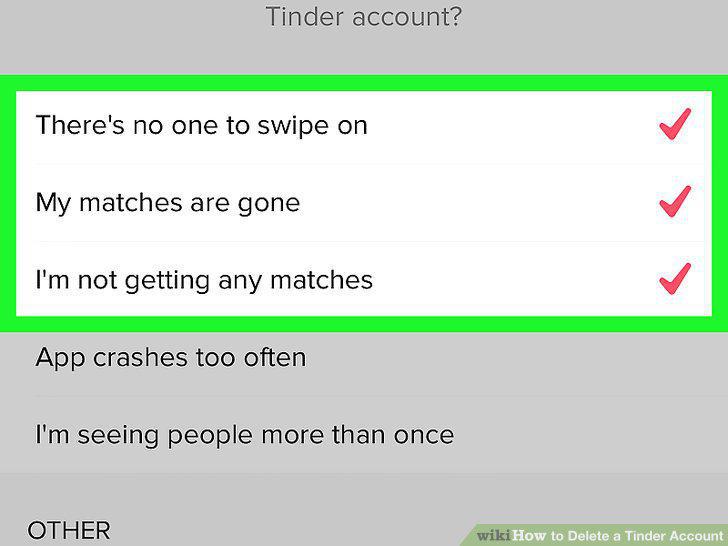
Select a follow-up reason.
8
Tap Submit & Delete Account.
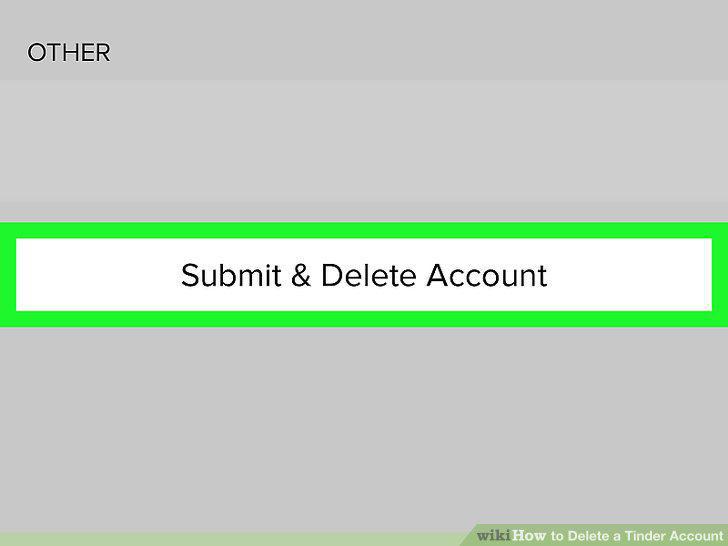
Tap Submit & Delete Account.
9
Go to https://www.tinder.com/ in your browser.
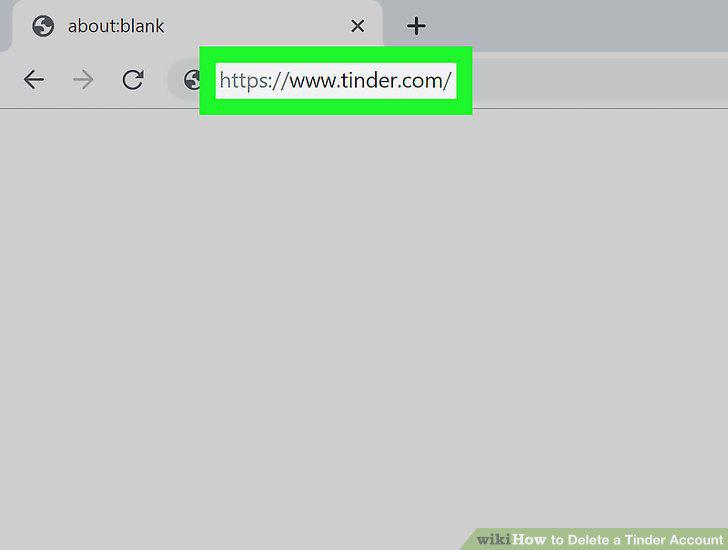
Go to https://www.tinder.com/ in your browser.
10
Click My Profile.
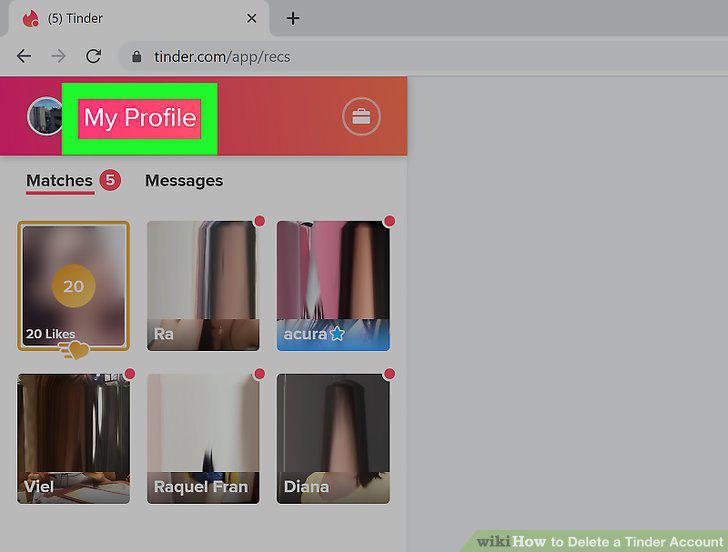
Click My Profile.
11
Click Delete Account.
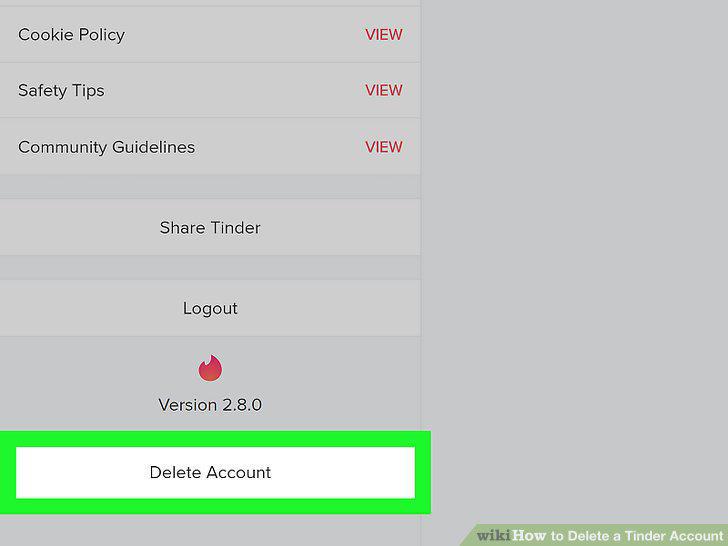
Click Delete Account.
12
Click DELETE ACCOUNT in the pop-up window.

Click DELETE ACCOUNT in the pop-up window.
Comments (0)
No comments yet. Be the first to share your thoughts!