How to Use an American Express Gift Card
Navigate to the main American Express website.. Click the "Cards" tab at the top left of the homepage.. Click "Gift Cards" under the "Prepaid Cards" dropdown menu.
Steps
Navigate to the main American Express website.
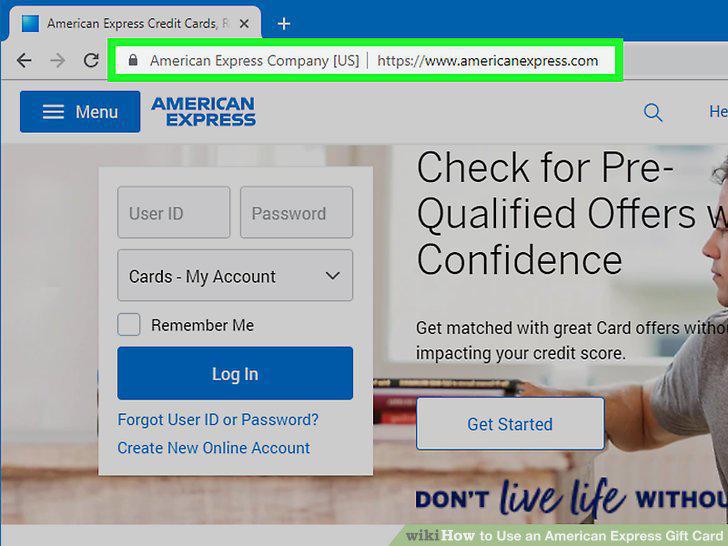
Navigate to the main American Express website.
Click the "Cards" tab at the top left of the homepage.
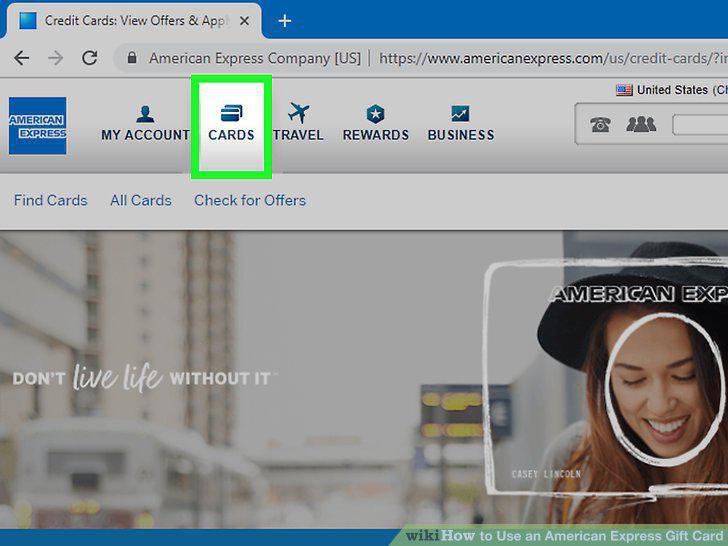
Click the "Cards" tab at the top left of the homepage.
Click "Gift Cards" under the "Prepaid Cards" dropdown menu.
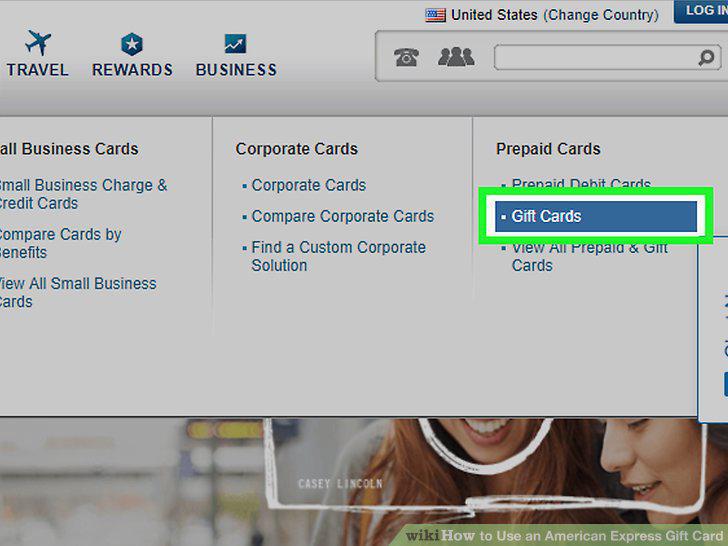
Click "Gift Cards" under the "Prepaid Cards" dropdown menu.
Click the "Check Balance" tab at the top right of the page.
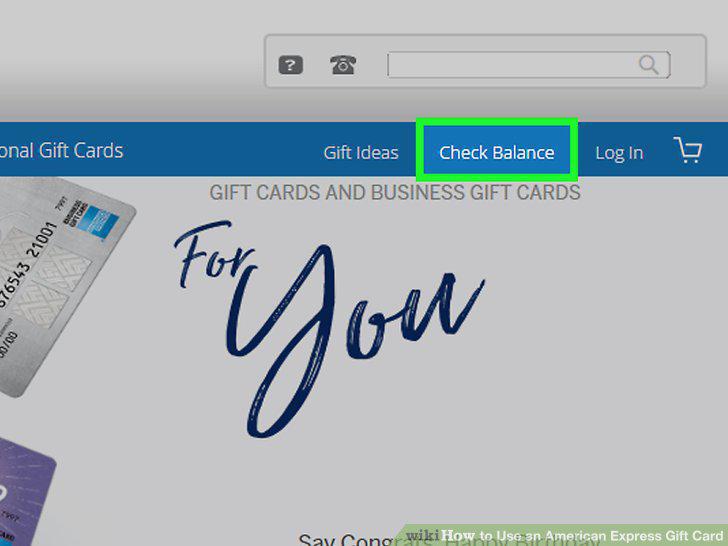
Click the "Check Balance" tab at the top right of the page.
Enter the card information and click "Sign In" to pull up the balance.
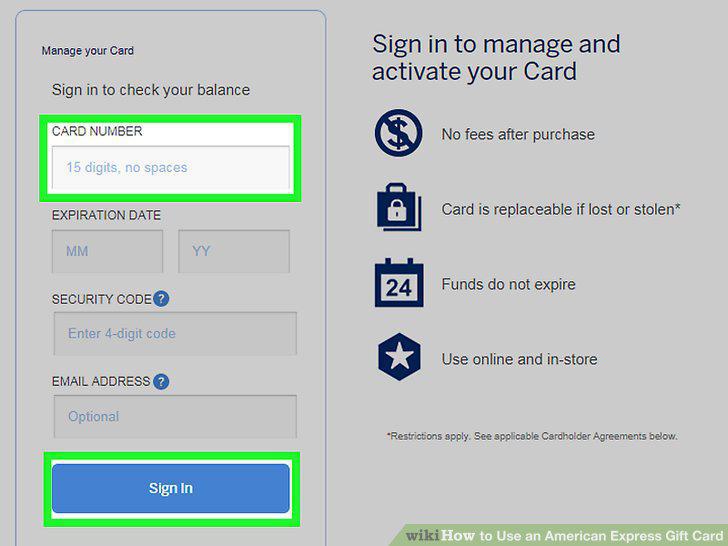
Enter the card information and click "Sign In" to pull up the balance.
Check your card balance before you go shopping.
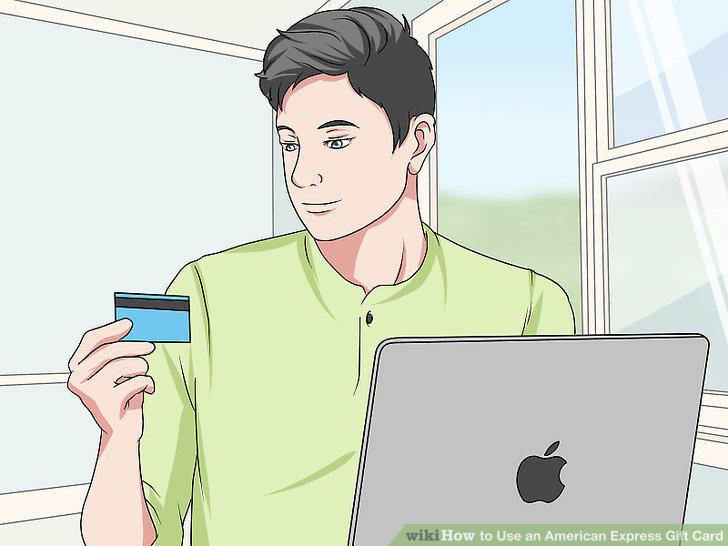
Check your card balance before you go shopping.
Swipe your gift card at the register like a normal credit or debit card.
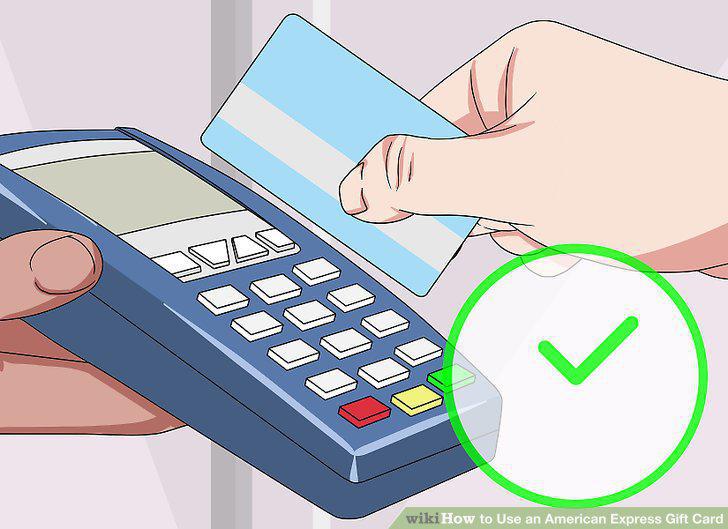
Swipe your gift card at the register like a normal credit or debit card.
Select "Credit" and sign your name to complete the purchase.
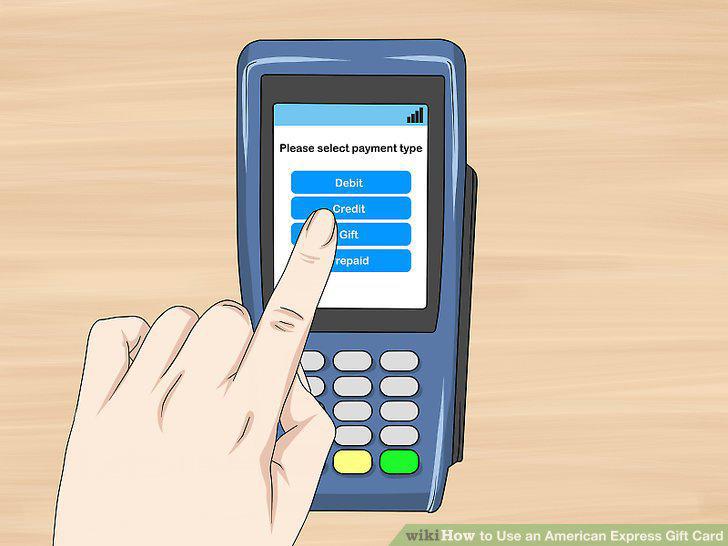
Select "Credit" and sign your name to complete the purchase.
Bring another payment method if your purchase exceeds the balance.
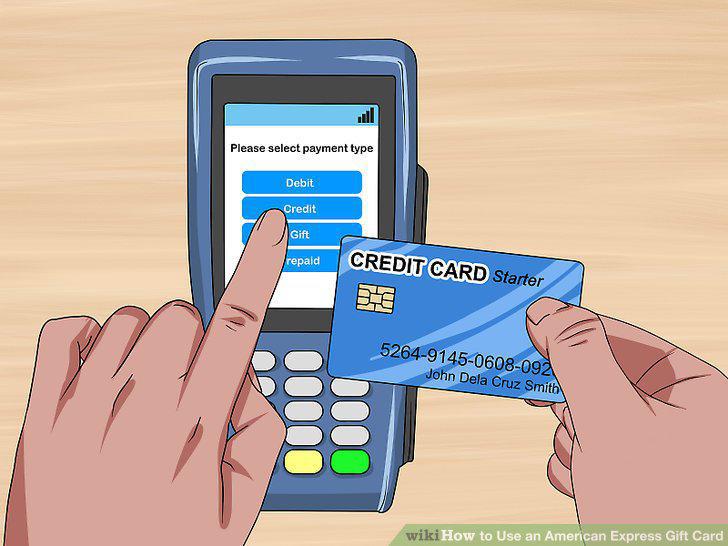
Bring another payment method if your purchase exceeds the balance.
Use your gift card to purchase products and services only.
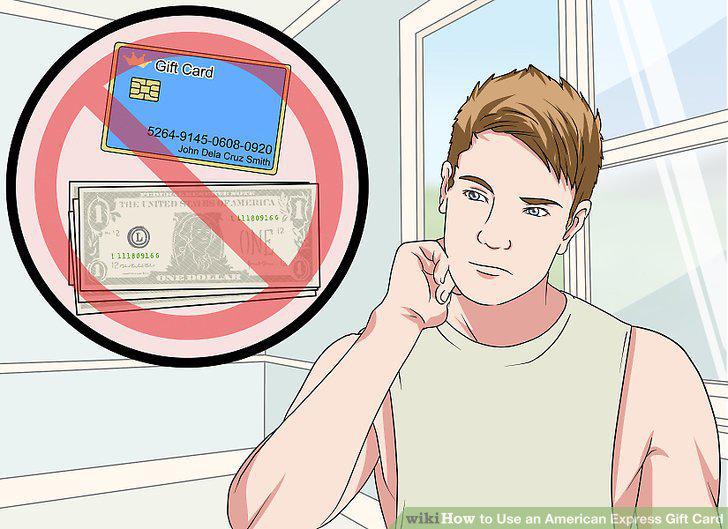
Use your gift card to purchase products and services only.
Avoid using the gift card if you expect you may have to return an item.
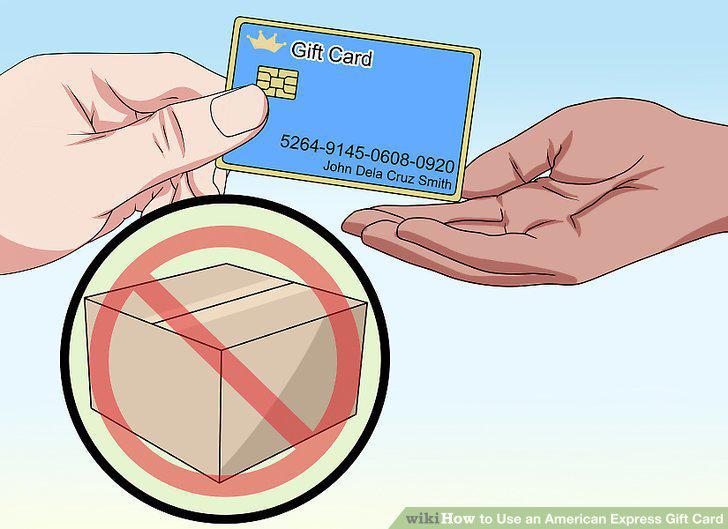
Avoid using the gift card if you expect you may have to return an item.
Don't use your gift card to make reservations or deposits.
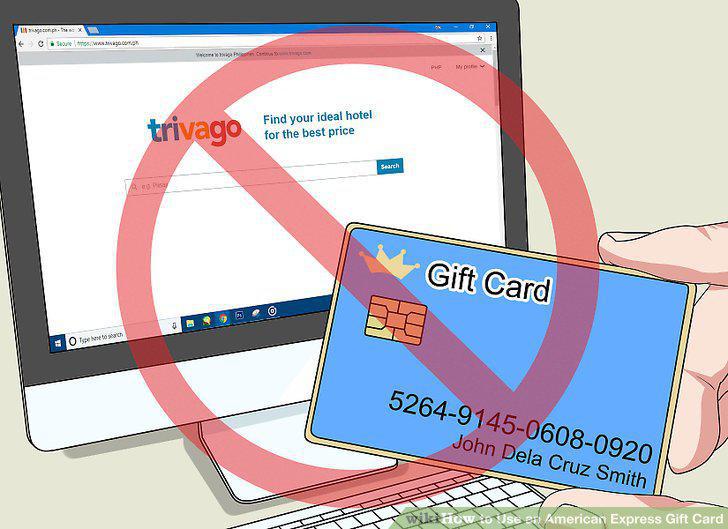
Don't use your gift card to make reservations or deposits.
Check your gift card balance before you start the payment process.
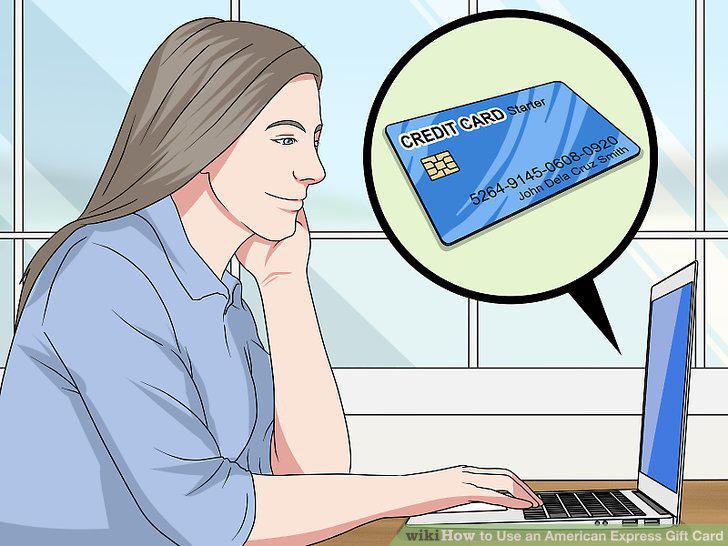
Check your gift card balance before you start the payment process.
Purchase from a retailer based in the United States or Puerto Rico.
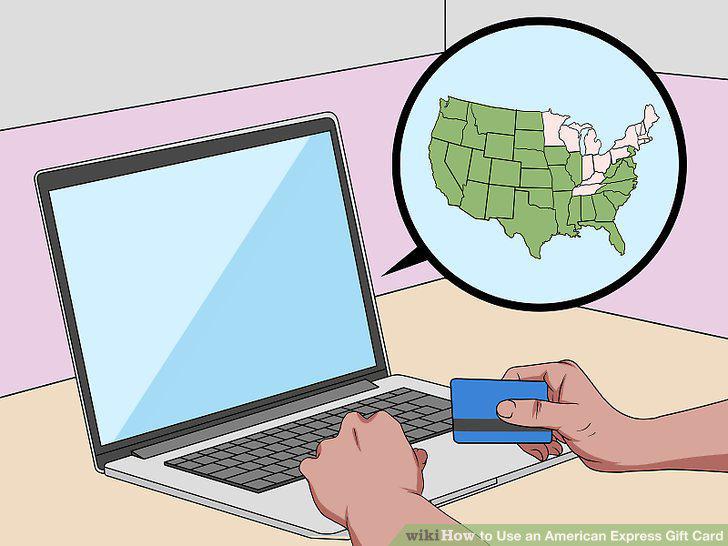
Purchase from a retailer based in the United States or Puerto Rico.
Enter the card information on the Payment Method page to check out.
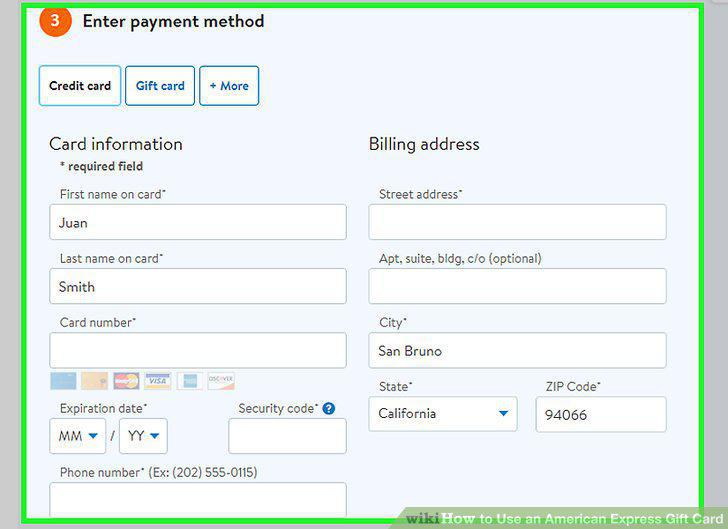
Enter the card information on the Payment Method page to check out.
Provide the correct shipping address to receive your items without issue.
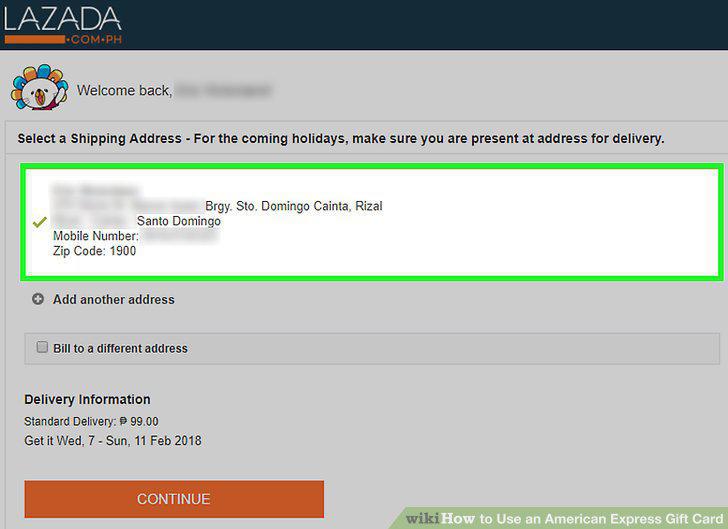
Provide the correct shipping address to receive your items without issue.
Comments (0)
No comments yet. Be the first to share your thoughts!