How to Make a QR Code to Share Your WiFi Password
Gather your Wi-Fi details.. Go to the https://qifi.org/.. Select your encryption type.
Steps
1
Gather your Wi-Fi details.
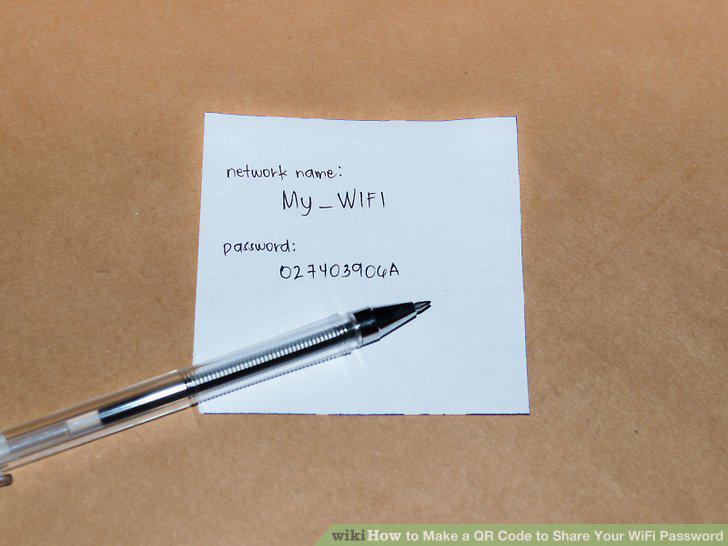
Gather your Wi-Fi details.
2
Go to the https://qifi.org/.
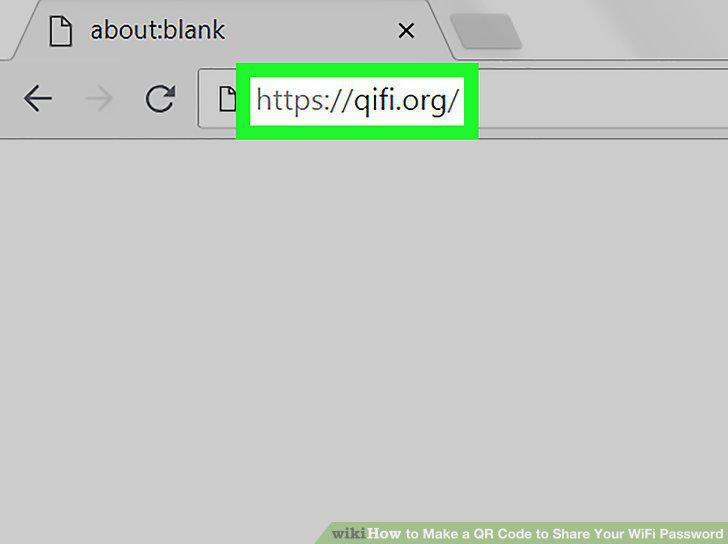
Go to the https://qifi.org/.
3
Select your encryption type.
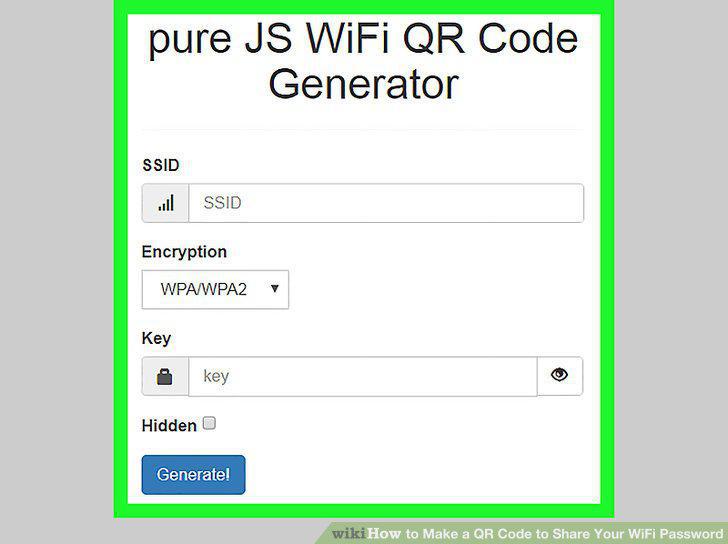
Select your encryption type.
4
Enter your network name.
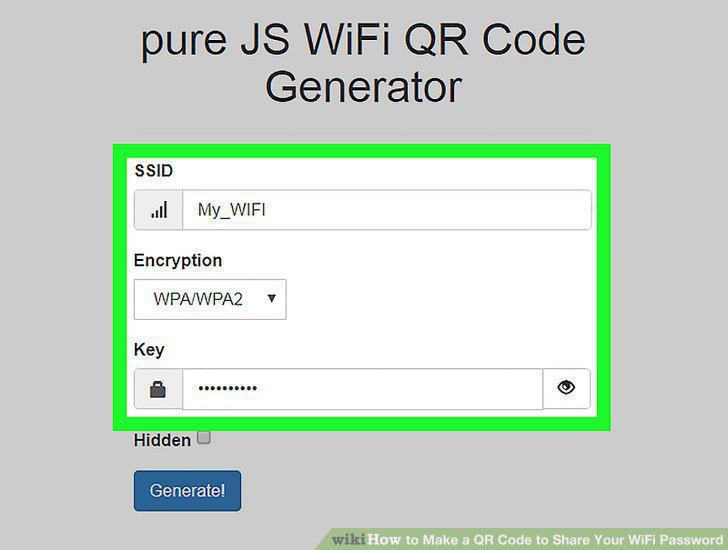
Enter your network name.
5
Enter your WI-Fi password.
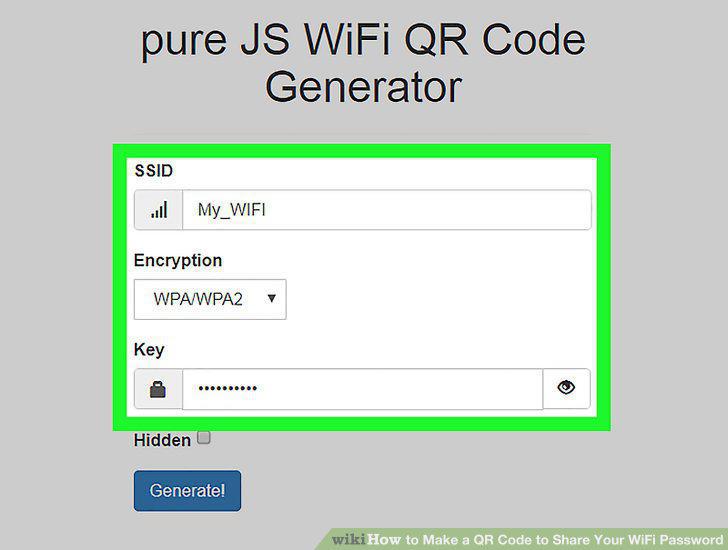
Enter your WI-Fi password.
6
Click Generate!.
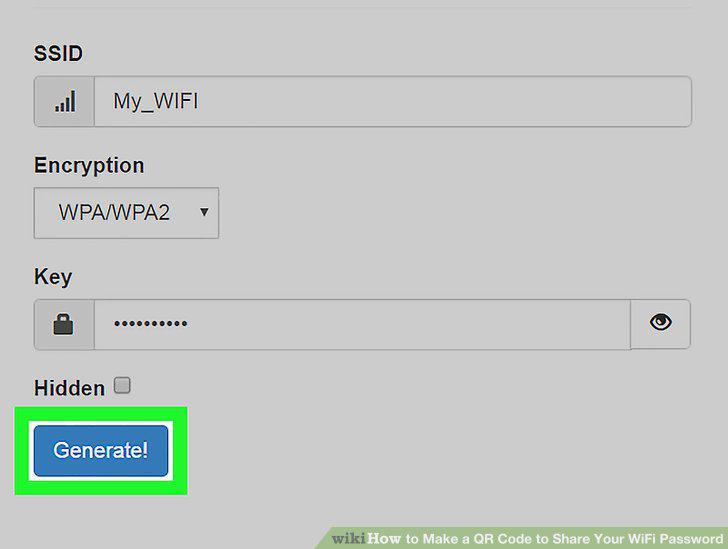
Click Generate!.
7
Click Print!.
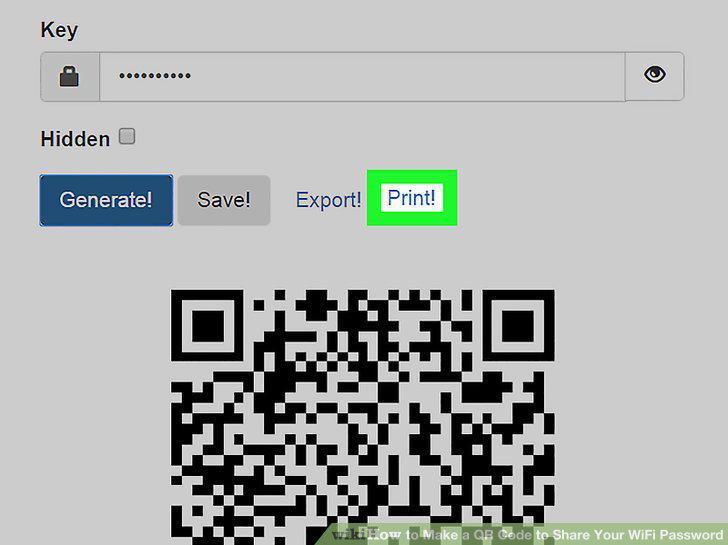
Click Print!.
8
Display the QR code where you want it.
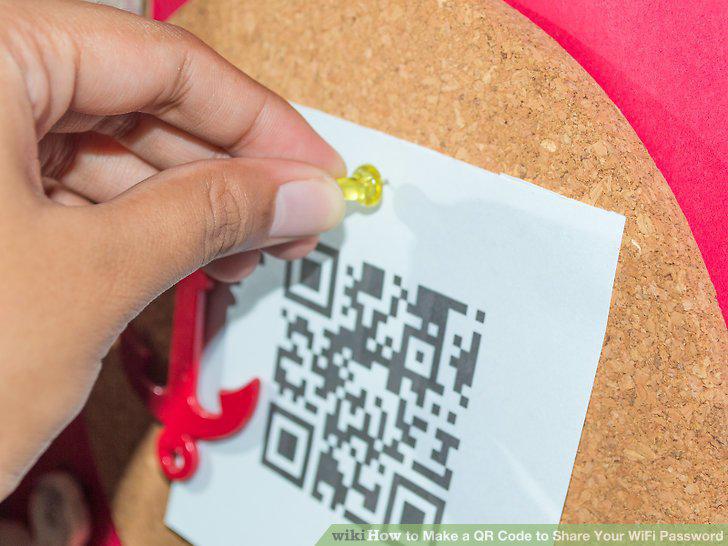
Display the QR code where you want it.
Comments (0)
No comments yet. Be the first to share your thoughts!