How to Eject Water from the Apple Watch After It Gets Wet
Wake up your Apple Watch's screen.. Make sure that the Apple Watch is in Water Lock mode.. Begin rotating the Digital Crown clockwise.
Steps
1
Wake up your Apple Watch's screen.
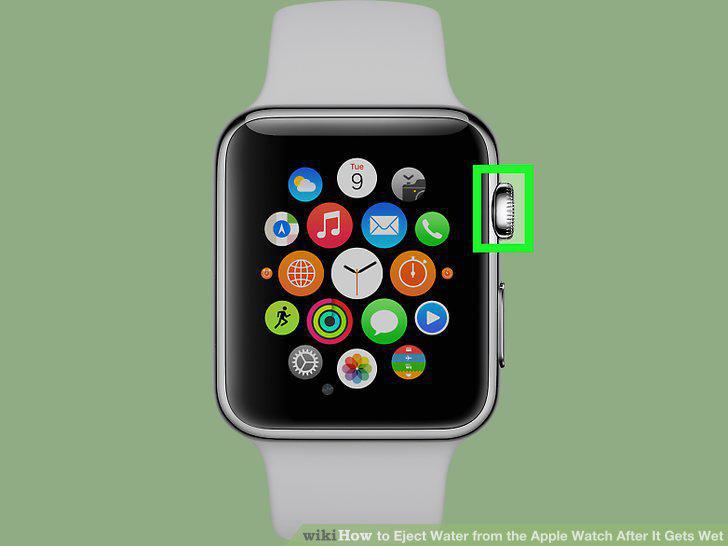
Wake up your Apple Watch's screen.
2
Make sure that the Apple Watch is in Water Lock mode.
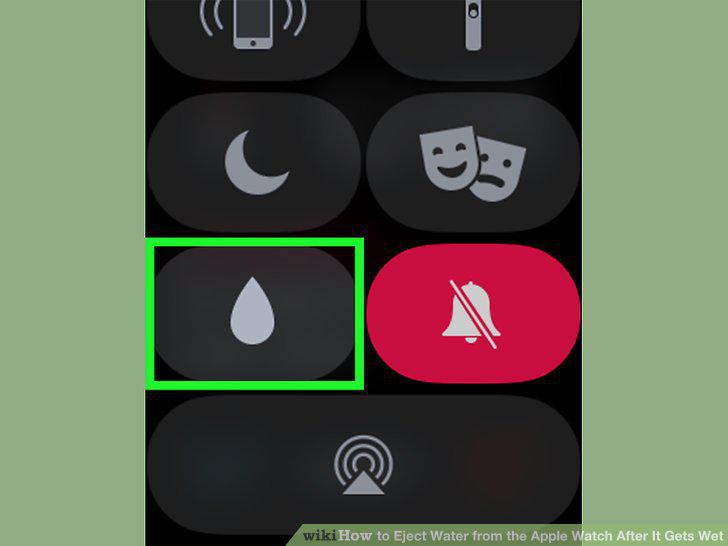
Make sure that the Apple Watch is in Water Lock mode.
3
Begin rotating the Digital Crown clockwise.
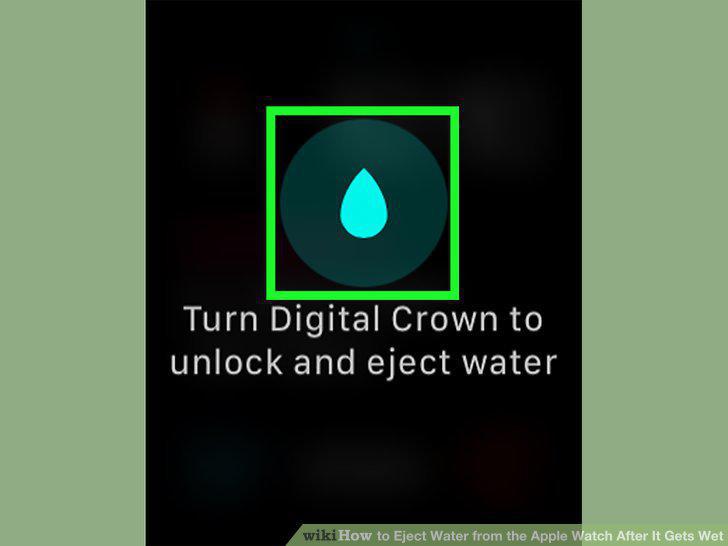
Begin rotating the Digital Crown clockwise.
4
Continue rotating the Digital Crown.
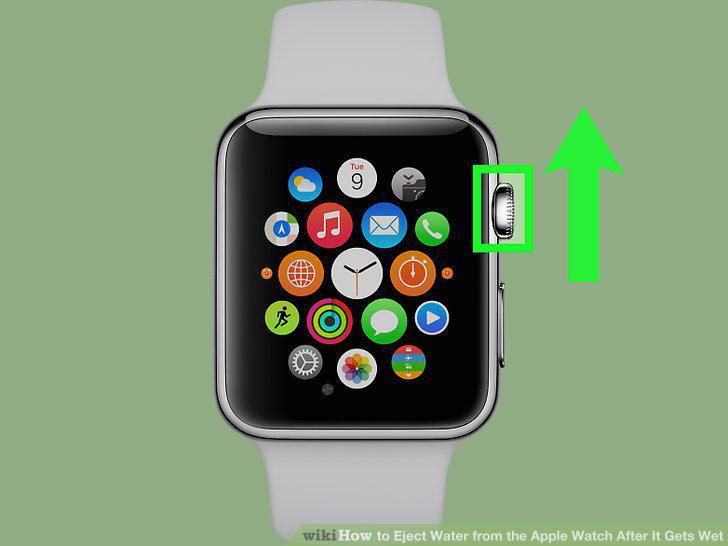
Continue rotating the Digital Crown.
5
Wait for the water ejection process to complete.
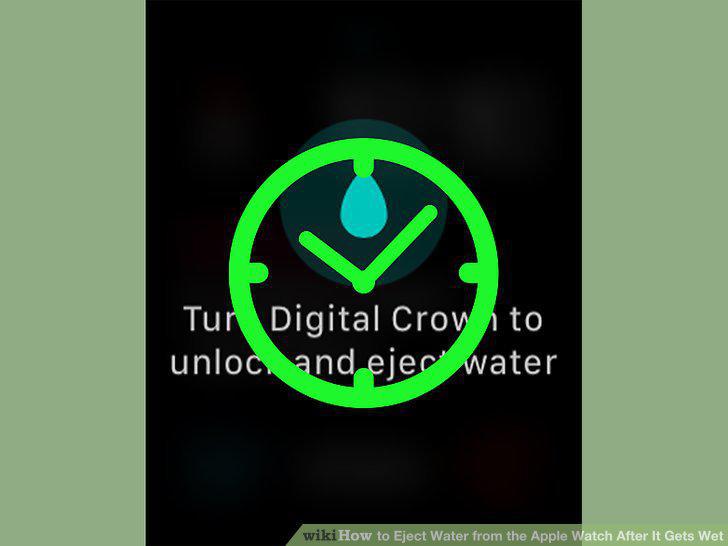
Wait for the water ejection process to complete.
Comments (0)
No comments yet. Be the first to share your thoughts!