How to Leave Feedback on eBay on PC or Mac
Go to https://www.ebay.com in your web browser.. Click My eBay.. Click the Account tab.
Steps
1
Go to https://www.ebay.com in your web browser.
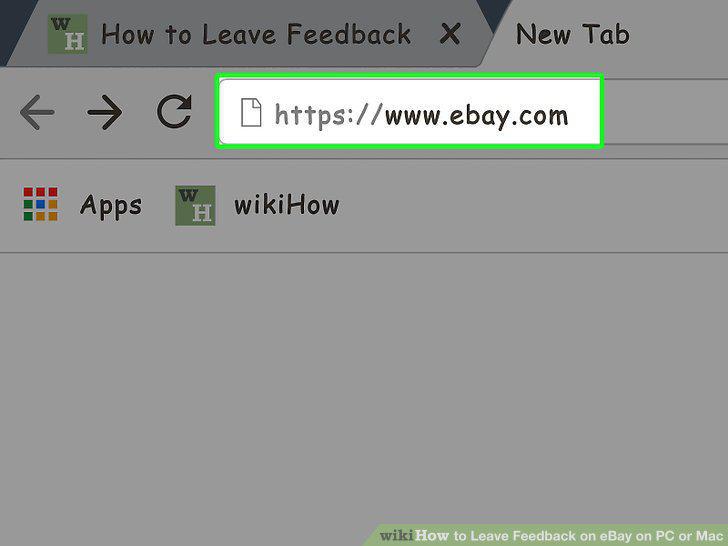
Go to https://www.ebay.com in your web browser.
2
Click My eBay.
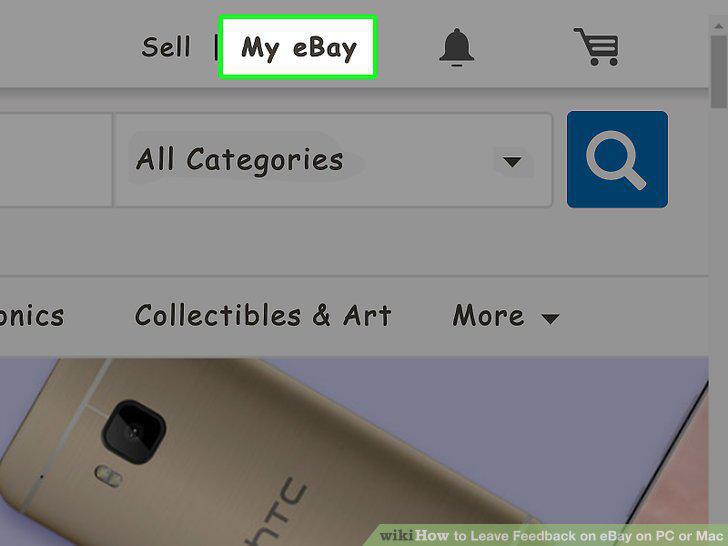
Click My eBay.
3
Click the Account tab.
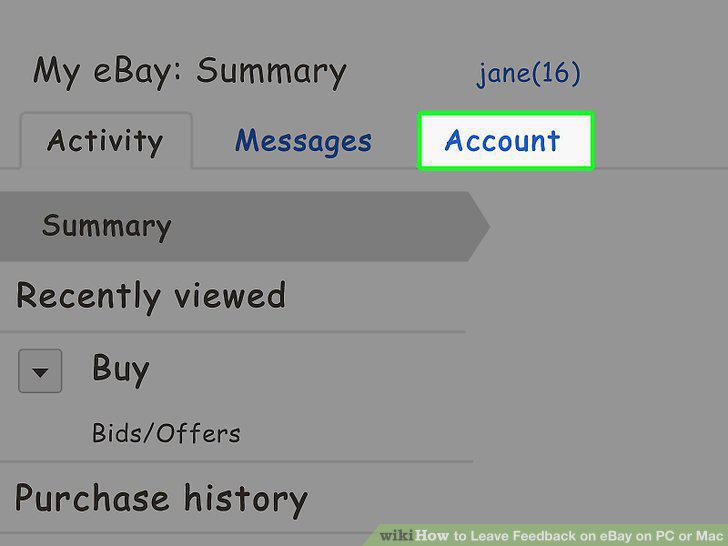
Click the Account tab.
4
Click Feedback.
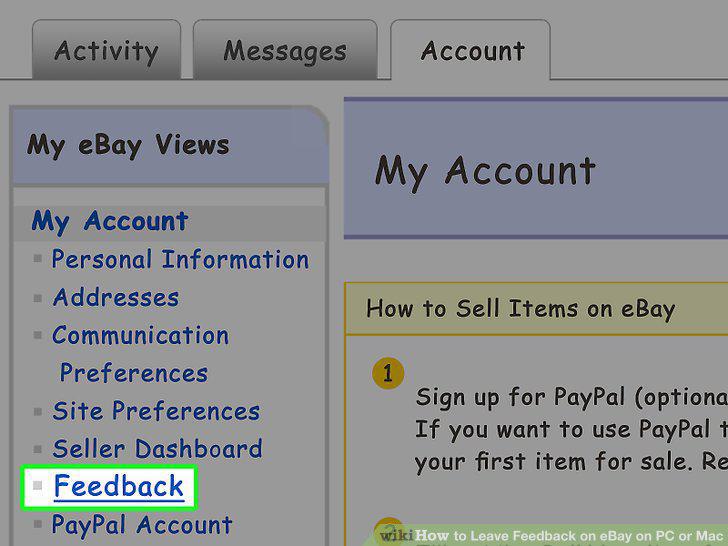
Click Feedback.
5
Click the item for which you'd like to leave feedback.
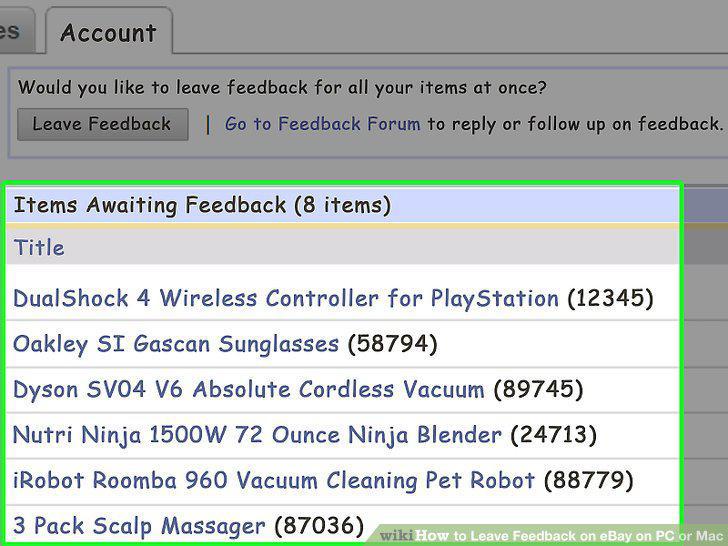
Click the item for which you'd like to leave feedback.
6
Click Leave Feedback.
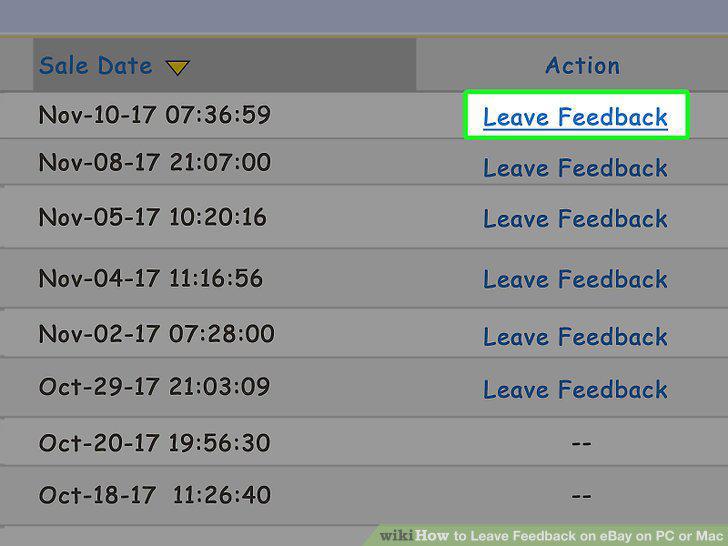
Click Leave Feedback.
7
Rate your transaction.
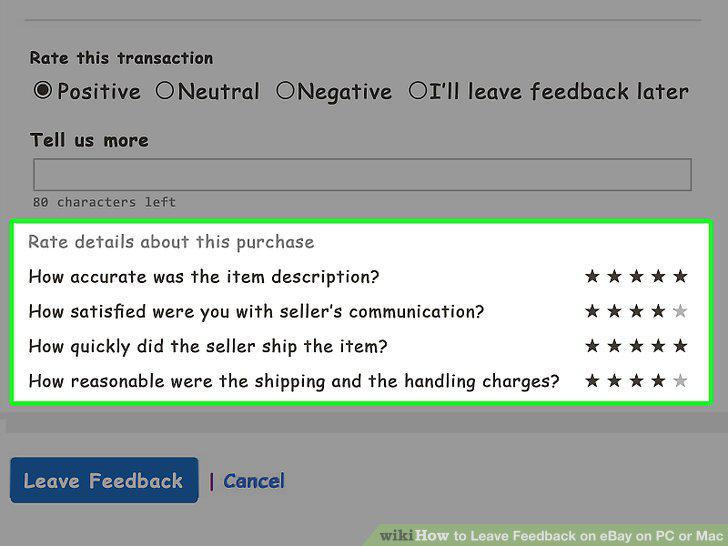
Rate your transaction.
8
Type a comment.
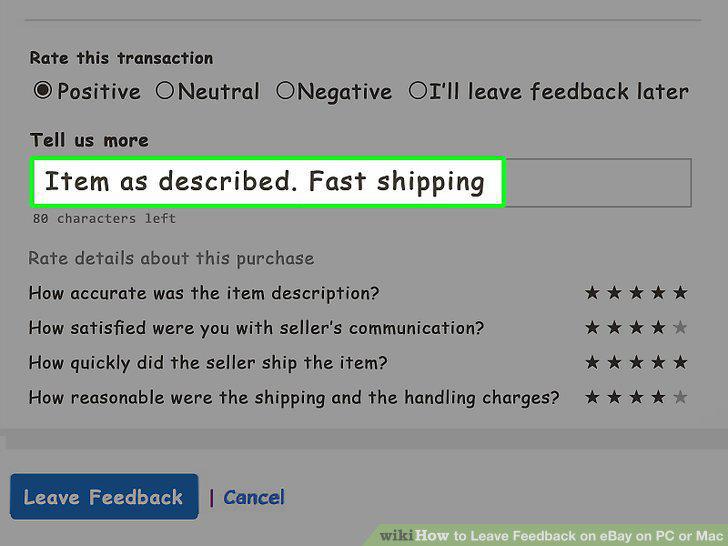
Type a comment.
9
Click Leave Feedback.
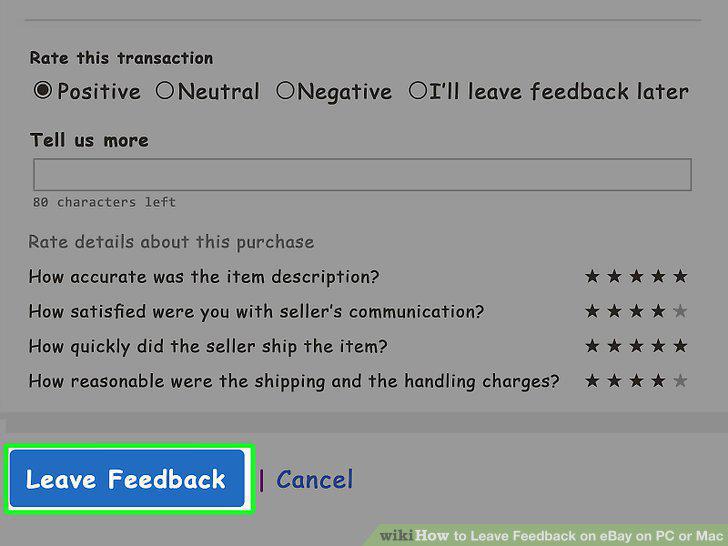
Click Leave Feedback.
Comments (0)
No comments yet. Be the first to share your thoughts!