How to Get Xbox Live Gold on PC or Mac
Go to https://www.microsoft.com/en-us/store/b/home.. Click Xbox.. Scroll down and click Xox Live Gold.
Steps
1
Go to https://www.microsoft.com/en-us/store/b/home.
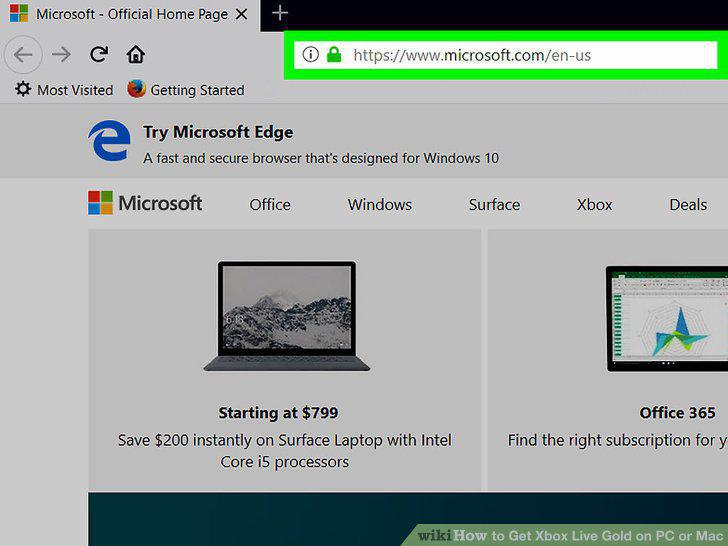
Go to https://www.microsoft.com/en-us/store/b/home.
2
Click Xbox.
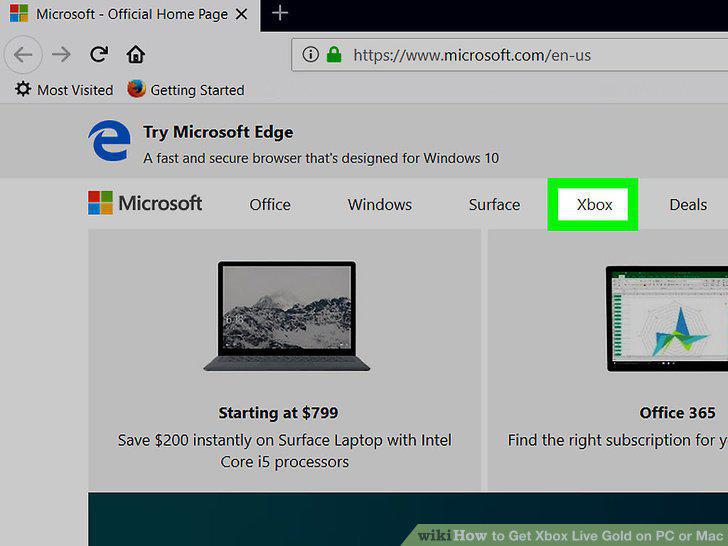
Click Xbox.
3
Scroll down and click Xox Live Gold.
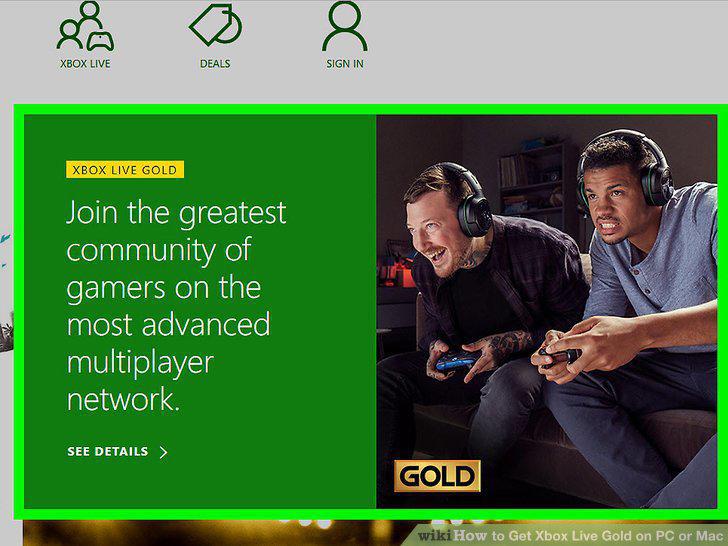
Scroll down and click Xox Live Gold.
4
Select a membership length.

Select a membership length.
5
Click Buy and download now.
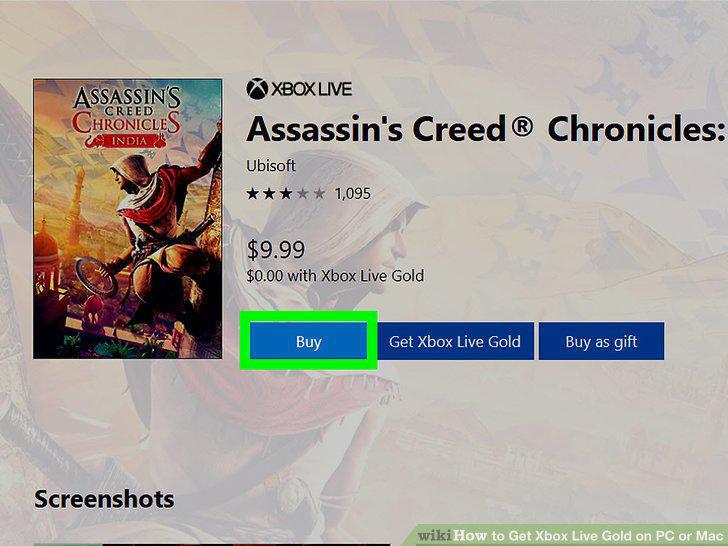
Click Buy and download now.
6
Click Checkout.
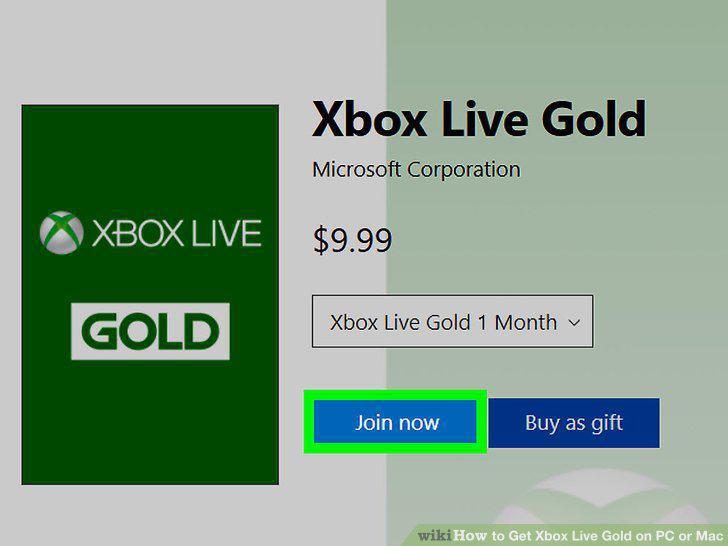
Click Checkout.
7
Select a payment method.
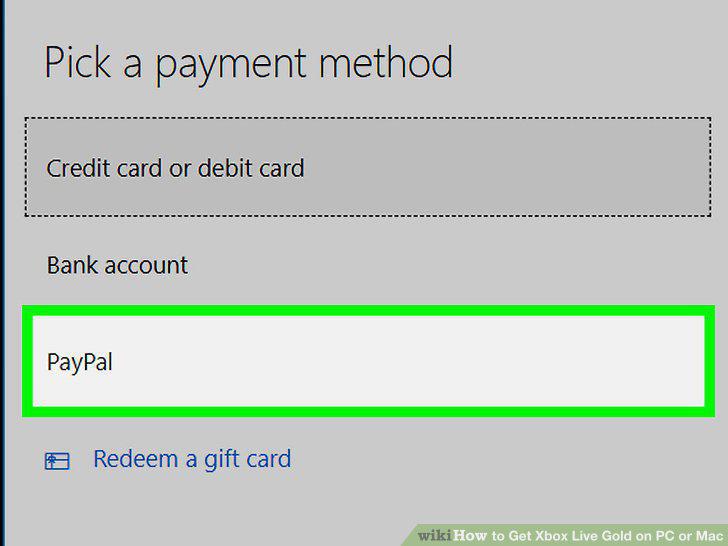
Select a payment method.
8
Click Place order.
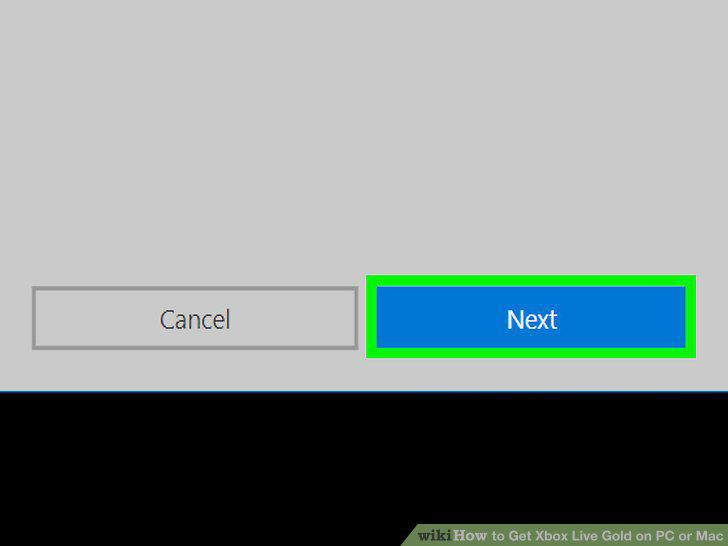
Click Place order.
Comments (0)
No comments yet. Be the first to share your thoughts!