How to Install a Capacitor
Understand the basic idea of a capacitor.. Decide whether or not you want an internal meter.. Purchase your capacitor.
Steps
Understand the basic idea of a capacitor.
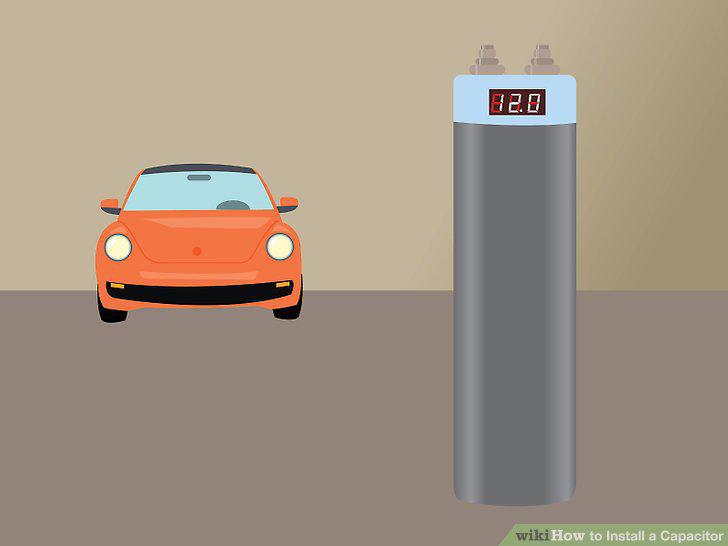
Understand the basic idea of a capacitor.
Decide whether or not you want an internal meter.
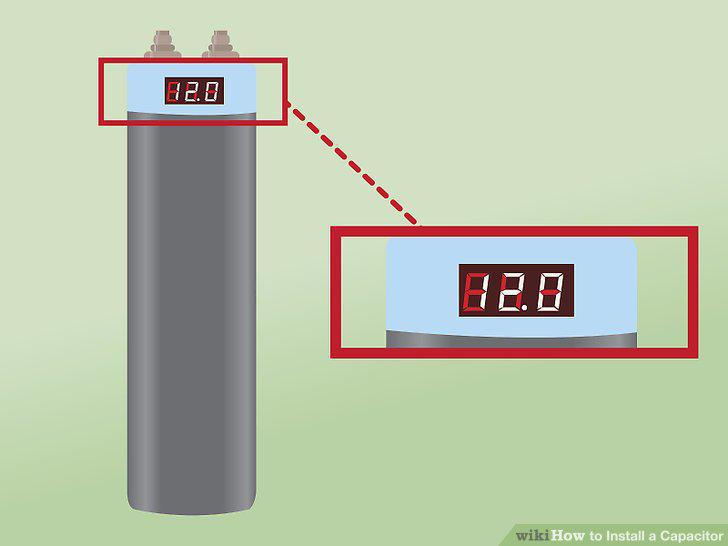
Decide whether or not you want an internal meter.
Purchase your capacitor.
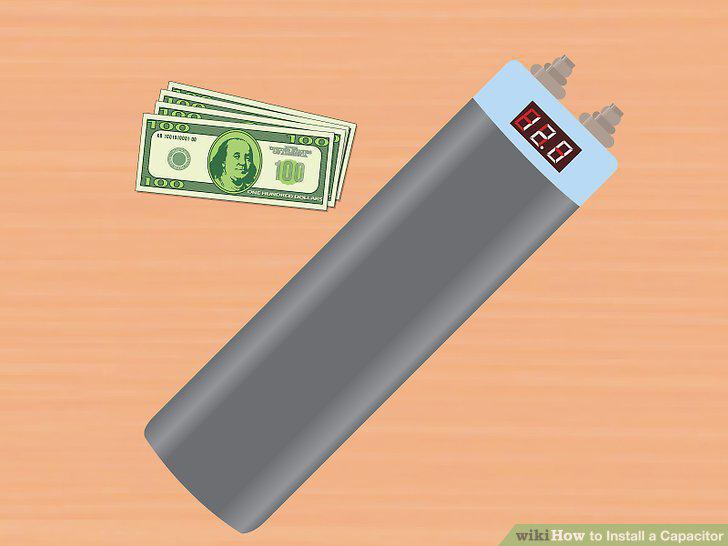
Purchase your capacitor.
Be sure that your capacitor has been discharged.
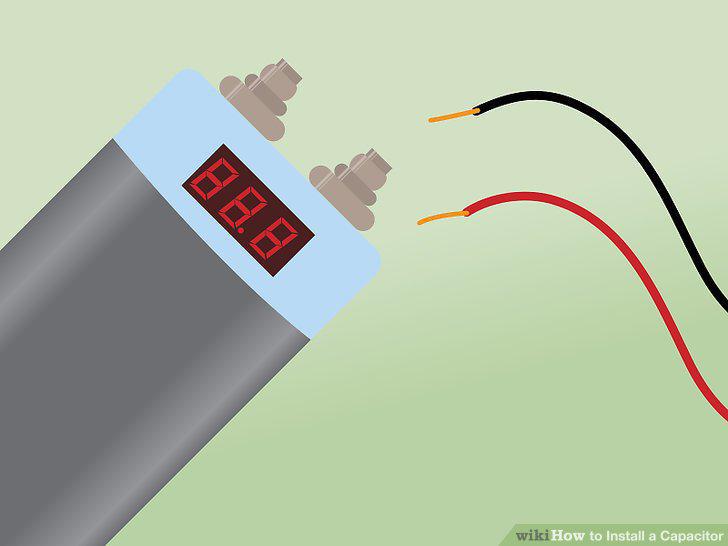
Be sure that your capacitor has been discharged.
Disconnect the battery ground terminal.
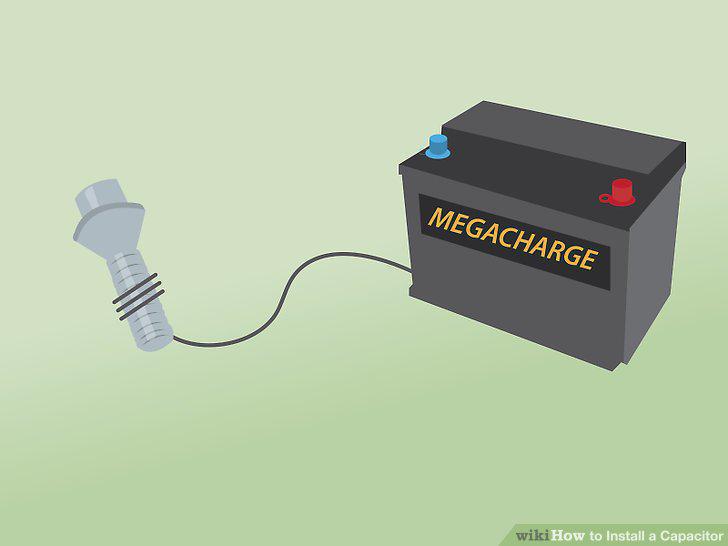
Disconnect the battery ground terminal.
Mount your capacitor.The capacitor can go in a number of places in your system.
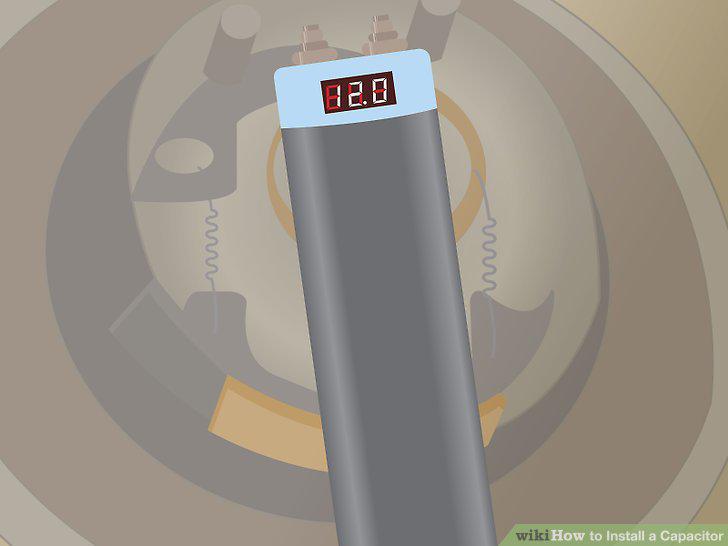
Mount your capacitor.The capacitor can go in a number of places in your system.
Connect the capacitor's positive terminal.
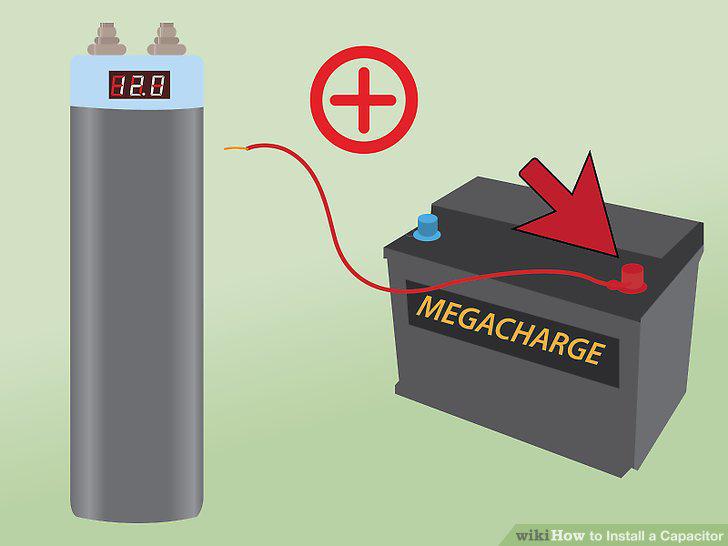
Connect the capacitor's positive terminal.
Connect the capacitor's negative terminal.
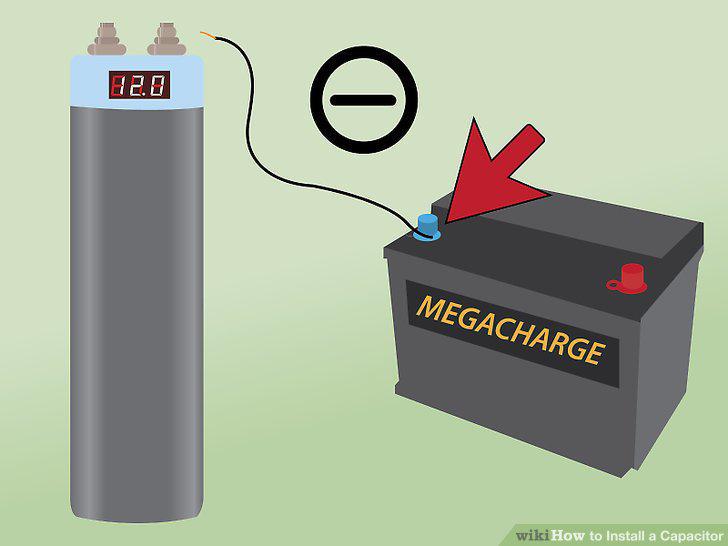
Connect the capacitor's negative terminal.
Connect the remote turn on wire.
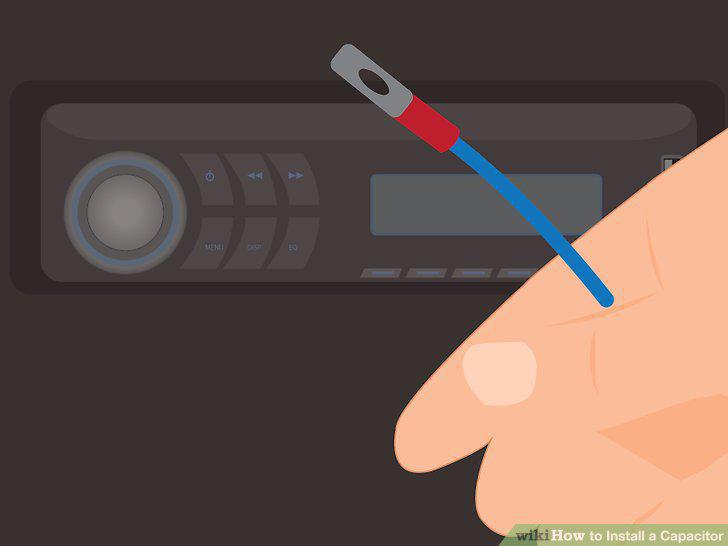
Connect the remote turn on wire.
Reconnect the battery ground terminal.
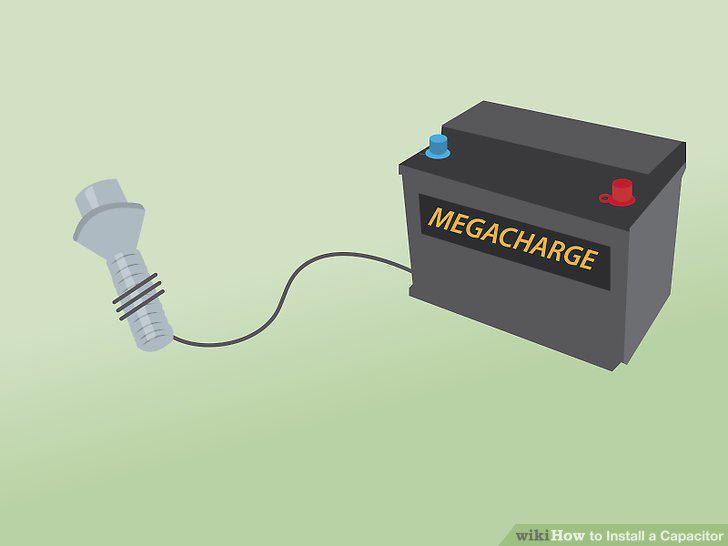
Reconnect the battery ground terminal.
Locate the main power fuse for your audio system.
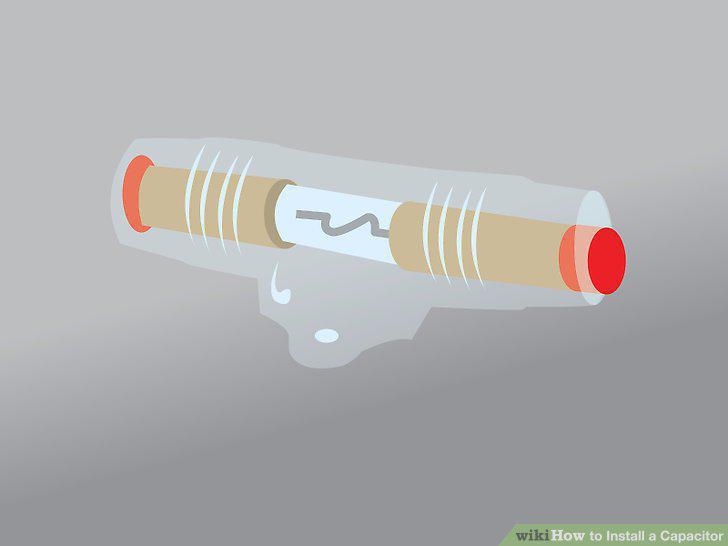
Locate the main power fuse for your audio system.
Remove the main power fuse.
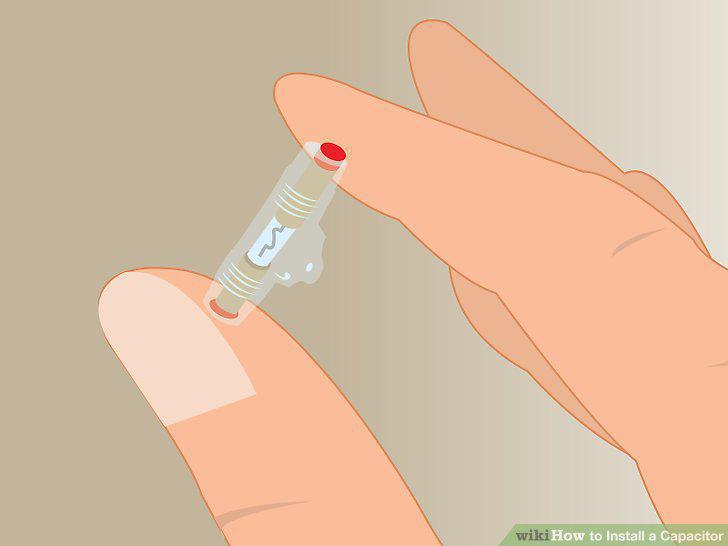
Remove the main power fuse.
Put the resistor in place of the main power fuse.
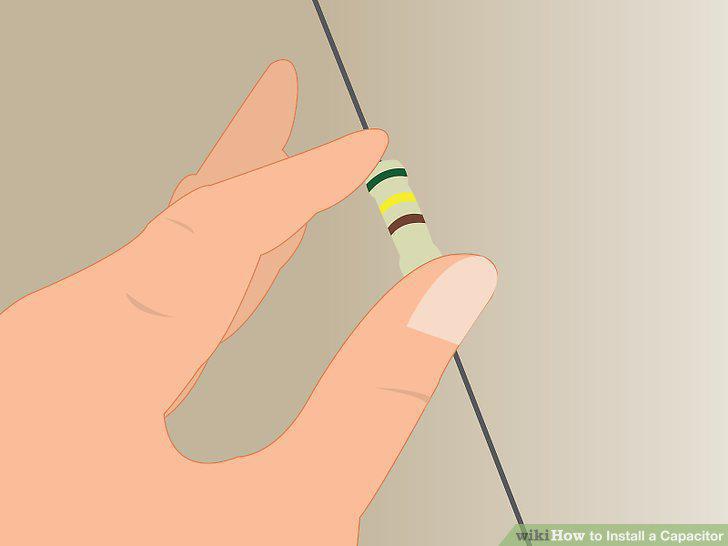
Put the resistor in place of the main power fuse.
Measure the voltage on the capacitor with a voltmeter.
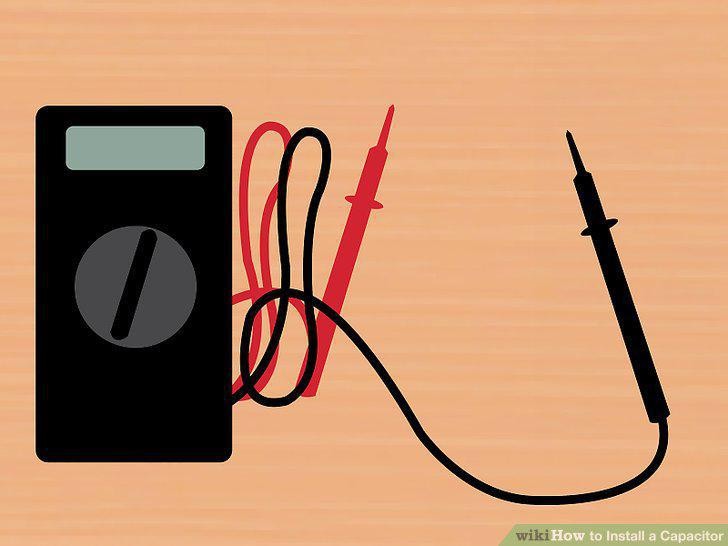
Measure the voltage on the capacitor with a voltmeter.
Remove the voltmeter.
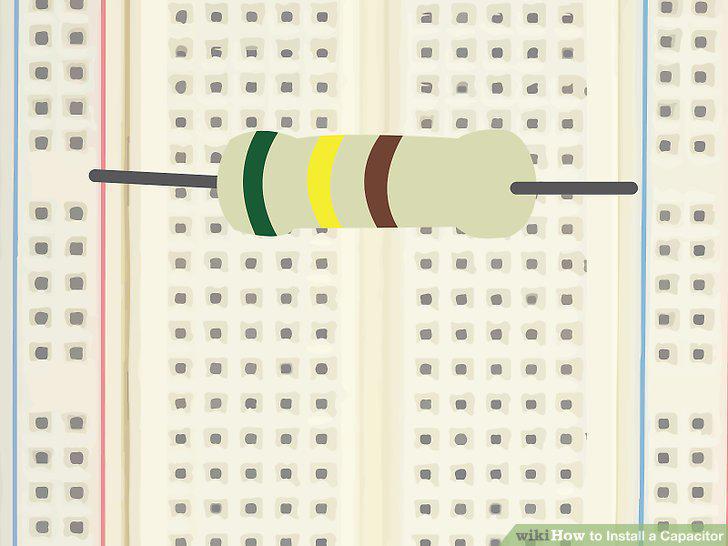
Remove the voltmeter.
Remove the resistor.
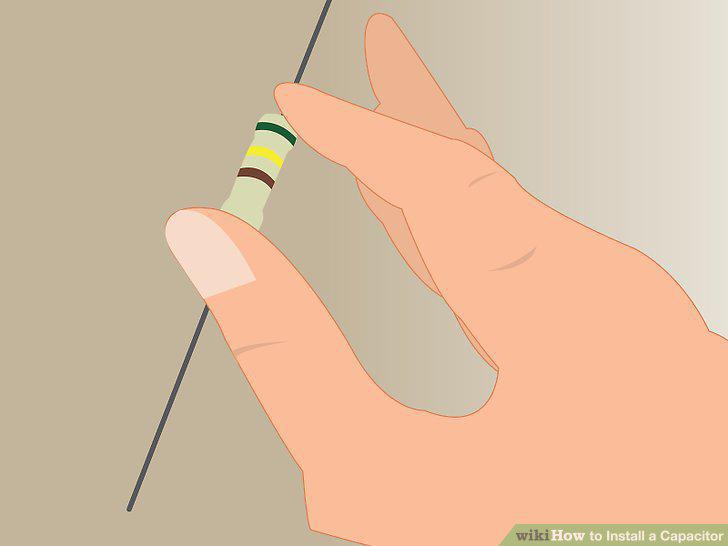
Remove the resistor.
Replace the main power fuse.
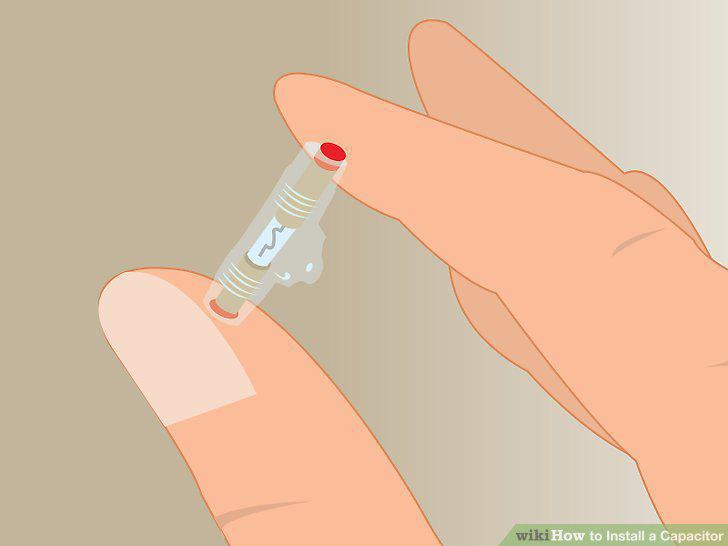
Replace the main power fuse.
Comments (0)
No comments yet. Be the first to share your thoughts!