How to Contact a Seller on Amazon
Navigate to one of the seller's product listings.. Click the seller's name next to "Sold by" on the right-hand side of the page.. Press the "Ask a Question" button on the seller's page.
Steps
Navigate to one of the seller's product listings.
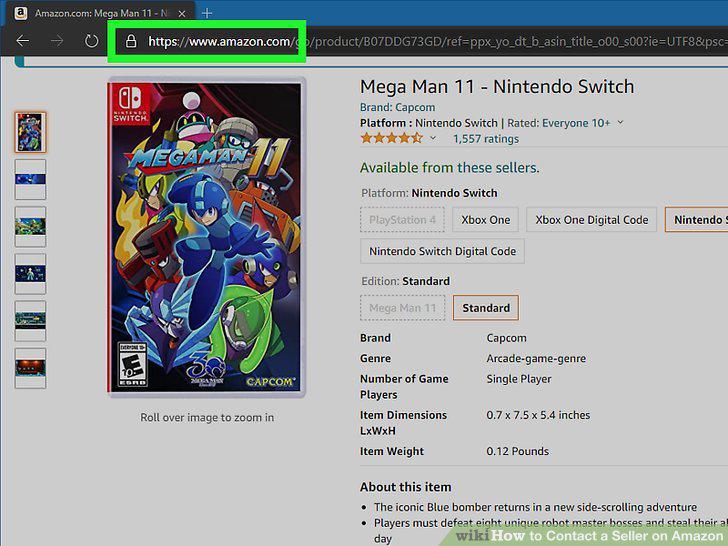
Navigate to one of the seller's product listings.
Click the seller's name next to "Sold by" on the right-hand side of the page.
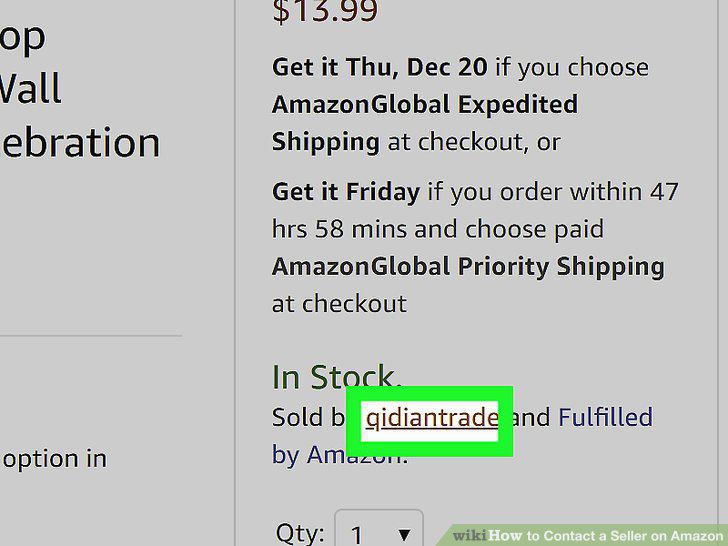
Click the seller's name next to "Sold by" on the right-hand side of the page.
Press the "Ask a Question" button on the seller's page.
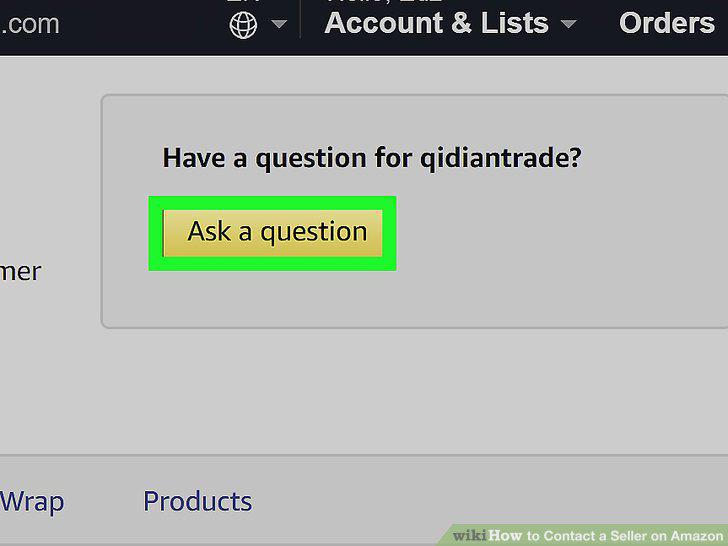
Press the "Ask a Question" button on the seller's page.
Follow the prompts to choose a topic for your question or comment.
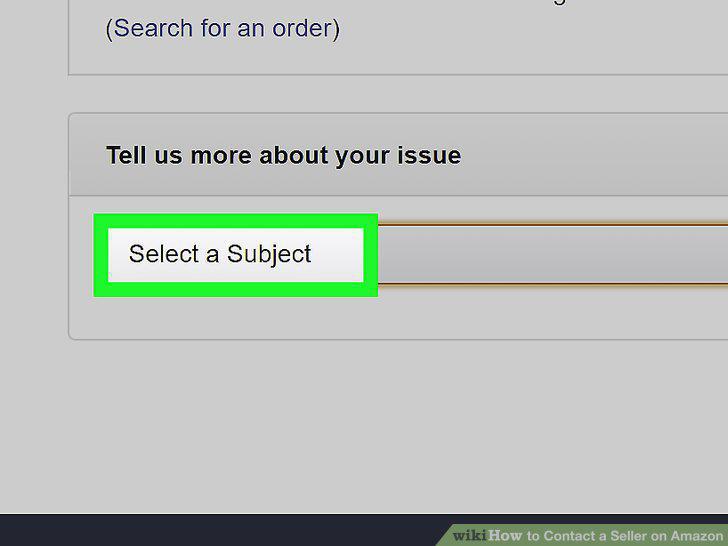
Follow the prompts to choose a topic for your question or comment.
Type a detailed message in the text box on the next page.
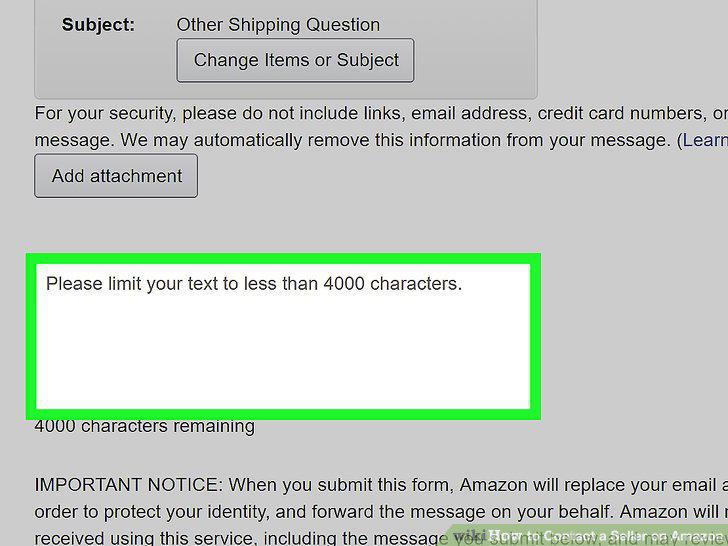
Type a detailed message in the text box on the next page.
Click the "Send e-mail" button to send your message.
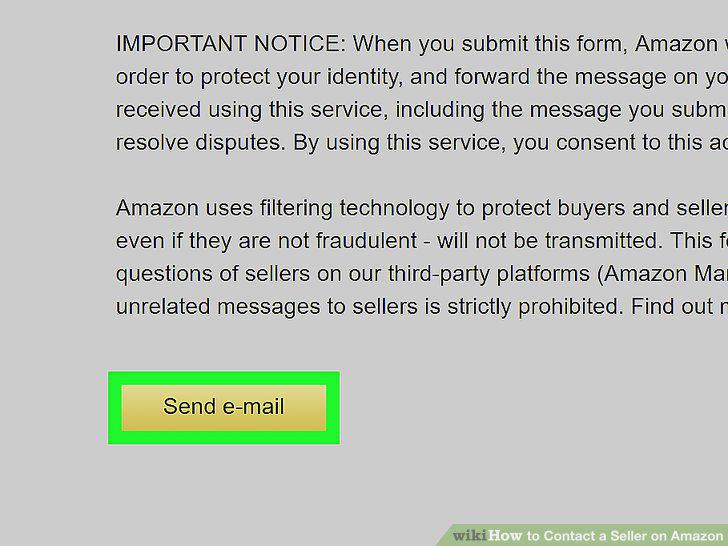
Click the "Send e-mail" button to send your message.
Navigate to "Your Orders" from the Amazon homepage.
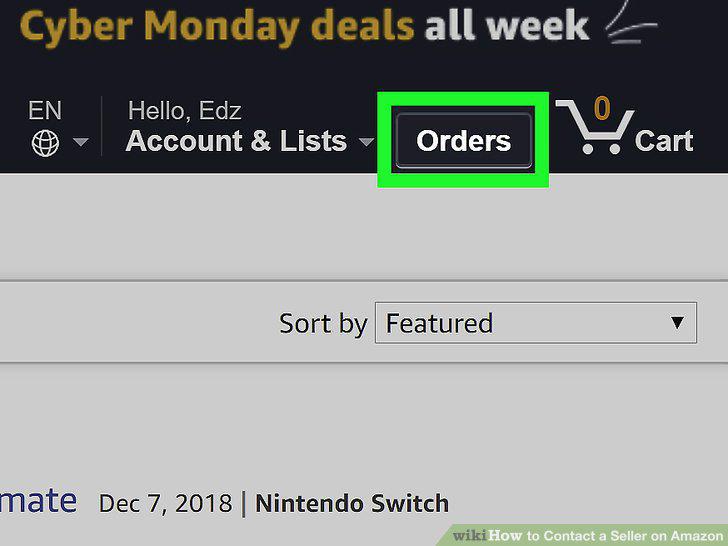
Navigate to "Your Orders" from the Amazon homepage.
Click "Problem with order" or "Get help with order".
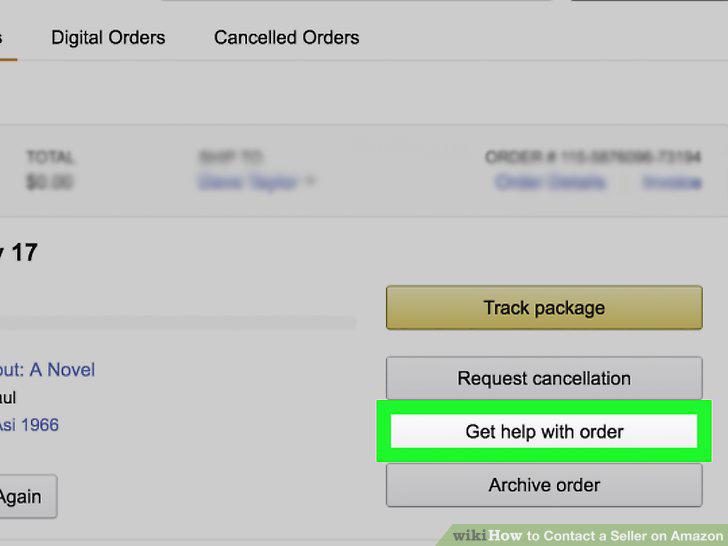
Click "Problem with order" or "Get help with order".
Use the "Leave seller feedback" option to rate the seller.
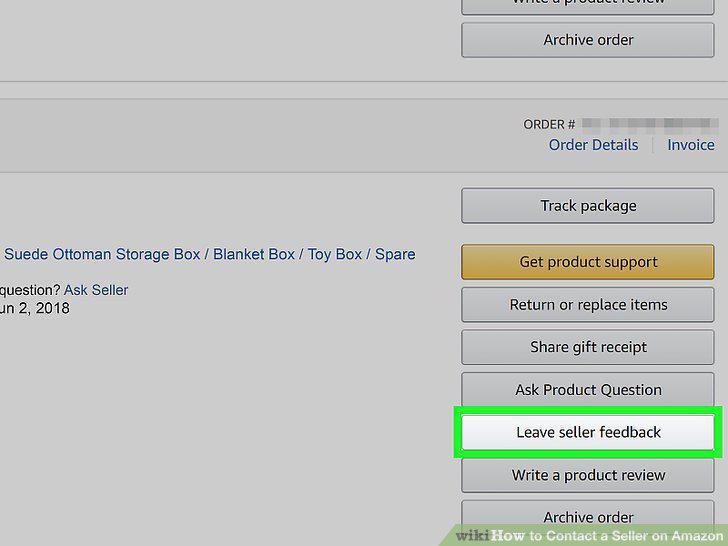
Use the "Leave seller feedback" option to rate the seller.
Navigate to "Your Account".
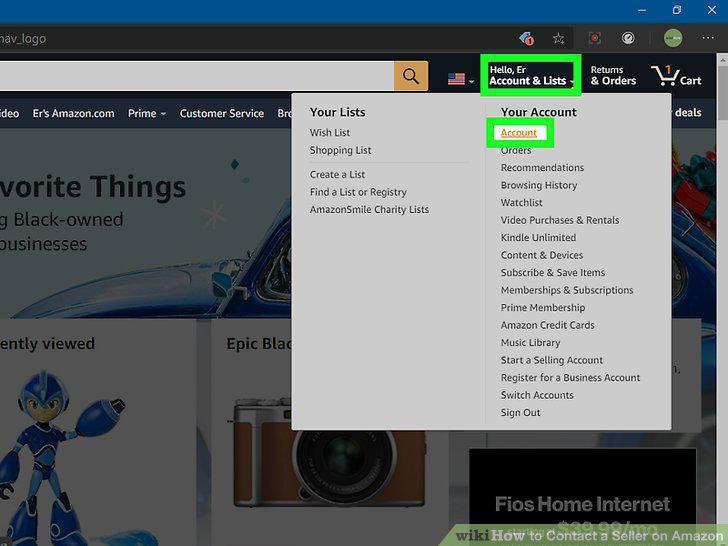
Navigate to "Your Account".
Scroll down to "Communication and content".
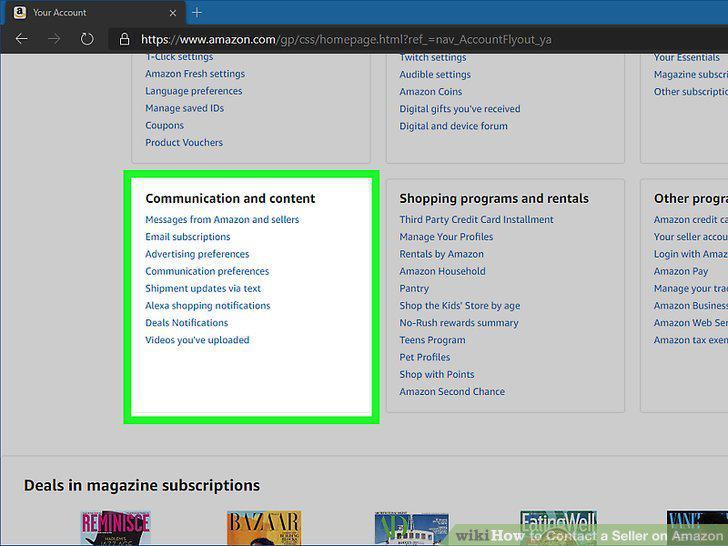
Scroll down to "Communication and content".
Click "Messages from Amazon and sellers".
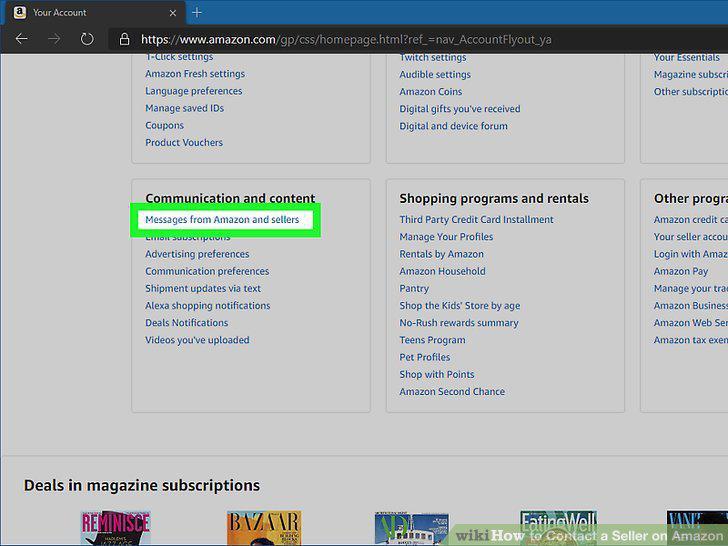
Click "Messages from Amazon and sellers".
Select the "Buyer/Seller Messages" tab.
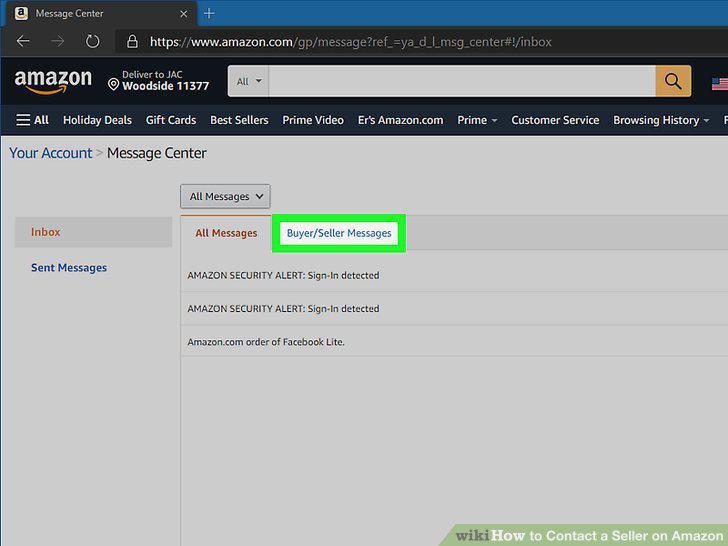
Select the "Buyer/Seller Messages" tab.
Open a message from the seller you want to communicate with.
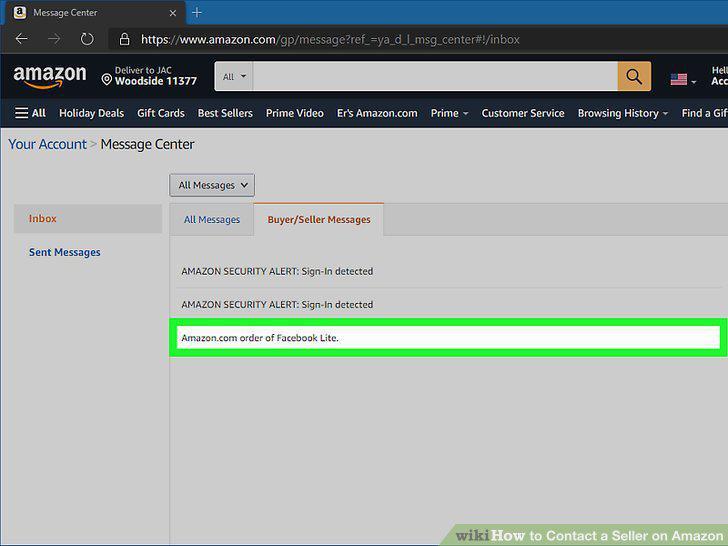
Open a message from the seller you want to communicate with.
Hit the "Reply" button and write a message.
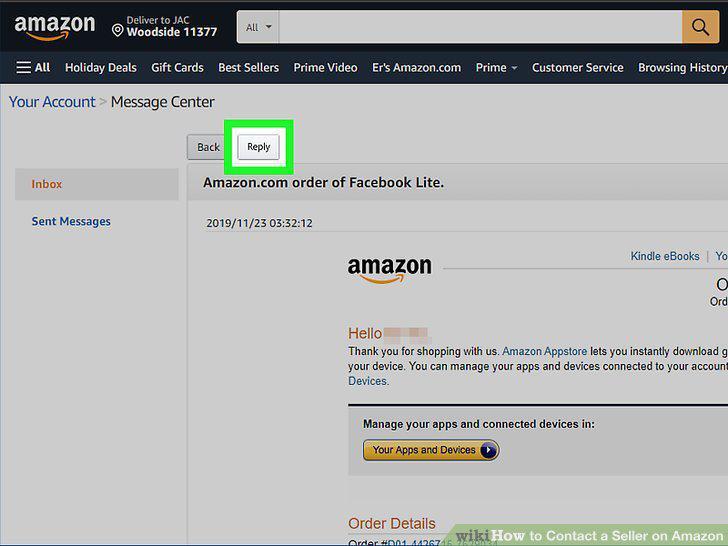
Hit the "Reply" button and write a message.
Comments (0)
No comments yet. Be the first to share your thoughts!