How to Be Safe on the Internet
Use strong, unique passwords.. Use a password manager to keep passwords safe and organized.. Enable multi-factor authentication on your accounts.
Steps
Use strong, unique passwords.
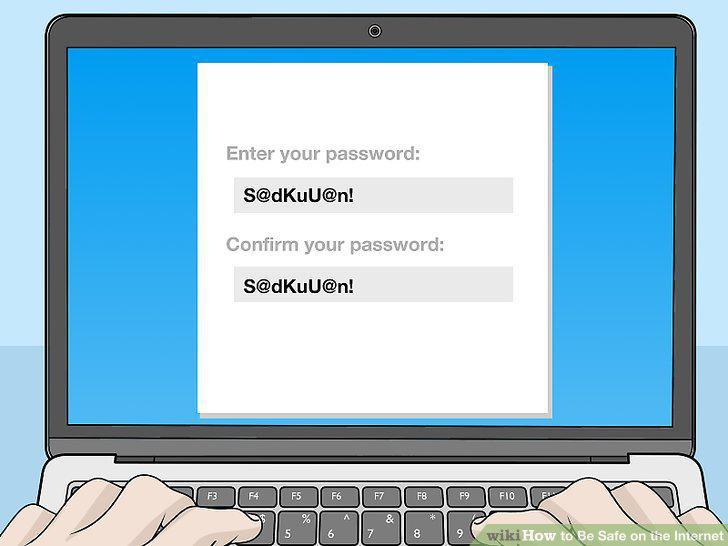
Use strong, unique passwords.
Use a password manager to keep passwords safe and organized.
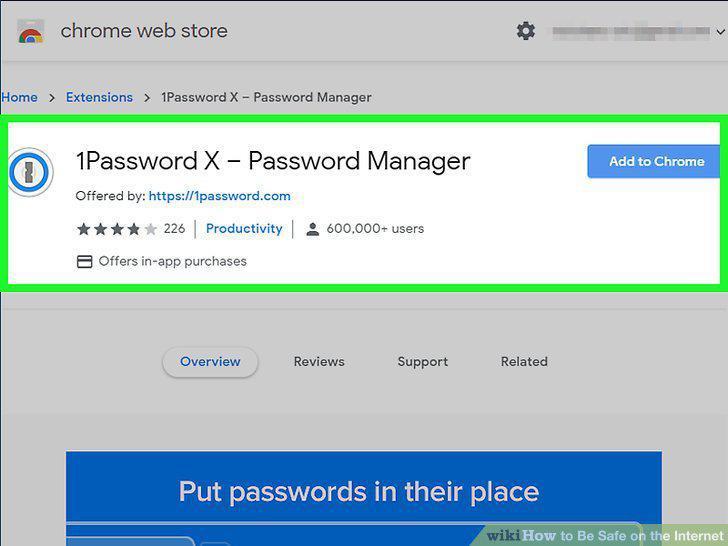
Use a password manager to keep passwords safe and organized.
Enable multi-factor authentication on your accounts.
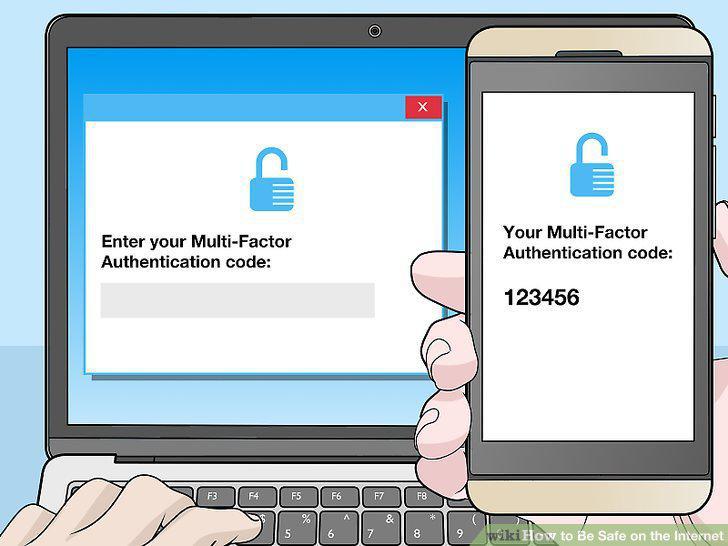
Enable multi-factor authentication on your accounts.
Sign up for accounts on legitimate sites only.
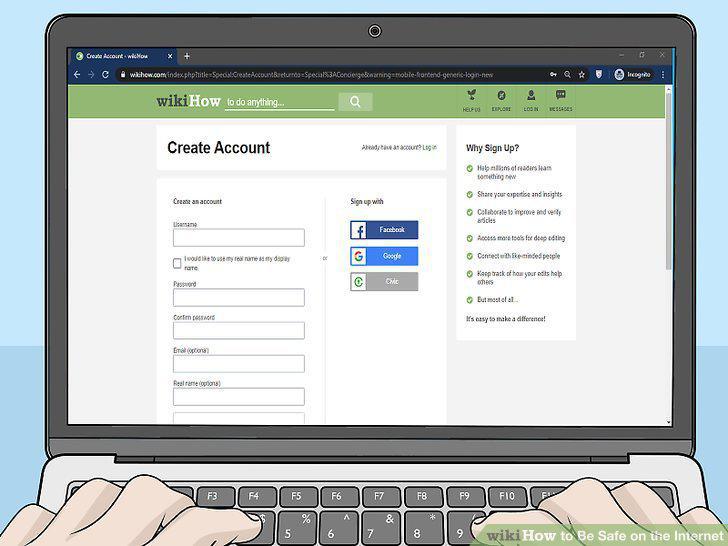
Sign up for accounts on legitimate sites only.
Log out of sites when you're done using them.
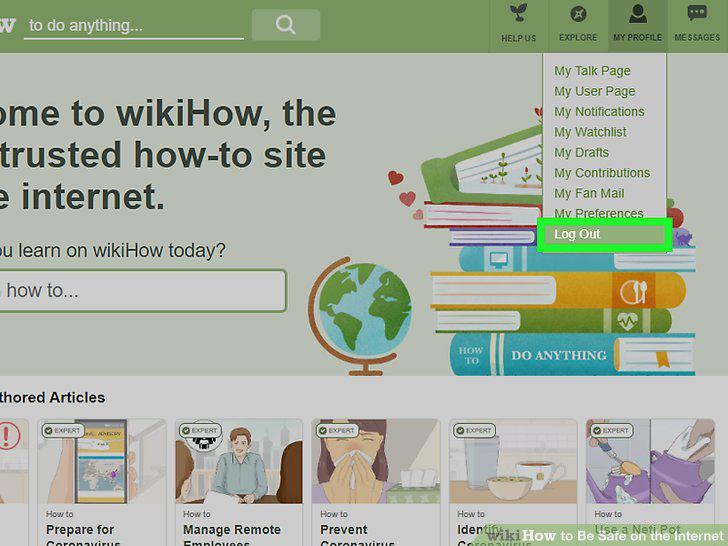
Log out of sites when you're done using them.
Make your profiles private.
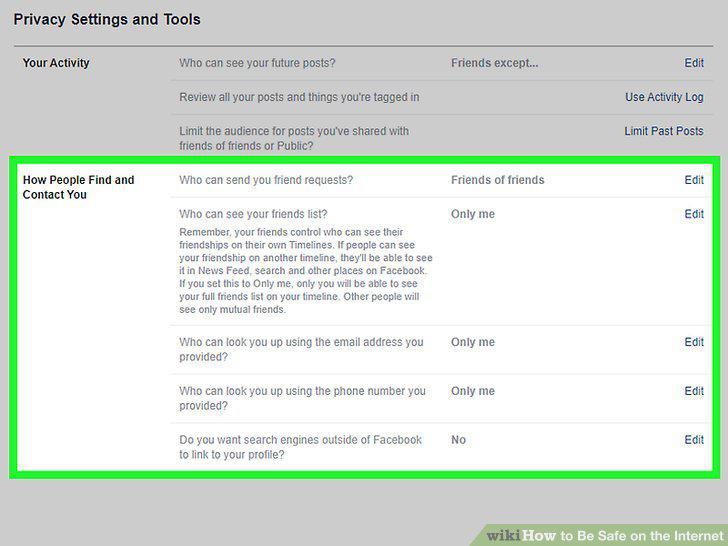
Make your profiles private.
Review what information is public on your social media profiles.
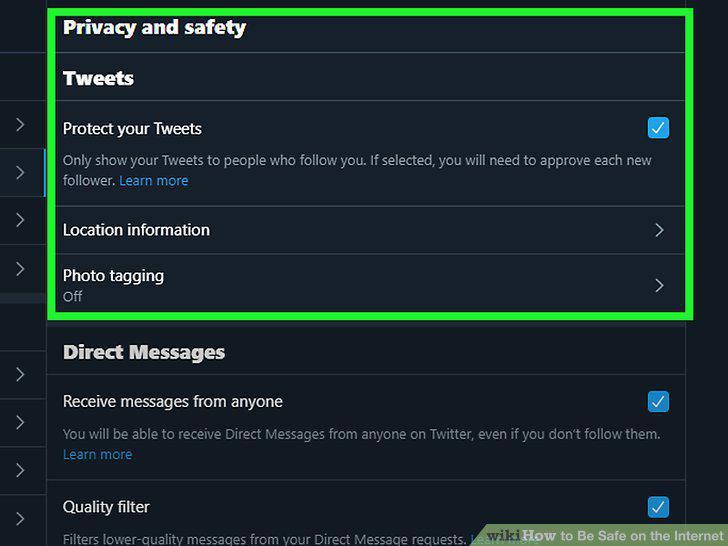
Review what information is public on your social media profiles.
Think about whether you'll regret posting something later.
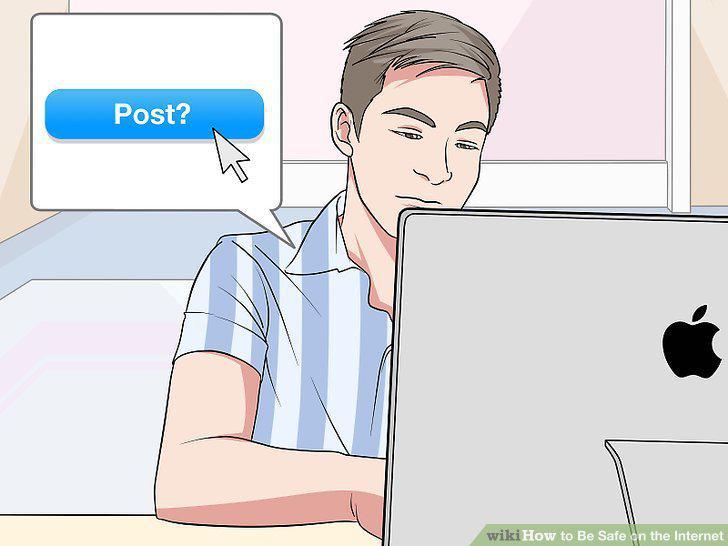
Think about whether you'll regret posting something later.
Review posts you're tagged in before approving them.
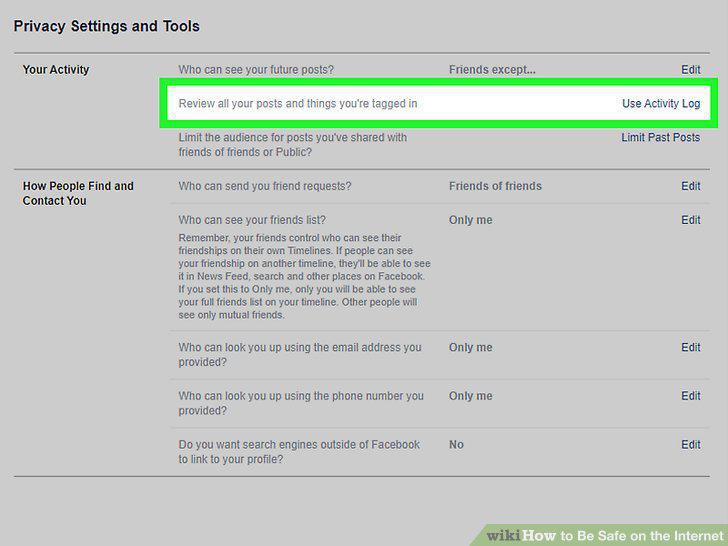
Review posts you're tagged in before approving them.
Never give personal information to someone you met online.
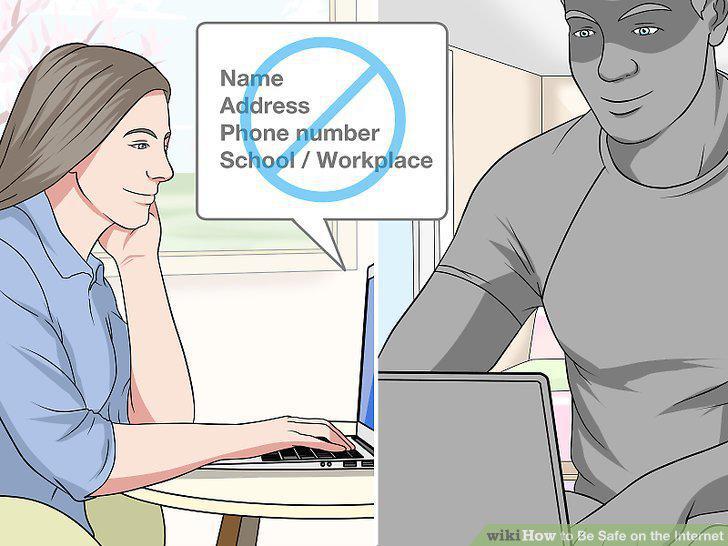
Never give personal information to someone you met online.
Use caution when meeting in-person with someone you met online.
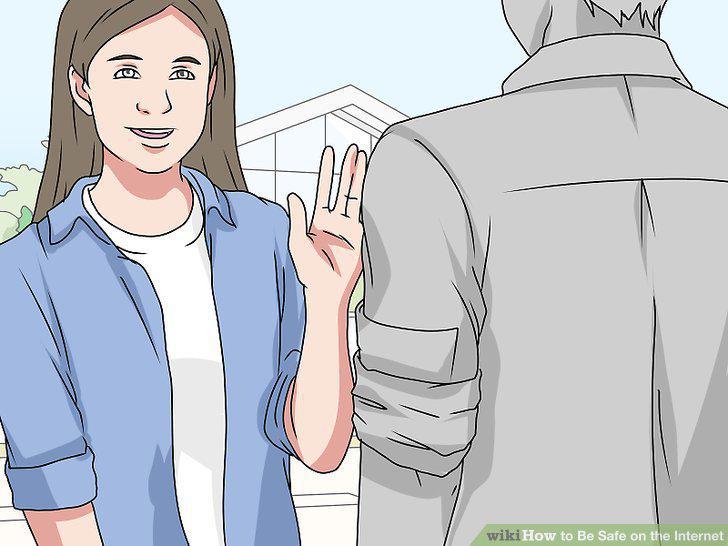
Use caution when meeting in-person with someone you met online.
Use gender-neutral pseudonyms on forums.
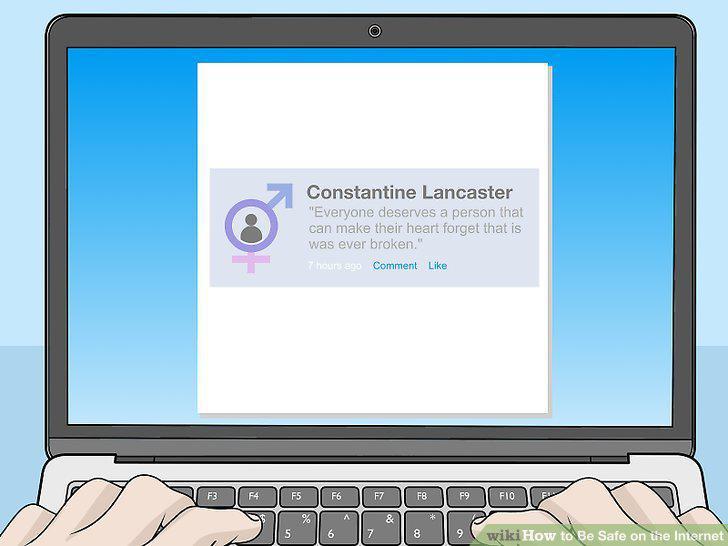
Use gender-neutral pseudonyms on forums.
Don't open emails or files from people you don't know.
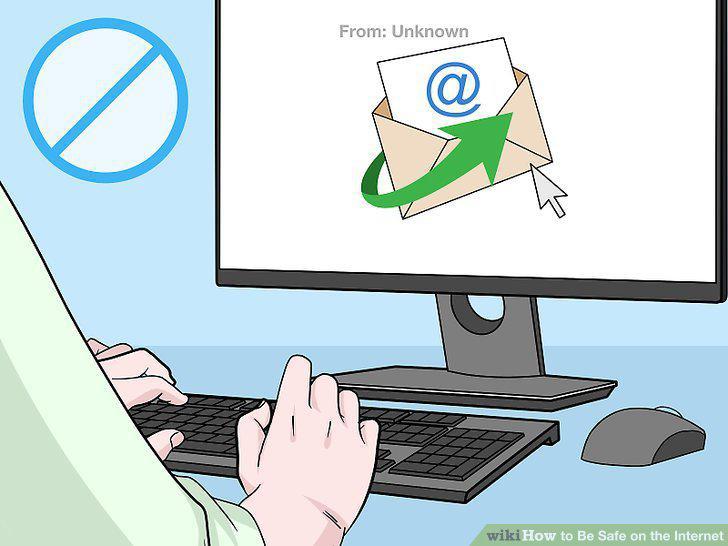
Don't open emails or files from people you don't know.
Avoid clicking on sites that look fake or scammy.
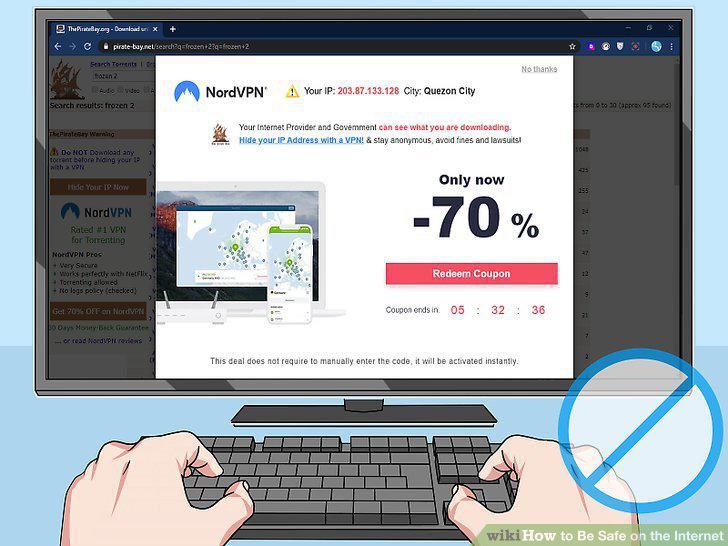
Avoid clicking on sites that look fake or scammy.
Clear your browsing history often to maintain your privacy.
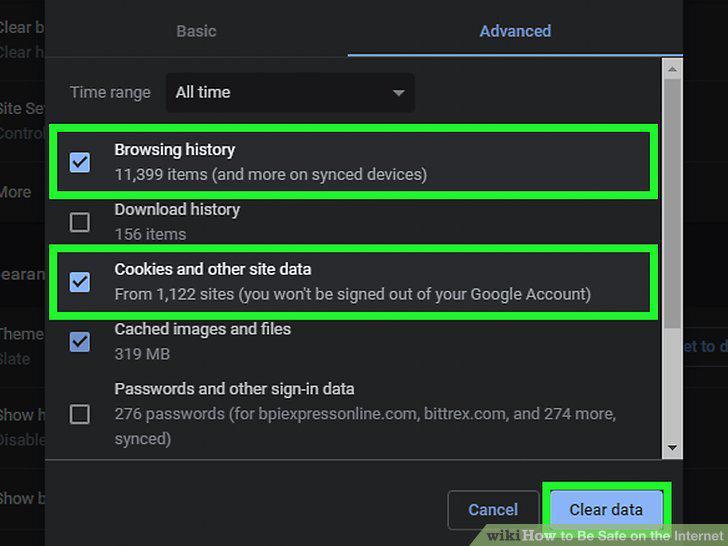
Clear your browsing history often to maintain your privacy.
Do online shopping on encrypted sites.
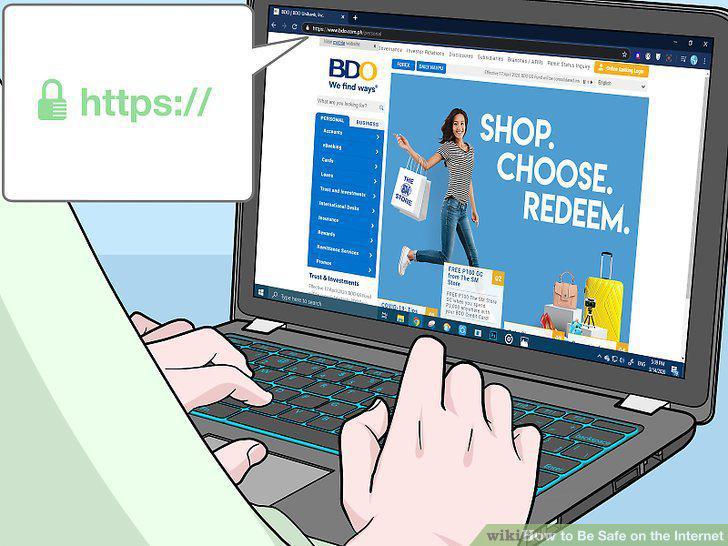
Do online shopping on encrypted sites.
Use private WiFi networks, never public ones.
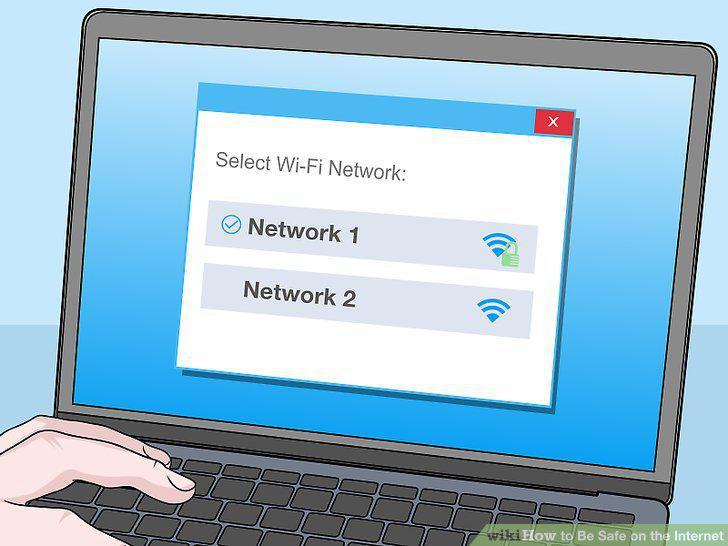
Use private WiFi networks, never public ones.
Use an antivirus extension on your browser.
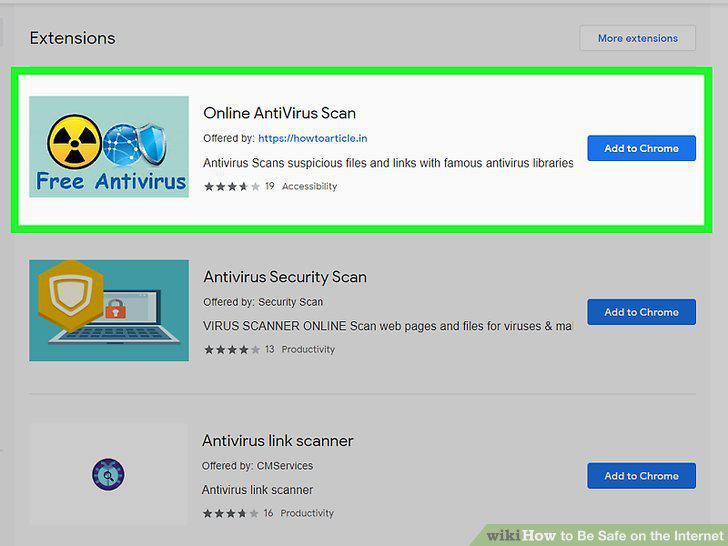
Use an antivirus extension on your browser.
Install a firewall to protect your home network.
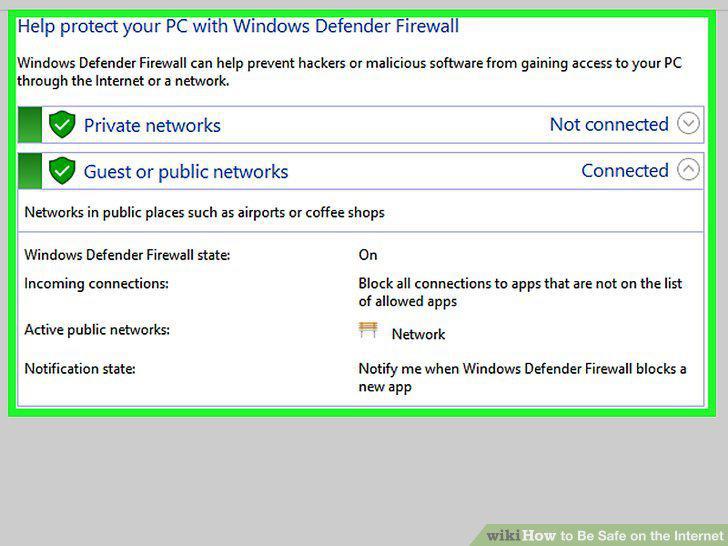
Install a firewall to protect your home network.
Keep your computer's software up to date.
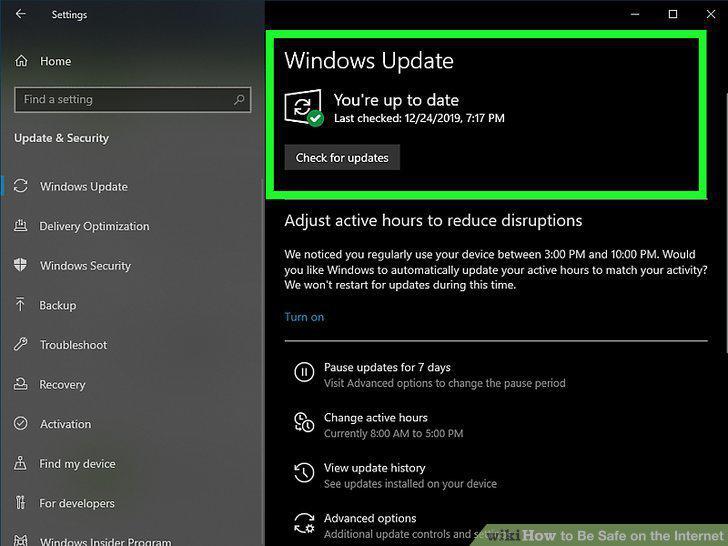
Keep your computer's software up to date.
Enable encryption software on your phone.
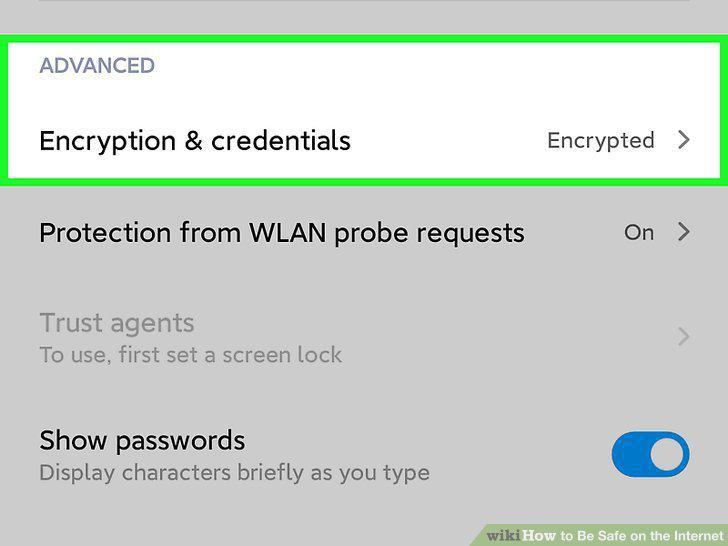
Enable encryption software on your phone.
Set your Bluetooth to "non-discoverable.
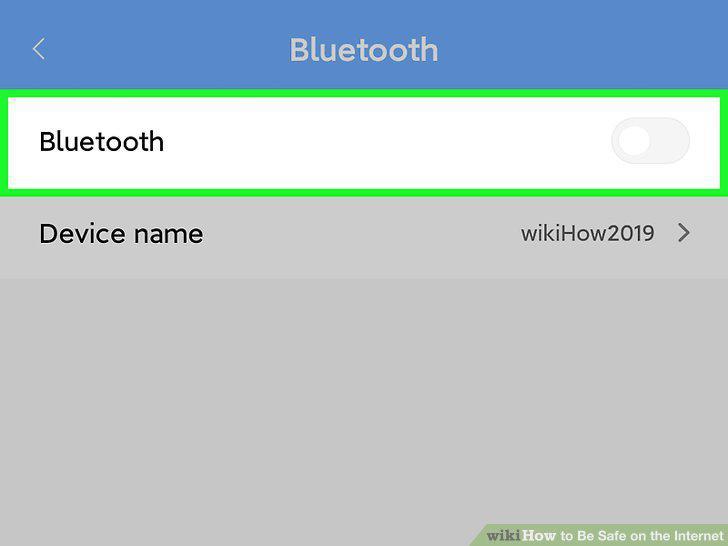
Set your Bluetooth to "non-discoverable.
Download apps from verified stores only.
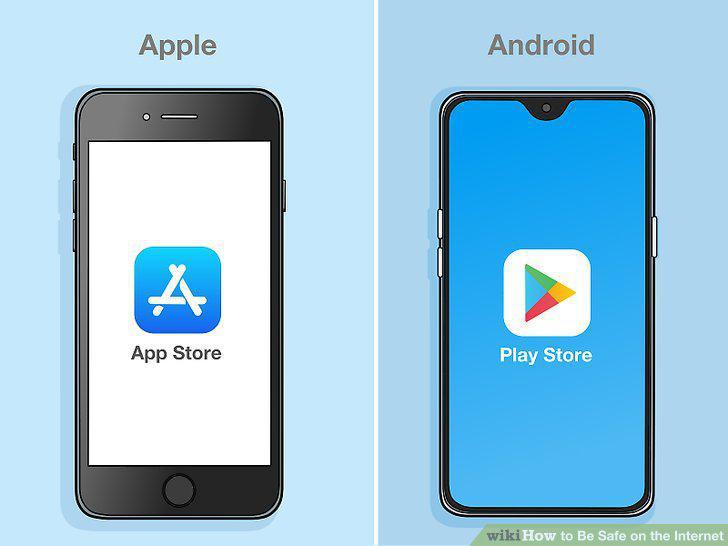
Download apps from verified stores only.
Download security software for extra protection.
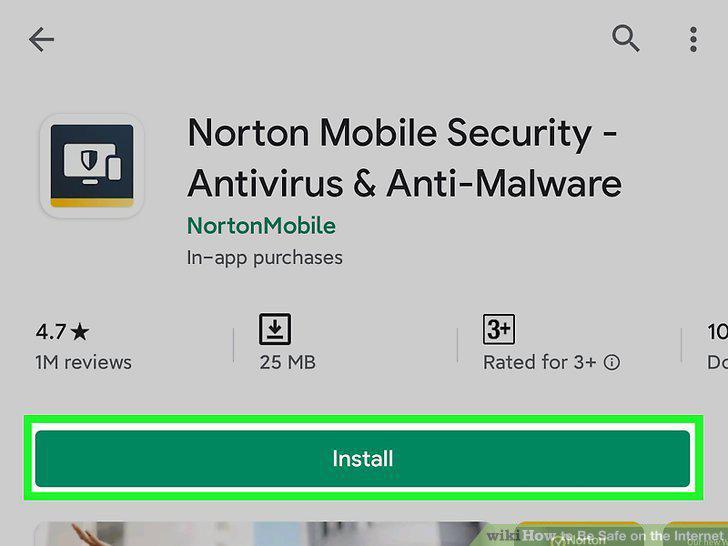
Download security software for extra protection.
Comments (0)
No comments yet. Be the first to share your thoughts!