How to Make a Discover Card Payment
Visit the Discover website.. Create an account.. Log in to the Discover Account Center.
Steps
Visit the Discover website.
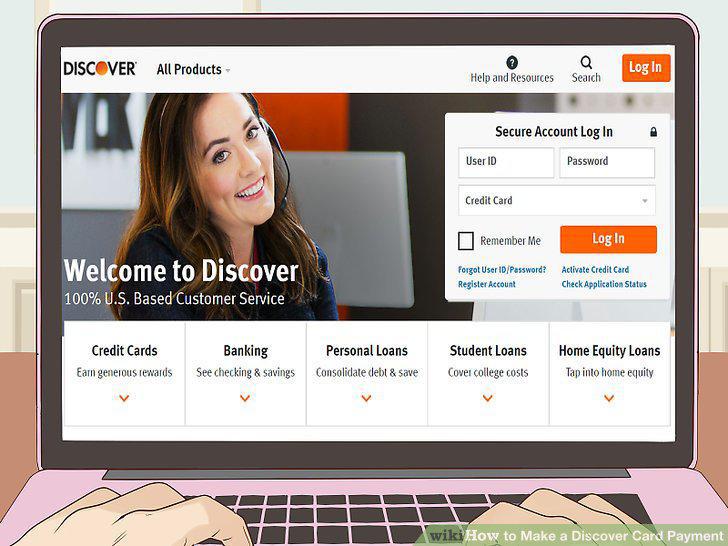
Visit the Discover website.
Create an account.
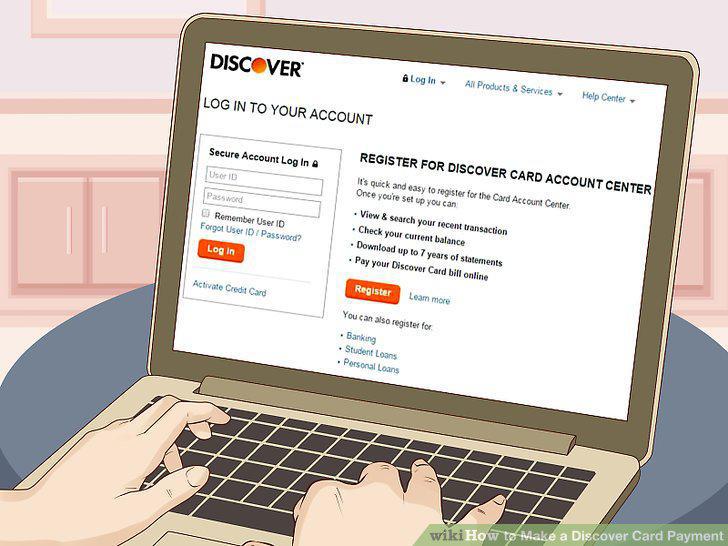
Create an account.
Log in to the Discover Account Center.
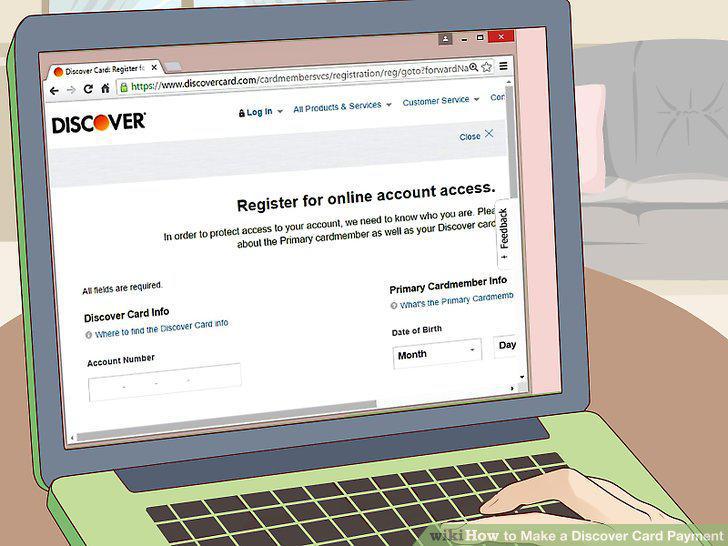
Log in to the Discover Account Center.
Click the "Make a Payment" link.
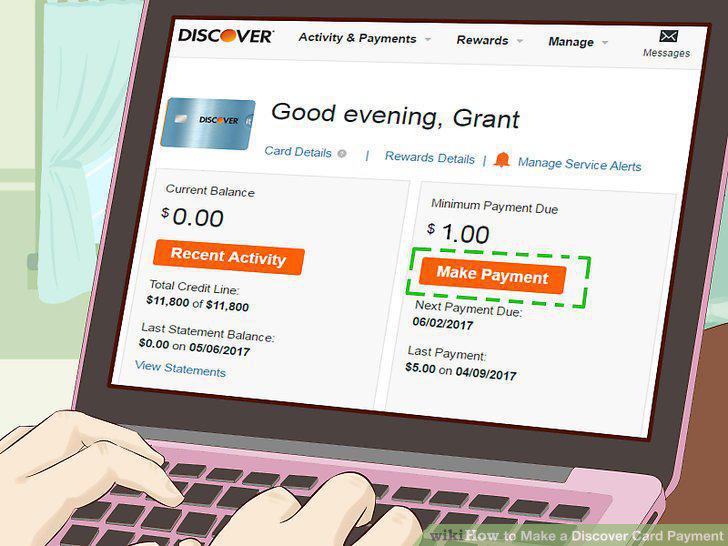
Click the "Make a Payment" link.
Enter the amount you want to pay.
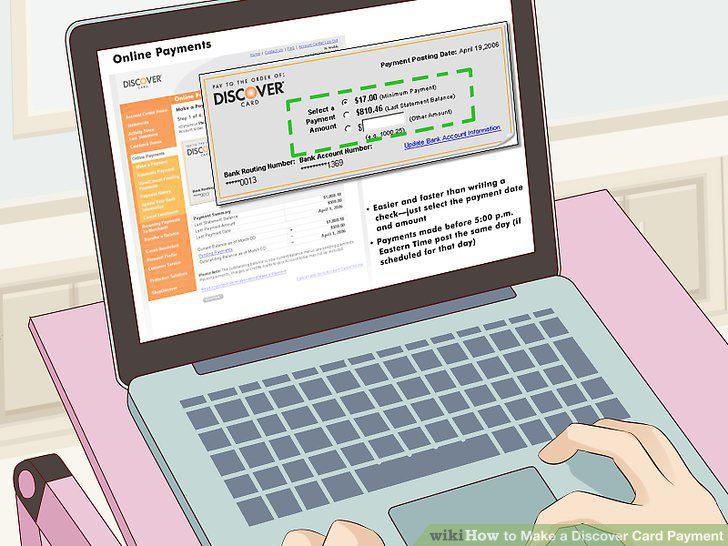
Enter the amount you want to pay.
Detach the payment coupon from your monthly account statement.
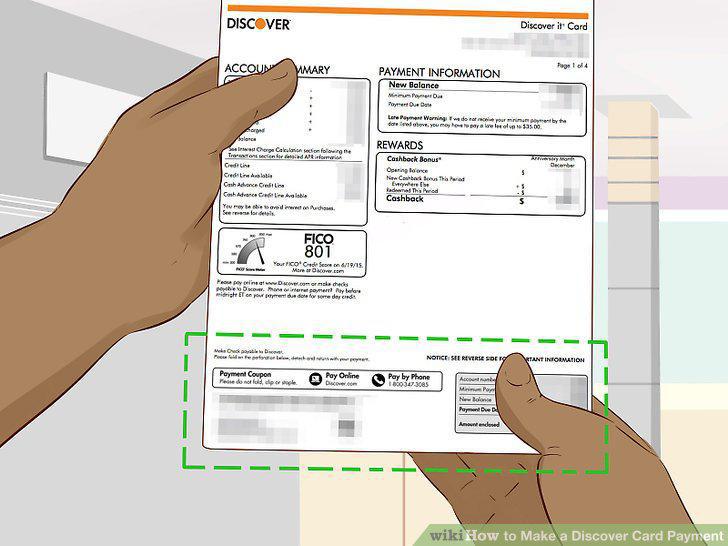
Detach the payment coupon from your monthly account statement.
Fill out a check or money order with your minimum monthly payment.
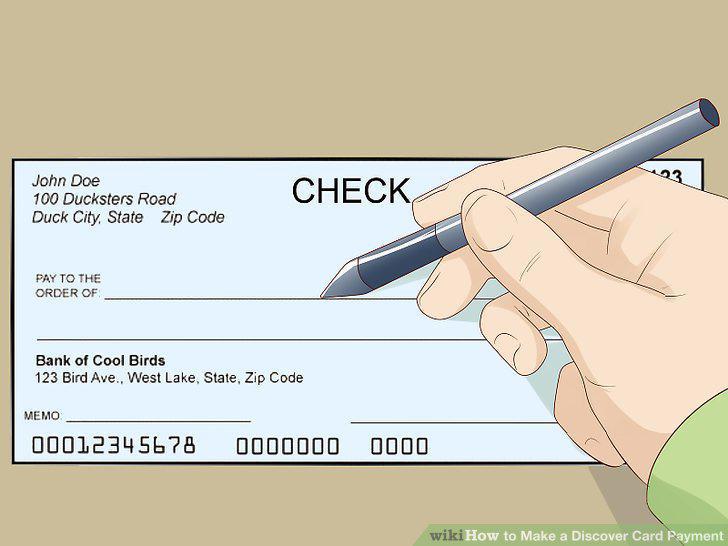
Fill out a check or money order with your minimum monthly payment.
Address your envelope to Discover's Financial Services department.
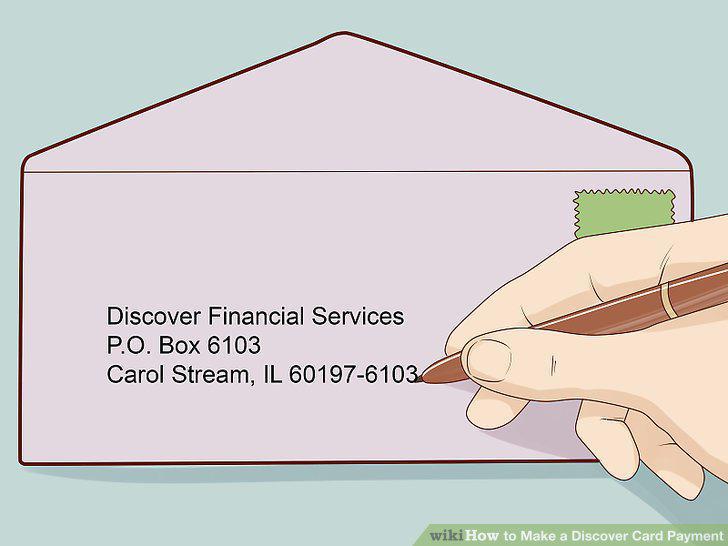
Address your envelope to Discover's Financial Services department.
Mail your payment 7-10 business days before it's due.
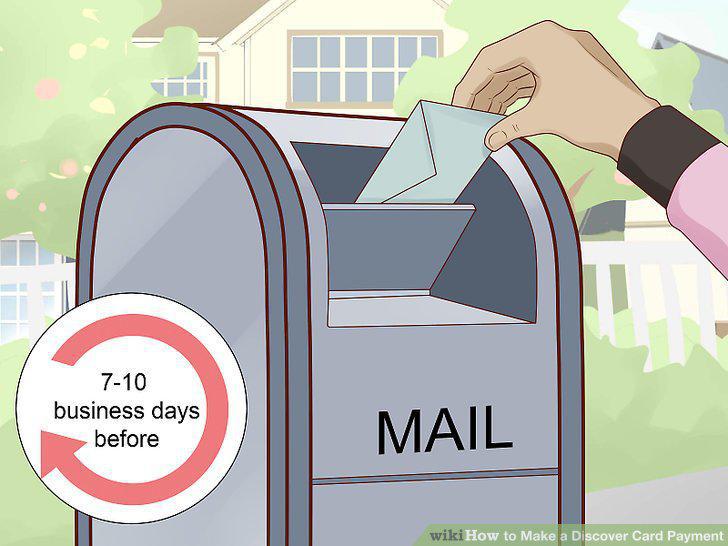
Mail your payment 7-10 business days before it's due.
Take processing times into account.
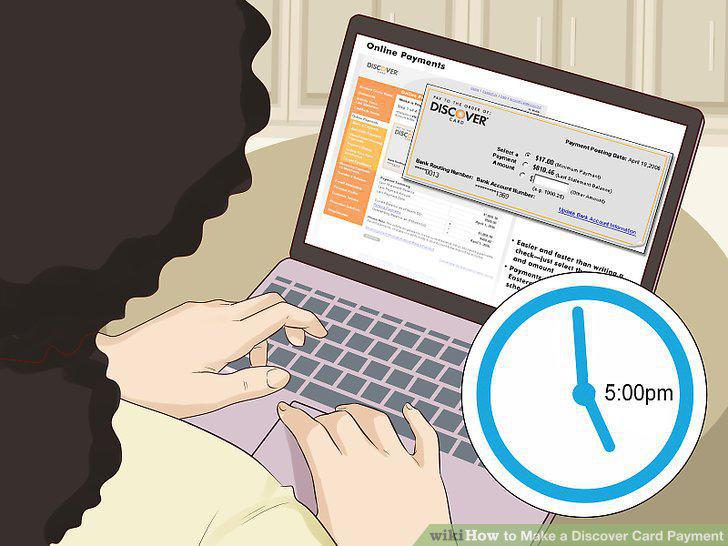
Take processing times into account.
Always make the minimum payment to avoid incurring additional fees.
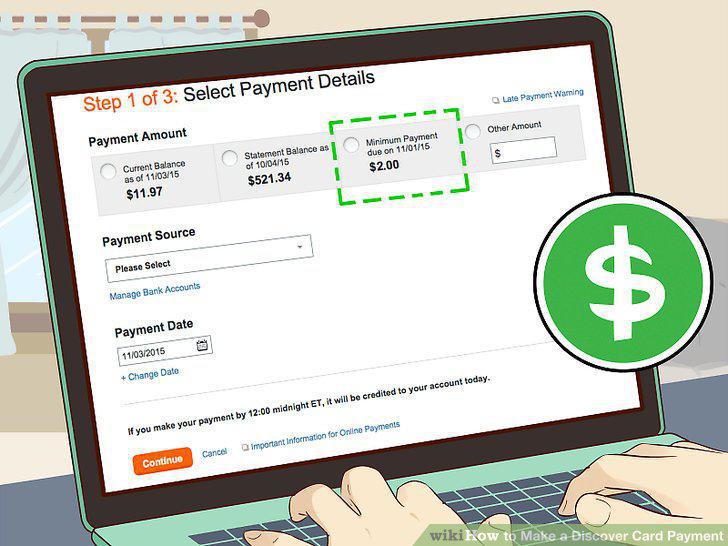
Always make the minimum payment to avoid incurring additional fees.
Schedule a payment for later if you don't currently have enough money.
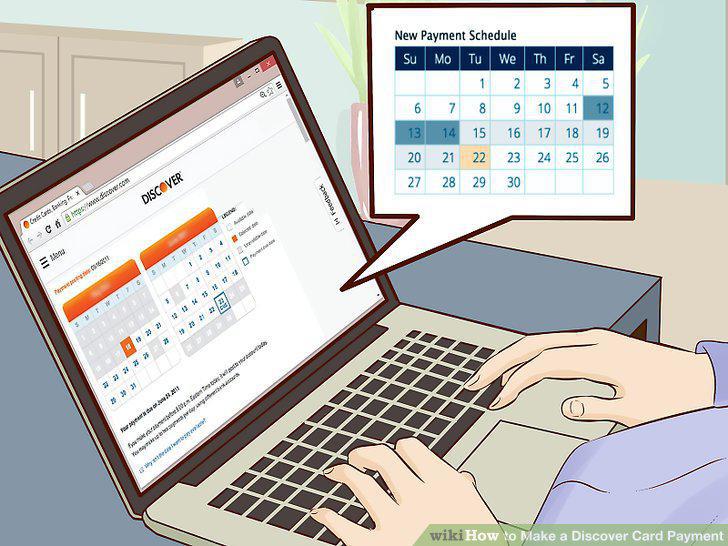
Schedule a payment for later if you don't currently have enough money.
Set up billing notifications to avoid forgetting your due dates.
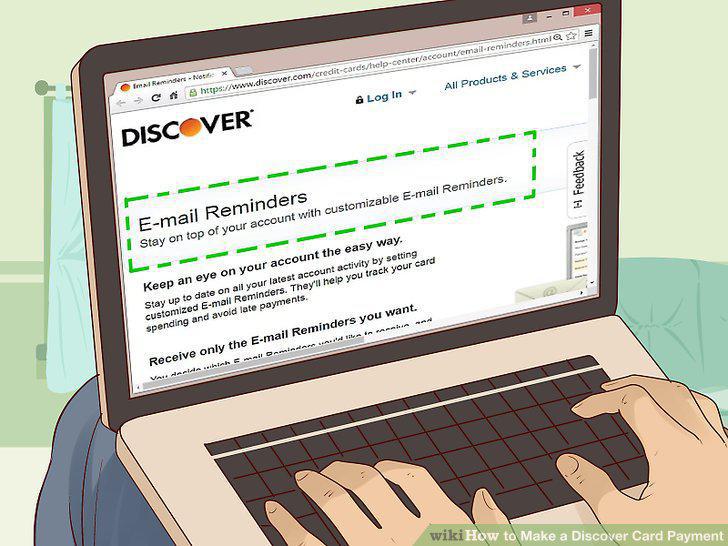
Set up billing notifications to avoid forgetting your due dates.
Call Discover directly if you have any questions.
Call Discover directly if you have any questions.
Comments (0)
No comments yet. Be the first to share your thoughts!