How to Share Your Amazon Wish List on PC or Mac
Open Amazon in your internet browser.. Hover over the Accounts & Lists tab.. Click Wish List on the Accounts & Lists menu.
Steps
1
Open Amazon in your internet browser.
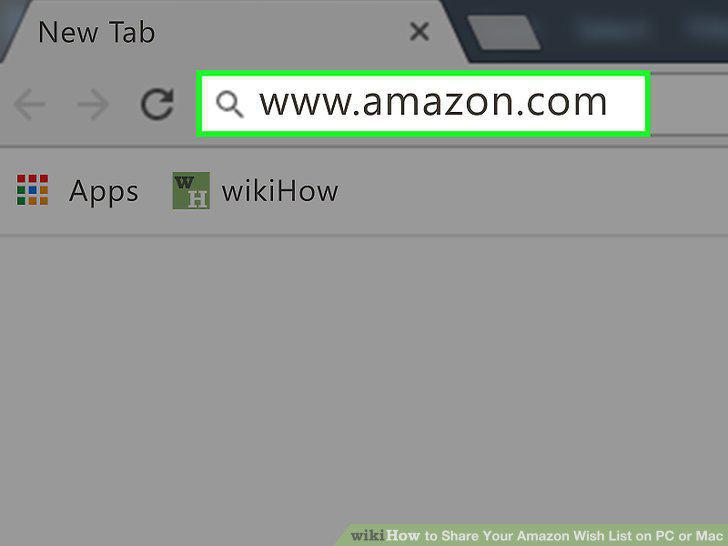
Open Amazon in your internet browser.
2
Hover over the Accounts & Lists tab.
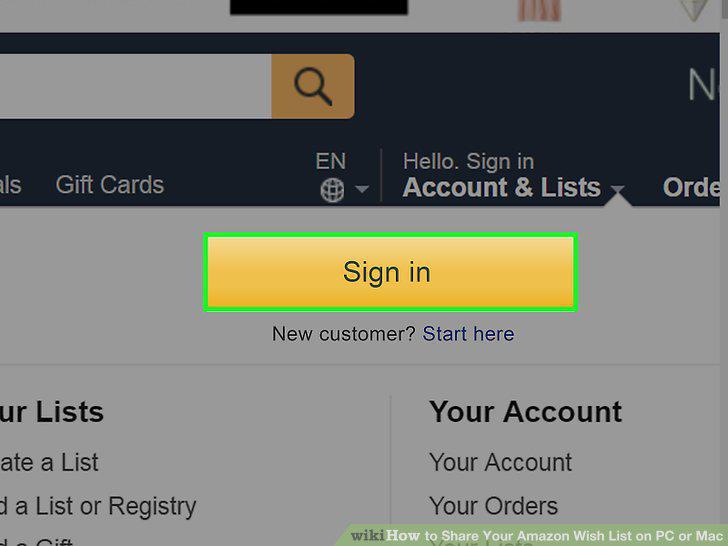
Hover over the Accounts & Lists tab.
3
Click Wish List on the Accounts & Lists menu.
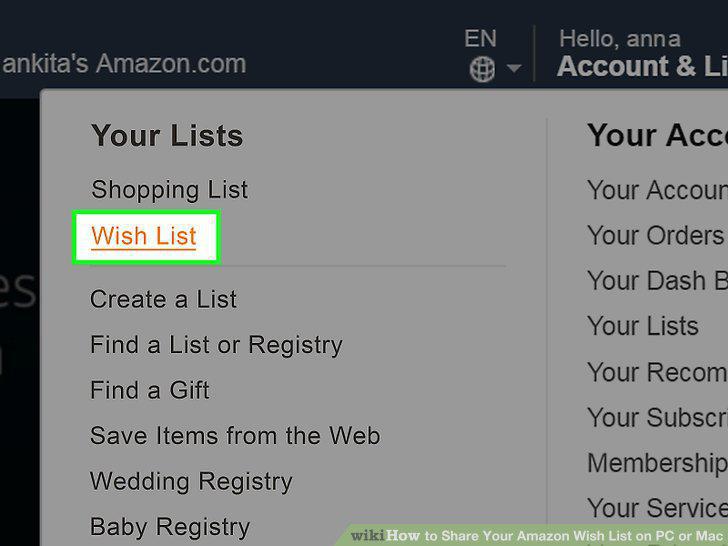
Click Wish List on the Accounts & Lists menu.
4
Click the Share button.
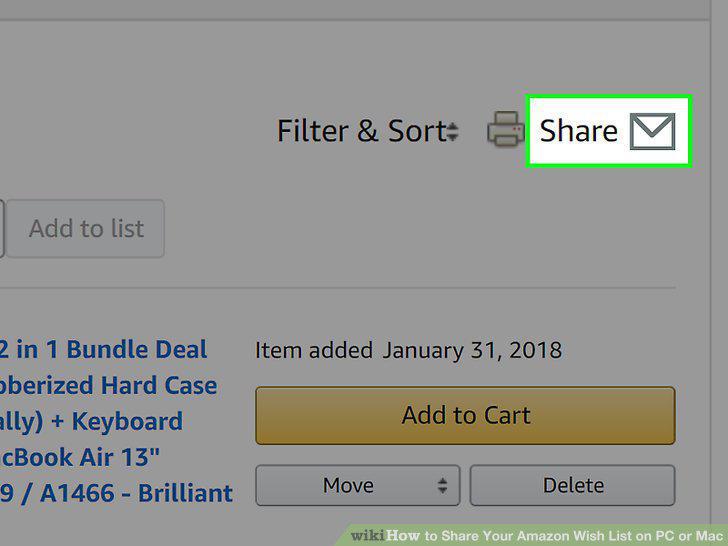
Click the Share button.
5
Enter an email address into the "To" field.
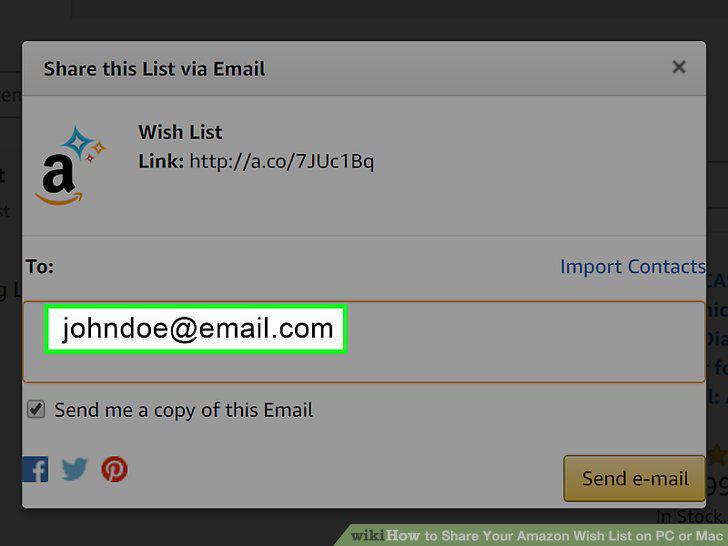
Enter an email address into the "To" field.
6
Click the orange Send e-mail button.
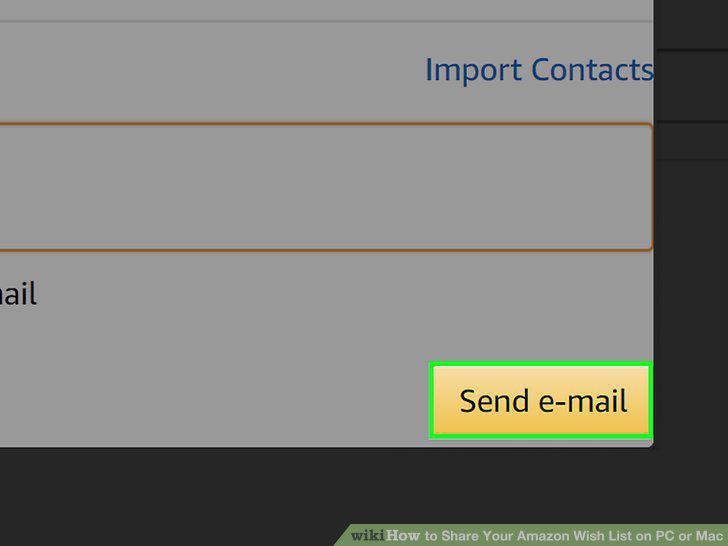
Click the orange Send e-mail button.
Comments (0)
No comments yet. Be the first to share your thoughts!