How to Clean a Selfie Camera
Use the corner of a microfiber cloth to reach inside the small lens opening.. Wipe the outer glass clean with a microlens cleaning pen.. Blast away dust with compressed air.
Steps
Use the corner of a microfiber cloth to reach inside the small lens opening.
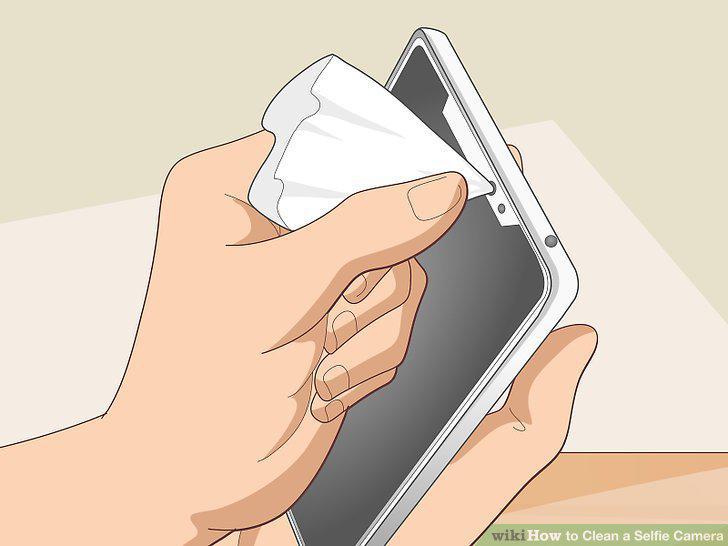
Use the corner of a microfiber cloth to reach inside the small lens opening.
Wipe the outer glass clean with a microlens cleaning pen.
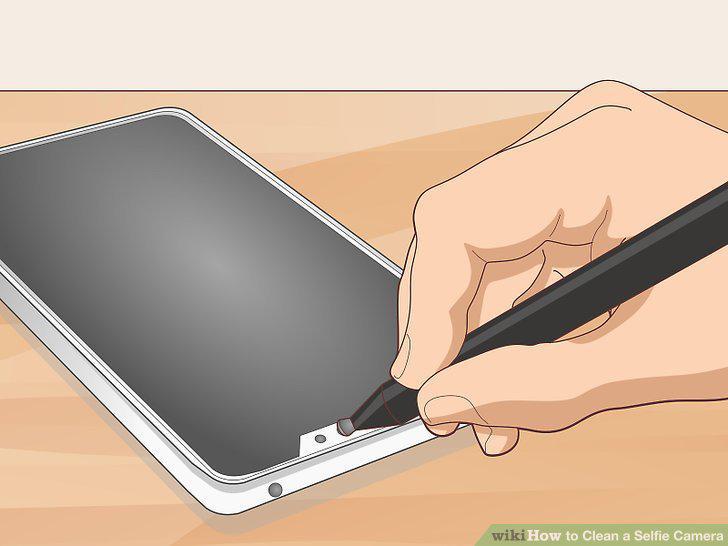
Wipe the outer glass clean with a microlens cleaning pen.
Blast away dust with compressed air.
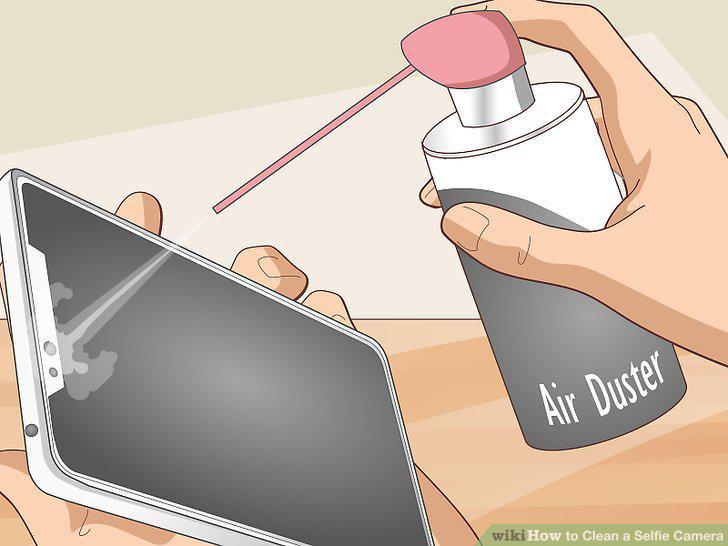
Blast away dust with compressed air.
Take your phone to the manufacturer's store to clean the interior of the lens.
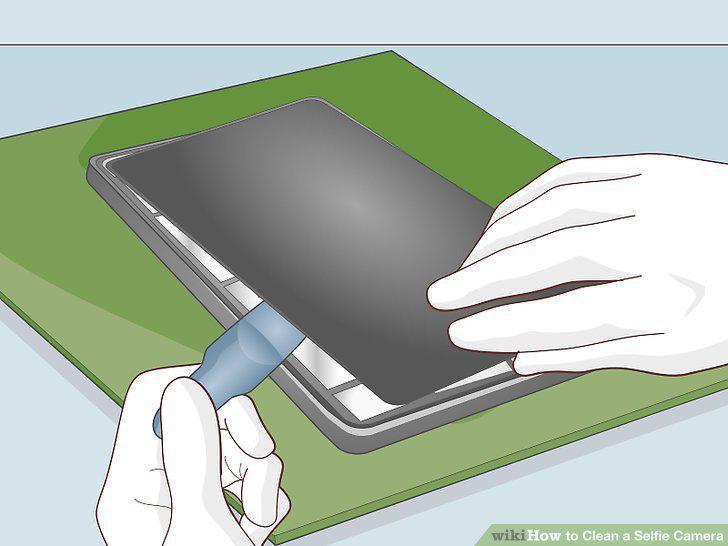
Take your phone to the manufacturer's store to clean the interior of the lens.
Don't touch the lens with your fingers.
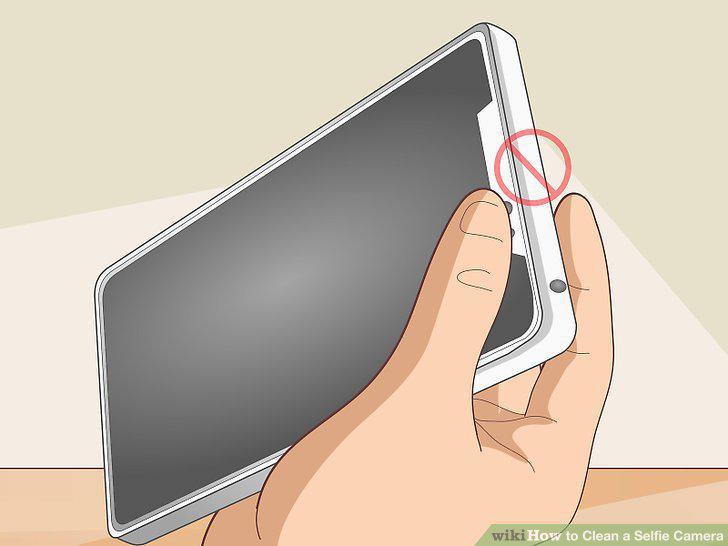
Don't touch the lens with your fingers.
Get a phone case that has a camera covering.
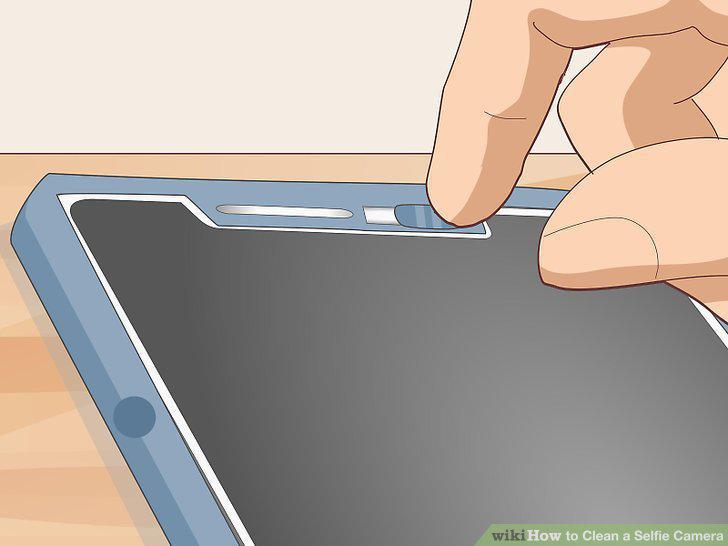
Get a phone case that has a camera covering.
Place your phone face-up on clean surfaces only.
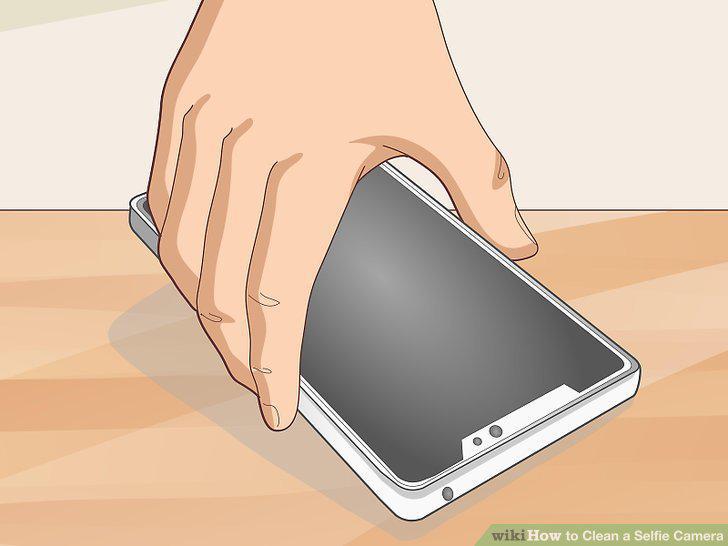
Place your phone face-up on clean surfaces only.
Store your phone in a special pocket in your pants or purse.
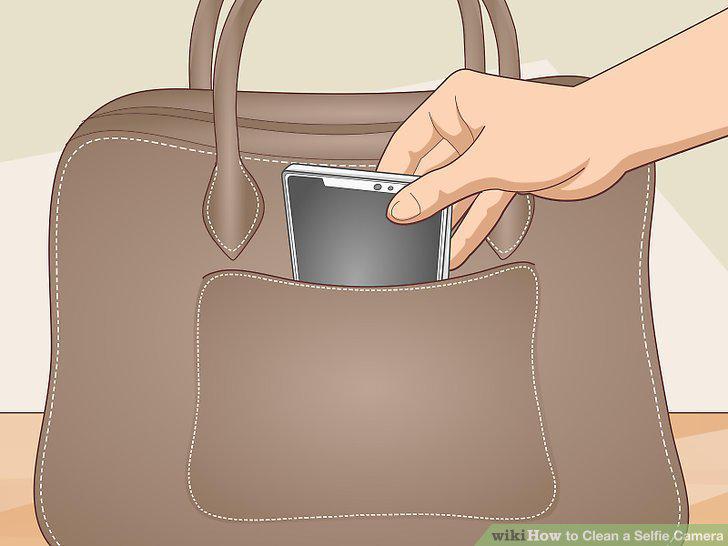
Store your phone in a special pocket in your pants or purse.
Unscrew the screws at the base of your phone with a screwdriver.
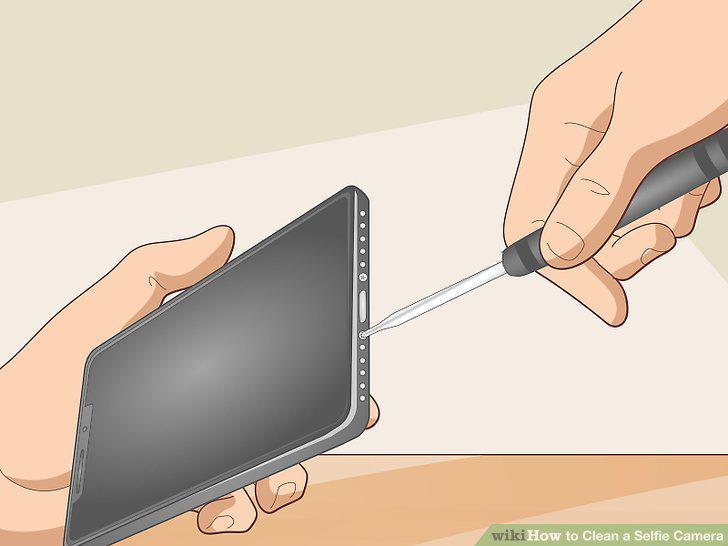
Unscrew the screws at the base of your phone with a screwdriver.
Use suction cups to lift the front cover of the phone and turn it to the side.
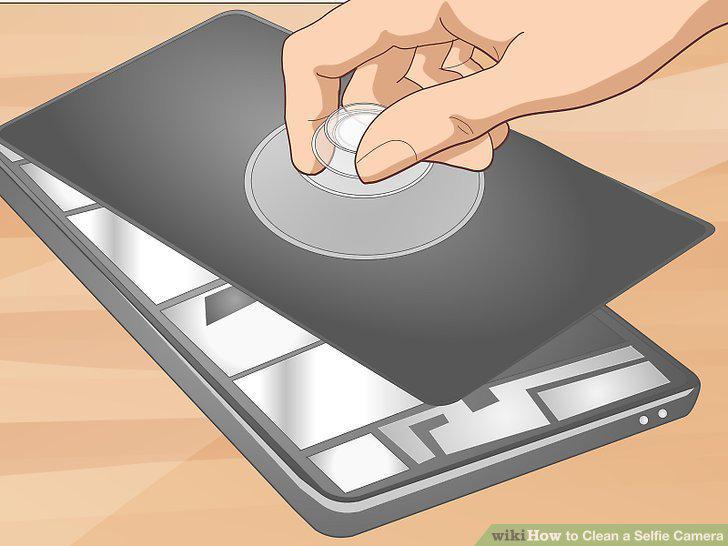
Use suction cups to lift the front cover of the phone and turn it to the side.
Flip the cube in the top center area or righthand corner to reveal the camera.
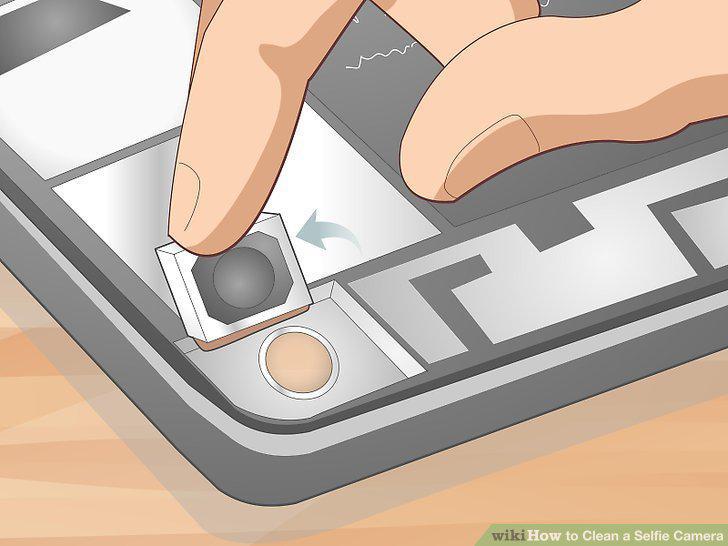
Flip the cube in the top center area or righthand corner to reveal the camera.
Clean the lens and lens protector with a microlens cleaning pen.
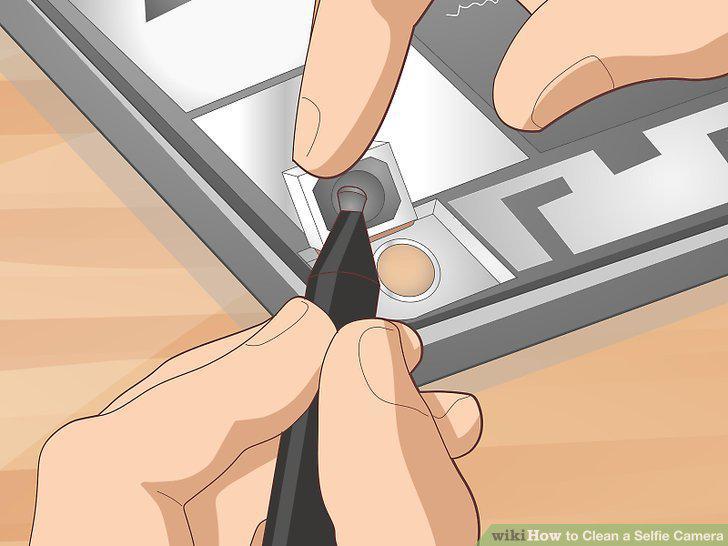
Clean the lens and lens protector with a microlens cleaning pen.
Blow dust away with compressed air.
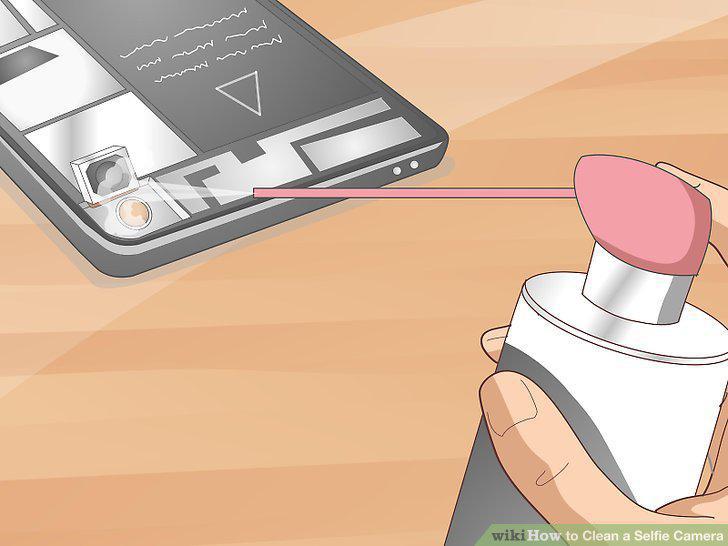
Blow dust away with compressed air.
Fold the camera back into place and reassemble your phone.
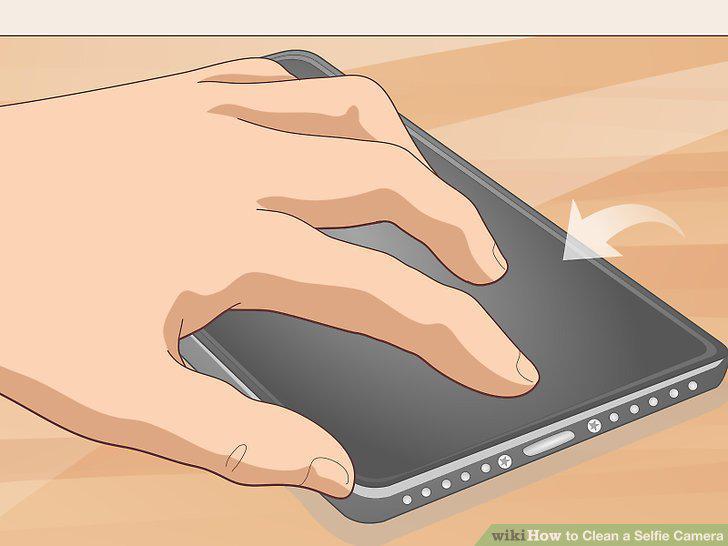
Fold the camera back into place and reassemble your phone.
Reinsert the screws and tighten them with a pentalobe screwdriver.
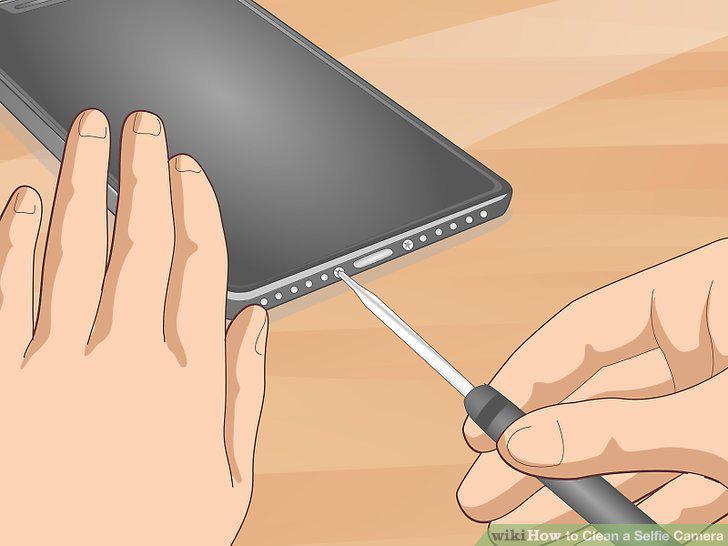
Reinsert the screws and tighten them with a pentalobe screwdriver.
Comments (0)
No comments yet. Be the first to share your thoughts!