How to Archive a Book on a Kindle
Connect your Kindle to the Internet.. Find the book you want to archive.. Remove the book from your device.
Steps
1
Connect your Kindle to the Internet.
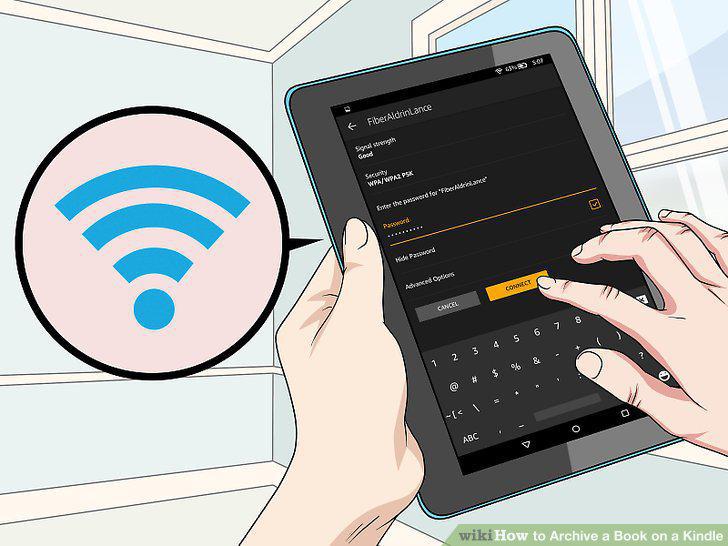
Connect your Kindle to the Internet.
2
Find the book you want to archive.
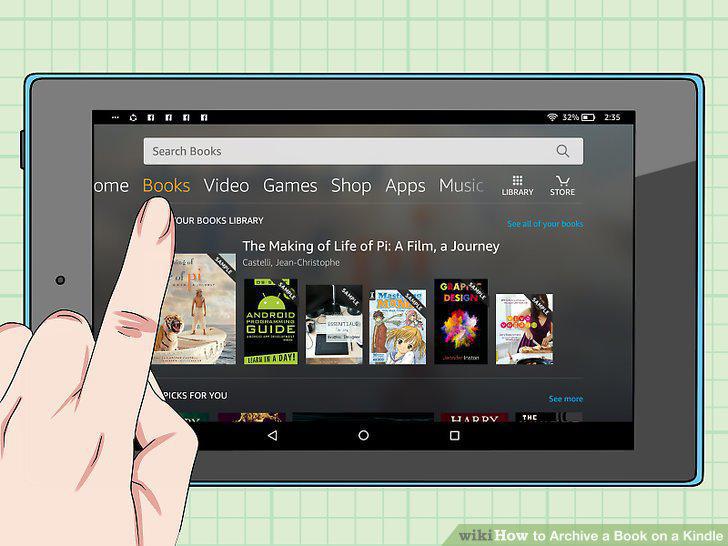
Find the book you want to archive.
3
Remove the book from your device.
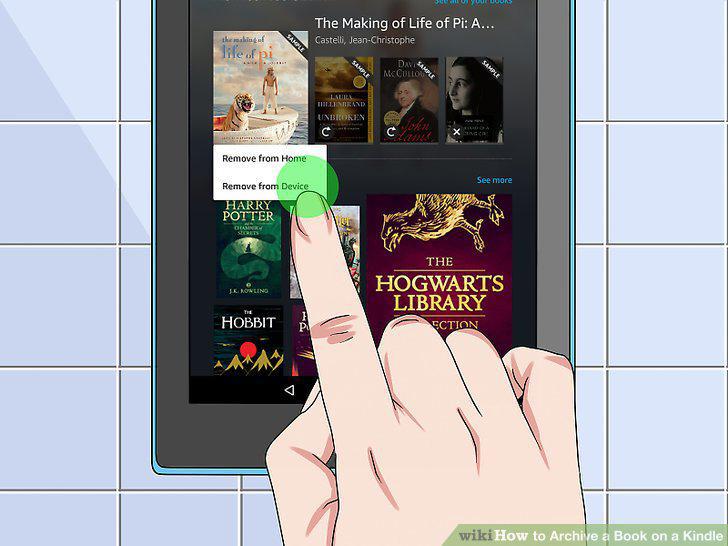
Remove the book from your device.
4
Find books in your archive.
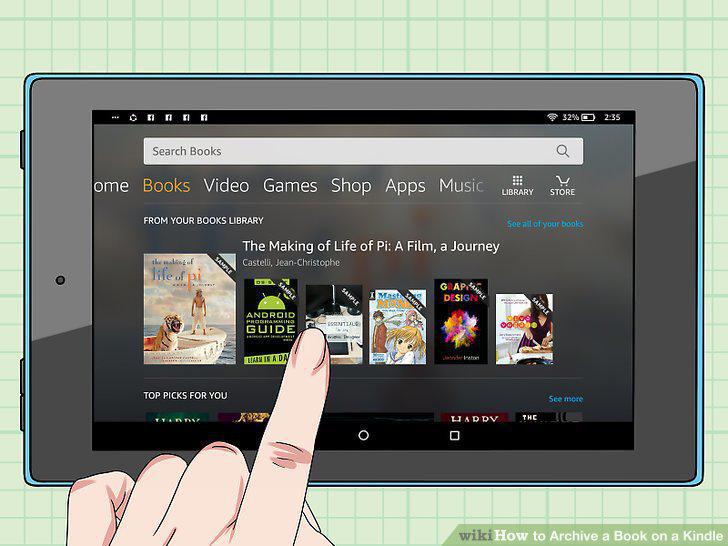
Find books in your archive.
5
Connect to the Internet.
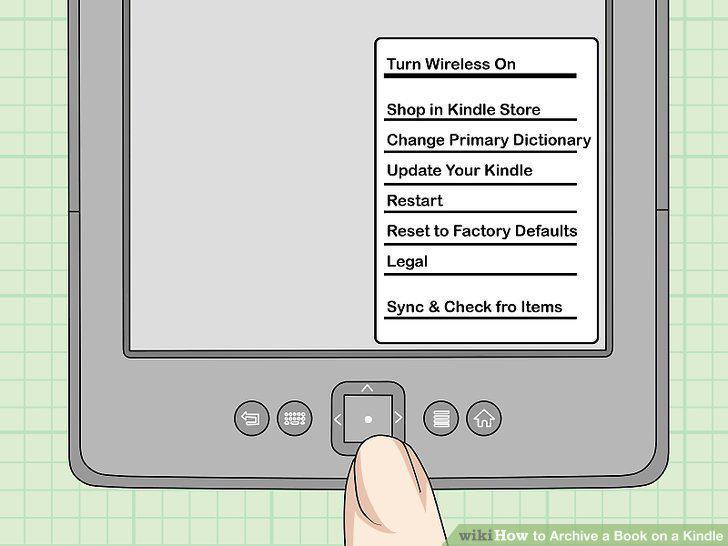
Connect to the Internet.
6
Find the book you want to archive.
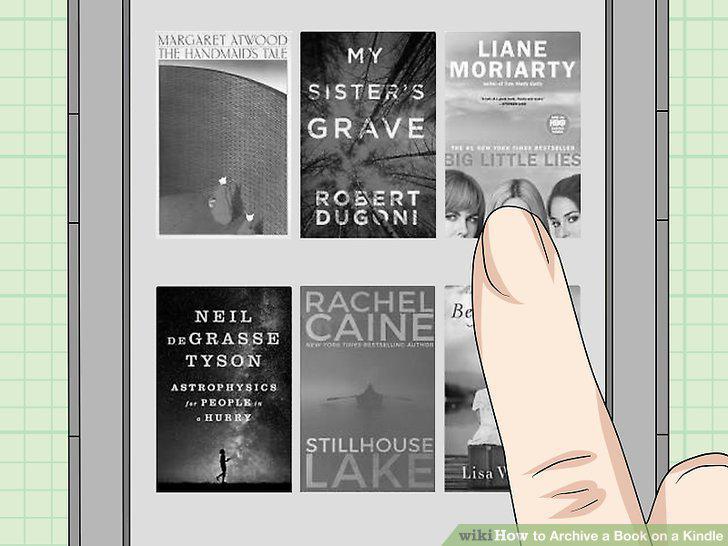
Find the book you want to archive.
7
Remove the book from your device.
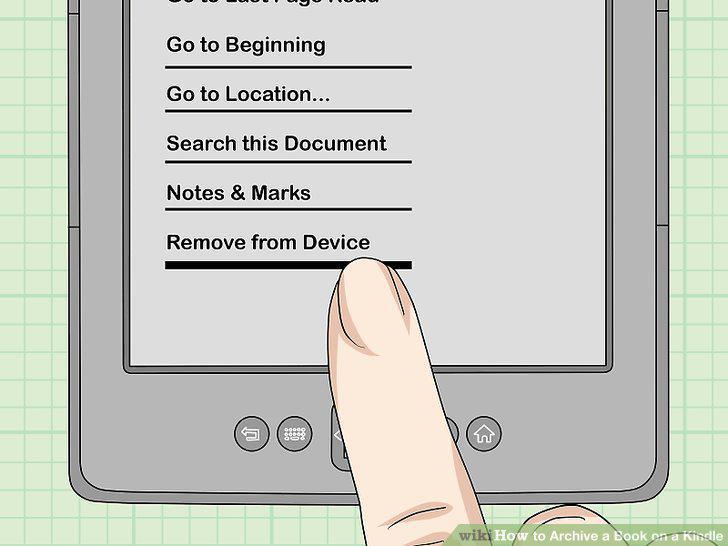
Remove the book from your device.
8
Locate archived books.
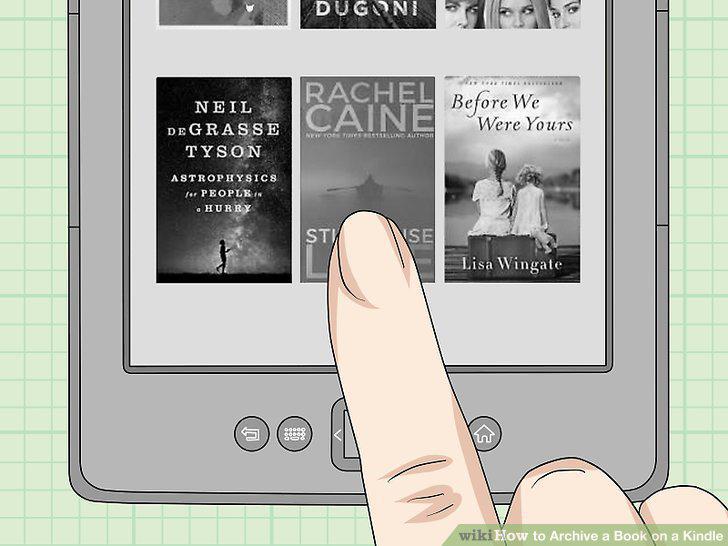
Locate archived books.
Comments (0)
No comments yet. Be the first to share your thoughts!