How to Unlink Twitch from Fortnite on PC or Mac
Open your browser and go to the Fortnite website.. Log in to your Epic Games account.. Click on the tab with your username.
Steps
1
Open your browser and go to the Fortnite website.
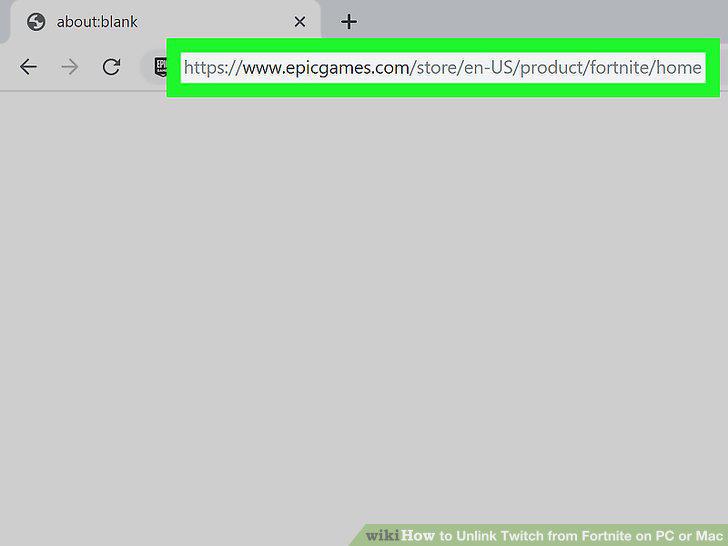
Open your browser and go to the Fortnite website.
2
Log in to your Epic Games account.
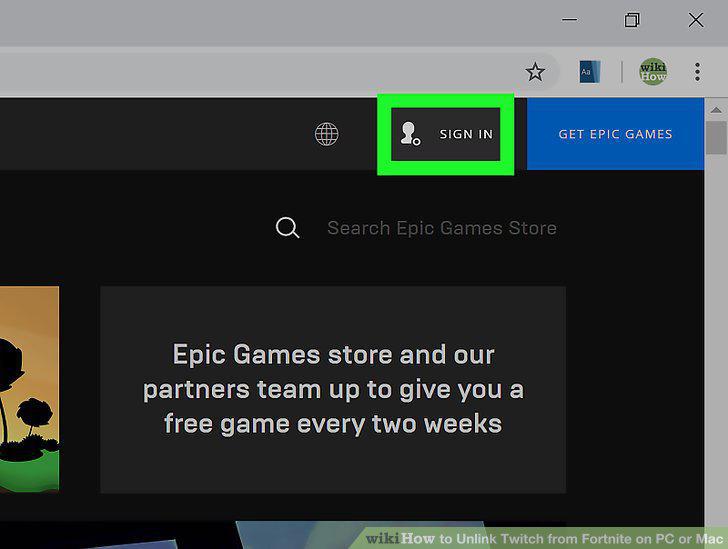
Log in to your Epic Games account.
3
Click on the tab with your username.
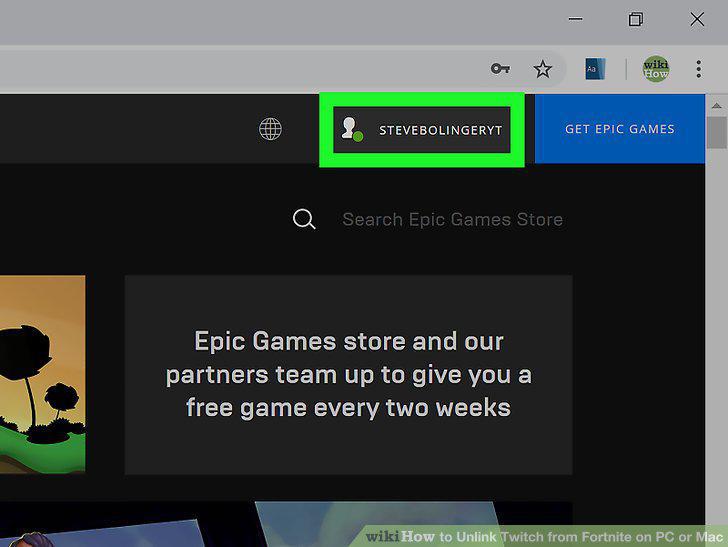
Click on the tab with your username.
4
Click on Account in the menu.
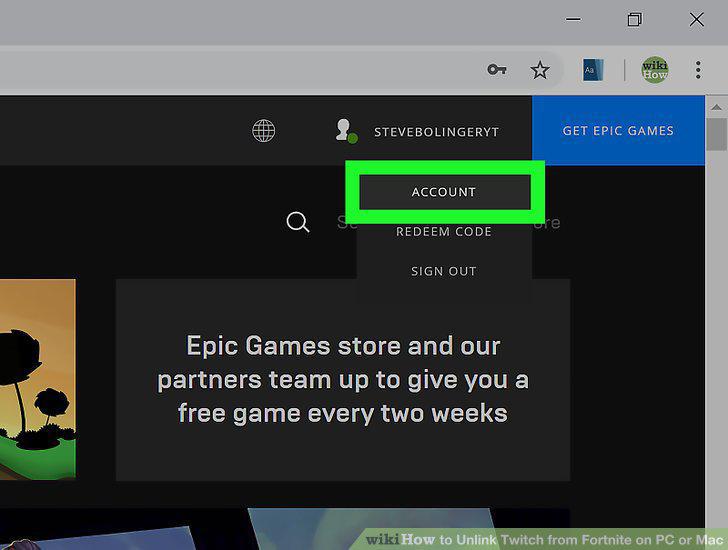
Click on Account in the menu.
5
Click on Connected Accounts.
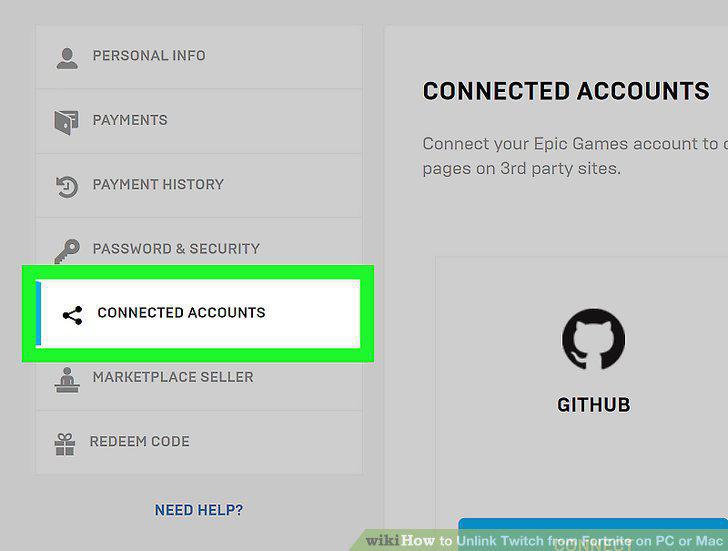
Click on Connected Accounts.
6
Click Disconnect under Twitch.
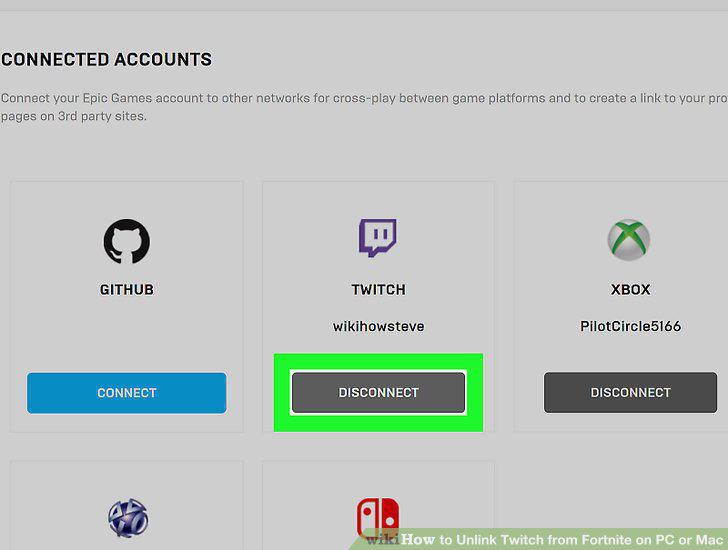
Click Disconnect under Twitch.
Comments (0)
No comments yet. Be the first to share your thoughts!