How to Sell Cars in Grand Theft Auto 5 Online
Access GTA Online.. Choose the character you want to use.. Find a car you want to sell.
Steps
1
Access GTA Online.
Access GTA Online.
2
Choose the character you want to use.
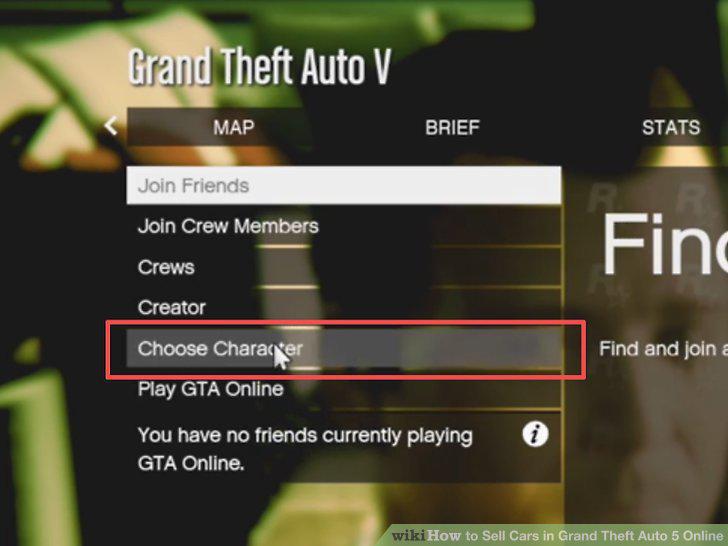
Choose the character you want to use.
3
Find a car you want to sell.
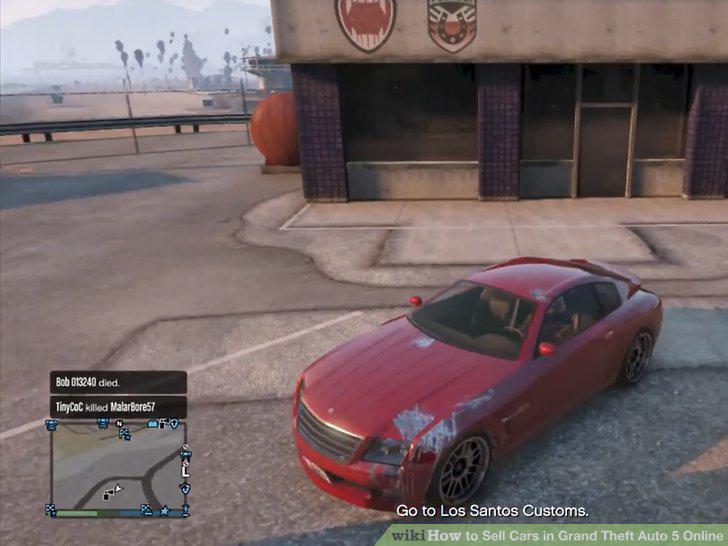
Find a car you want to sell.
4
Go to Los Santos Customs.
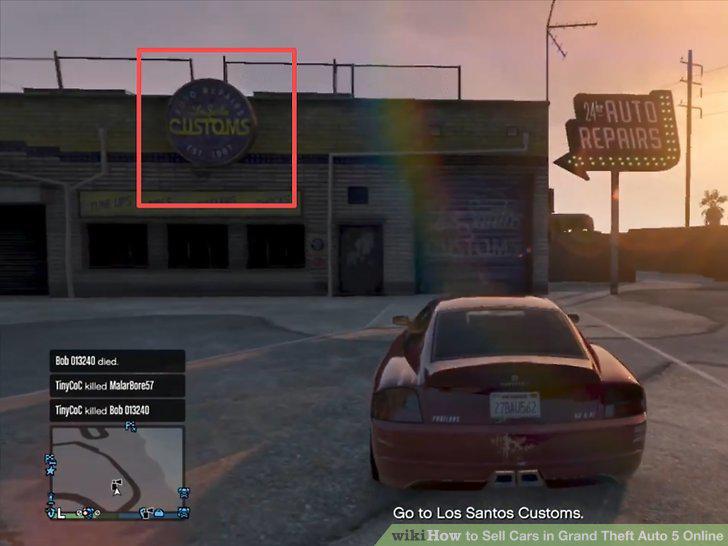
Go to Los Santos Customs.
5
Enter the garage.
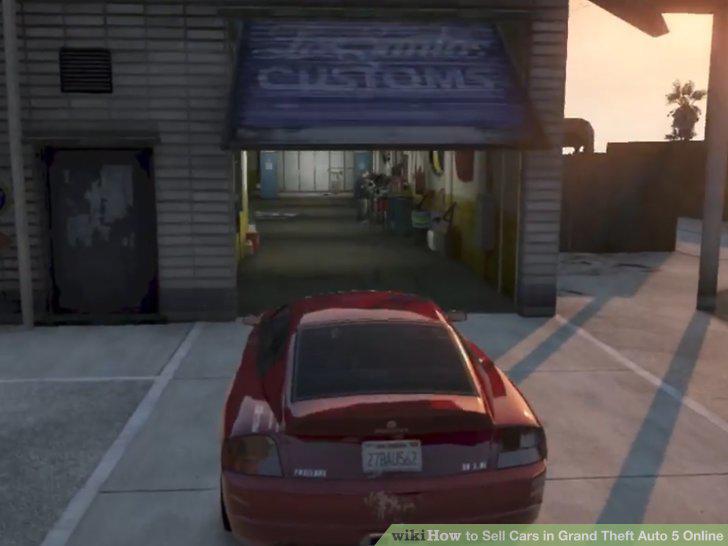
Enter the garage.
6
Select Sell.
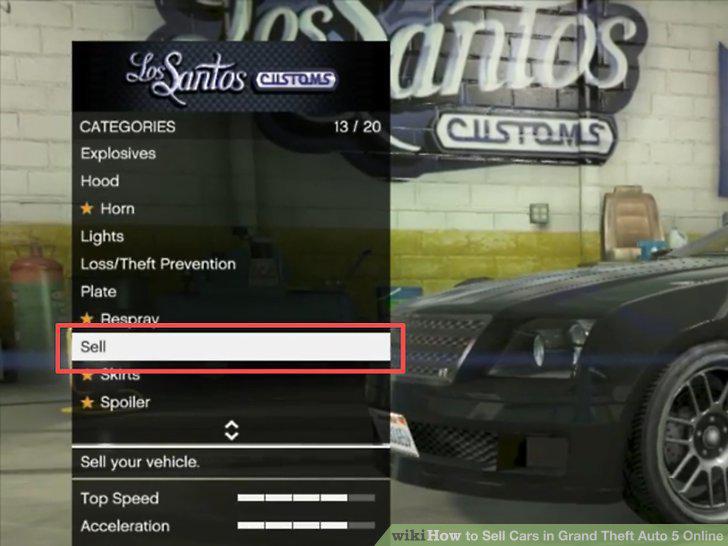
Select Sell.
7
Select Sell again.
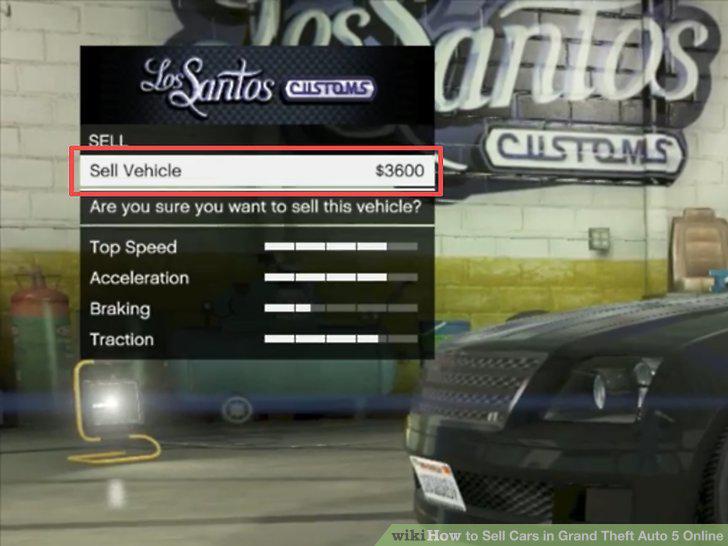
Select Sell again.
Comments (0)
No comments yet. Be the first to share your thoughts!