How to Access Kindle Books on Computer
Go to https://read.amazon.com in a web browser.. Sign in to your Amazon account.. Click a book in your library.
Steps
Go to https://read.amazon.com in a web browser.
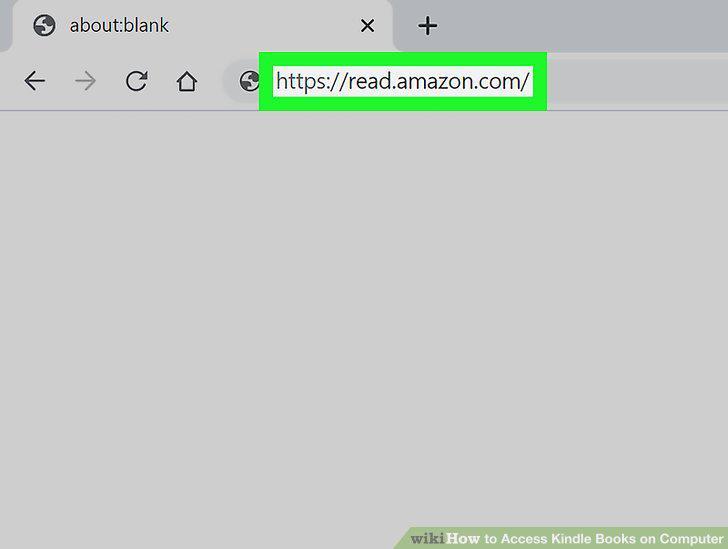
Go to https://read.amazon.com in a web browser.
Sign in to your Amazon account.
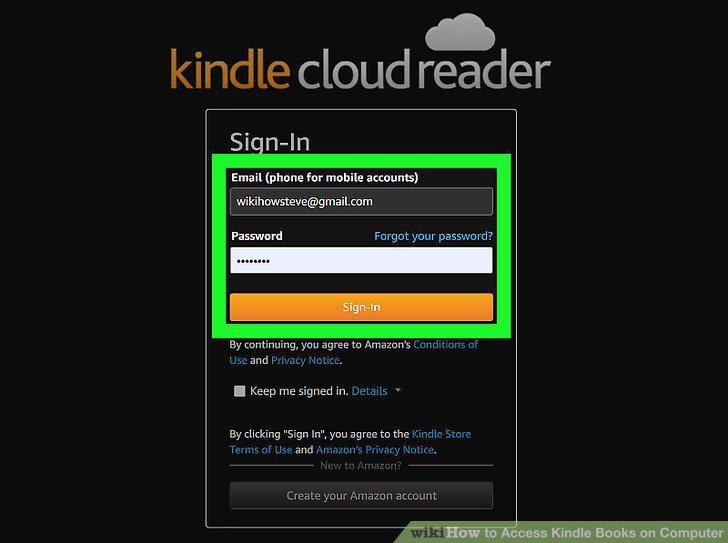
Sign in to your Amazon account.
Click a book in your library.
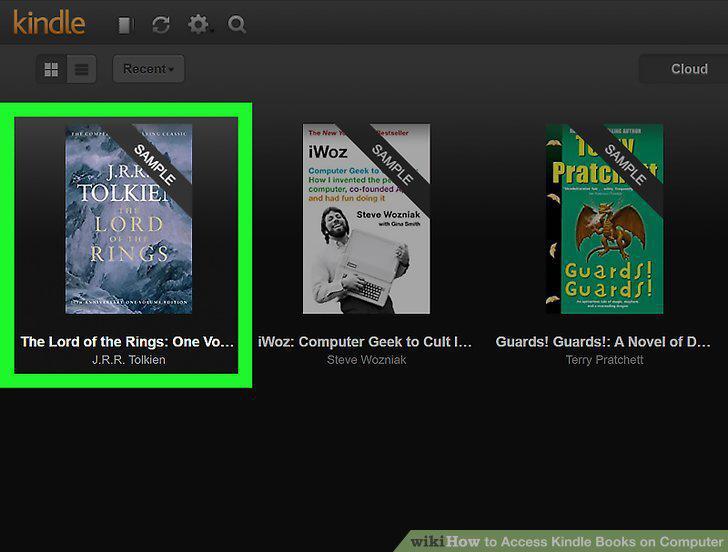
Click a book in your library.
Use the arrows to page through the book.
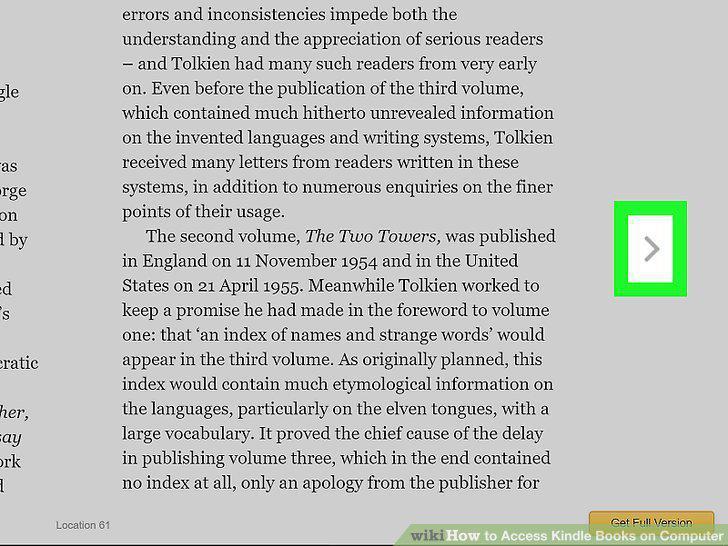
Use the arrows to page through the book.
Click the Aa button to change the book's appearance.
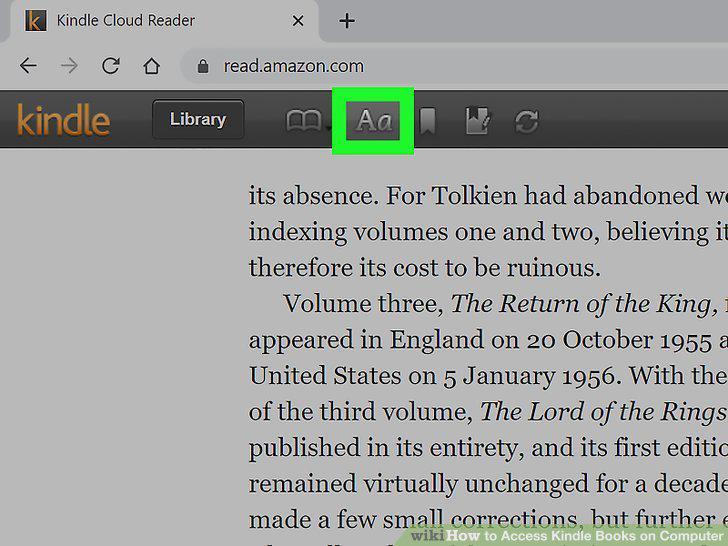
Click the Aa button to change the book's appearance.
Add notations and bookmarks.
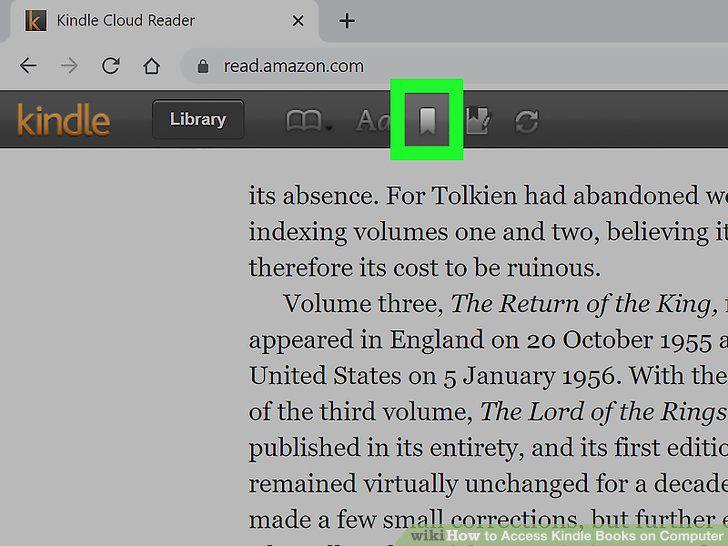
Add notations and bookmarks.
Click the synchronize button when you're finished reading.
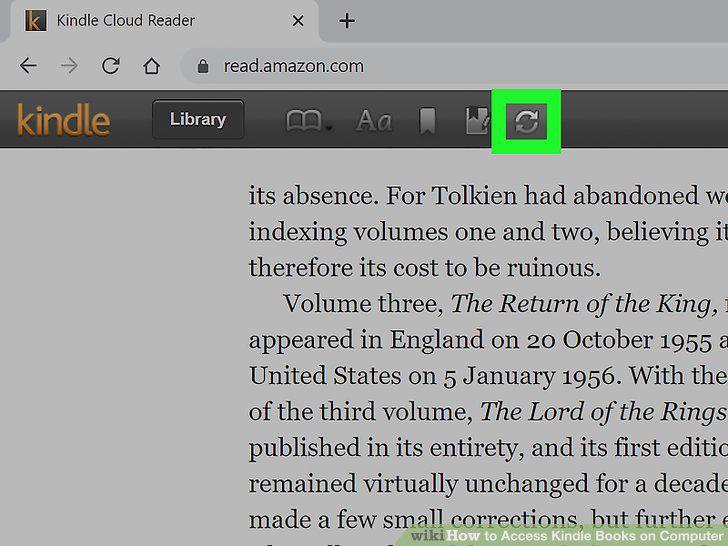
Click the synchronize button when you're finished reading.
Download the desktop app from https://www.amazon.com/kindle-dbs/fd/kcp.
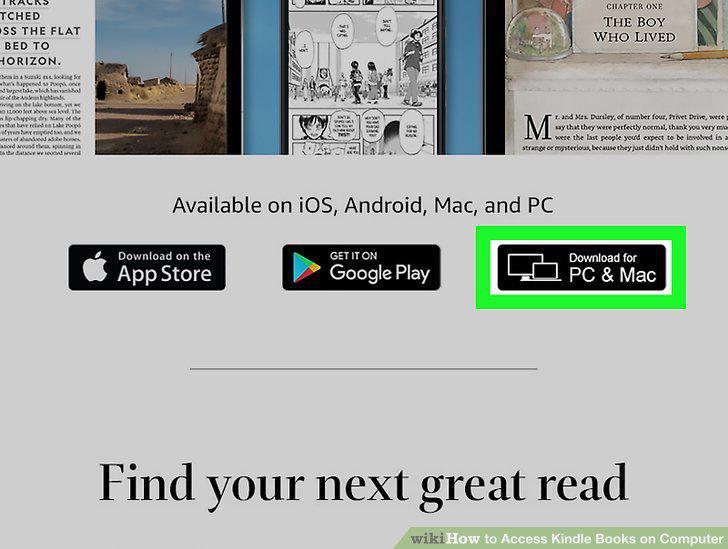
Download the desktop app from https://www.amazon.com/kindle-dbs/fd/kcp.
Open the Kindle app.
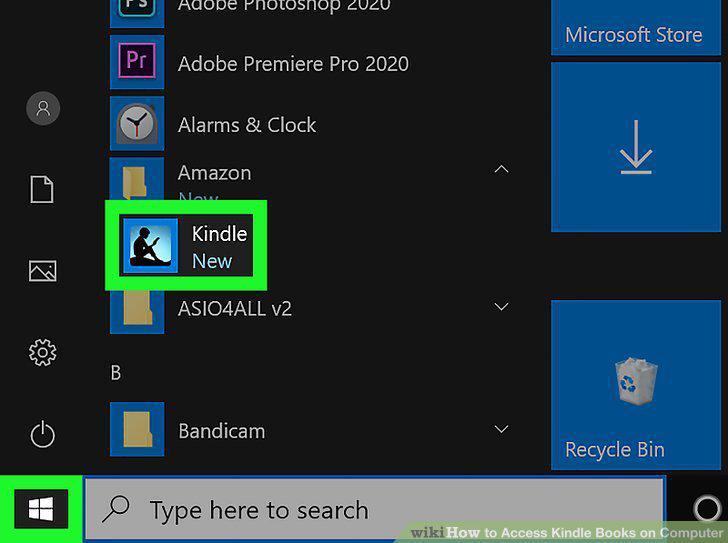
Open the Kindle app.
Sign in to your Amazon account.
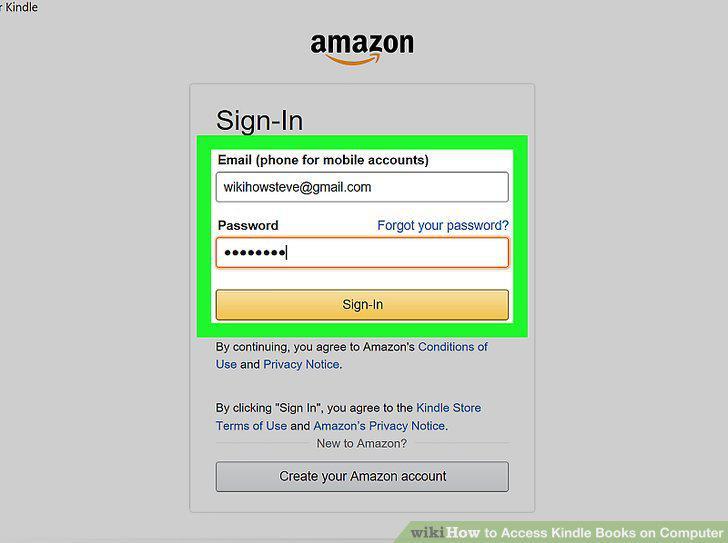
Sign in to your Amazon account.
Right-click a book and select Download.
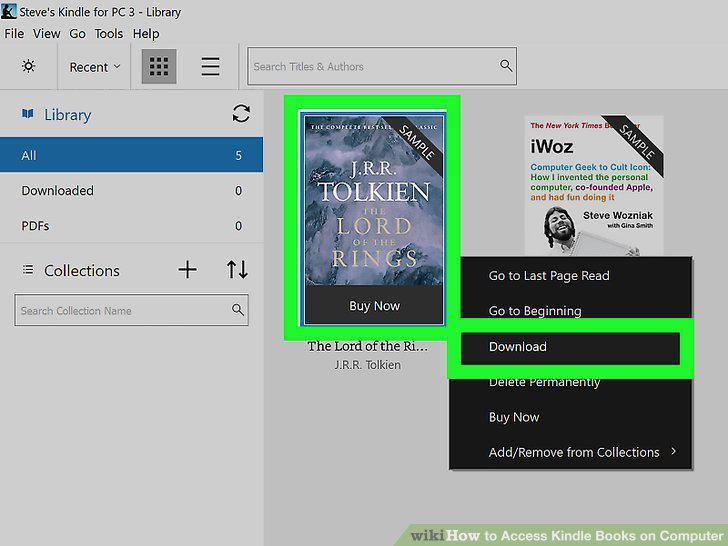
Right-click a book and select Download.
Double-click a downloaded book to open it.
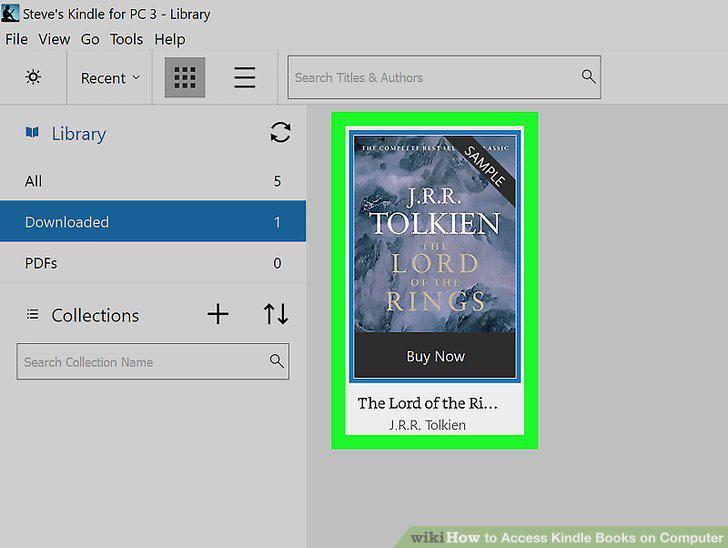
Double-click a downloaded book to open it.
Use the arrows to page through the book.
Use the arrows to page through the book.
Click the expand button to toggle-on full-screen mode.
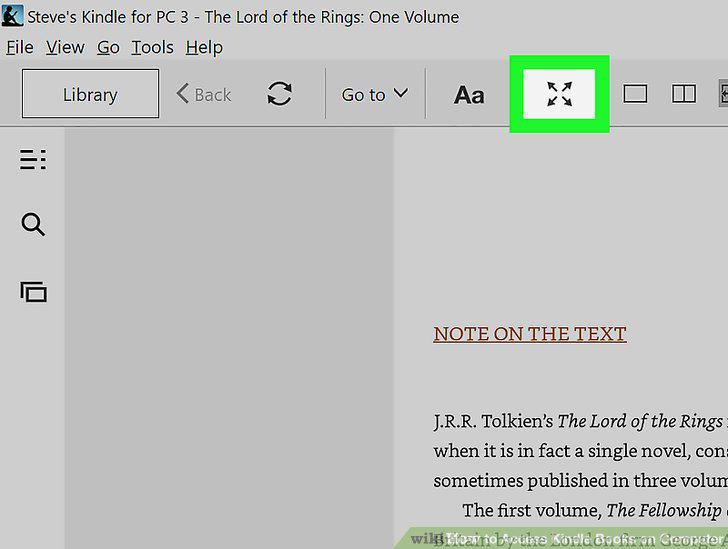
Click the expand button to toggle-on full-screen mode.
Click the Aa icon to change the appearance of the book.
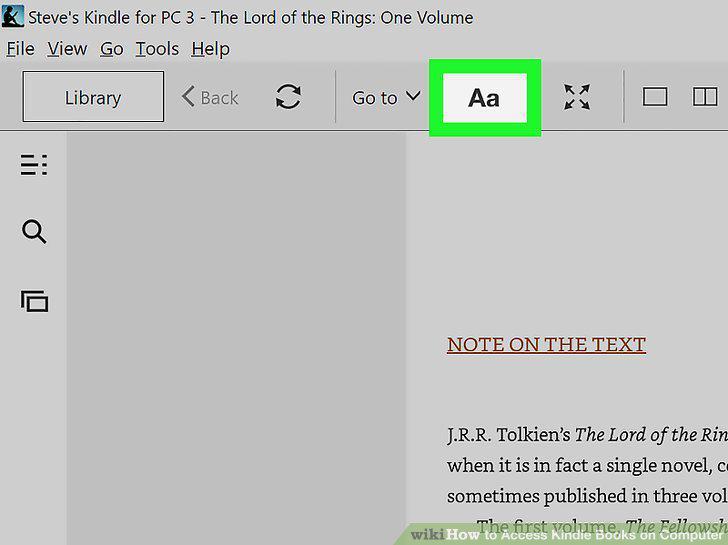
Click the Aa icon to change the appearance of the book.
Mark up the book.
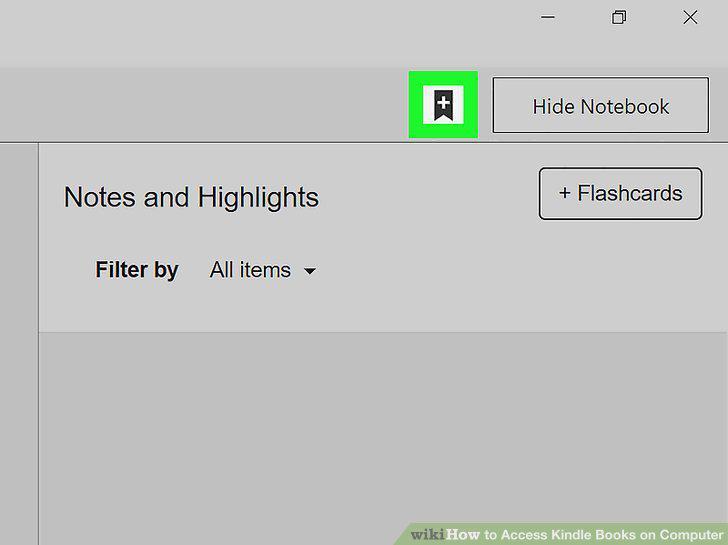
Mark up the book.
Click the synchronize button when you're finished reading.
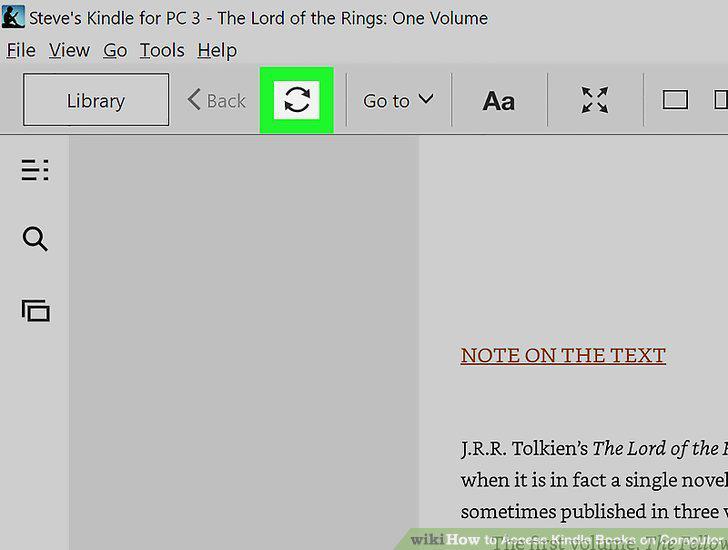
Click the synchronize button when you're finished reading.
Comments (0)
No comments yet. Be the first to share your thoughts!